Part 19 Advanced Automation, Scripting, Workflow Integration, and Strategic Benefits of Labeljoy |
19.1 Importance of Automation in Labeling Workflows |
Modern businesses require high-speed, accurate, and reliable labeling processes. Manual label creation is time-consuming and prone to errors, particularly in large-scale or data-driven environments. Labeljoy addresses these challenges through advanced automation, allowing organizations to: |
* Reduce human error |
* Increase production efficiency |
* Ensure consistent compliance with standards |
* Integrate labeling seamlessly into operational workflows |
Automation transforms labeling from a repetitive task into a streamlined, scalable process. |

|
19.2 Scripting and Automation Features |
Labeljoy provides scripting capabilities to automate complex labeling tasks: |
* Macros and scripts: Automate repetitive actions such as field updates, template selection, or printing sequences |
* Conditional automation: Execute actions based on variable data values, time schedules, or user inputs |
* Integration with external scripts: Supports VBScript or other compatible scripting languages to trigger Labeljoy functions |
* Error handling within scripts: Automatically logs and handles exceptions to prevent workflow interruptions |
Scripting empowers organizations to design customized workflows tailored to their specific operations. |

|
19.3 Workflow Integration |
Labeljoy integrates seamlessly with operational workflows, connecting labeling with other business systems: |
* ERP and WMS systems: Automatically generate labels when new orders, shipments, or inventory items are registered |
* Production line integration: Trigger label printing from assembly or packaging systems |
* Data-driven operations: Use real-time database or CSV data to populate label content dynamically |
* Cross-department collaboration: Centralize template management and share printing jobs across teams |
Integration ensures that labeling is synchronized with production, logistics, and inventory management, reducing delays and errors. |

|
19.4 Automated Batch Printing |
High-volume operations benefit from Labeljoy automated batch printing: |
* Process thousands of labels in a single run without manual intervention |
* Dynamically pull data from databases, spreadsheets, or CSV files |
* Apply conditional formatting and variable fields to each label |
* Schedule print jobs during off-peak hours or in continuous production cycles |
Automated batch printing improves efficiency, reduces downtime, and ensures consistent label quality. |

|
19.5 Event-Driven Label Printing |
Labeljoy supports event-driven workflows: |
* Printing triggered by database updates or ERP events |
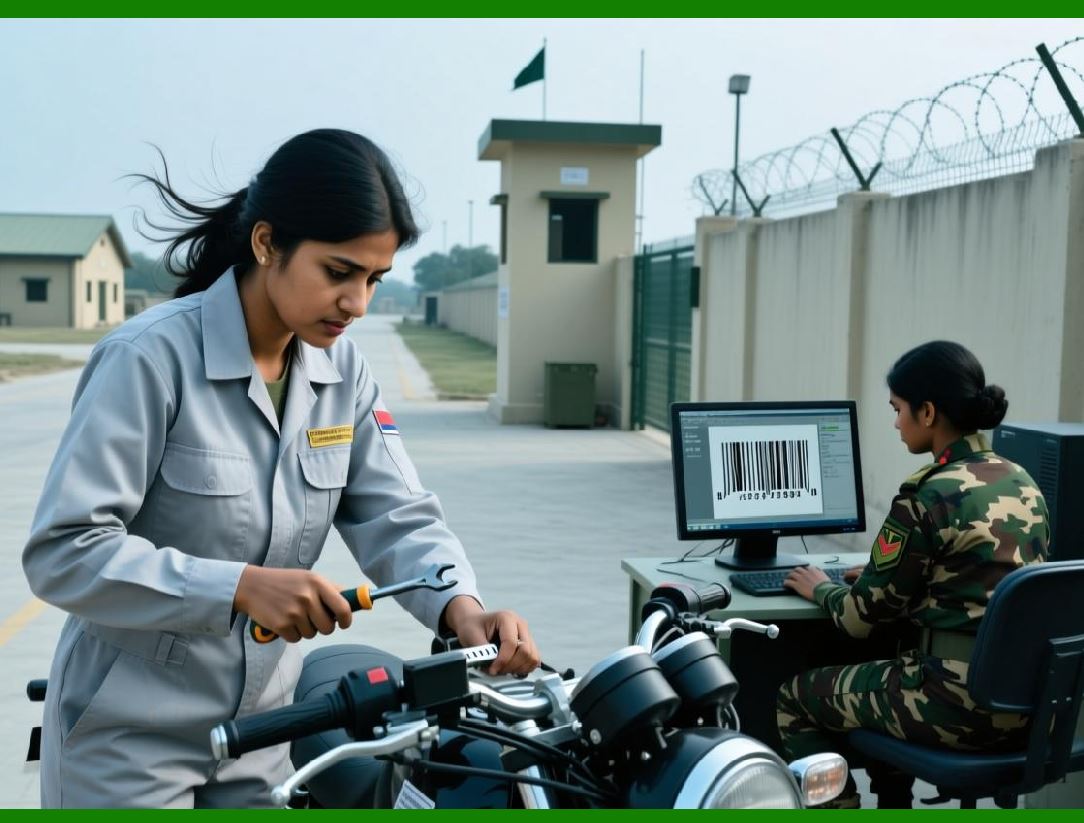
* Integration with barcode scanners to generate labels on demand |
* Real-time label generation for shipping, inventory tracking, or asset management |
* Notifications for job completion or errors to keep operations informed |
Event-driven printing allows businesses to respond dynamically to operational requirements, minimizing manual intervention. |
|
19.6 Template and Data Management Automation |
Labeljoy automates management of templates and data: |
* Centralized template library with version control |
* Automatic field mapping for imported datasets |
* Scheduled updates of variable fields based on external data |
* Automatic selection of templates based on product type, location, or batch |
Automated management ensures consistency across all labeling projects and reduces administrative overhead. |

|
19.7 Advanced Conditional Logic |
Labeljoy conditional logic automates complex labeling scenarios: |
* Show or hide elements based on field values |
* Apply conditional formatting to barcodes, text, or images |
* Dynamically select templates or layouts for different data records |
* Execute automated rules across large batches of labels |
Conditional logic allows organizations to maintain compliance and operational accuracy while handling diverse labeling requirements. |

|
19.8 Multi-User and Multi-Site Automation |
Labeljoy supports coordinated automation across multiple users and locations: |
* Centralized printing queue for distributed teams |
* User-based access and task assignments |
* Real-time monitoring of printing jobs and system status |
* Aggregated reporting of labeling activity across sites |
This feature enables scalable enterprise deployment, ensuring consistent operations across departments or facilities. |

|
19.9 Error Handling and Recovery Automation |
Automated error handling enhances reliability: |
* Detection of missing or invalid data fields |
* Alerts for barcode or template incompatibilities |
* Automatic logging of failed print jobs for review |
* Retry mechanisms to reprocess failed labels |
Error handling automation reduces downtime, material waste, and operational risk. |

|
19.10 Integration with Digital Systems |
Labeljoy integrates with digital processes beyond printing: |
* Export labels in digital formats (PDF, SVG, PNG) for electronic distribution |
* Embed barcodes and graphics in digital documents, invoices, or shipping manifests |
* Connect with web services or APIs for real-time label generation |
* Track digital and physical label usage for full lifecycle management |
Integration supports omnichannel operations and bridges the gap between physical and digital workflows. |

|
19.11 Scalability for Enterprise Operations |
Labeljoy is designed for scalability: |
* Handles small-scale labeling for single departments |
* Supports enterprise-level operations with thousands of labels daily |
* Centralized management of templates, data sources, and printing workflows |
* Ability to expand to multiple sites or production lines without redesign |
Scalability ensures that Labeljoy remains a long-term solution as operational demands grow. |

|
19.12 Strategic Benefits of Labeljoy |
Labeljoy delivers strategic advantages beyond basic label creation: |
* Operational efficiency: Reduces manual labor and streamlines workflows |
* Accuracy and compliance: Ensures barcodes, serial numbers, and product information are correct |
* Brand consistency: Maintains visual and informational consistency across all labels |
* Cost savings: Optimizes resource usage, reduces errors, and prevents reprints |
* Data-driven decisions: Analytics and reporting provide actionable insights for management |
* Flexibility: Adapts to diverse industries, including retail, logistics, healthcare, and manufacturing |
These benefits make Labeljoy a strategic tool for organizations seeking operational excellence and competitive advantage. |

|
19.13 Future-Proof Labeling |
Labeljoy is equipped to meet future labeling challenges: |
* Support for emerging barcode standards and symbologies |
* Integration with cloud and IoT systems for connected labeling |
* Automation and scripting to accommodate evolving workflows |
* Continuous updates to maintain compatibility with printers, databases, and industry standards |
Future-proofing ensures that Labeljoy remains relevant as technology and regulatory requirements evolve. |

|
19.14 Summary of Advanced Automation and Strategic Benefits |
Labeljoy automation and workflow integration capabilities ensure that labeling is: |
* Efficient, accurate, and reliable |
* Seamlessly integrated with operational and digital systems |
* Scalable across users, sites, and production lines |
* Strategically aligned with organizational goals for quality, efficiency, and compliance |
By combining automation, data integration, and visual design, Labeljoy delivers a complete labeling solution. |

|
19.15 Conclusion of Part 19 and Full Article |
Labeljoy is a comprehensive, user-friendly software for 1D and 2D barcode creation and label design. Across all 19 parts, its capabilities include: |
* Extensive symbology support and barcode customization |
* Advanced printing techniques, batch processing, and high-volume workflows |
* Reporting, analytics, and monitoring for operational transparency |
* Data connectivity, import/export functionality, and variable data handling |
* Integration of graphics, templates, QR code customization, and visual enhancements |
* Automation, scripting, workflow integration, and strategic benefits |
Labeljoy empowers organizations to produce accurate, professional, and visually appealing labels efficiently. It supports small businesses, medium-sized enterprises, and large-scale industrial operations, providing flexibility, scalability, and long-term value. |
By combining technical precision with design flexibility, Labeljoy ensures that labels are not only functional but also enhance branding, compliance, and operational efficiency. |

|
Cited URL for reference: |
[https://labeljoy.com](https://labeljoy.com) |
 cs@easiersoft.com