LibreOffice + Barcode Extensions |
A Comprehensive Technical and Practical Analysis |
Part 10: Advanced Use Cases, Industry-Specific Scenarios, and Real-World Deployment Patterns |
207. Transition from General Use to Advanced Applications |
While LibreOffice Draw with barcode extensions is often perceived as a basic or intermediate solution, many users push it into advanced territory through creative workflows and disciplined processes. |
Advanced usage typically emerges when: |
1. Budget constraints limit access to commercial tools. |
2. Open standards are mandated. |
3. Customization outweighs automation needs. |
208. Small Manufacturing and Workshop Labeling |
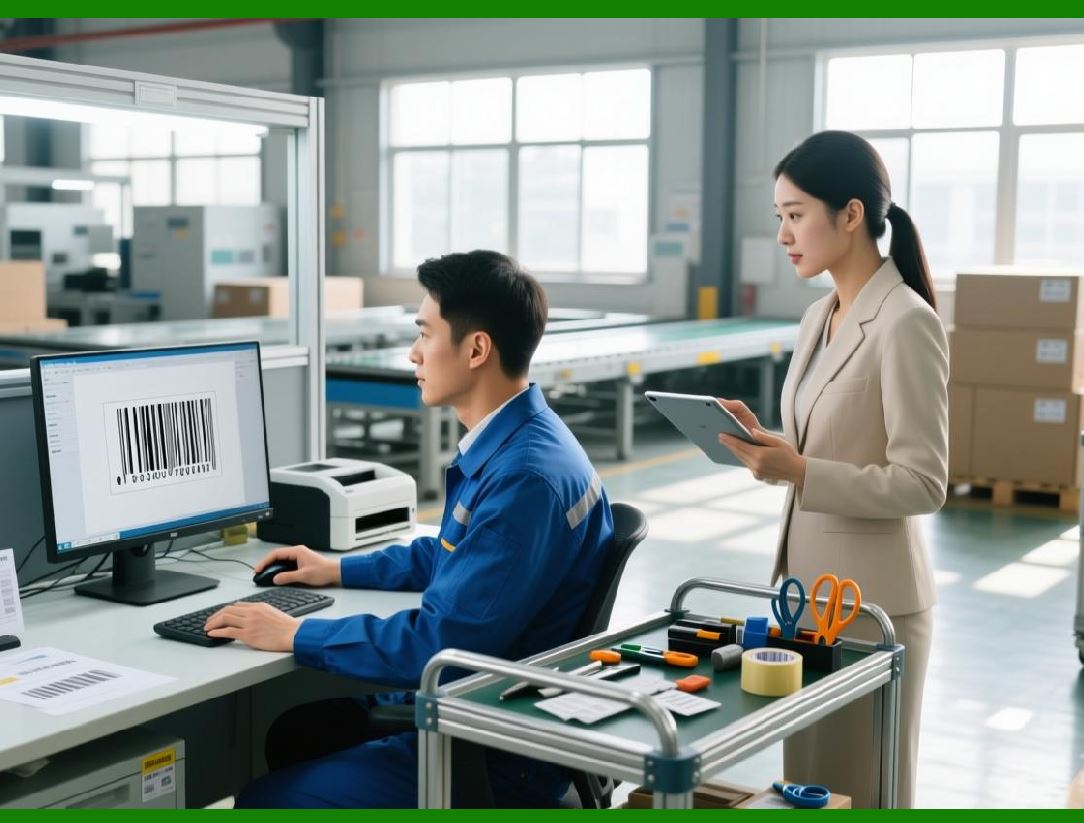
Small manufacturers frequently use LibreOffice for internal labeling. |
Common applications include: |
1. Part identification labels. |
2. Work-in-progress tags. |
3. Internal tracking stickers. |
LibreOffice flexibility allows quick iteration without vendor dependencies. |
|
209. Batch Number and Lot Tracking Labels |
Batch and lot labeling is a frequent requirement. |
LibreOffice workflows often involve: |
1. Batch numbers stored in Calc. |
2. Mail merge into Draw templates. |
3. Barcode extensions encoding the batch data. |
This approach supports traceability without enterprise systems. |
210. Warehouse and Inventory Shelf Labels |
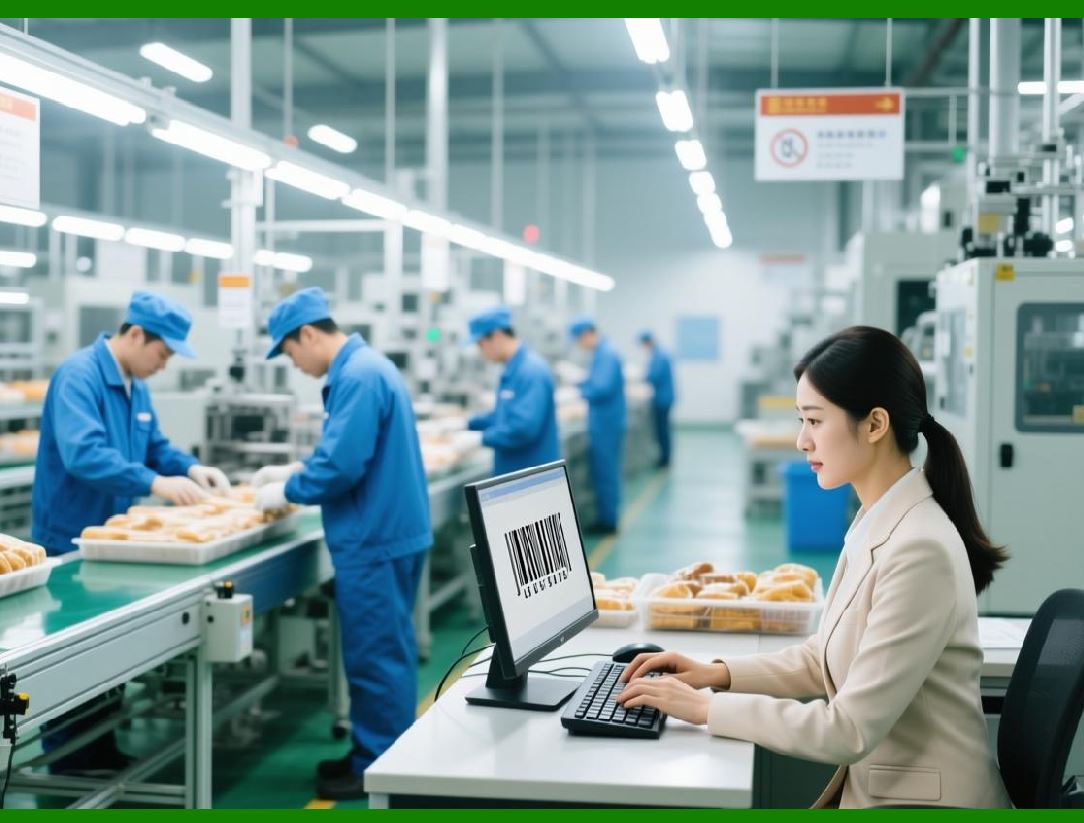
Warehouses with modest scale use LibreOffice for: |
1. Shelf location labels. |
2. Bin identifiers. |
3. Pallet tags. |
Draw freeform layout supports large-format labels for distant scanning. |
|
211. Asset Management in Small Organizations |
Asset tagging is a common advanced use case. |
LibreOffice enables: |
1. Barcode labels tied to asset IDs. |
2. Simple lifecycle tracking via spreadsheets. |
3. Printable asset registers. |
Educational institutions and nonprofits frequently adopt this model. |
212. Library and Archive Applications |
Libraries and archives value open formats. |
LibreOffice is used for: |
1. Book spine labels. |
2. Archive box identifiers. |
3. Accession number barcodes. |
The ability to store templates in ODF aligns with preservation goals. |
|
213. Healthcare Adjacent and Non-Regulated Medical Use |
In non-regulated healthcare contexts, LibreOffice supports: |
1. Internal sample tracking. |
2. Training materials. |
3. Temporary labeling. |
Strict clinical environments typically require certified systems, but LibreOffice serves auxiliary needs. |
214. Educational and Academic Environments |
Education is a strong adoption domain. |
Use cases include: |
1. Student ID projects. |
2. Research sample labeling. |
3. Teaching barcode technology concepts. |
LibreOffice transparency aids instructional clarity. |

|
215. Government and Public Sector Deployment |
Public institutions favor open-source solutions. |
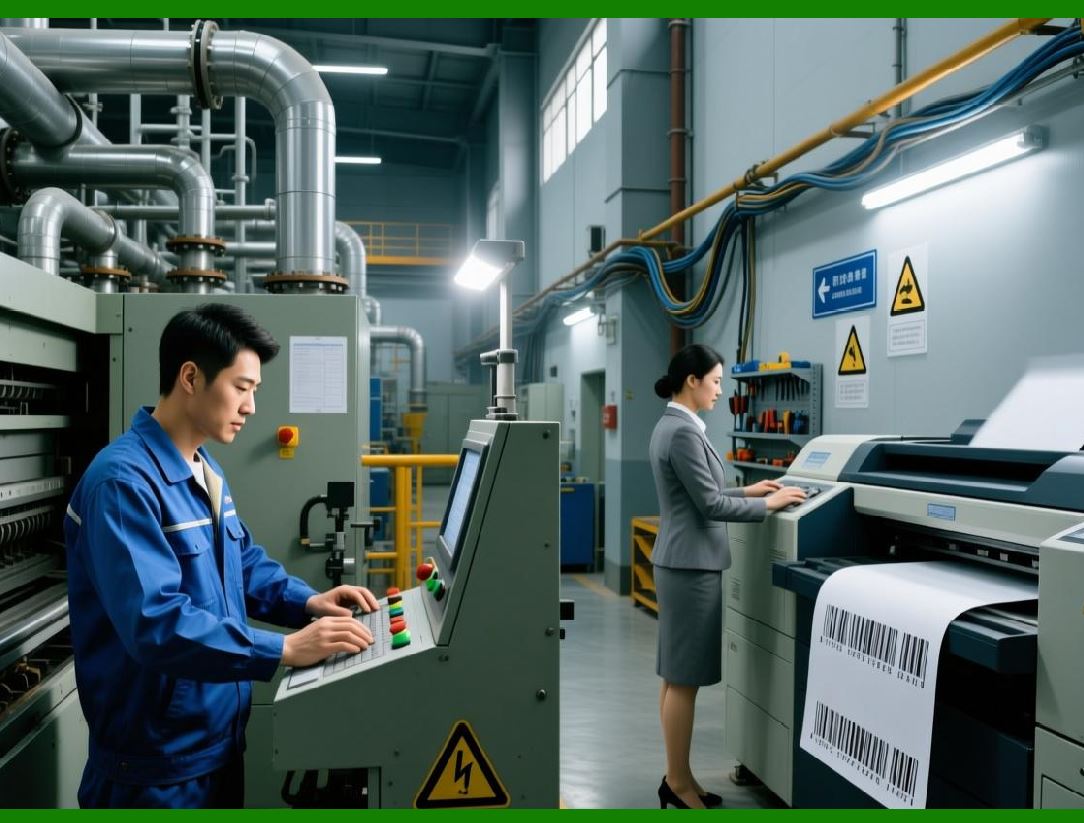
LibreOffice barcode usage appears in: |
1. Internal document tracking. |
2. File archive labeling. |
3. Equipment inventory. |
Procurement rules often encourage vendor-neutral tools. |
216. Logistics Documentation and Supporting Labels |
While not replacing logistics platforms, LibreOffice supports: |
1. Supplementary shipping labels. |
2. Internal routing tags. |
3. Temporary identifiers. |
This is common in regional distribution centers. |

|
217. Retail Back-Office and Store-Level Labeling |
Retail environments use LibreOffice for: |
1. Shelf-edge labels. |
2. Internal price tags. |
3. Promotional materials. |
Store-level flexibility is valued over centralized control. |
218. Event Management and Ticketing Support |
Events leverage LibreOffice for: |
1. Badge printing. |
2. Ticket identifiers. |
3. Access control tags. |
QR Code-based workflows are particularly common. |

|
219. Custom Label Shapes and Non-Standard Formats |
LibreOffice Draw excels in non-standard formats. |
Advanced users design: |
1. Circular labels. |
2. Die-cut approximations. |
3. Folded tags. |
This flexibility is harder to achieve in rigid labeling software. |
220. Multilingual and Multiscript Labeling |
Global environments require multilingual labels. |
LibreOffice supports: |
1. Unicode text. |
2. Multiple scripts on one label. |
3. Language-specific barcode data fields. |
This is valuable for international operations. |

|
221. High-Resolution Printing for Small Batches |
For small batches, LibreOffice achieves high quality. |
Key practices include: |
1. Vector barcode rendering. |
2. PDF export. |
3. DPI-aware printer settings. |
This yields professional results at low volume. |
222. Integration with External Scanning Systems |
LibreOffice-generated barcodes are scanned by: |
1. Handheld scanners. |
2. Mobile apps. |
3. Industrial readers. |
Compatibility depends on symbology choice and print quality. |

|
223. Use in Prototyping and Proof-of-Concept Work |
LibreOffice is ideal for prototyping. |
Designers use it to: |
1. Test barcode layouts. |
2. Validate scanning behavior. |
3. Iterate rapidly. |
Final production may move elsewhere. |
224. Temporary and Disposable Labeling |
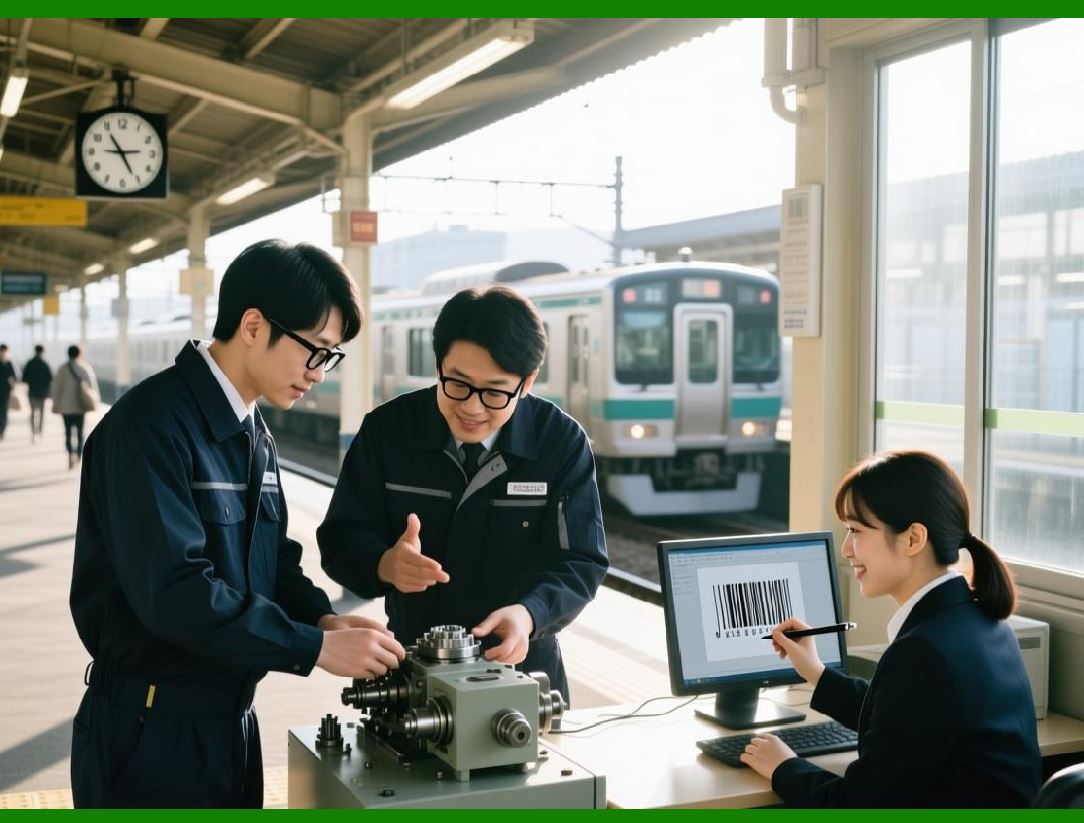
Temporary labels are a natural fit. |
Examples include: |
1. Short-term storage. |
2. Event logistics. |
3. Testing phases. |
LibreOffice minimizes setup overhead. |
|
225. Data Privacy and Offline Environments |
Offline environments benefit from LibreOffice. |
Advantages include: |
1. No cloud dependency. |
2. Local data storage. |
3. Controlled access. |
This matters in sensitive settings. |
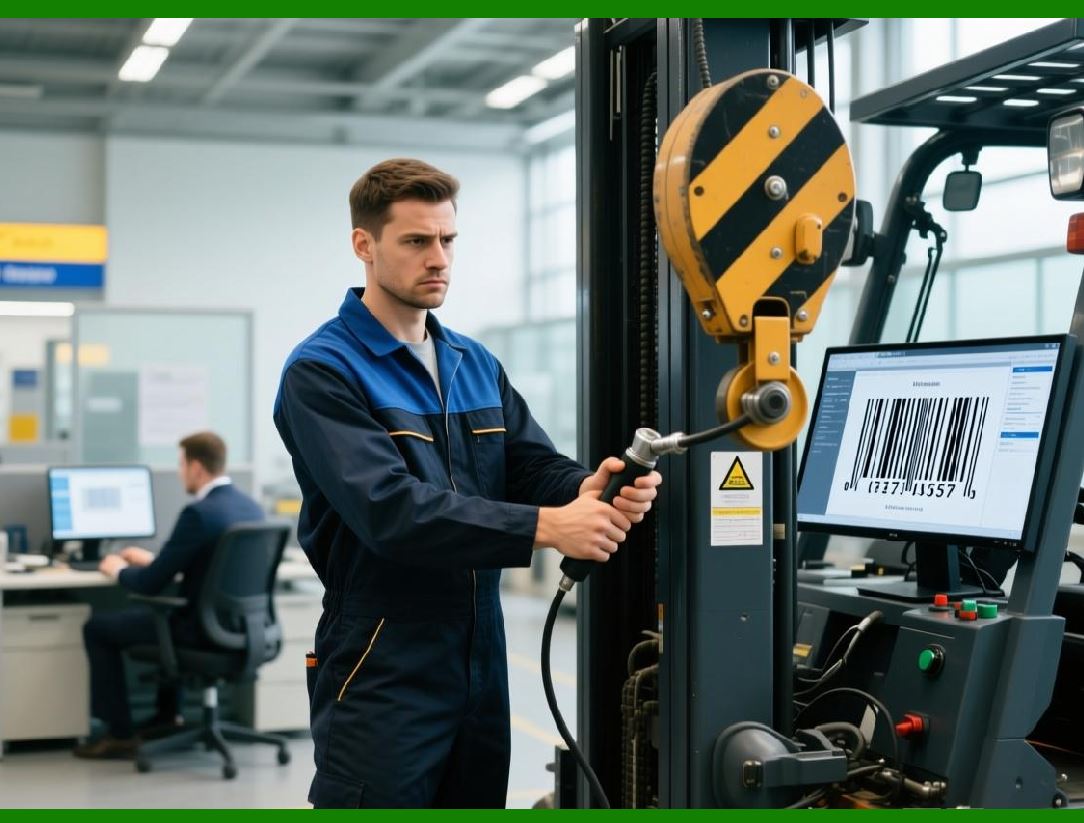
226. Custom Workflows with External Scripts |
Advanced users extend LibreOffice with scripts. |
Typical enhancements include: |
1. Automatic barcode generation. |
2. Data validation scripts. |
3. Batch export automation. |
This bridges gaps with enterprise systems. |
|
227. Print-on-Demand Labeling Scenarios |
LibreOffice supports print-on-demand use cases. |
Operators manually: |
1. Update data. |
2. Generate labels. |
3. Print small runs. |
This avoids preprinted stock. |
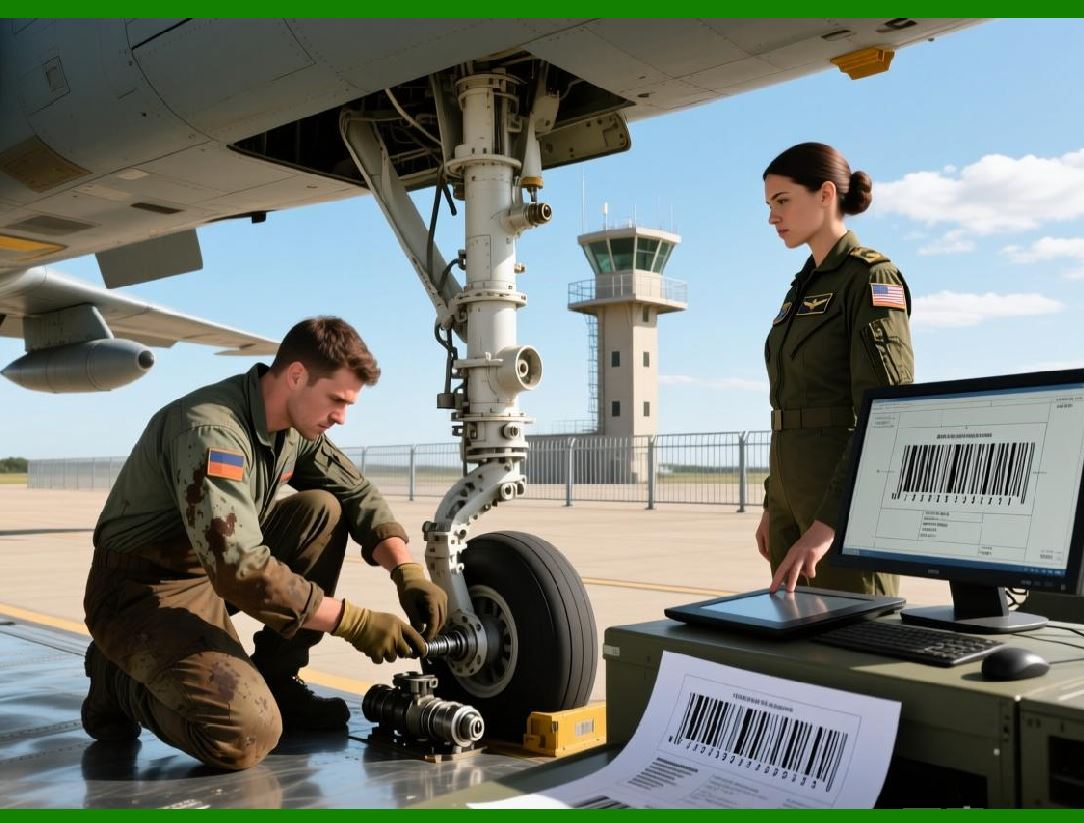
228. Limitations Encountered in Advanced Use |
Advanced deployments encounter challenges: |
1. Manual error risk. |
2. Limited validation. |
3. Performance constraints at scale. |
Recognizing these limits is essential. |
|
229. Mitigation Strategies for Advanced Users |
Experienced users mitigate issues by: |
1. Standardizing templates. |
2. Locking layout elements. |
3. Using controlled data sources. |
Process discipline compensates for tooling gaps. |
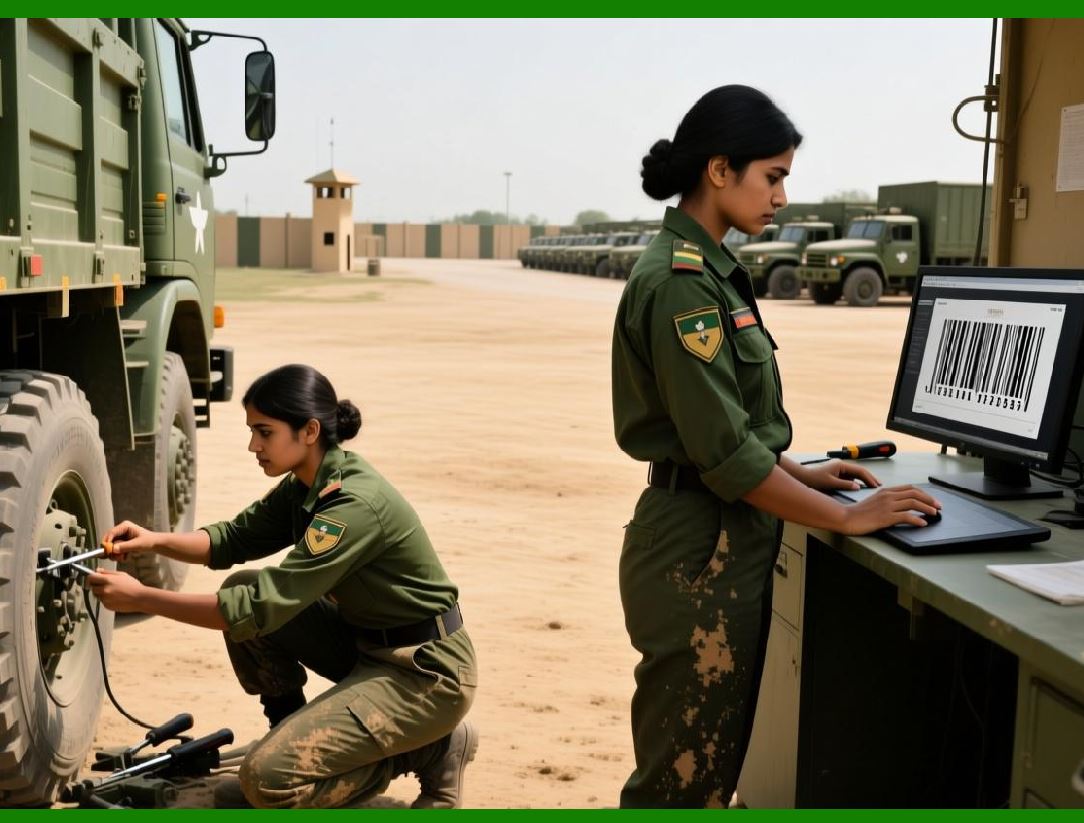
230. Real-World Case Pattern Summary |
Across industries, common patterns emerge: |
1. LibreOffice handles design and light production. |
2. Spreadsheets manage data. |
3. Users accept manual oversight. |
This model is surprisingly resilient. |
|
231. Strategic Value in Decentralized Environments |
Decentralized organizations benefit from: |
1. Low deployment friction. |
2. Cross-platform availability. |
3. Local autonomy. |
LibreOffice thrives where central IT control is minimal. |
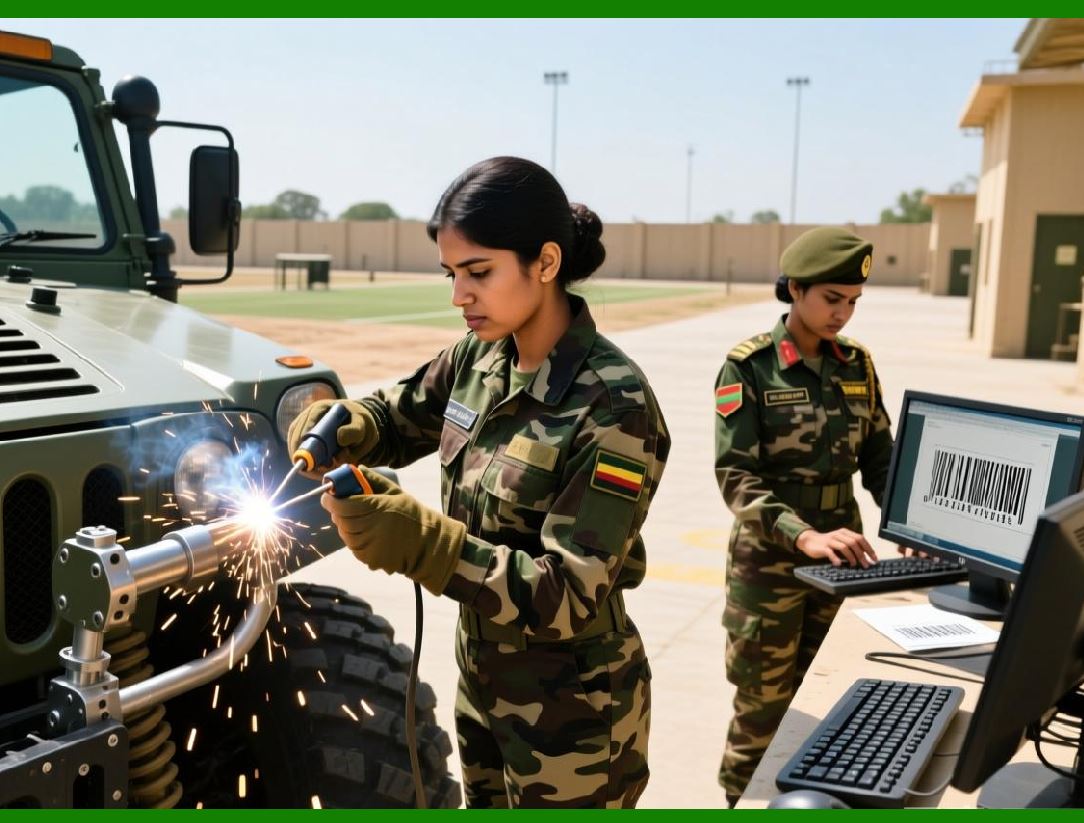
232. Lessons from Long-Term Deployments |
Long-term users emphasize: |
1. Documentation. |
2. Template versioning. |
3. Training consistency. |
Success depends more on process than software. |
|
233. Summary of Advanced Use Cases |
LibreOffice barcode extensions support: |
1. A wide range of practical scenarios. |
2. Industry-specific adaptations. |
3. Creative problem-solving. |
They shine in flexibility-driven contexts. |
 cs@easiersoft.com