LibreOffice + Barcode Extensions |
A Comprehensive Technical and Practical Analysis |
Part 12: Integration with External Systems, APIs, and Digital Workflows |
255. Overview of Integration Capabilities |
LibreOffice Draw with barcode extensions can integrate with external systems, although integration is often manual or semi-automated. Understanding available pathways enables advanced digital workflows, bridging office productivity with modern data pipelines. |
Integration objectives include: |
1. Automating barcode generation. |
2. Synchronizing with databases or enterprise systems. |
3. Streamlining printing and distribution. |

|
256. Database Integration |
LibreOffice integrates natively with databases through LibreOffice Base or via external spreadsheets. |
Integration features include: |
1. Connecting to MySQL, PostgreSQL, SQLite, and ODBC sources. |
2. Linking barcode fields to dynamic data. |
3. Performing live data updates for template-driven labels. |
This approach supports moderate-scale labeling and inventory tracking. |
257. Spreadsheet-Driven Barcode Generation |
Calc is often the preferred data source for barcode workflows. |
Advantages: |
1. Users can maintain structured CSV or XLSX datasets. |
2. Mail merge links Calc rows to Draw templates. |
3. Dynamic barcode generation occurs during merge. |
This model supports recurring label production with minimal developer involvement. |

|
258. Macro-Based Automation for External Data |
Python or LibreOffice Basic macros enable: |
1. Fetching data from files or databases. |
2. Preprocessing or validating barcode content. |
3. Inserting barcodes into Draw templates programmatically. |
Macros serve as lightweight middleware bridging LibreOffice with external systems. |
259. API Limitations and Opportunities |
LibreOffice exposes an API via UNO, but there are limitations: |
1. No direct REST API for cloud integration. |
2. Limited support for concurrent operations. |
3. Some functions require GUI context rather than headless execution. |
Opportunities include scripting around UNO for external automation. |

|
260. Headless Mode for Automation Pipelines |
LibreOffice supports headless mode: |
1. Command-line document generation. |
2. PDF or image export of barcodes. |
3. Integration into scheduled workflows or cron jobs. |
Headless mode reduces manual intervention in automated systems. |
261. Integration with Cloud Storage and Collaboration Platforms |
LibreOffice documents can reside in cloud storage: |
1. Nextcloud, Google Drive, OneDrive, or SharePoint. |
2. Templates can be shared and version-controlled. |
3. Collaborative workflows allow multiple users to contribute data or verify templates. |
While cloud storage is supported, real-time API-based barcode insertion is limited. |

|
262. Workflow for Cloud-Based Label Generation |
A typical workflow includes: |
1. Uploading a template to a cloud folder. |
2. Feeding dynamic data from spreadsheets or databases. |
3. Executing macros or scripts to generate PDFs. |
4. Printing or distributing digitally. |
This model works for remote offices or decentralized labeling needs. |
263. Mobile Scanning and Data Capture Integration |
LibreOffice-generated barcodes are compatible with mobile scanning apps: |
1. Inventory apps for tablets or smartphones. |
2. QR code scanning for digital content. |
3. Temporary barcode verification during logistics or events. |
Integration is largely downstream: LibreOffice produces compliant barcodes, which mobile systems consume. |

|
264. Integration with Enterprise Resource Planning (ERP) Systems |
LibreOffice can serve as a light-weight front end for ERP-driven labeling: |
1. Data exported from ERP to spreadsheets. |
2. LibreOffice merges data into Draw templates. |
3. Barcodes are generated and printed for production lines. |
This approach is suitable for SMEs without dedicated labeling modules in ERP. |
265. Connection to Web Services and APIs |
Direct API calls from LibreOffice are possible through: |
1. Python scripts using `requests` or other HTTP libraries. |
2. Pulling product or inventory data in JSON or XML. |
3. Generating barcodes dynamically based on live datasets. |
This enables lightweight web integration without specialized commercial software. |

|
266. Automation of PDF Export for Digital Distribution |
PDF export is a core integration point: |
1. Barcode templates can be exported as PDFs. |
2. PDFs are sent to remote printers or email distribution. |
3. Digital copies serve as a persistent record. |
This enables hybrid digital and physical workflows. |
267. Integration with Print Servers |
LibreOffice-generated PDFs or ODF files can feed centralized print servers: |
1. Allows multiple printers to process jobs. |
2. Supports high-volume production through job queuing. |
3. Maintains template consistency across locations. |
Print servers serve as a bridge between LibreOffice flexibility and industrial throughput. |

|
268. Scripting Workflows for Batch Label Updates |
Advanced users implement batch updates via scripting: |
1. Read input data from CSV, JSON, or database. |
2. Preprocess data to ensure correct encoding. |
3. Generate barcodes and export to PDF or images. |
4. Optionally, push results to printers or cloud repositories. |
This workflow enables semi-automated enterprise-level operations. |
269. Cross-Platform Integration Challenges |
LibreOffice runs on Windows, Linux, and macOS: |
1. Script compatibility varies by platform. |
2. File paths, environment variables, and system dependencies differ. |
3. Testing is required to ensure uniform barcode generation across platforms. |
These challenges must be accounted for in distributed environments. |

|
270. Integration for Event and Access Control Systems |
LibreOffice-generated QR codes can be integrated into: |
1. Event ticketing systems. |
2. Temporary access badges. |
3. Mobile verification apps. |
Dynamic barcode generation allows rapid adaptation to attendee lists and last-minute changes. |
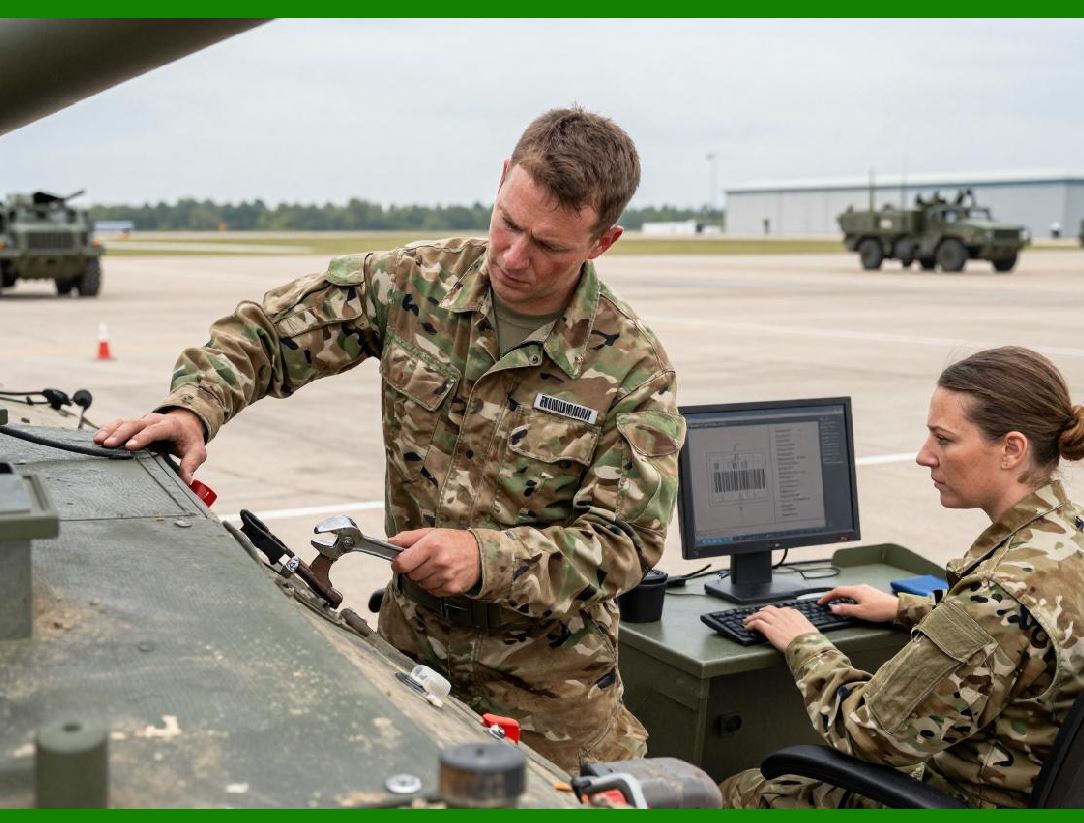
271. Integration with Inventory and Asset Tracking |
LibreOffice supports asset tracking by: |
1. Linking barcodes to asset IDs in spreadsheets or databases. |
2. Printing durable labels for equipment or tools. |
3. Enabling scanning with mobile or fixed scanners for audits. |
This workflow reduces dependency on specialized asset management software. |
|
272. Limitations in Real-Time Integration |
LibreOffice is limited in real-time integration because: |
1. It lacks persistent server-side processes. |
2. Data refreshes require manual or scripted intervention. |
3. Continuous live updates are not natively supported. |
Despite this, periodic batch generation can satisfy most business scenarios. |
273. Security Considerations in Integration Workflows |
Integration workflows must account for: |
1. Sensitive data protection. |
2. Access control on shared templates. |
3. Network security for database or cloud connections. |
LibreOffice itself does not enforce these policies but provides flexibility for secure implementation. |

|
274. Best Practices for Workflow Integration |
Effective integration requires: |
1. Standardized templates with locked barcode objects. |
2. Data validation prior to barcode generation. |
3. Version control for templates and scripts. |
4. Scheduled batch generation to avoid peak system load. |
These practices reduce errors and improve scalability. |
275. Summary of Integration Capabilities |
LibreOffice Draw with barcode extensions supports integration in multiple ways: |
1. Database and spreadsheet connectivity. |
2. Scripting via macros for automation. |
3. Headless operation for batch workflows. |
4. Cloud storage and PDF-based distribution. |
5. Mobile scanning and downstream consumption. |
While not a dedicated enterprise system, careful workflow design enables reliable, semi-automated barcode operations. |
 cs@easiersoft.com