Part 4 Automation, Print Orchestration, and Enterprise Workflow Integration |
29. Automation as a Core Capability of CODESOFT |
29.1 The Need for Automated Label Printing |
In modern manufacturing, logistics, and distribution environments, labeling must operate at the same pace as automated production systems. Manual printing is often impractical due to: |
1. High label volumes |
2. Tight production schedules |
3. Limited tolerance for errors |
4. Regulatory and traceability requirements |
CODESOFT is designed to function as an automated labeling engine capable of responding to system events without human intervention. |
|
29.2 Transition from Manual to Automated Workflows |
Organizations typically evolve their labeling processes through stages |
|
1. Manual label creation and printing |
2. Semi-automated printing triggered by user actions |
3. Fully automated, system-driven printing |
CODESOFT supports this progression by allowing the same label templates to be used across all stages, protecting design investments while increasing automation. |
|
30. Print Job Execution and Orchestration |
30.1 Separation of Label Design and Print Execution |
CODESOFT separates label design from print execution, enabling: |
1. Centralized control of label templates |
2. Distributed printing across multiple locations |
3. Secure delegation of printing rights |
This separation ensures that operators cannot inadvertently alter label designs while printing. |
|
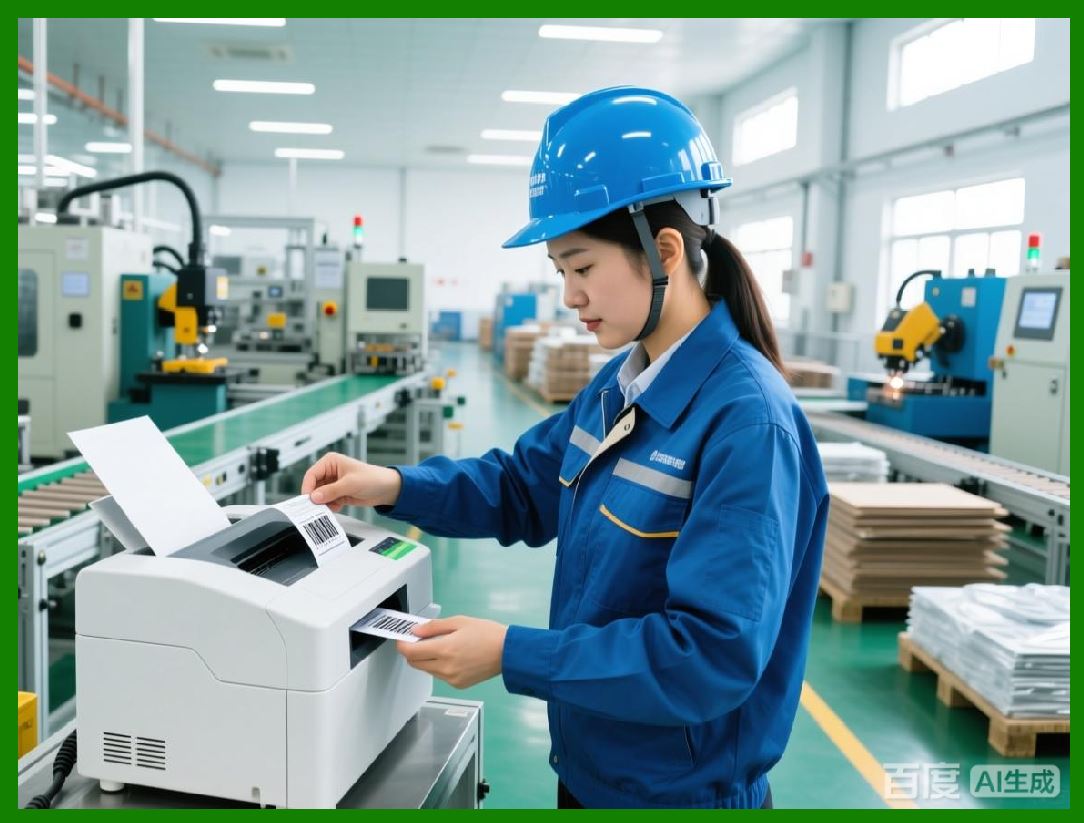
30.2 Printer Selection and Routing Logic |
CODESOFT supports sophisticated printer selection mechanisms, including: |
1. Static printer assignment |
2. User-selected printers at runtime |
3. Dynamic printer routing based on rules |
Dynamic routing can consider factors such as: |
1. Label type |
2. Physical location |
3. Product category |
4. Printer availability |
This flexibility is critical in large facilities with multiple print stations. |
|
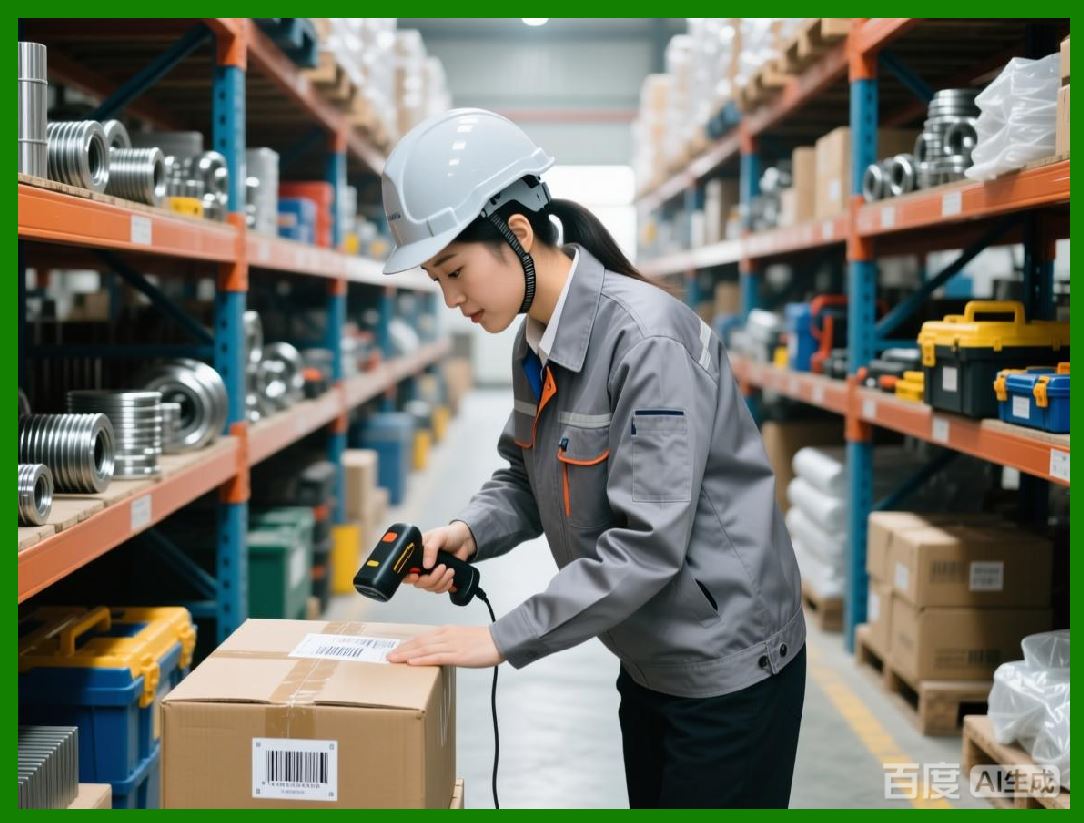
30.3 Print Quantity Control and Batching |
Print jobs can be configured to: |
1. Print single labels |
2. Print batches of labels |
3. Print variable quantities based on data values |
This capability supports scenarios such as: |
1. Printing one label per item |
2. Printing multiple labels per pallet |
3. Printing summary labels for shipments |
|
31. Command-Line Operation and Headless Printing |
31.1 Overview of Command-Line Printing |
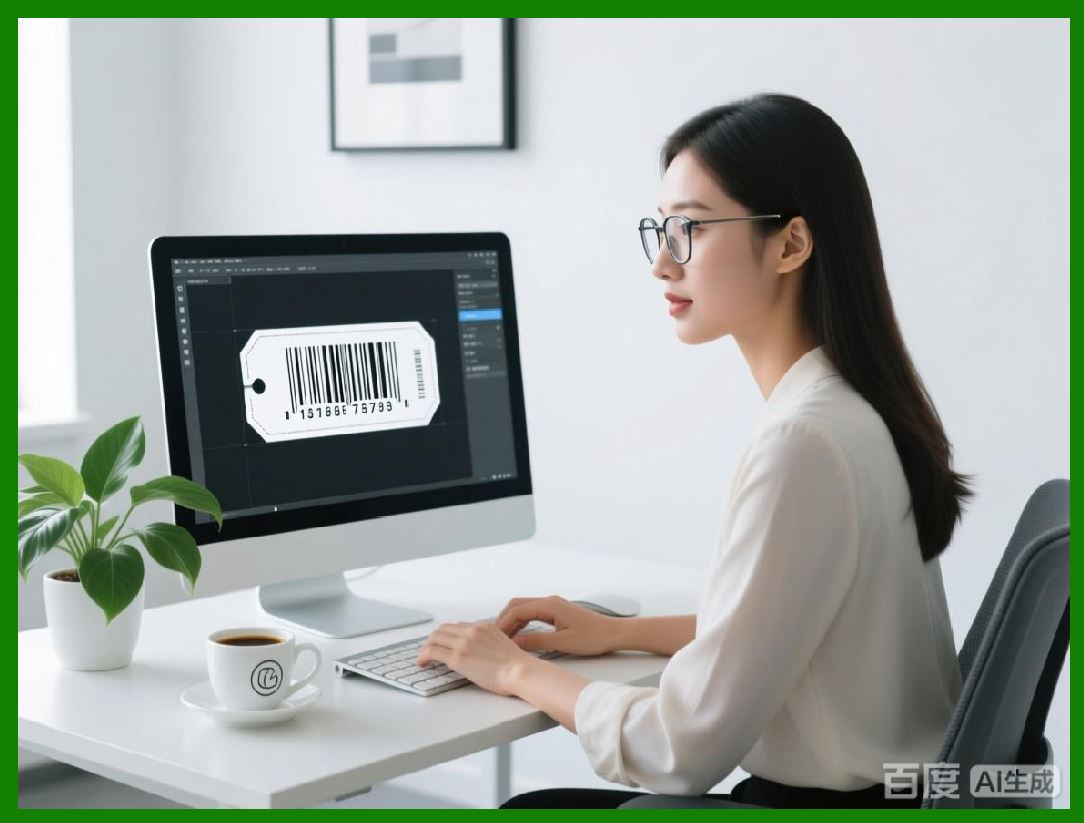
CODESOFT provides command-line interfaces that allow external systems to initiate label printing without opening the graphical user interface. This headless operation is essential for integration into automated environments. |
Command-line printing enables: |
1. Background label generation |
2. Integration with scripts and schedulers |
3. Event-driven printing from enterprise systems |
|
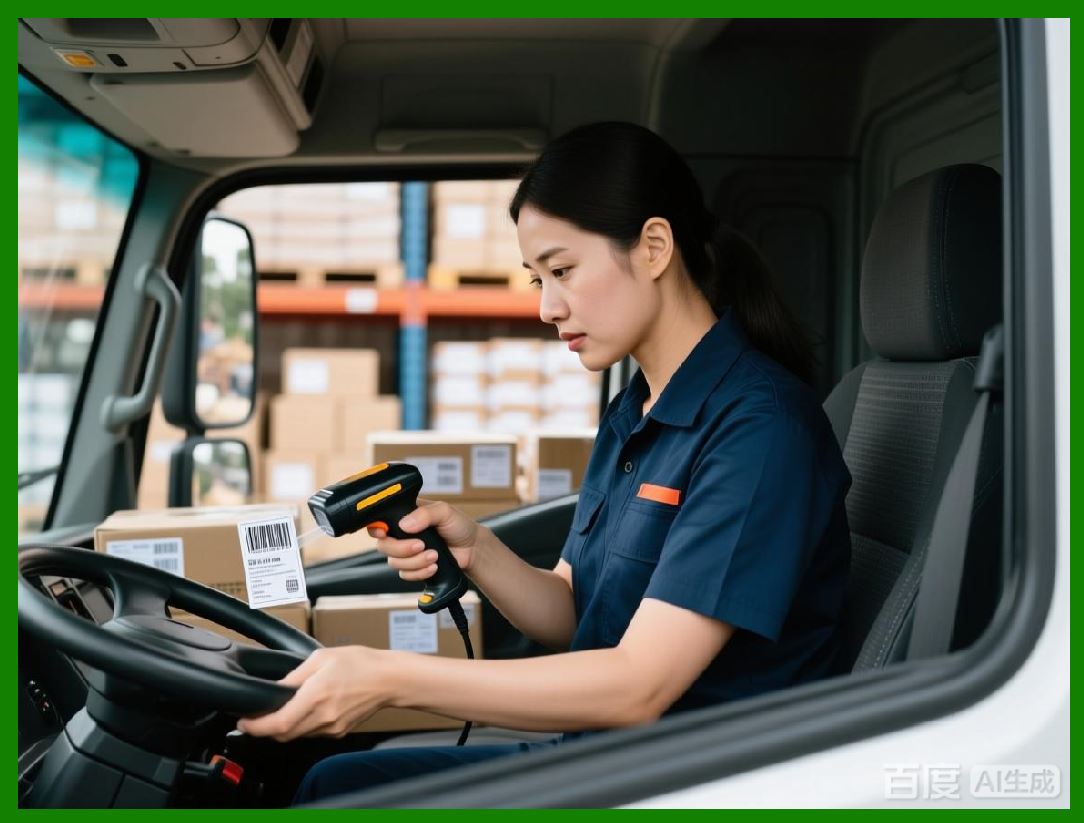
31.2 Passing Data Parameters via Command Line |
External systems can pass data parameters to CODESOFT at runtime, allowing: |
1. Dynamic population of label fields |
2. Selection of specific records |
3. Control over print quantities |
This parameterization ensures that labels reflect real-time operational data. |
|
31.3 Error Handling and Status Feedback |
Automated printing requires robust error handling. CODESOFT supports: |
1. Return codes indicating success or failure |
2. Logging of print events |
3. Diagnostic messages for troubleshooting |
These features allow external systems to respond appropriately to printing issues. |
|
32. Integration with Enterprise Systems |
32.1 ERP-Driven Label Printing |
Enterprise Resource Planning systems often serve as the authoritative source for product, order, and logistics data. CODESOFT integrates with ERP systems to: |
1. Automatically print labels upon order release |
2. Generate labels during production confirmation |
3. Print shipping labels during dispatch |
This tight integration ensures consistency between system records and physical labels. |
|
32.2 WMS and MES Integration |
Warehouse Management Systems and Manufacturing Execution Systems frequently require real-time labeling. CODESOFT supports integration with these systems by: |
1. Accepting print commands triggered by workflow events |
2. Printing labels at specific process steps |
3. Supporting high-frequency print requests |
This integration minimizes delays and manual intervention on the shop floor. |
|
33. Scripting, APIs, and External Control |
33.1 Programmatic Control of Label Printing |
CODESOFT offers programmatic interfaces that allow developers to: |
1. Invoke label printing from custom applications |
2. Control printer selection and print parameters |
3. Retrieve printing status and feedback |
These interfaces enable seamless embedding of labeling functionality into broader enterprise solutions. |
|
33.2 Event-Driven Automation Scenarios |
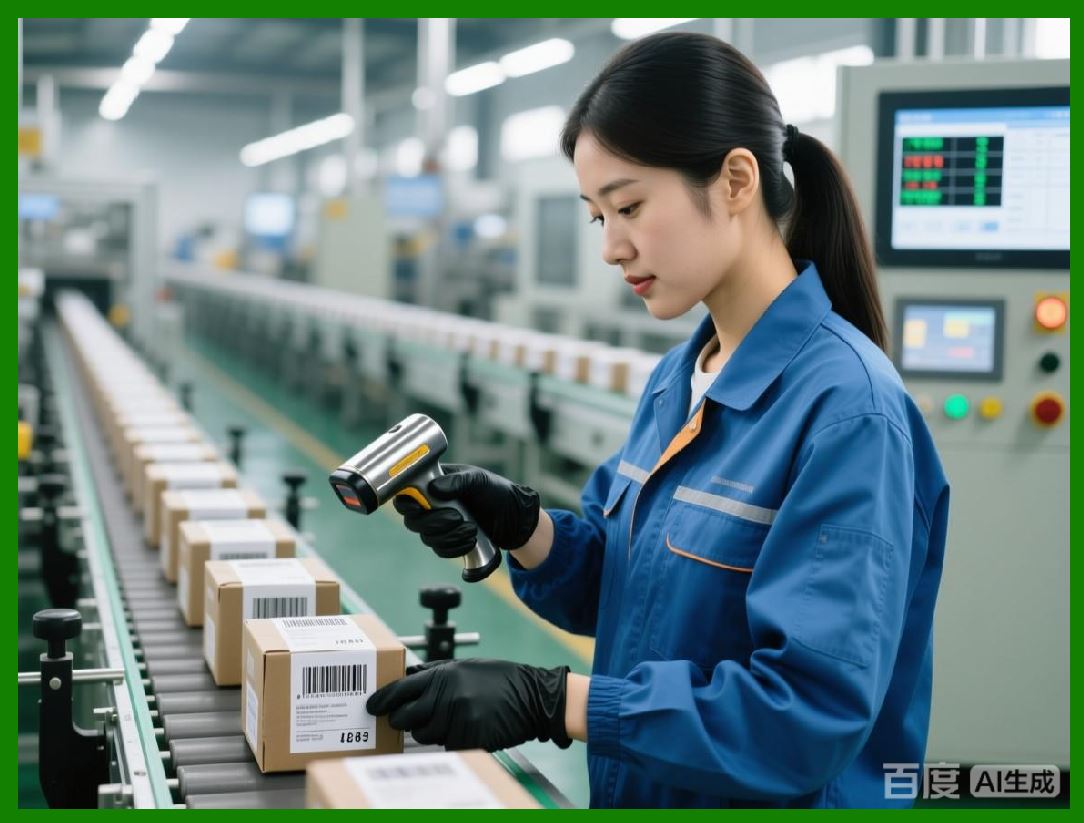
Automation often relies on event triggers such as: |
1. Database updates |
2. File creation |
3. Message queue events |
CODESOFT can be integrated into these event-driven architectures, responding immediately when conditions are met. |
|
33.3 Scalability in Automated Environments |
CODESOFT is designed to handle: |
1. Concurrent print requests |
2. High-volume print jobs |
3. Continuous operation |
This scalability is essential for environments where labeling is a bottleneck or a critical path activity. |

|
34. High-Volume and Industrial Printing Scenarios |
34.1 Continuous Printing on Production Lines |
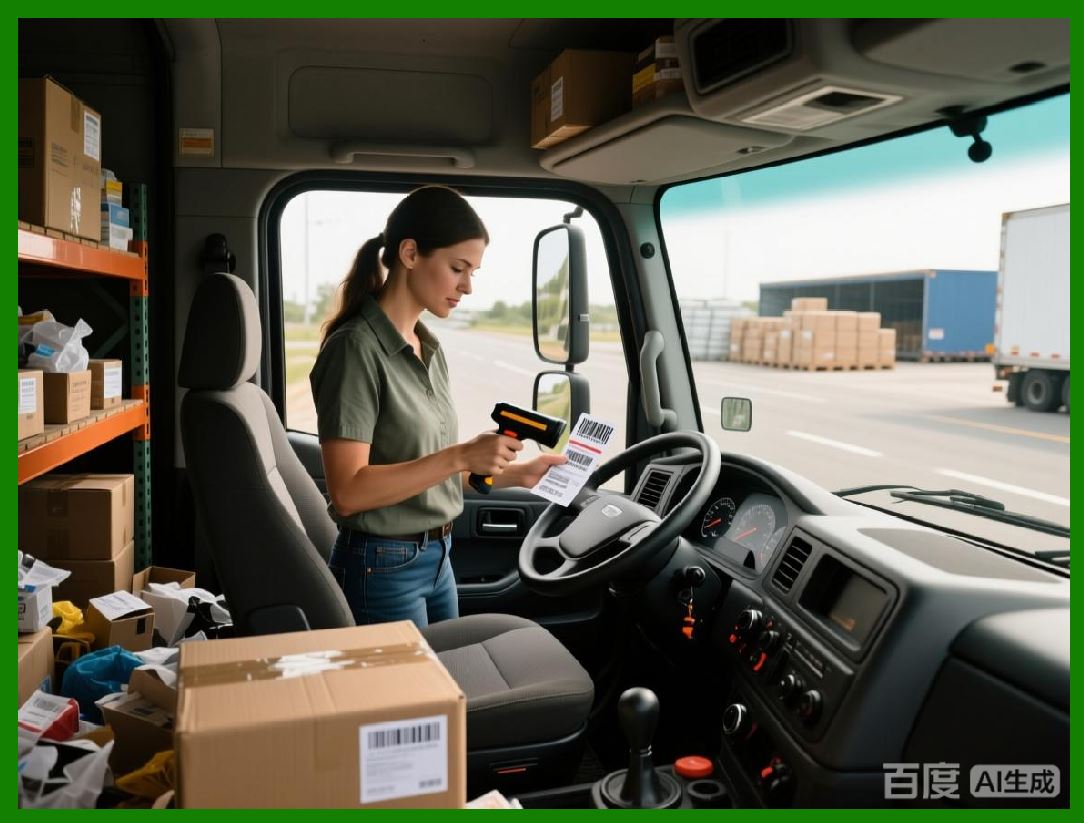
In production lines, labels must be printed continuously and reliably. CODESOFT supports: |
1. High-speed printing |
2. Real-time data updates |
3. Minimal latency between trigger and print |
These capabilities help maintain production throughput. |
|
34.2 Redundancy and Failover Considerations |
Enterprise labeling systems often require redundancy to prevent downtime. CODESOFT can be deployed in architectures that support: |
1. Backup printers |
2. Alternate print paths |
3. Recovery procedures |
These measures enhance system resilience. |
|
35. Print Logging and Traceability |
35.1 Recording Print Events |
CODESOFT can log print events, capturing details such as: |
1. Label template used |
2. Data values printed |
3. Time and location of printing |
This information is valuable for auditing and troubleshooting. |
|
35.2 Supporting Traceability and Compliance |
In regulated industries, traceability is mandatory. Print logs help organizations: |
1. Demonstrate compliance |
2. Investigate incidents |
3. Support recalls or audits |
By integrating printing into controlled workflows, CODESOFT contributes to overall process integrity. |
|
36. Minimizing Human Intervention |
36.1 Reducing Operator Dependency |
Automation reduces reliance on human operators by: |
1. Eliminating manual data entry |
2. Standardizing print triggers |
3. Enforcing consistent label usage |
This leads to fewer errors and more predictable outcomes. |

|
36.2 Improving Operational Efficiency |
Automated labeling improves efficiency by: |
1. Accelerating labeling processes |
2. Reducing rework |
3. Allowing staff to focus on higher-value tasks |
These benefits contribute directly to cost savings and productivity gains. |
|
37. Security and Control in Automated Printing |
37.1 Restricting Access to Automation Interfaces |
Automation interfaces must be protected to prevent misuse. CODESOFT supports controlled access by: |
1. Limiting who can configure automation |
2. Restricting execution rights |
3. Integrating with enterprise security policies |
|
37.2 Preventing Unauthorized Label Printing |
By centralizing control and integrating with enterprise systems, CODESOFT helps prevent: |
1. Unauthorized printing |
2. Use of outdated templates |
3. Label tampering |
This is critical for brand protection and regulatory compliance. |
|
38. Summary of Part 4 |
Part 4 has covered: |
1. The role of automation in enterprise labeling |
2. Print orchestration and routing logic |
3. Command-line and headless printing |
4. Integration with ERP, WMS, and MES systems |
5. High-volume and industrial printing scenarios |
6. Logging, traceability, and security considerations |
In the next part, the focus will shift to printer compatibility, driver management, hardware integration, and performance optimization, exploring how CODESOFT interacts with a wide range of printing devices in industrial environments. |
 cs@easiersoft.com