Part 5 Printer Compatibility, Hardware Integration, and Performance Optimization |
39. The Importance of Printer Compatibility in Enterprise Labeling |
39.1 Label Software as the Bridge Between Data and Hardware |
In enterprise environments, label design software does not operate in isolation. It serves as the intermediary between business data and physical output devices. CODESOFT is designed to function reliably across a diverse ecosystem of printers, ensuring that data-driven labels are rendered accurately and consistently on physical media. |
Printer compatibility is critical because enterprises often operate: |
1. Multiple printer brands |
2. Different printer models within the same brand |
3. Printers with varying resolutions and capabilities |
4. Mixed environments of legacy and modern devices |
CODESOFT addresses this complexity by maintaining broad hardware support and deep integration with printer drivers. |

|
39.2 Supporting Heterogeneous Printer Environments |
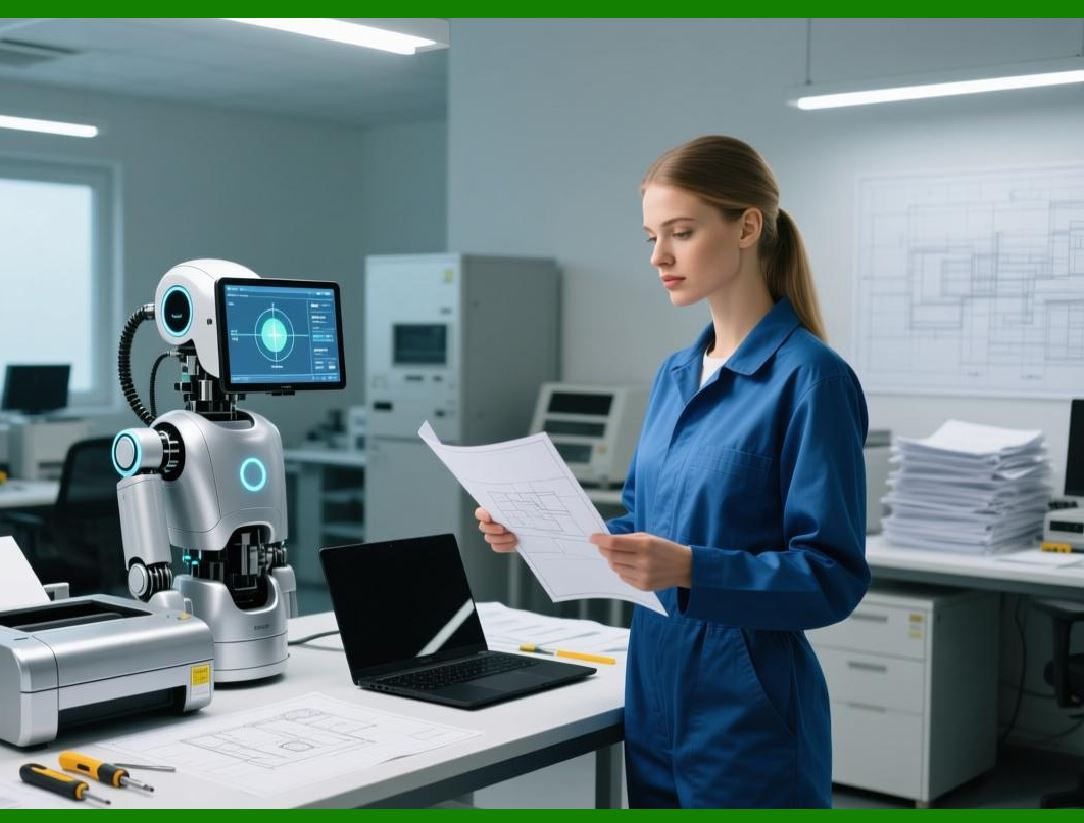
Unlike vendor-locked solutions, CODESOFT is designed to support a wide range of thermal, thermal transfer, inkjet, and laser printers commonly used in labeling. This allows organizations to: |
1. Standardize on a single labeling platform |
2. Retain existing printer investments |
3. Deploy new printers without redesigning labels |
This flexibility reduces total cost of ownership and simplifies IT management. |
|
40. Printer Driver Architecture and Interaction |
40.1 Reliance on Native Printer Drivers |
CODESOFT primarily relies on native printer drivers provided by printer manufacturers or operating systems. This approach offers several advantages: |
1. Access to full printer capabilities |
2. Compatibility with firmware-specific features |
3. Reduced need for proprietary driver layers |
By leveraging native drivers, CODESOFT ensures that label output aligns with manufacturer specifications. |

|
40.2 Managing Driver-Specific Behaviors |
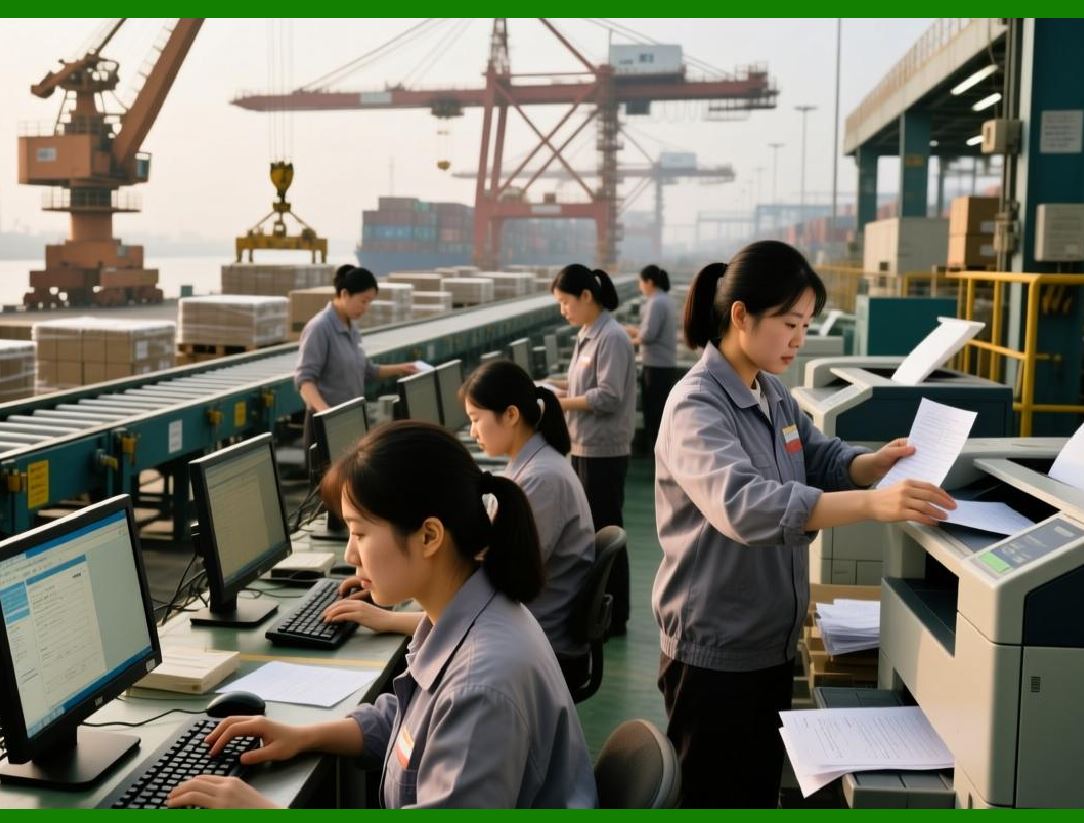
Different printer drivers may interpret layout commands differently, particularly with respect to: |
1. Margins and printable areas |
2. Resolution scaling |
3. Media handling and sensing |
CODESOFT accounts for these variations by allowing designers to: |
1. Select the target printer during design |
2. Preview printer-specific output |
3. Adjust layouts to accommodate driver behavior |
This attention to detail helps prevent misalignment and print errors. |
|
41. Thermal Printer Optimization |
41.1 Thermal and Thermal Transfer Printing Considerations |
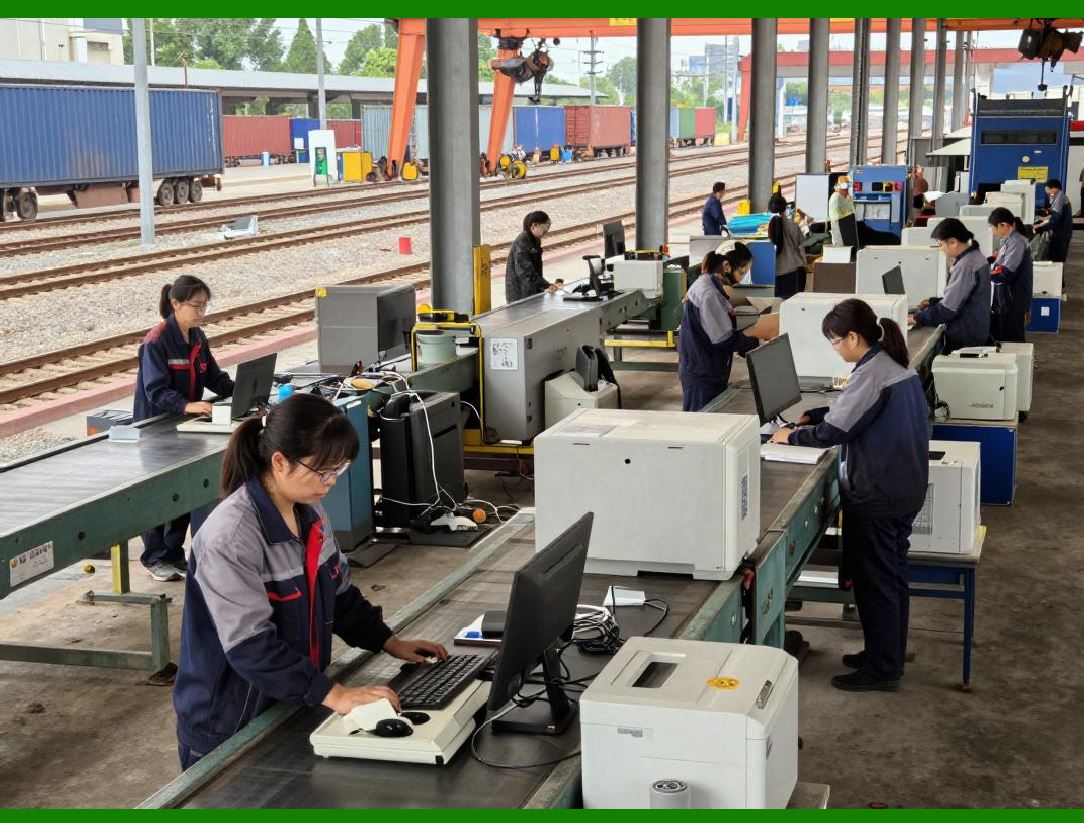
Thermal printers are widely used for barcode labels due to their speed, durability, and cost efficiency. CODESOFT supports both: |
1. Direct thermal printing |
2. Thermal transfer printing |
Each method has distinct characteristics that influence label design, such as: |
1. Heat sensitivity |
2. Ribbon usage |
3. Print density requirements |
CODESOFT allows designers to optimize labels based on the chosen printing technology. |
|
41.2 Print Speed and Darkness Control |
CODESOFT enables fine-grained control over printer settings, including: |
1. Print speed |
2. Print darkness or heat |
3. Media calibration |
These settings can be adjusted to balance: |
1. Print quality |
2. Barcode scan reliability |
3. Throughput requirements |
This is particularly important in high-volume environments where small adjustments can have significant operational impact. |

|
42. Barcode Print Quality and Scan Reliability |
42.1 Maintaining Barcode Integrity Across Printers |
Barcode scan reliability depends heavily on print quality. CODESOFT helps maintain barcode integrity by: |
1. Enforcing minimum module sizes |
2. Preserving quiet zones |
3. Scaling barcodes appropriately for printer resolution |
These measures reduce the risk of unreadable or non-compliant barcodes. |

|
42.2 Adapting to Different DPI Settings |
Printers with different DPI values require different barcode configurations. CODESOFT dynamically adjusts barcode rendering based on: |
1. Printer resolution |
2. Selected symbology |
3. Label size constraints |
This adaptability ensures consistent scanning performance across devices. |

|
43. Media Handling and Sensor Configuration |
43.1 Supporting Diverse Label Media Types |
Enterprise labeling involves a wide variety of media, including: |
1. Die-cut labels |
2. Continuous media |
3. Tags and tickets |
4. Synthetic and paper materials |
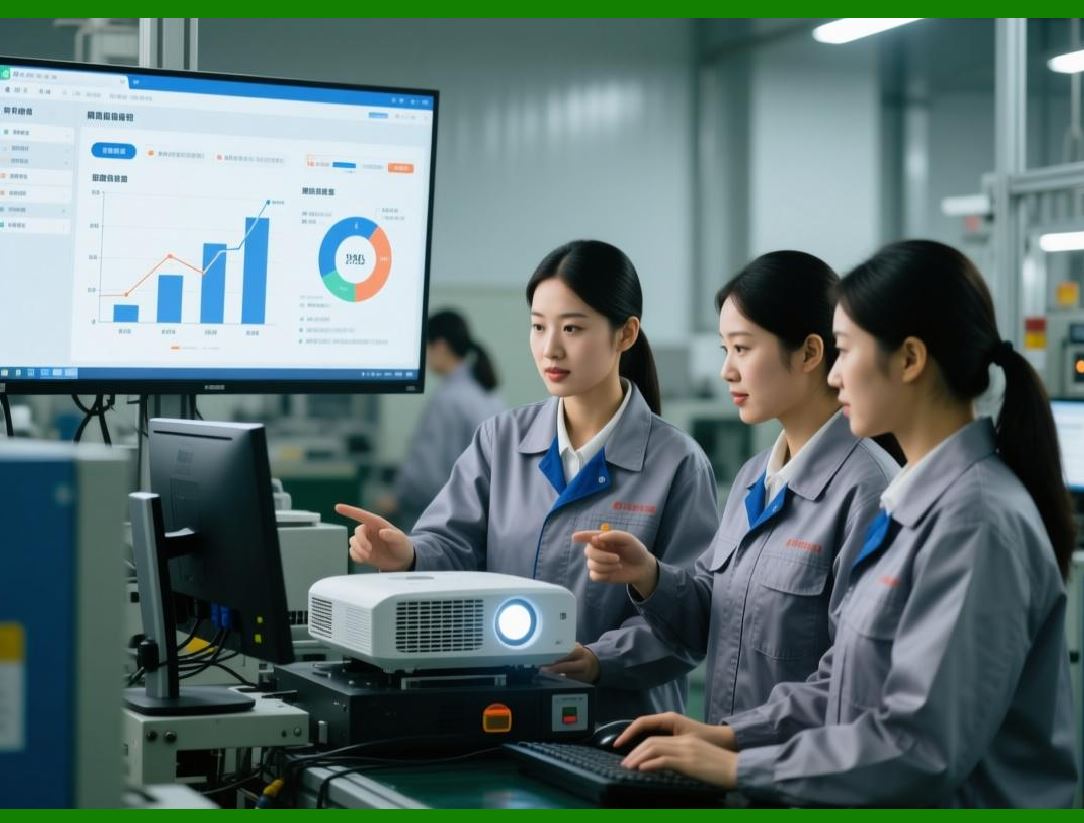
CODESOFT supports these media types by respecting printer-specific settings and providing accurate layout control. |
|
43.2 Gap, Mark, and Continuous Media Sensors |
Thermal printers use sensors to detect label boundaries. CODESOFT accommodates different sensor types, such as: |
1. Gap sensors |
2. Black mark sensors |
3. Continuous media modes |
Proper sensor configuration ensures that labels are printed at the correct positions without drift or misalignment. |

|
44. Performance Optimization in High-Volume Printing |
44.1 Efficient Data Handling and Rendering |
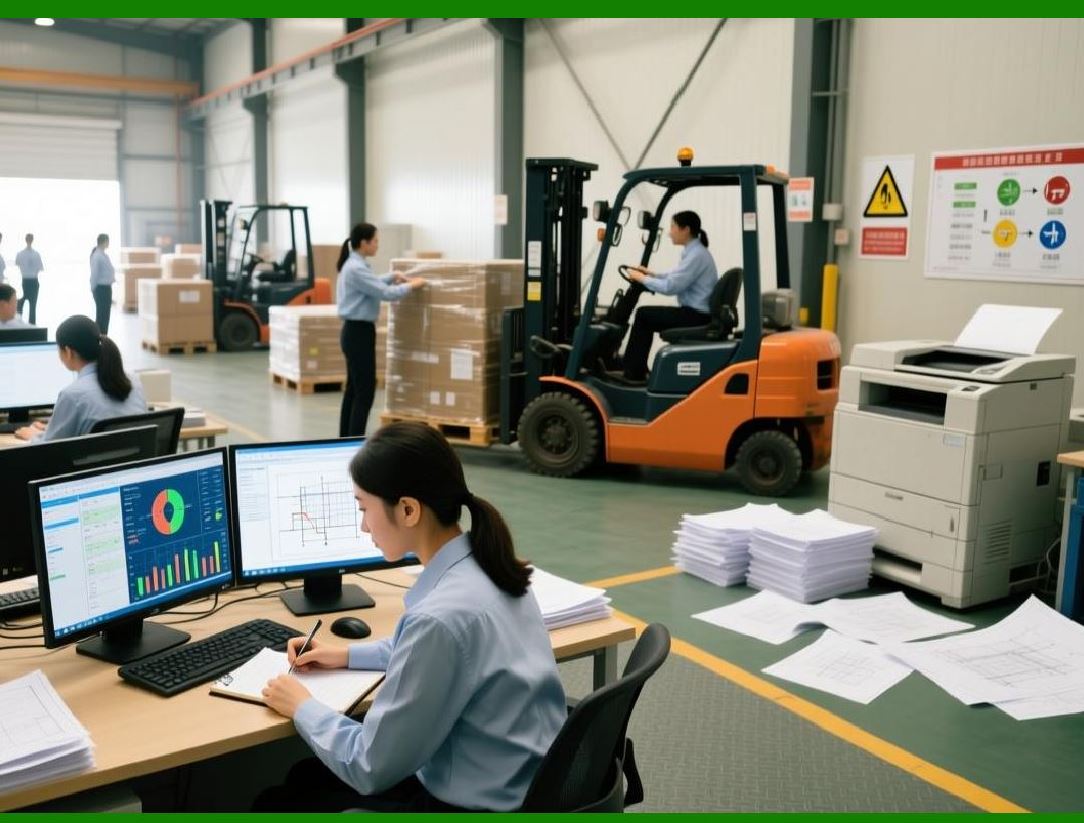
High-volume printing requires efficient data processing. CODESOFT is optimized to: |
1. Minimize data transfer overhead |
2. Render labels quickly |
3. Handle large print queues |
These optimizations help maintain throughput even under heavy load. |
|
44.2 Reducing Print Latency |
In automated environments, delays between print trigger and label output can disrupt workflows. CODESOFT reduces latency by: |
1. Preloading label templates |
2. Caching frequently used resources |
3. Streamlining print commands |
This responsiveness is essential for real-time operations. |

|
45. Reliability and Stability in Continuous Operation |
45.1 Designed for Long-Term Use |
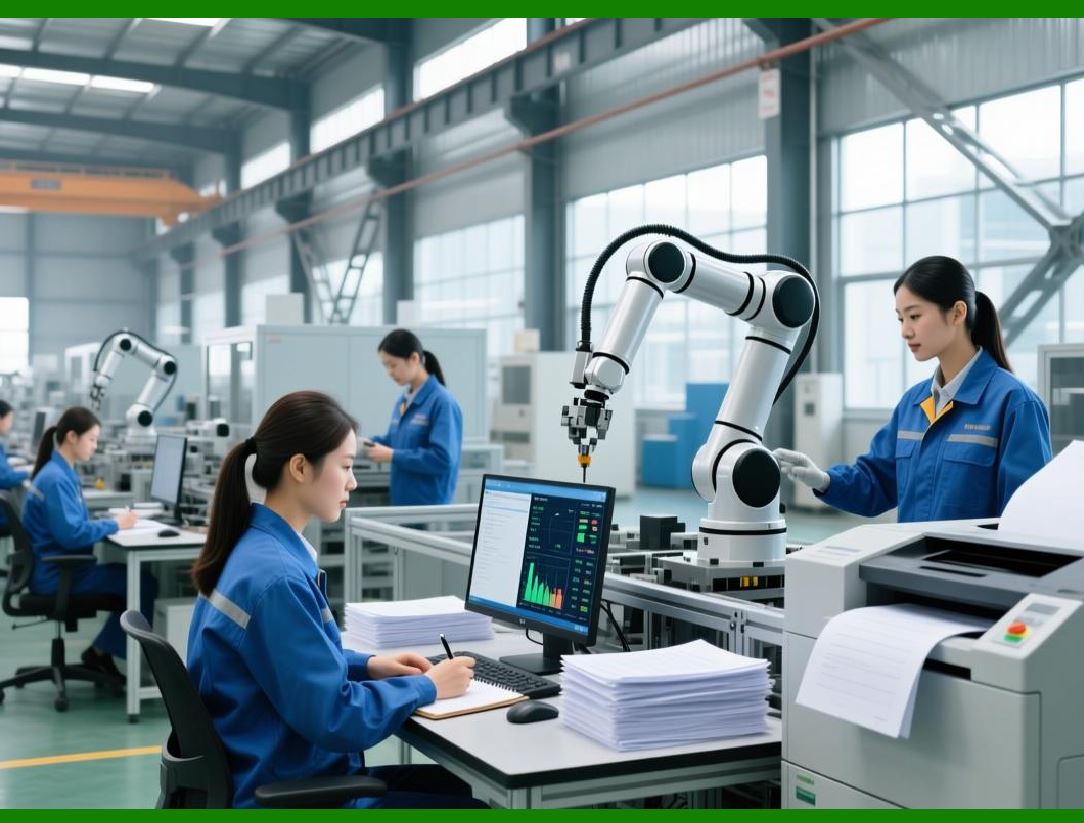
CODESOFT is engineered to operate reliably over long periods, supporting: |
1. Continuous printing shifts |
2. 24/7 operations |
3. High-duty-cycle environments |
This reliability minimizes downtime and maintenance costs. |
|
45.2 Handling Printer Errors and Interruptions |
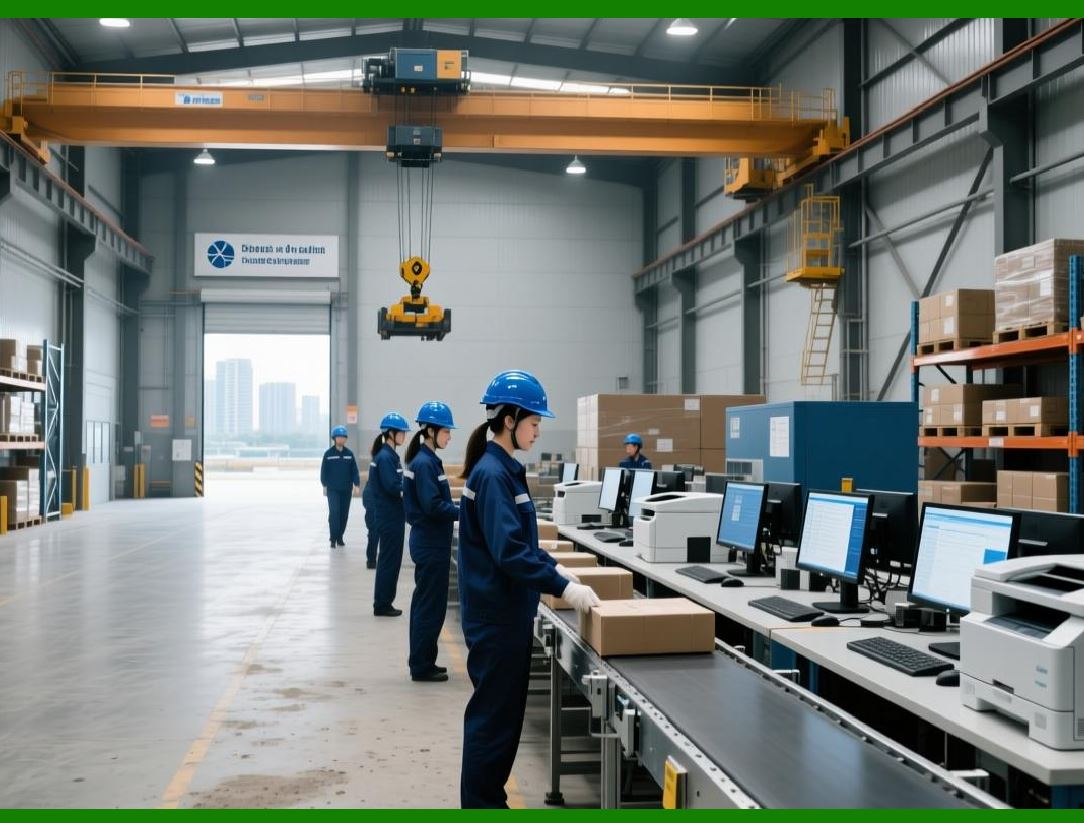
Printer-related issues are inevitable in industrial settings. CODESOFT supports mechanisms to: |
1. Detect printer errors |
2. Report issues to operators or systems |
3. Allow recovery and reprinting |
These capabilities help maintain operational continuity. |
|
46. Multi-Printer and Distributed Printing Environments |
46.1 Managing Multiple Printers from a Single System |
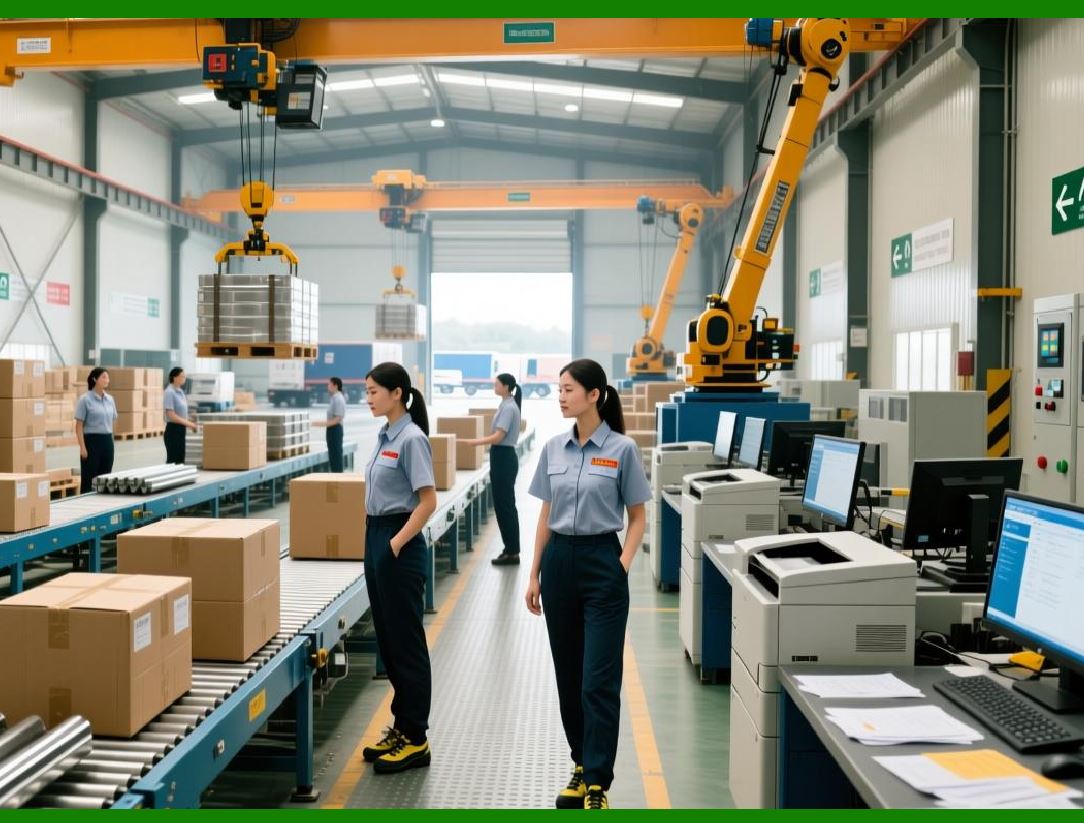
CODESOFT can manage multiple printers simultaneously, allowing organizations to: |
1. Distribute print jobs across devices |
2. Balance workloads |
3. Support redundant printing paths |
This is particularly useful in large facilities with many print stations. |
|
46.2 Supporting Remote and Networked Printers |
In distributed environments, printers may be located across different departments or sites. CODESOFT supports: |
1. Network-connected printers |
2. Remote printing scenarios |
3. Centralized design with decentralized execution |
This architecture supports scalability and operational flexibility. |

|
47. Hardware Integration Beyond Printers |
47.1 Interaction with Scanners and Verification Devices |
While CODESOFT primary output is printing, it often operates alongside: |
1. Barcode scanners |
2. Verification and grading devices |
3. Automated inspection systems |
Labels designed in CODESOFT can be optimized for compatibility with these devices, supporting end-to-end quality assurance. |

|
47.2 Integration with Packaging and Production Equipment |
In advanced environments, labeling is integrated into packaging lines and production machinery. CODESOFT supports such integration by: |
1. Providing predictable print timing |
2. Supporting automated triggers |
3. Ensuring consistent output |
This enables seamless coordination between labeling and physical production processes. |

|
48. Managing Printer-Specific Configurations Across Sites |
48.1 Standardizing Label Templates in Diverse Hardware Environments |
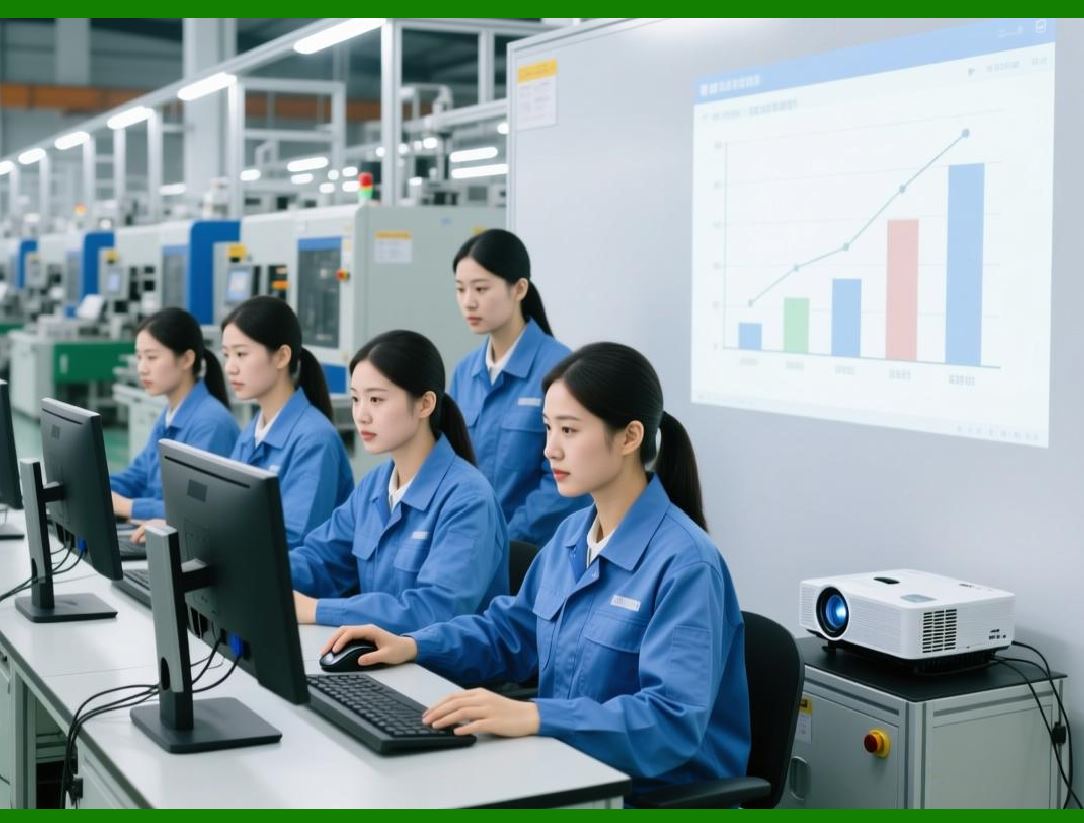
Enterprises often standardize label templates while using different printers at different sites. CODESOFT supports this by: |
1. Allowing printer-specific adjustments |
2. Preserving core label design integrity |
3. Supporting site-specific configuration profiles |
This balance ensures consistency without sacrificing local optimization. |
|
48.2 Reducing Configuration Drift |
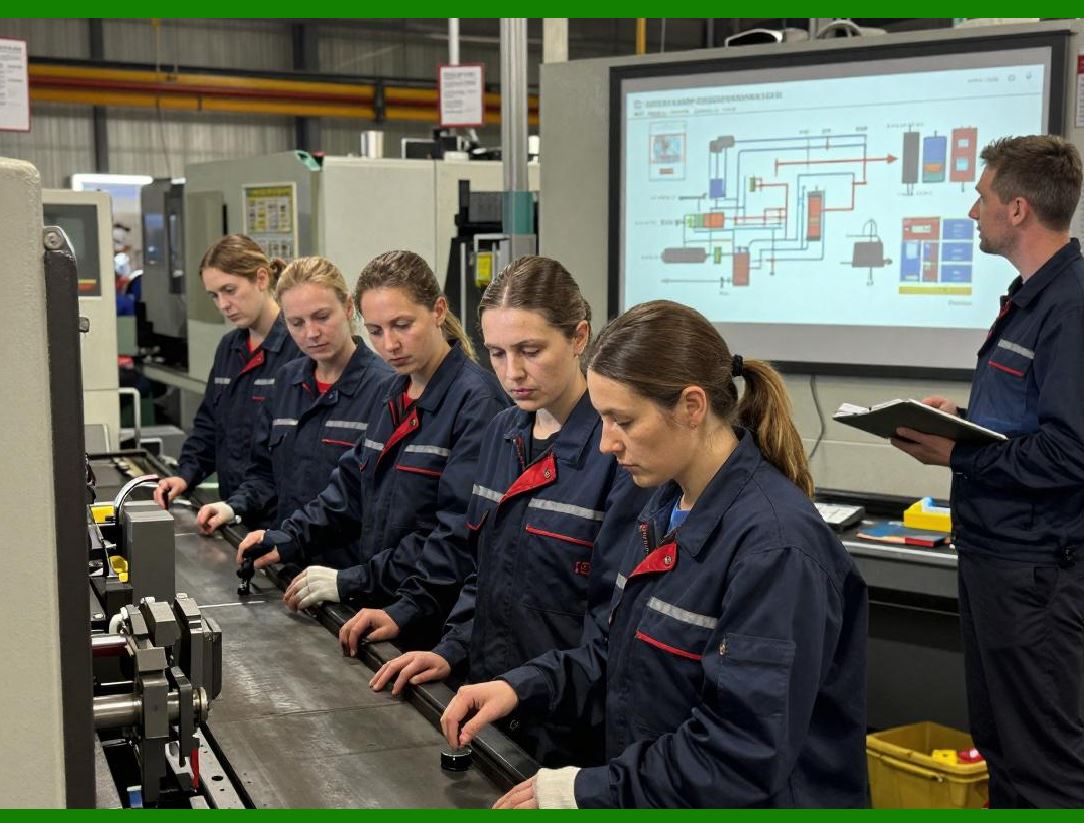
By centralizing design and controlling execution, CODESOFT helps reduce configuration drift, where: |
1. Labels differ unintentionally between sites |
2. Printer settings diverge over time |
3. Compliance risks increase |
Centralized management mitigates these risks. |
|
49. Summary of Part 5 |
In Part 5, we have covered: |
1. Broad printer compatibility and heterogeneous environments |
2. Printer driver interaction and optimization |
3. Thermal printer considerations and barcode quality |
4. Media handling and sensor configuration |
5. Performance optimization for high-volume printing |
6. Reliability in continuous and distributed operations |
7. Hardware integration beyond printers |
The next part will focus on enterprise governance, security, user roles, version control, and compliance, examining how CODESOFT supports controlled labeling environments and regulated industries. |
 cs@easiersoft.com