Part 12: Automation, AI-Driven Labeling, and Intelligent Workflow Orchestration |
12.1 The Strategic Role of Automation in Labeling |
12.1.1 |
Automation transforms labeling from a repetitive operational task into a streamlined, intelligent process. Loftware Cloud Label Designer enables enterprises to reduce manual intervention, accelerate label deployment, and maintain compliance while scaling operations globally. |
12.1.2 |
Automation is particularly important in high-volume manufacturing, logistics, and regulated industries where label accuracy, speed, and traceability are essential. |
12.1.3 |
By embedding automation into labeling workflows, organizations can focus human resources on exception handling, strategic oversight, and continuous improvement, rather than routine printing and template management. |

|
12.1.4 |
Automation also supports error reduction, faster throughput, and operational consistency, enhancing both efficiency and regulatory compliance. |
12.2 Trigger-Based Label Generation |
12.2.1 |
Loftware Cloud Label Designer supports event-driven automation, where labeling actions are initiated automatically in response to predefined triggers from enterprise systems. |
12.2.2 |
Triggers may originate from ERP systems (e.g., order confirmation), MES platforms (e.g., batch completion), WMS applications (e.g., shipment release), or IoT-enabled production lines. |
12.2.3 |
This approach ensures that labels are generated at the precise moment they are required, reducing delays, preventing bottlenecks, and synchronizing labeling with operational events. |
12.2.4 |
Trigger-based generation eliminates manual intervention while maintaining full traceability and auditability of each labeling action. |

|
12.3 Rule-Based Label Selection and Conditional Logic |
12.3.1 |
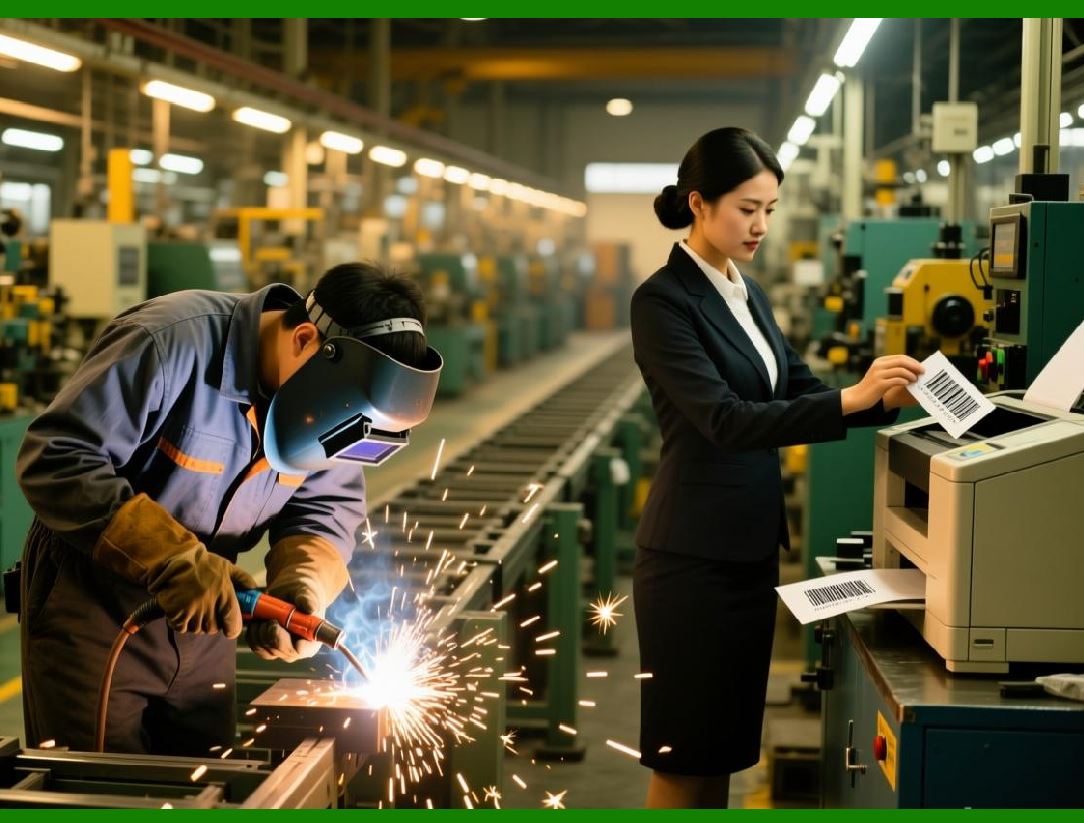
Automation in labeling often involves selecting the appropriate template, printer, or label format based on business rules. Loftware Cloud Label Designer allows the creation of conditional logic to drive these decisions dynamically. |
12.3.2 |
Rules can consider multiple variables, such as product type, destination, batch number, regulatory region, customer specifications, or packaging configuration. |
12.3.3 |
For example, a pharmaceutical company might print a different label template depending on whether a product is destined for the US, EU, or Asia-Pacific region, all automatically determined by data passed from the ERP system. |
12.3.4 |
This rule-based approach ensures accuracy, maintains compliance, and supports global operations without the need for human intervention. |
|
12.4 AI-Assisted Labeling Decisions |
12.4.1 |
Loftware Cloud Label Designer incorporates artificial intelligence capabilities to enhance decision-making in complex labeling workflows. |
12.4.2 |
AI algorithms can analyze historical print data, user behavior, and operational context to recommend label templates, data formatting, or printer selection for optimal performance. |
12.4.3 |
In dynamic production environments, AI can proactively detect anomalies, such as potential template mismatches or data inconsistencies, and suggest corrective actions before labels are printed. |
12.4.4 |
By integrating AI into labeling decisions, organizations improve efficiency, reduce errors, and enhance compliance without requiring manual oversight at every step. |

|
12.5 Intelligent Workflow Orchestration |
12.5.1 |
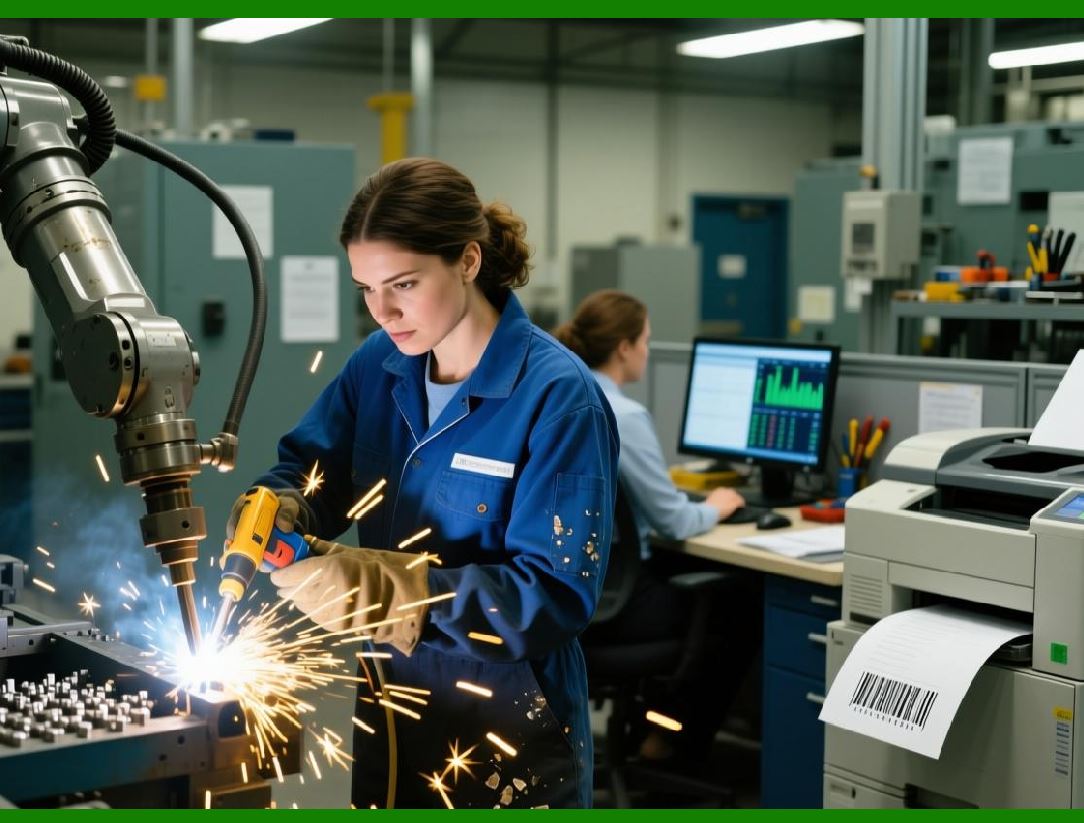
Complex labeling processes often involve multiple steps, approvals, and integrations across enterprise systems. Loftware Cloud Label Designer supports intelligent workflow orchestration to manage these sequences automatically. |
12.5.2 |
Workflows can incorporate steps such as data validation, approval routing, template selection, print job submission, and confirmation reporting. |
12.5.3 |
Conditional paths within workflows allow the system to adapt to specific scenarios—for example, routing a label for additional review if a batch is flagged as high-risk or if certain regulatory attributes are detected. |
12.5.4 |
Workflow orchestration ensures consistency, traceability, and adherence to operational and regulatory policies, even in highly dynamic environments. |
|
12.6 Integration with Robotic Process Automation (RPA) |
12.6.1 |
Loftware Cloud Label Designer can be integrated with robotic process automation platforms to automate labeling tasks that span multiple systems and human touchpoints. |
12.6.2 |
RPA bots can extract data from ERP or MES systems, trigger label generation, monitor print execution, and update records in downstream systems. |
12.6.3 |
This integration reduces manual handoffs, accelerates end-to-end processes, and minimizes the risk of errors in multi-system workflows. |
12.6.4 |
RPA-enabled labeling is particularly effective in industries with high compliance requirements and large-scale operational complexity. |

|
12.7 Automated Data Validation and Error Prevention |
12.7.1 |
Automation in Loftware Cloud Label Designer extends to data validation, ensuring that labels are accurate and compliant before they are printed. |
12.7.2 |
The platform can check data against predefined rules, regulatory requirements, or reference tables, preventing invalid or incomplete data from reaching the printer. |
12.7.3 |
For example, batch numbers, expiration dates, ingredient lists, or hazard symbols can be automatically verified before printing. |
12.7.4 |
This reduces costly reprints, prevents regulatory non-compliance, and ensures that only correct labels enter the supply chain. |
|
12.8 Predictive Maintenance for Printing Operations |
12.8.1 |
Automation also includes predictive maintenance of printing devices. By analyzing print volume, error rates, and device status, the platform can anticipate maintenance needs and trigger interventions proactively. |
12.8.2 |
Predictive alerts help prevent printer downtime, reduce operational disruptions, and maintain consistent throughput. |
12.8.3 |
Automated maintenance scheduling can be integrated with enterprise maintenance systems, ensuring alignment with production plans. |
12.8.4 |
This proactive approach enhances reliability and reduces the risk of missed or delayed labeling operations. |

|
12.9 AI-Driven Optimization of Label Workflows |
12.9.1 |
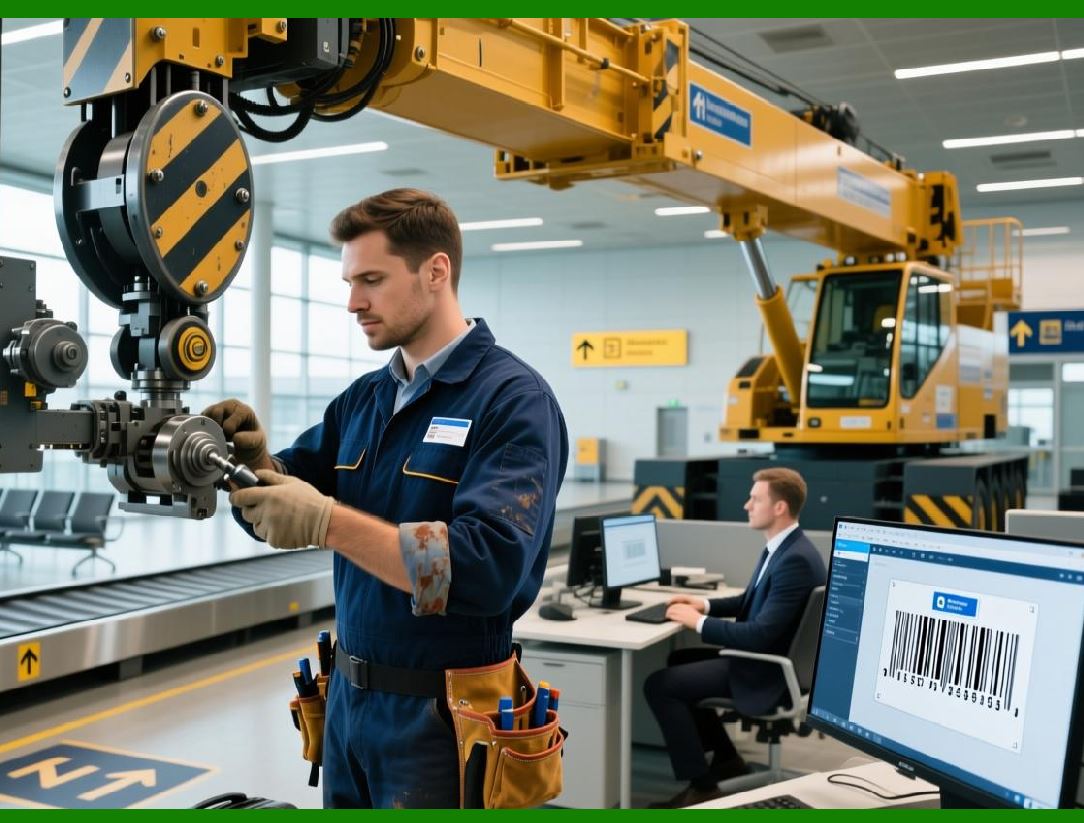
Beyond operational automation, Loftware Cloud Label Designer leverages AI to optimize workflows, balancing load across printers, adjusting job priorities, and selecting the most efficient execution paths. |
12.9.2 |
The AI engine can identify bottlenecks, predict print job conflicts, and recommend dynamic rerouting or scheduling adjustments. |
12.9.3 |
This optimization improves throughput, reduces latency, and ensures operational resilience in high-volume, distributed labeling environments. |
12.9.4 |
Continuous learning from historical data enables the system to refine decisions over time, increasing efficiency and reliability. |
|
12.10 End-to-End Automation for Global Operations |
12.10.1 |
Loftware Cloud Label Designer automation capabilities extend to global operations, enabling centralized control while supporting distributed execution. |
12.10.2 |
Labels can be automatically generated, approved, and printed in multiple regions based on enterprise rules, local regulations, and operational conditions. |
12.10.3 |
Global automation ensures consistency in branding, compliance, and operational practices while allowing flexibility to address local requirements. |
12.10.4 |
This end-to-end automation reduces manual coordination, supports rapid deployment, and maintains operational integrity across international supply chains. |
|
12.11 Continuous Feedback and Learning |
12.11.1 |
Intelligent automation is not static; it incorporates continuous feedback loops. Loftware Cloud Label Designer collects data from completed labeling events, errors, and user interventions. |
12.11.2 |
This feedback informs AI models, workflow adjustments, and process improvements, enabling the platform to adapt dynamically to changing operational conditions. |
12.11.3 |
Continuous learning ensures that automation becomes more effective over time, reducing reliance on manual oversight. |
12.11.4 |
The system evolves alongside organizational needs, improving performance, compliance, and efficiency continuously. |
|
12.12 Integration with Digital Twin and IoT Systems |
12.12.1 |
Advanced automation in labeling can be enhanced through integration with digital twin environments and IoT-enabled production lines. |
12.12.2 |
Real-time sensor data from production equipment, environmental monitoring, and supply chain systems can influence labeling decisions automatically. |
12.12.3 |
For example, labels can be customized based on actual production conditions, batch quality, or logistical parameters, ensuring accurate and context-aware labeling. |
12.12.4 |
This integration represents a fully connected, intelligent labeling ecosystem that supports Industry 4.0 initiatives. |
|
12.13 Preparing for Fully Autonomous Labeling Operations |
12.13.1 |
The automation, AI-driven decision-making, and intelligent workflow orchestration capabilities described in this part set the stage for fully autonomous labeling operations. |
12.13.2 |
In fully autonomous scenarios, labels are generated, approved, validated, and printed with minimal human intervention, while compliance and quality are continuously monitored. |
12.13.3 |
Autonomous labeling improves operational speed, reduces costs, enhances compliance, and supports scalability across distributed production and logistics networks. |
12.13.4 |
The next part will provide a conclusion and summary, synthesizing all aspects of Loftware Cloud Label Designer, from design and integration to scalability, analytics, and automation. |
 cs@easiersoft.com