Loftware Label Manager |
Enterprise Labeling Solution with Compliance and Integration Capabilities for Large Supply Chains |
Part 3: Label Design Capabilities, Supported Symbologies, and Advanced Template Logic |
3.1 Role of Label Design in Enterprise Operations |
1. In enterprise supply chains, label design is not merely a visual task but a structured engineering process that directly impacts compliance, automation, and operational efficiency. Labels must encode information in machine-readable and human-readable formats, adhere to regulatory standards, and remain consistent across global operations. |
2. Loftware Label Manager treats label design as a controlled, repeatable process rather than an ad hoc creative activity. The platform provides a robust design environment that allows organizations to define labels as standardized templates governed by business rules. |
3. This approach ensures that label designs can be reused, adapted, and maintained over time without introducing inconsistencies or errors. |

|
3.2 WYSIWYG Design Environment and Precision Layout Control |
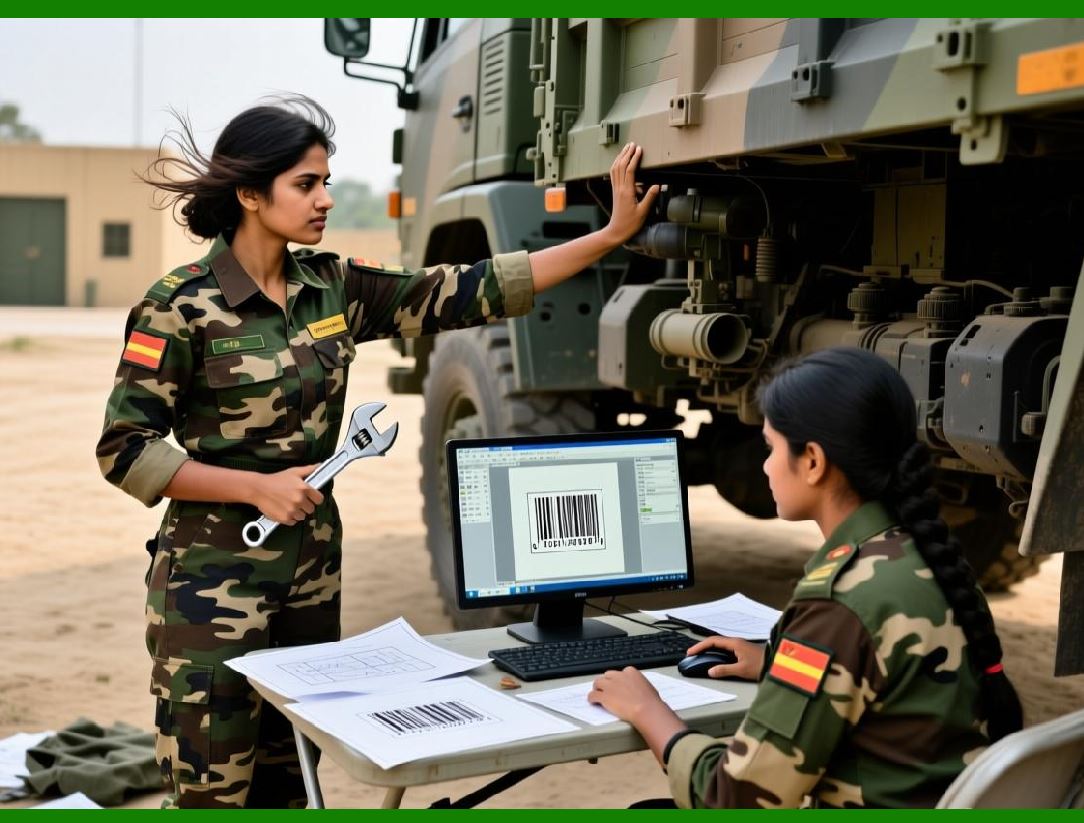
1. The label design environment in Loftware Label Manager provides a WYSIWYG interface that allows designers to visually construct labels while maintaining precise control over layout parameters. |
2. Designers can define exact dimensions, margins, and positioning to ensure labels print correctly across different printer models and media types. |
3. Precision layout control is particularly important in high-density labels, where space constraints require careful placement of text, barcodes, and symbols. |
4. The design environment supports both graphical alignment tools and numeric positioning for advanced users who require exact measurements. |
|
3.3 Static and Dynamic Label Elements |
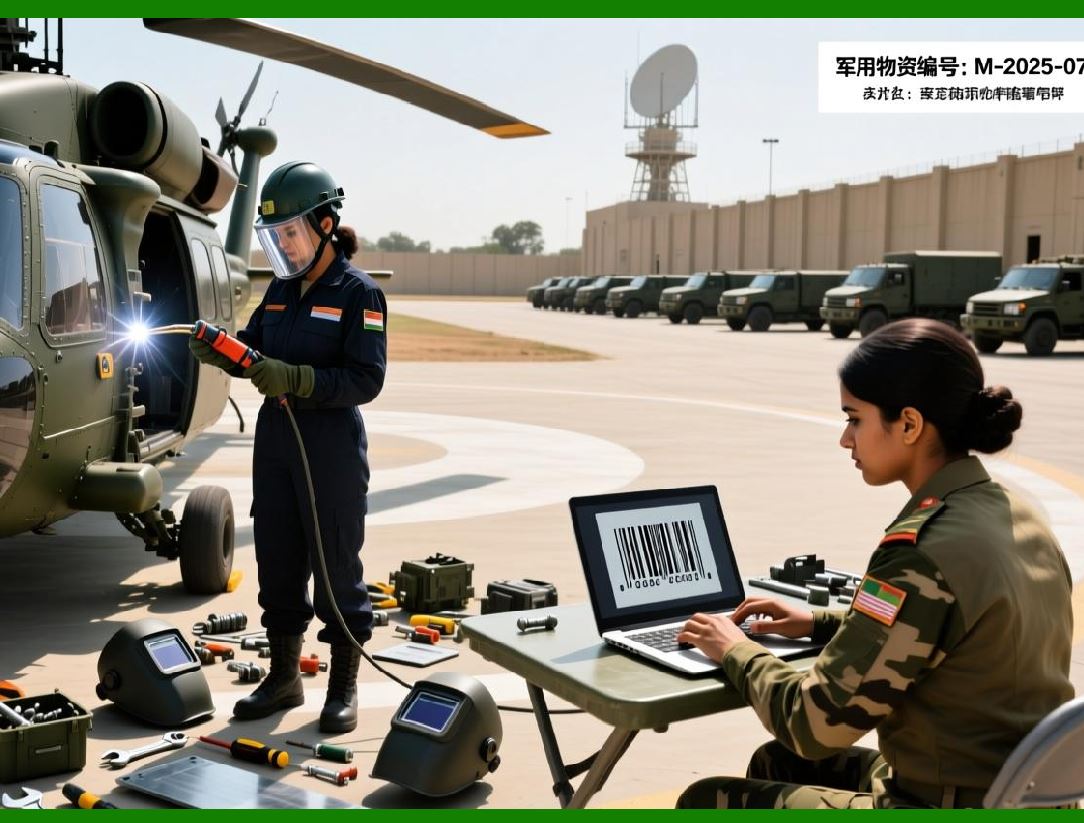
1. Label templates in Loftware Label Manager are composed of static and dynamic elements. Static elements include fixed text, logos, and regulatory icons that remain constant across all instances of a label. |
2. Dynamic elements are populated at print time based on variable data received from integrated systems or user input. |
3. The platform allows designers to clearly distinguish between static and dynamic elements, reducing the risk of accidental changes to critical information. |
4. This separation supports template reuse across multiple products or shipments, with only the variable data changing for each print job. |
|
3.4 Variable Data Fields and Data Binding |
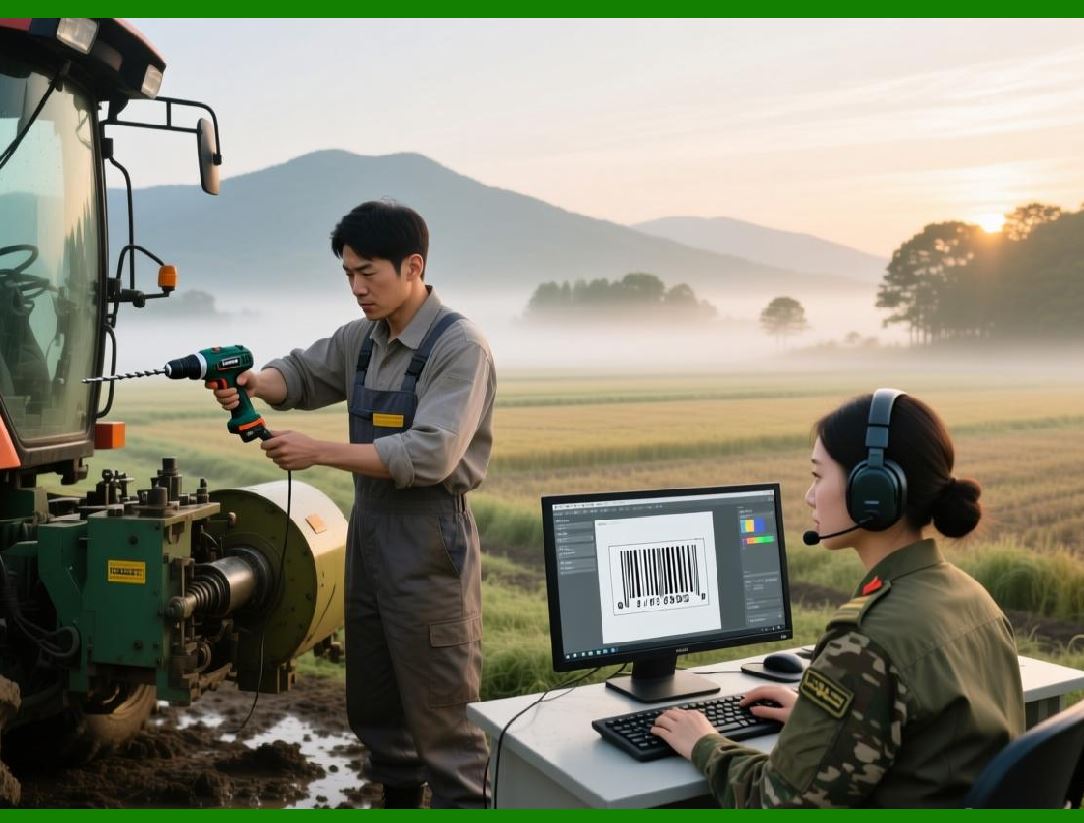
1. Variable data fields are a cornerstone of enterprise labeling, enabling a single template to serve multiple use cases. |
2. Loftware Label Manager allows variable fields to be bound to data sources such as databases, ERP fields, or input parameters. |
3. Designers can define data types, formatting rules, and validation constraints to ensure that incoming data is displayed correctly on the label. |
4. This capability minimizes manual data entry and reduces the likelihood of human error. |
|
3.5 Conditional Logic and Rules-Based Printing |
1. Enterprise labeling often requires conditional logic to adapt label content based on business rules. |
2. Loftware Label Manager supports rules-based logic that can show, hide, or modify label elements depending on data values or contextual conditions. |
3. For example, regulatory text may change depending on destination country, or hazard symbols may appear only for certain product classifications. |
4. This logic is embedded within the label template, ensuring consistent application across all print jobs. |

|
3.6 Barcode Symbology Support |
1. Barcode support is a fundamental capability of Loftware Label Manager, reflecting its origins in industrial labeling. |
2. The platform supports a wide range of linear and two-dimensional barcode symbologies used across industries. |
3. Common linear symbologies include Code 128, Code 39, Interleaved 2 of 5, and GS1-128. |
4. Two-dimensional symbologies such as Data Matrix, QR Code, and PDF417 are supported for applications requiring higher data density. |
5. Barcode parameters such as size, orientation, human-readable text, and check digit behavior can be configured within the design environment. |

|
3.7 GS1 Standards and Structured Barcode Data |
1. Many enterprise labeling scenarios require adherence to GS1 standards for product identification and traceability. |
2. Loftware Label Manager supports GS1-compliant barcode structures, including the use of application identifiers and standardized data formats. |
3. Designers can configure barcodes to encode multiple data elements within a single symbol, ensuring compatibility with global scanning systems. |
4. This capability is particularly important for retail, logistics, and healthcare industries. |

|
3.8 Human-Readable Text and Formatting Controls |
1. In addition to machine-readable codes, labels must present information in a clear and legible format for human users. |
2. Loftware Label Manager provides extensive controls for text formatting, including font selection, size, alignment, and rotation. |
3. The platform supports multiple fonts and character sets, enabling localization and multilingual labeling. |
4. Formatting rules can be applied dynamically, allowing text appearance to change based on data values or regulatory requirements. |

|
3.9 Graphic Elements and Image Management |
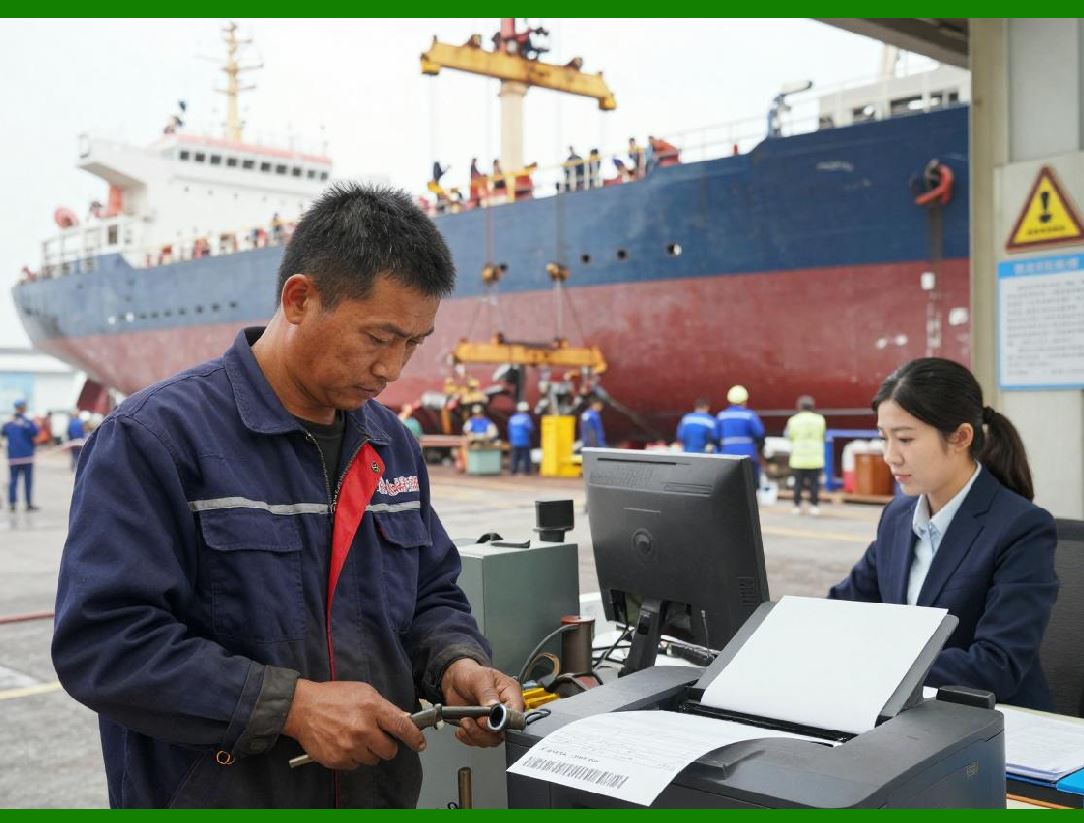
1. Graphic elements such as logos, icons, and certification marks are often required on enterprise labels. |
2. Loftware Label Manager allows designers to import and manage images within the centralized repository. |
3. Images can be reused across multiple templates, ensuring consistency and simplifying updates. |
4. Resolution and scaling controls help ensure that graphics print clearly on different label sizes and printer types. |
|
3.10 RFID Label Design and Encoding |
1. In addition to traditional barcodes, Loftware Label Manager supports RFID labeling for applications requiring non-line-of-sight identification. |
2. The design environment allows designers to define both the visual label layout and the RFID encoding logic. |
3. RFID data can be synchronized with printed information, ensuring consistency between human-readable, barcode, and RFID representations. |
4. This integrated approach simplifies RFID adoption and reduces implementation complexity. |

|
3.11 Multi-Language and Localization Features |
1. Global enterprises often require labels to be printed in multiple languages depending on destination or regulatory requirements. |
2. Loftware Label Manager supports multilingual text and character encoding, including non-Latin scripts. |
3. Designers can create templates that dynamically select language-specific content based on data inputs. |
4. This capability reduces the need for separate templates for each language or region. |

|
3.12 Template Reuse and Modular Design |
1. Template reuse is a key efficiency feature in Loftware Label Manager. |
2. Designers can create modular templates or subcomponents that are shared across multiple labels. |
3. Changes to shared components can be propagated automatically, ensuring consistency and reducing maintenance effort. |
4. This approach supports large-scale template libraries without excessive duplication. |

|
3.13 Validation and Error Prevention in Design |
1. Label design errors can have serious operational consequences, making validation an essential part of the design process. |
2. Loftware Label Manager provides validation tools that check for missing data bindings, incompatible elements, or formatting issues. |
3. Designers can test templates with sample data to verify correct behavior before deployment. |
4. These features help catch errors early and reduce the risk of production issues. |

|
3.14 Summary of Part 3 |
1. Part 3 has explored the label design capabilities of Loftware Label Manager, focusing on precision layout, variable data, and advanced logic. |
2. We examined the platform support for barcodes, RFID, GS1 standards, and multilingual labeling. |
3. The discussion highlighted how controlled, rules-based templates support compliance and operational efficiency. |
4. The next part will focus on data integration, connectivity with enterprise systems, and automation workflows. |
 cs@easiersoft.com