Loftware Label Manager |
Enterprise Labeling Solution with Compliance and Integration Capabilities for Large Supply Chains |
Part 6: Print Management, Printer Integration, and High-Volume Production Environments |
6.1 Importance of Print Management in Enterprise Labeling |
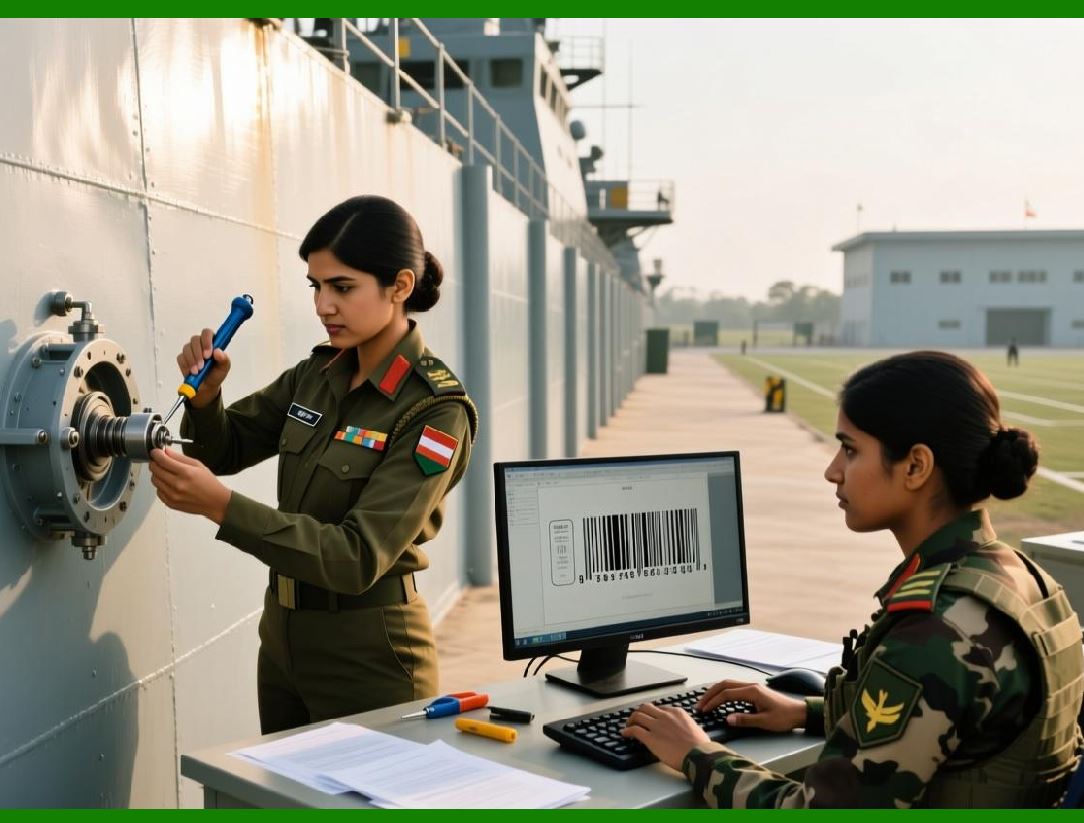
1. In enterprise environments, label printing is a high-frequency, mission-critical operation that directly affects production, packaging, and shipping workflows. |
2. Delays or failures in label printing can halt production lines, disrupt warehouse operations, and cause shipment backlogs. |
3. Loftware Label Manager is designed to manage printing as a controlled, scalable, and reliable process rather than a simple output task. |
4. The platform provides comprehensive print management capabilities that support diverse hardware environments and high-volume requirements. |
|
6.2 Printer Support and Hardware Compatibility |
1. Enterprise labeling environments often include a wide range of printer models and technologies. |
2. Loftware Label Manager supports industrial thermal printers, desktop label printers, and specialized devices used in manufacturing and logistics. |
3. Compatibility with multiple printer vendors allows organizations to standardize labeling workflows while retaining flexibility in hardware selection. |
4. This broad support reduces vendor lock-in and simplifies hardware procurement and maintenance. |

|
6.3 Thermal Printing Technologies and Media Types |
1. Thermal printing is widely used in enterprise labeling due to its durability and speed. |
2. Loftware Label Manager supports both direct thermal and thermal transfer printing methods. |
3. The platform accommodates various label media, including paper, synthetic materials, and specialized substrates. |
4. Proper handling of media types ensures that labels remain legible and durable throughout the product lifecycle. |

|
6.4 Printer Configuration and Management |
1. Managing printer configurations across multiple sites can be complex. |
2. Loftware Label Manager provides centralized tools for defining and managing printer settings. |
3. Configuration parameters may include print resolution, speed, darkness, and label size. |
4. Centralized management reduces configuration errors and ensures consistent print quality. |

|
6.5 Networked Printer Environments |
1. In large enterprises, printers are often distributed across multiple locations and connected via networks. |
2. Loftware Label Manager supports networked printing, allowing centralized control over distributed printers. |
3. Print jobs can be routed to specific printers based on location, function, or workload. |
4. This capability supports efficient utilization of printing resources. |

|
6.6 Print Job Routing and Load Balancing |
1. High-volume environments require intelligent routing of print jobs to avoid bottlenecks. |
2. Loftware Label Manager can distribute print jobs across multiple printers or print engines. |
3. Load balancing ensures that no single printer becomes a point of congestion. |
4. This improves throughput and reduces downtime during peak demand periods. |

|
6.7 Print Performance Optimization |
1. Performance optimization is critical when printing large volumes of labels. |
2. Loftware Label Manager optimizes print execution by minimizing data transfer and processing overhead. |
3. Techniques such as template caching and efficient data merging improve print speed. |
4. These optimizations help maintain consistent performance under heavy workloads. |

|
6.8 Real-Time Printing in Production Lines |
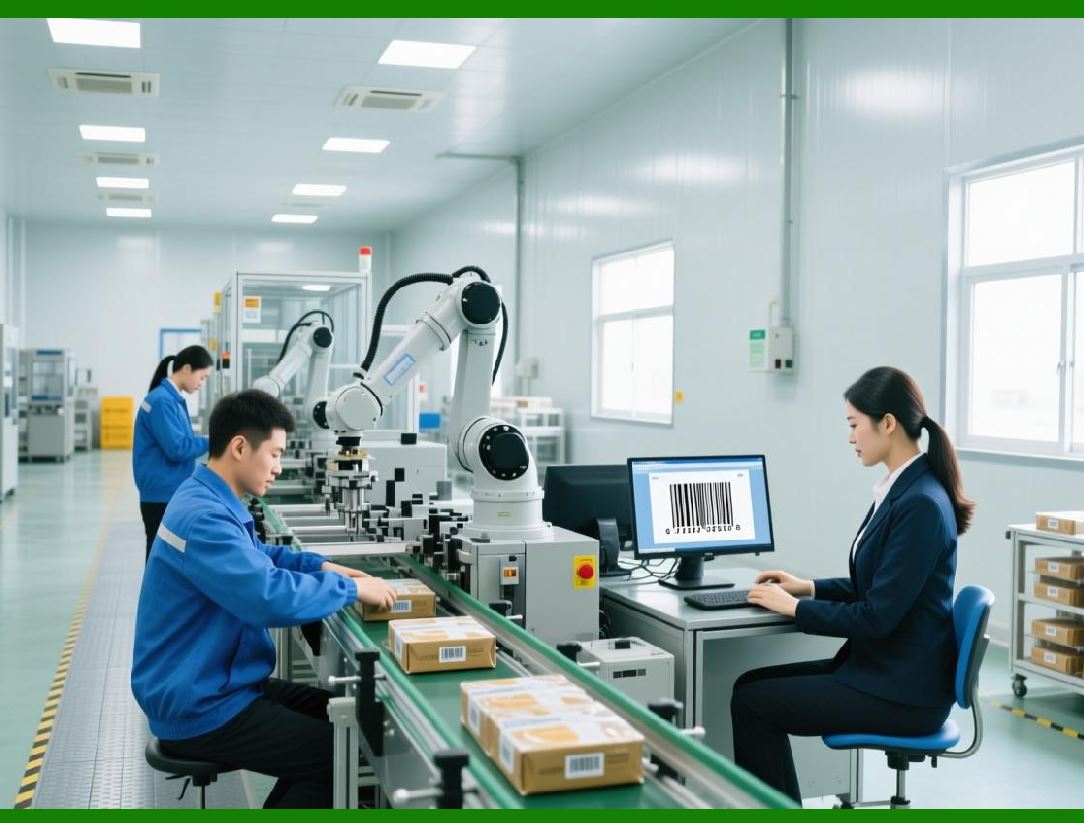
1. In manufacturing environments, labels are often printed in real time as products move along production lines. |
2. Loftware Label Manager supports real-time printing triggered by production events. |
3. Integration with MES systems ensures that labels are printed at the correct stage of the process. |
4. This real-time capability supports just-in-time labeling and reduces inventory of pre-printed labels. |

|
6.9 Error Handling and Print Failure Recovery |
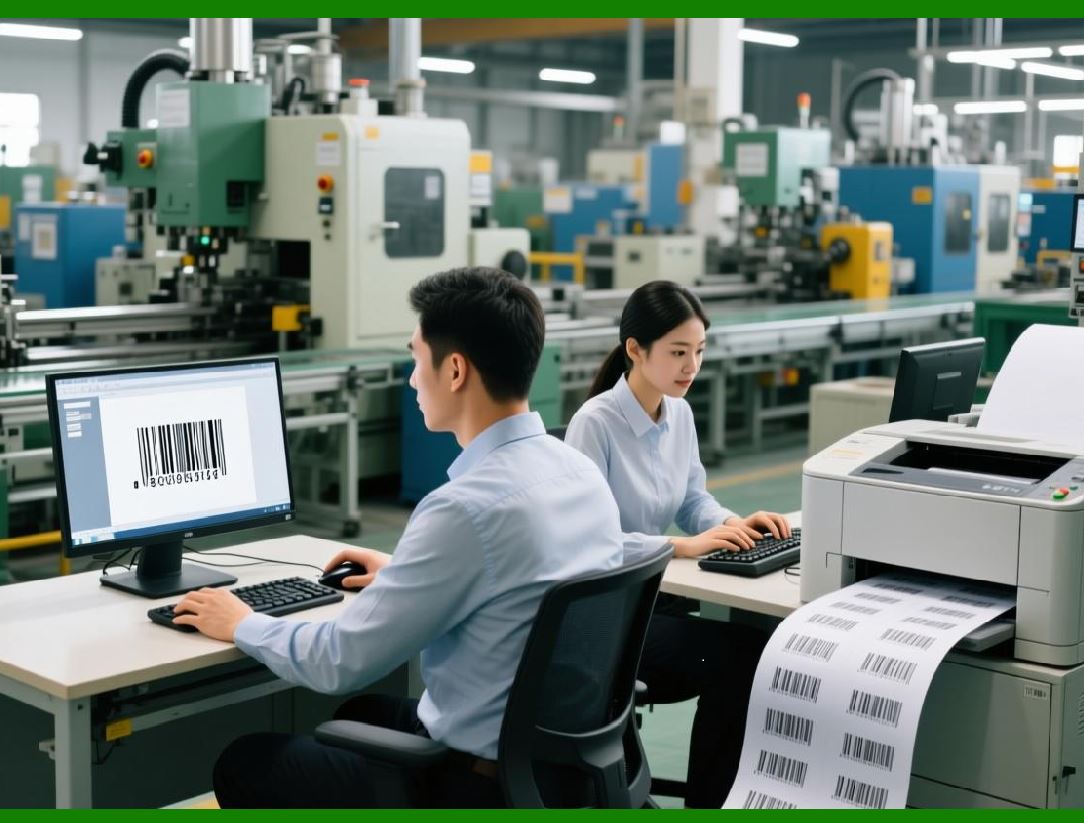
1. Print failures can occur due to hardware issues, connectivity problems, or data errors. |
2. Loftware Label Manager includes mechanisms for detecting and handling print errors. |
3. Failed print jobs can be retried, rerouted, or flagged for operator intervention. |
4. These capabilities minimize disruption and support continuous operations. |
|
6.10 Label Reprinting and Exception Handling |
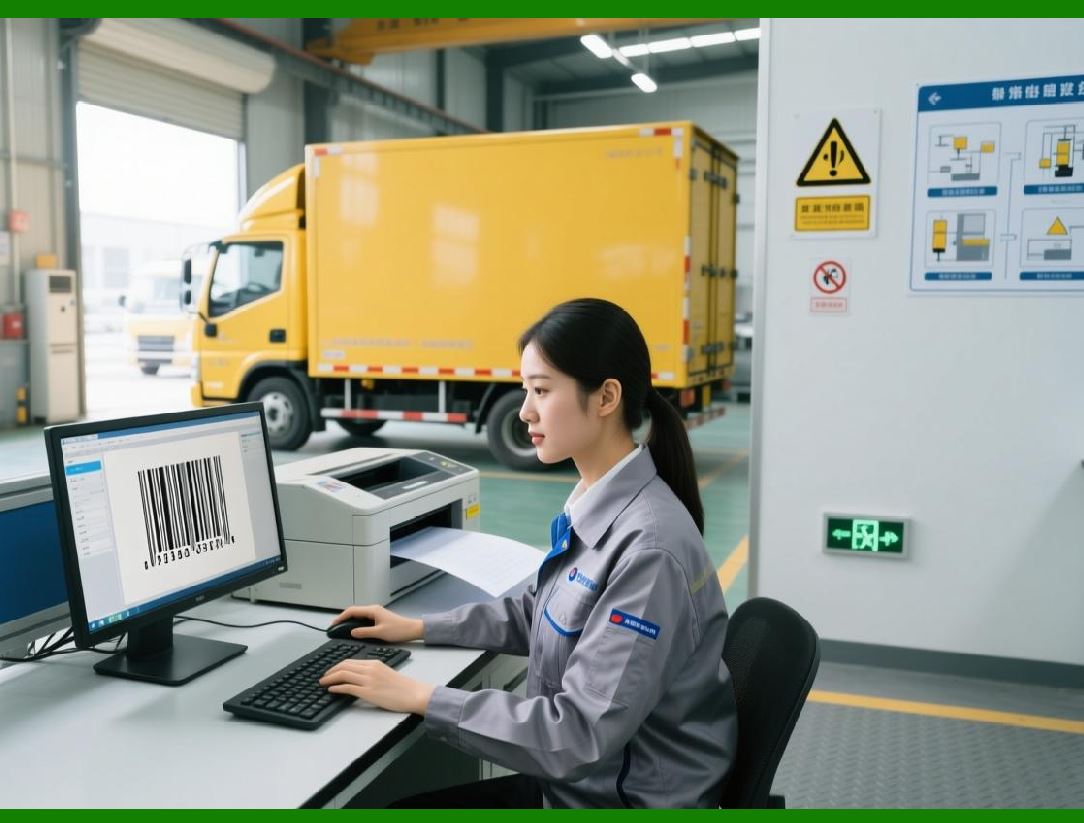
1. Reprinting labels is sometimes necessary due to damage, misprints, or operational changes. |
2. Loftware Label Manager provides controlled reprinting capabilities to prevent unauthorized duplication. |
3. Reprint actions can be logged for audit purposes. |
4. This ensures traceability and reduces the risk of misuse. |
|
6.11 Print Quality Assurance |
1. Print quality is essential for barcode readability and regulatory compliance. |
2. Loftware Label Manager supports consistent print quality through standardized templates and printer settings. |
3. Integration with verification systems can provide additional assurance of label accuracy. |
4. Quality assurance features help reduce scanning failures and downstream errors. |

|
6.12 Shop-Floor and Warehouse Execution |
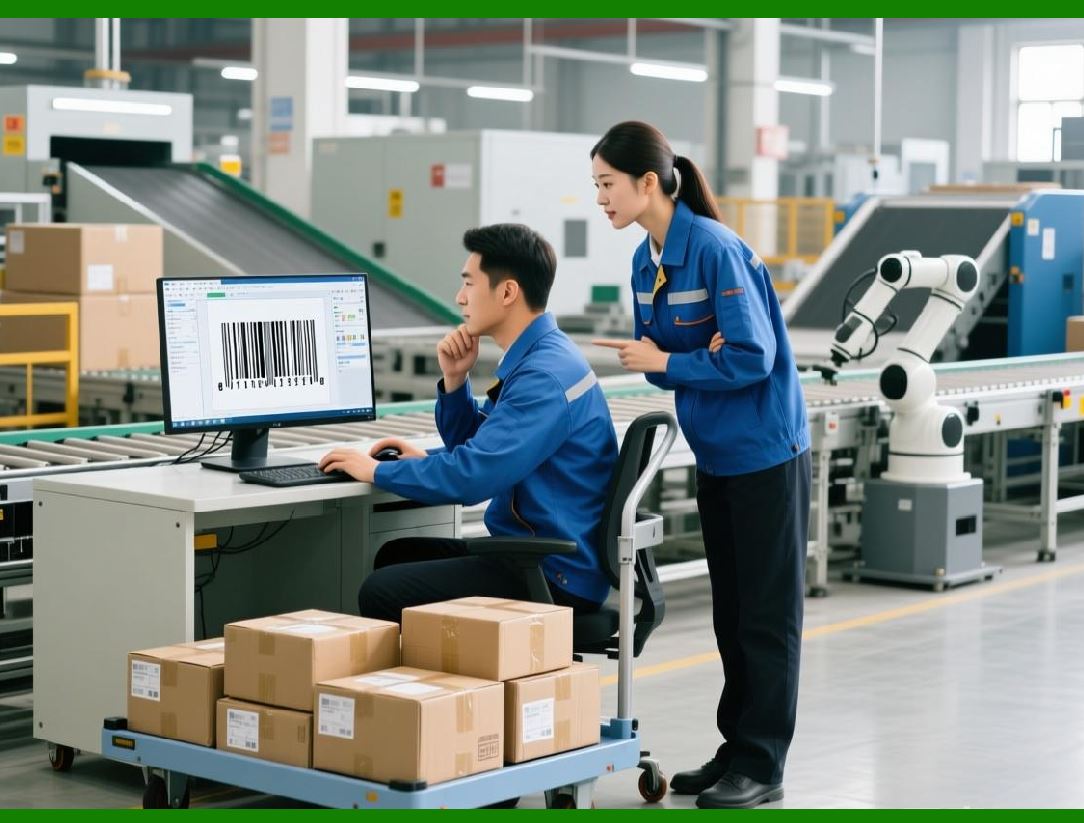
1. On the shop floor and in warehouses, labeling must align with operational workflows. |
2. Loftware Label Manager integrates with shop-floor systems and devices to support efficient execution. |
3. Operators can trigger printing through automated systems or user interfaces designed for industrial environments. |
4. This alignment reduces manual effort and improves productivity. |
|
6.13 Multi-Site Printing and Global Operations |
1. Large enterprises often operate multiple production and distribution sites around the world. |
2. Loftware Label Manager supports multi-site printing from a centralized system. |
3. Global operations benefit from consistent labeling standards and centralized oversight. |
4. Local sites retain the ability to print labels on demand without modifying templates. |

|
6.14 Environmental and Sustainability Considerations |
1. Enterprises are increasingly focused on sustainability and waste reduction. |
2. Loftware Label Manager supports efficient labeling practices that reduce waste, such as on-demand printing. |
3. Standardized templates and controlled reprinting reduce the number of discarded labels. |
4. These practices contribute to environmental goals and cost savings. |
|
6.15 Summary of Part 6 |
1. Part 6 has explored print management, printer integration, and high-volume production support in Loftware Label Manager. |
2. We examined printer compatibility, performance optimization, error handling, and shop-floor execution. |
3. The discussion highlighted the platform ability to support mission-critical printing operations. |
4. The next part will focus on user management, roles, permissions, and operational governance. |
 cs@easiersoft.com