Part 10: Industry Use Cases and Practical Applications of LABEL MATRIX |
10.1 Introduction: LABEL MATRIX as a Cross-Industry Labeling Platform |
TEKLYNX LABEL MATRIX is not designed for a single vertical or niche industry. Instead, it functions as a general-purpose professional labeling platform that adapts to a wide range of operational contexts. Its strength lies in its flexibility, printer compatibility, and intuitive design tools, which allow organizations to tailor label solutions to their specific needs without custom software development. |
This part explores how LABEL MATRIX is applied across different industries and departments, focusing on real-world usage patterns rather than abstract feature lists. These examples illustrate how the software supports day-to-day operations, compliance efforts, and process efficiency in diverse environments. |

|
10.2 Manufacturing and Production Environments |
In manufacturing, labeling is tightly integrated with production workflows. Labels may identify raw materials, work-in-progress items, finished goods, or packaging units. LABEL MATRIX is commonly used at multiple points along the production line, often on dedicated workstations near assembly or packaging areas. |
Manufacturers use LABEL MATRIX to create product identification labels that include part numbers, lot codes, serial numbers, and barcodes. Variable data fields allow labels to change dynamically based on production orders or operator input, reducing the need for multiple templates. |
The software support for a wide range of barcode symbologies ensures compatibility with internal tracking systems, quality control processes, and downstream logistics partners. Its reliability is particularly valued in environments where downtime can disrupt production schedules. |

|
10.3 Warehousing and Logistics Operations |
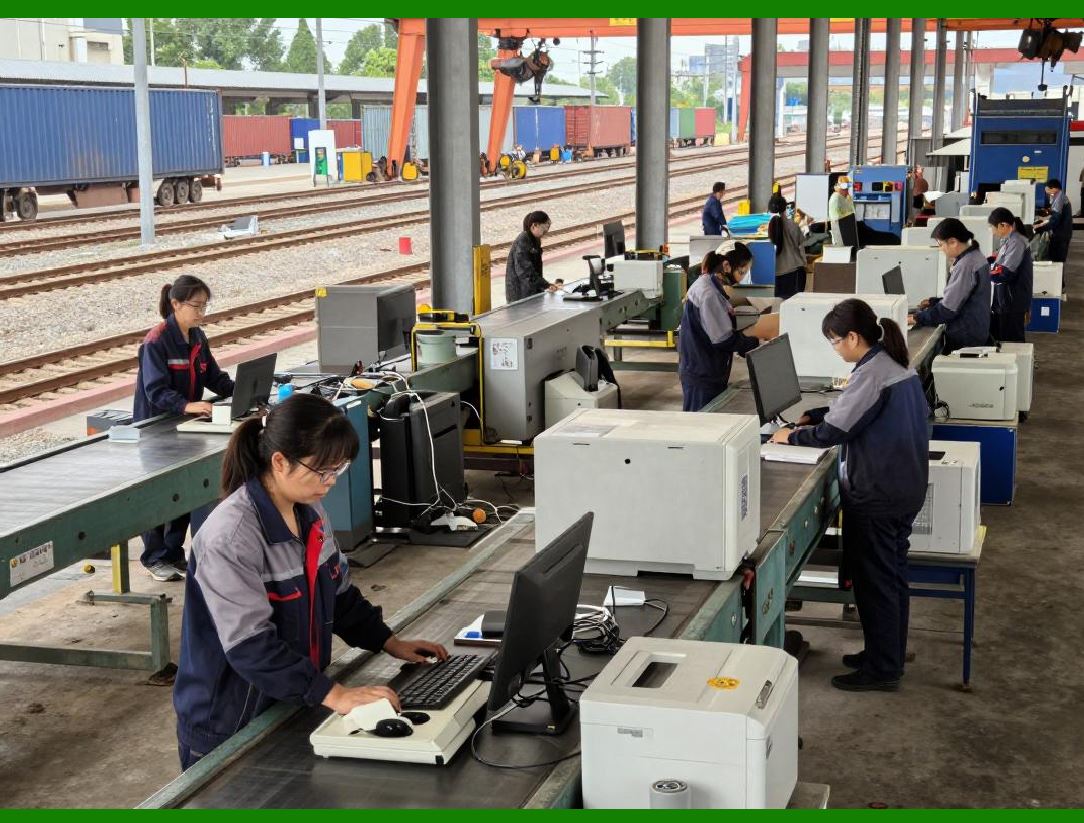
In warehousing and logistics, speed and accuracy are paramount. LABEL MATRIX supports the creation of shipping labels, pallet labels, bin labels, and location markers that facilitate efficient movement and tracking of goods. |
Warehouses often integrate LABEL MATRIX with inventory databases or warehouse management systems through file-based or database connections. This enables operators to print labels with real-time data, such as order numbers, destination codes, and handling instructions. |
The intuitive interface allows warehouse staff to perform labeling tasks with minimal training, even during peak periods. By reducing errors in labeling, LABEL MATRIX helps improve pick accuracy, reduce mis-shipments, and streamline outbound logistics. |
|
10.4 Retail and Point-of-Sale Applications |
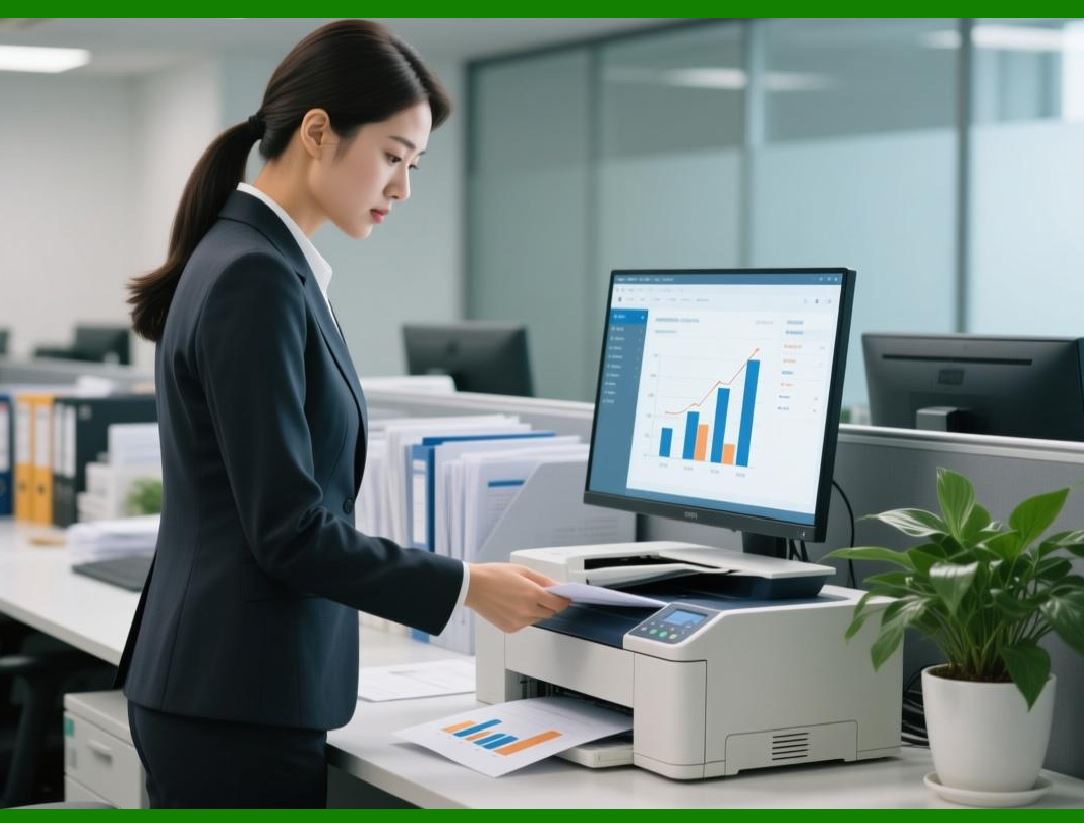
Retail environments require clear, consistent labeling to support pricing, inventory management, and customer communication. LABEL MATRIX is frequently used in back-office settings to design and print shelf labels, price tags, and promotional labels. |
Retailers benefit from the software ability to handle variable pricing, product descriptions, and barcodes within a single template. This flexibility is particularly useful during sales events or seasonal transitions, when large numbers of labels must be updated quickly. |
Because LABEL MATRIX supports both small desktop printers and larger industrial devices, it adapts well to different retail formats, from boutique stores to large chain outlets. |
|
10.5 Healthcare and Laboratory Settings |
In healthcare and laboratory environments, labeling accuracy can have critical consequences. LABEL MATRIX is used to produce labels for specimens, patient samples, medications, and equipment, where readability and data integrity are essential. |
The software supports high-resolution printing and precise layout control, ensuring that small labels remain legible and scannable. Variable data fields and database integration reduce the risk of manual entry errors. |
Healthcare organizations often use LABEL MATRIX in controlled environments where access to design functions is restricted, reinforcing governance and compliance with internal procedures. |

|
10.6 Food and Beverage Industry Applications |
Food and beverage labeling involves unique challenges, including regulatory requirements, shelf-life tracking, and allergen disclosure. LABEL MATRIX supports these needs by enabling detailed text layouts, date calculations, and standardized barcode formats. |
Producers use the software to generate labels that include production dates, expiration dates, batch codes, and nutritional information. Conditional logic can be applied to display different content based on product type or destination market. |
The ability to quickly update labels in response to regulatory changes or product variations makes LABEL MATRIX a practical tool in this dynamic industry. |

|
10.7 Pharmaceuticals and Regulated Manufacturing |
In pharmaceutical and other regulated manufacturing sectors, labeling processes must align with strict standards and audit requirements. LABEL MATRIX is used to design labels that meet these standards while maintaining operational efficiency. |
Organizations often integrate LABEL MATRIX into validated workflows, where label templates are approved and changes are carefully controlled. The software stable behavior and predictable output support such validation efforts. |
While LABEL MATRIX is not a full validation management system, its reliability and compatibility with external controls make it suitable for use in regulated environments when paired with appropriate procedures. |

|
10.8 Asset Tracking and Internal Identification |
Beyond product labeling, LABEL MATRIX is widely used for internal asset tracking. Organizations label equipment, tools, IT assets, and facilities to support maintenance, inventory, and security processes. |
Asset labels often require durable formats and consistent identifiers. LABEL MATRIX allows designers to create standardized templates that can be reused across departments, ensuring uniformity. |
By supporting both barcode and human-readable information, the software enables flexible asset identification that integrates with existing tracking systems. |

|
10.9 Office and Administrative Use Cases |
LABEL MATRIX is also applied in administrative contexts, such as file labeling, document tracking, and mailroom operations. These use cases benefit from the software ease of use and low training requirements. |
Administrative staff can quickly design and print labels for folders, envelopes, or internal correspondence. Database connections allow labels to reflect up-to-date information from office systems. |
These applications, while less complex than industrial labeling, contribute to overall organizational efficiency and order. |

|
10.10 Education and Research Institutions |
Educational and research institutions use LABEL MATRIX to support laboratory management, equipment tracking, and materials handling. The software flexibility allows it to adapt to the varied and evolving needs of academic environments. |
Researchers benefit from the ability to create custom labels for experiments, samples, and storage containers. The intuitive design tools enable rapid iteration without reliance on IT support. |
Because budgets and resources are often constrained in these settings, LABEL MATRIX balance of capability and affordability is particularly appealing. |

|
10.11 Small and Medium Business Adoption Patterns |
Small and medium-sized businesses often adopt LABEL MATRIX as their first professional labeling solution. These organizations value the software approachable interface and ability to scale with growth. |
Initially, LABEL MATRIX may be used for basic product or shipping labels. Over time, businesses expand their use to include database integration, variable data, and standardized templates. |
This gradual adoption pattern reflects the software ability to grow with the organization rather than imposing complexity upfront. |

|
10.12 Summary of Industry Applications |
In summary, TEKLYNX LABEL MATRIX demonstrates versatility across a wide range of industries and use cases, including: |
1. Manufacturing and production identification |
2. Warehousing and logistics operations |
3. Retail pricing and promotional labeling |
4. Healthcare and laboratory sample management |
5. Food, beverage, and pharmaceutical compliance |
6. Asset tracking and internal identification |
7. Administrative, educational, and research applications |
This breadth of application underscores LABEL MATRIX role as a foundational labeling tool capable of supporting diverse operational needs with consistency and reliability. |
 cs@easiersoft.com