Part 4 Printer Integration, Driver Architecture, and Output Management |
1. Role of Printer Integration in Labeling Systems |
1.1 |
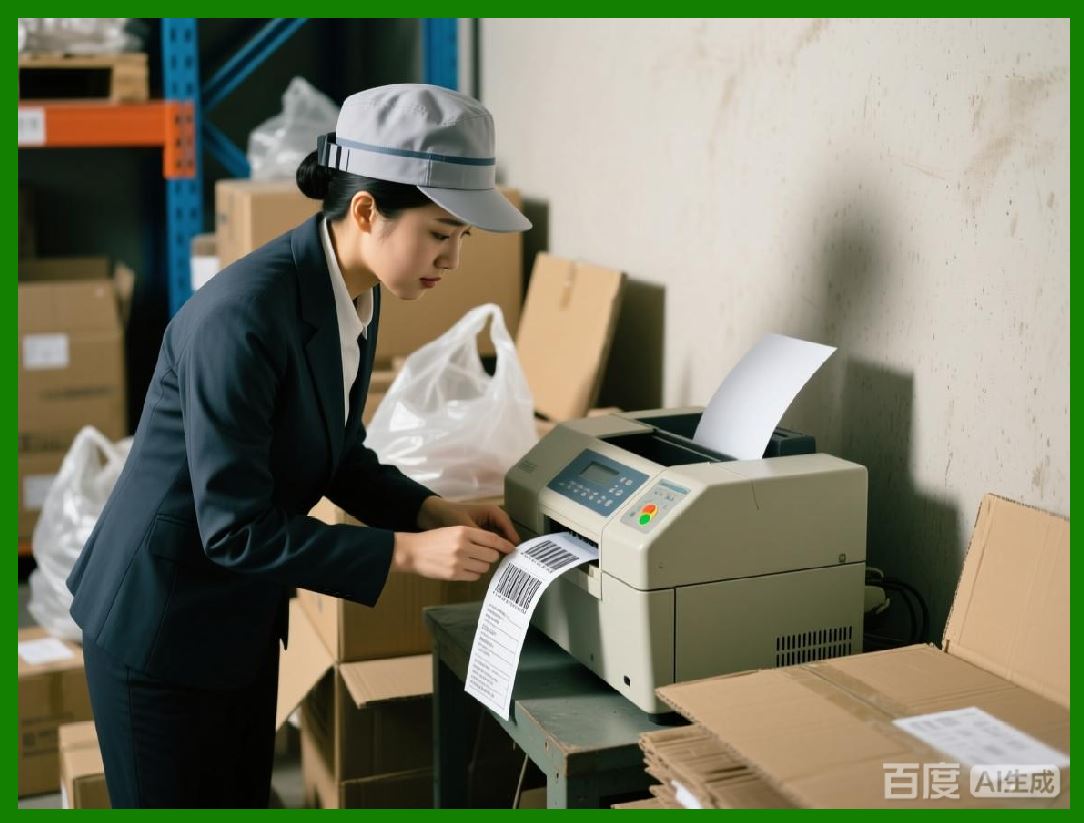
In barcode labeling environments, the printer is not merely an output device but a critical component of the overall system. The effectiveness of TEKLYNX LABEL MATRIX depends heavily on how accurately and reliably it communicates with a wide range of printer hardware. |
1.2 |
Labeling software must bridge the gap between abstract label designs and the physical realities of thermal printing. This includes resolution constraints, media handling mechanisms, sensor behavior, and printer command languages. |
1.3 |
LABEL MATRIX is designed with a printer-centric mindset, ensuring that output fidelity, consistency, and predictability are maintained regardless of printer brand or model. |
|
2. Broad Printer Manufacturer Support |
2.1 |
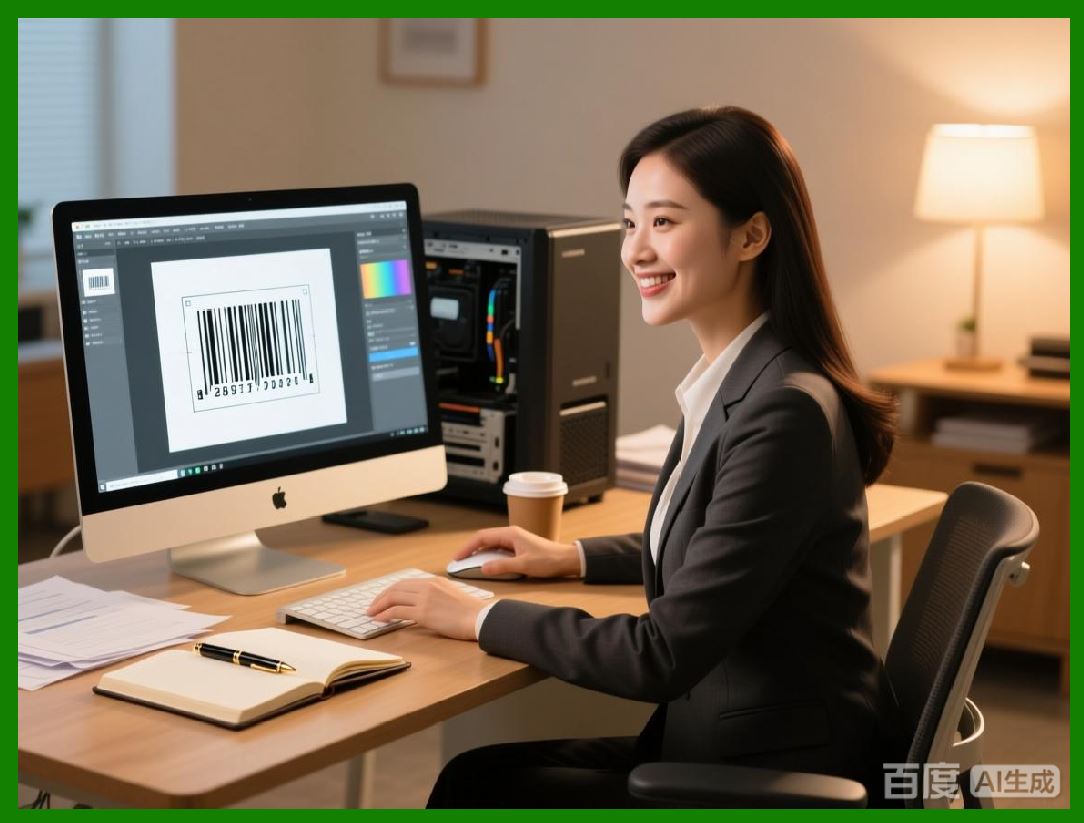
One of the defining characteristics of LABEL MATRIX is its broad support for barcode and label printers from multiple manufacturers. This includes desktop, industrial, and mobile thermal printers commonly used in operational environments. |
2.2 |
Rather than optimizing exclusively for a single hardware ecosystem, LABEL MATRIX embraces heterogeneity. Organizations can deploy the software across sites with different printer models without redesigning labels from scratch. |
2.3 |
This multi-vendor compatibility protects long-term investments and reduces vendor lock-in, a concern for organizations managing distributed labeling infrastructure. |
2.4 |
The result is a flexible printing environment where hardware choices can evolve independently of labeling workflows. |
|
3. Printer Driver Architecture and Abstraction |
3.1 |
LABEL MATRIX relies on printer drivers to abstract the underlying command languages used by different printers. These drivers translate label designs into device-specific instructions. |
3.2 |
By using standardized driver interfaces, the software shields users from low-level printer commands such as ZPL, EPL, DPL, or proprietary languages. |
3.3 |
This abstraction allows users to focus on label content rather than device programming. Changes in printer hardware typically require minimal or no changes to label designs. |
3.4 |
The driver architecture also simplifies troubleshooting by isolating design issues from hardware configuration problems. |

|
4. Resolution Handling and Print Density |
4.1 |
Thermal printers operate at fixed resolutions, commonly measured in dots per inch. LABEL MATRIX accounts for these resolutions when rendering label elements. |
4.2 |
Text, barcodes, and graphics are scaled appropriately to match printer resolution, ensuring sharp output without distortion. |
4.3 |
Users can design labels at a conceptual level without manually converting dimensions into printer dots, reducing the risk of sizing errors. |
4.4 |
This resolution-aware rendering is especially important for small labels where even minor inaccuracies can affect readability. |

|
5. Media Handling and Sensor Alignment |
5.1 |
Label printers rely on sensors to detect label gaps, notches, or black marks. Proper alignment between software configuration and printer sensor behavior is essential for accurate printing. |
5.2 |
LABEL MATRIX allows users to specify media handling parameters that align with printer driver settings, such as label height, gap size, and pitch. |
5.3 |
By maintaining consistency between design parameters and physical media, the software helps prevent issues such as skipped labels or misaligned prints. |
5.4 |
This attention to media handling details contributes to smoother operation in production environments. |

|
6. Print Preview and Output Verification |
6.1 |
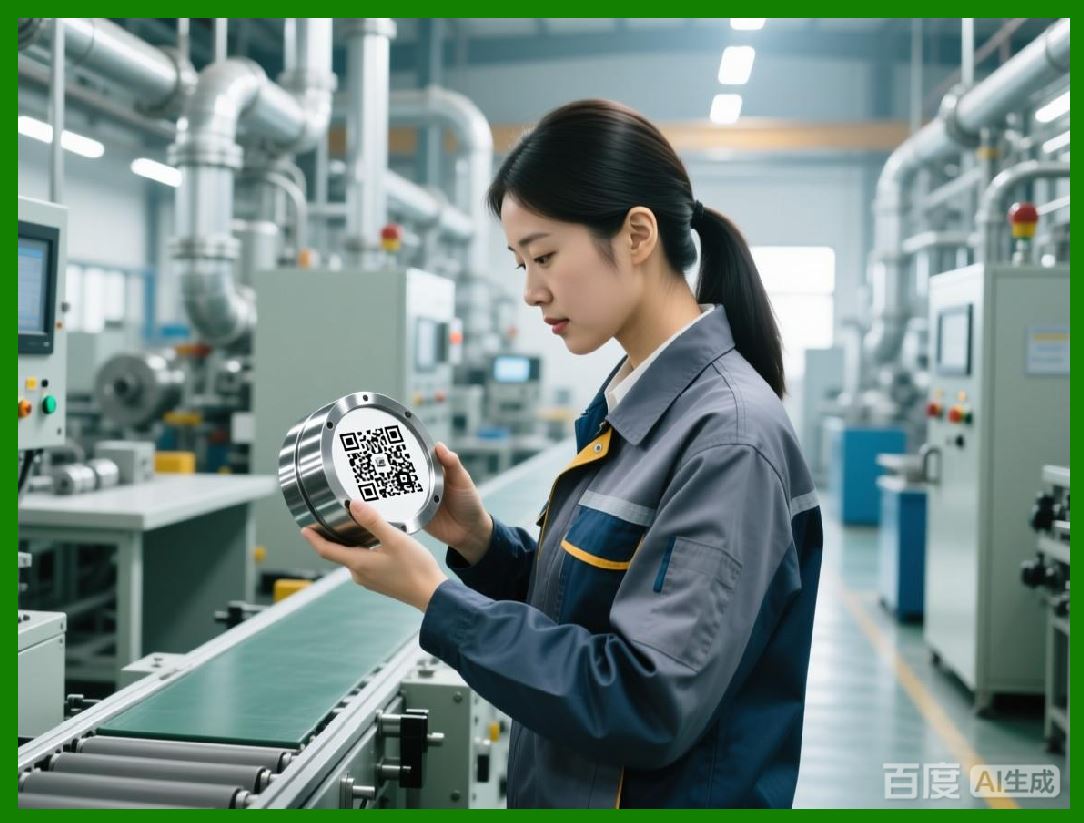
Before sending a job to the printer, users can preview label output within LABEL MATRIX. This preview reflects the final printed appearance as closely as possible. |
6.2 |
Print preview helps users verify layout, alignment, and data content, reducing the need for trial-and-error printing. |
6.3 |
While preview cannot fully simulate all hardware-specific nuances, it provides a reliable approximation for most use cases. |
6.4 |
This verification step is particularly valuable when working with variable data or new label designs. |
|
7. Batch Printing and Quantity Control |
7.1 |
LABEL MATRIX supports batch printing, allowing users to print multiple copies of a label in a single operation. |
7.2 |
Users can specify quantities directly in the print dialog, making it easy to produce labels for inventory, shipments, or asset tagging. |
7.3 |
When combined with counters or variable data, batch printing supports serialized labeling workflows without external automation tools. |
7.4 |
This capability balances simplicity with practical production needs. |

|
8. Print-Time Data Prompts and Operator Interaction |
8.1 |
Print-time prompts are a core feature of LABEL MATRIX output workflow. When variable data is required, users are prompted to enter values before printing begins. |
8.2 |
Prompts can be customized with clear descriptions, guiding operators to enter correct data. |
8.3 |
This interactive approach reduces errors caused by ambiguous input fields or undocumented data requirements. |
8.4 |
In environments where different operators print labels, consistent prompts support standardization and training. |

|
9. Error Handling and Feedback During Printing |
9.1 |
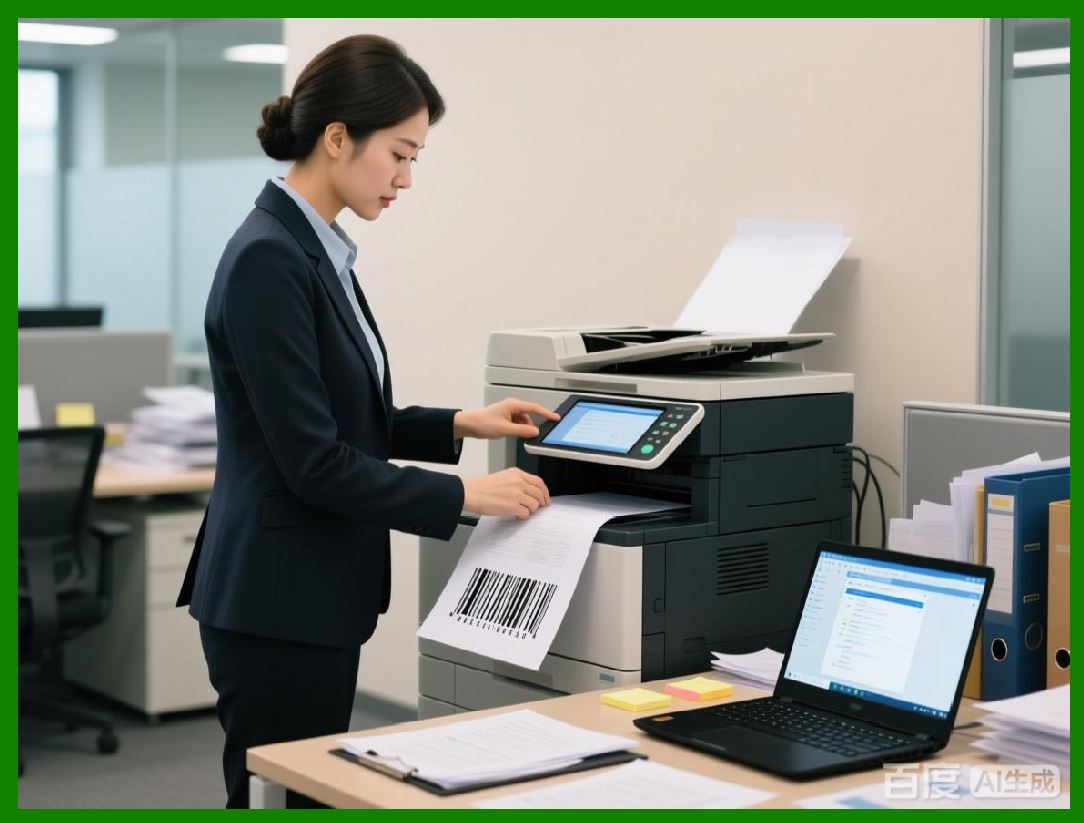
Printing errors can disrupt operations and waste label stock. LABEL MATRIX provides clear feedback when issues occur. |
9.2 |
Common errors such as printer offline status, media mismatch, or driver misconfiguration are reported to the user. |
9.3 |
By presenting errors in understandable terms, the software helps users resolve issues quickly without specialized technical support. |
9.4 |
This practical error handling aligns with LABEL MATRIX emphasis on operational reliability. |
|
10. Switching Between Printers |
10.1 |
In many organizations, labels may need to be printed on different printers depending on location, media type, or workload. |
10.2 |
LABEL MATRIX allows users to select different printers without redesigning labels. The same label file can be reused across compatible devices. |
10.3 |
Minor adjustments, such as label size or print speed, can be handled through printer settings rather than design changes. |
10.4 |
This flexibility is particularly useful in shared environments or during hardware upgrades. |

|
11. Performance and Throughput Considerations |
11.1 |
While LABEL MATRIX is not designed as a high-speed automation engine, it delivers reliable performance for manual and semi-manual printing workflows. |
11.2 |
Label rendering and job submission are optimized to minimize delays between user action and printer output. |
11.3 |
For small to medium batch sizes, performance is more than sufficient for typical operational demands. |
11.4 |
This balance between performance and simplicity reflects the software intended use cases. |

|
12. Best Practices for Reliable Output |
12.1 |
To achieve optimal results, users should ensure that printer drivers are properly installed and configured before designing labels. |
12.2 |
Testing labels on target printers and media is strongly recommended, especially when deploying new designs. |
12.3 |
Maintaining consistent printer settings across workstations reduces variability and simplifies support. |
12.4 |
LABEL MATRIX supports these best practices through predictable behavior and clear configuration options. |

|
13. Summary of Part 4 |
13.1 |
This part examined how TEKLYNX LABEL MATRIX integrates with printers, manages drivers, and controls output to deliver reliable printed labels. |
13.2 |
By abstracting hardware complexity and emphasizing compatibility, the software enables organizations to focus on labeling tasks rather than printer management. |
13.3 |
In the next part, we will explore data handling, counters, serialization, and basic automation features, which extend LABEL MATRIX beyond static label printing. |
 cs@easiersoft.com