Part 3: Barcode Symbologies, Encoding Logic, and Standards Compliance |
21. Role of Barcode Technology in LABELVIEW |
21.1 Barcode generation is the foundational technical capability of TEKLYNX LABELVIEW and the primary reason for its deployment in professional environments. |
21.2 Unlike generic graphic design tools that merely render barcode-like images, LABELVIEW uses a dedicated barcode engine designed to generate standards-compliant, machine-readable symbols. |
21.3 The software treats barcodes not as visual elements but as encoded data structures governed by strict symbology rules, character sets, and error-checking mechanisms. |
21.4 This approach ensures that barcodes produced with LABELVIEW can be reliably scanned across a wide range of devices, including handheld scanners, fixed industrial readers, and mobile imaging systems. |
21.5 Barcode accuracy directly affects downstream processes such as inventory control, traceability, regulatory compliance, and customer satisfaction, making this aspect of LABELVIEW critically important. |

|
22. Linear Barcode Symbology Support |
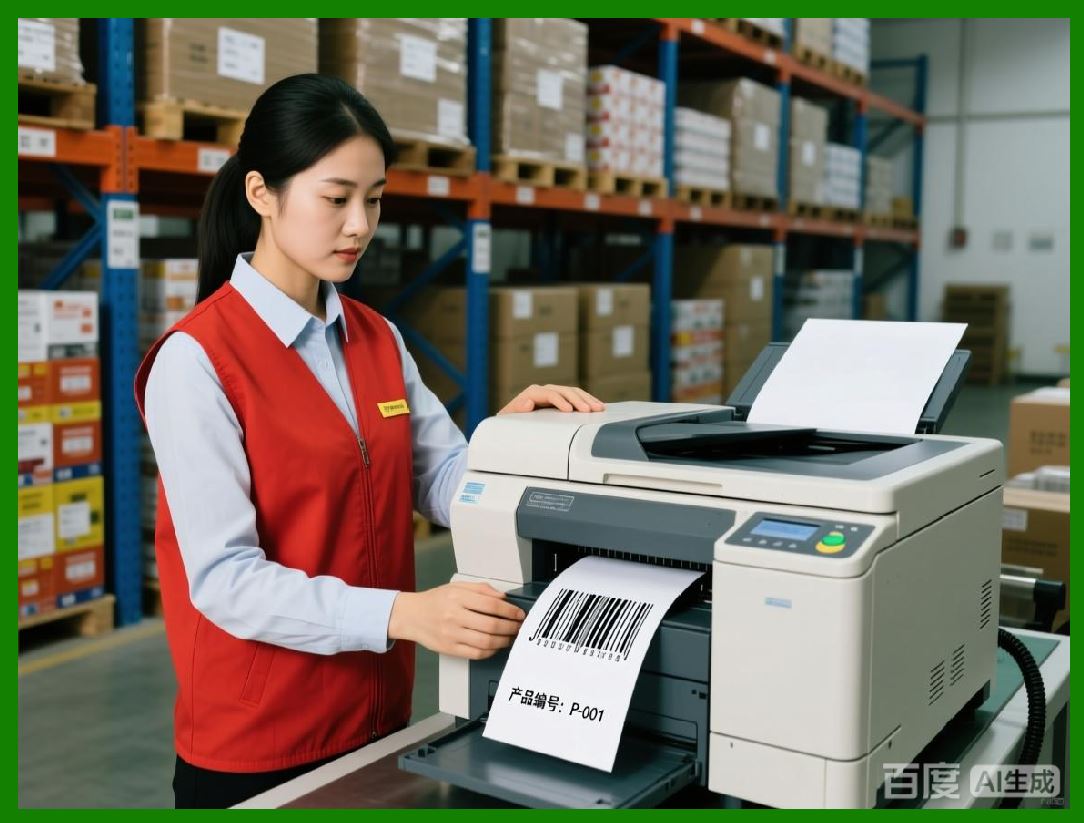
22.1 TEKLYNX LABELVIEW supports a comprehensive set of linear, or one-dimensional, barcode symbologies commonly used in logistics, manufacturing, and retail. |
22.2 These symbologies are designed to encode data using varying bar and space widths, providing compatibility with legacy scanning systems. |
22.3 Common linear symbologies supported include: |
* Code 39 and extended variants |
* Code 128 with automatic subset selection |
* Interleaved 2 of 5 and related numeric formats |
* Codabar and industrial legacy codes |
* UPC and EAN family barcodes |
22.4 Each symbology implementation adheres strictly to international specifications, including character encoding, quiet zone requirements, and checksum calculation rules. |
22.5 LABELVIEW automatically enforces symbology constraints, preventing users from encoding invalid data or generating barcodes that violate standard definitions. |
|
23. Two-Dimensional Barcode Capabilities |
23.1 In addition to linear barcodes, LABELVIEW provides robust support for two-dimensional barcode symbologies that offer higher data density and enhanced error correction. |
23.2 Two-dimensional barcodes are essential in modern labeling scenarios where space is limited or where additional data must be embedded directly on the label. |
23.3 Supported two-dimensional symbologies typically include: |
* Data Matrix |
* QR Code |
* PDF417 and MicroPDF417 |
* Aztec Code |
23.4 Each two-dimensional symbology is implemented with full access to encoding parameters, allowing users to balance data capacity, symbol size, and error resilience. |
23.5 The software ensures that generated symbols remain within scanner and printer capability limits, avoiding unreadable or oversized barcodes. |

|
24. GS1 Standards and Structured Data Encoding |
24.1 GS1 standards play a central role in global supply chain labeling, and LABELVIEW includes extensive support for GS1-compliant barcode generation. |
24.2 GS1-compliant barcodes encode structured data using application identifiers that define the meaning and format of each data element. |
24.3 LABELVIEW assists users in constructing GS1 barcodes by: |
* Validating application identifier syntax |
* Enforcing fixed and variable length rules |
* Automatically inserting required separators |
24.4 This structured approach reduces user error and ensures interoperability across trading partners, logistics providers, and regulatory authorities. |
24.5 GS1 support is particularly critical for organizations involved in retail distribution, healthcare supply chains, and international trade. |

|
25. Check Digits, Error Detection, and Validation |
25.1 Many barcode symbologies rely on check digits to detect data entry or scanning errors. |
25.2 LABELVIEW handles check digit calculation automatically, based on symbology-specific algorithms. |
25.3 Users can typically choose whether check digits are: |
* Automatically calculated and appended |
* Provided as part of the input data |
* Displayed in human-readable text |
25.4 The software validates input data in real time, alerting users when characters, lengths, or formats violate symbology rules. |
25.5 This validation layer significantly reduces the risk of producing non-functional labels that could disrupt downstream operations. |

|
26. Human-Readable Interpretation Management |
26.1 Human-readable text accompanying barcodes is an essential element of many labels, enabling manual verification and fallback identification. |
26.2 LABELVIEW provides fine-grained control over the display of human-readable text, including: |
* Position relative to the barcode |
* Font selection and size |
* Inclusion or exclusion of check digits |
26.3 Users can align human-readable text with regulatory or customer requirements without compromising barcode scannability. |
26.4 The separation of encoded data and displayed text ensures that formatting choices do not affect the underlying barcode integrity. |
|
27. Barcode Sizing, Resolution, and Print Optimization |
27.1 Barcode readability depends heavily on proper sizing and print quality, both of which are influenced by printer resolution and label material. |
27.2 LABELVIEW calculates barcode dimensions based on: |
* Printer dots per inch |
* Narrow bar width settings |
* Required quiet zones |
27.3 The software prevents configurations that would result in bars too narrow or too wide for reliable scanning. |
27.4 This is particularly important when printing on thermal printers, where heat, speed, and media quality can affect bar definition. |
27.5 By integrating printer characteristics into barcode rendering, LABELVIEW ensures consistent output across different hardware setups. |

|
28. Advanced Encoding Modes and Subset Selection |
28.1 Some symbologies, such as Code 128, support multiple encoding subsets optimized for different character types. |
28.2 LABELVIEW can automatically select the most efficient subset based on the input data, reducing barcode length and improving readability. |
28.3 Advanced users can also manually control encoding modes when necessary, such as enforcing numeric-only encoding for compatibility with specific scanners. |
28.4 This flexibility allows organizations to optimize barcodes for both technical performance and operational constraints. |

|
29. Compliance with Industry and Regulatory Requirements |
29.1 Many industries impose strict labeling regulations that govern barcode usage, format, and placement. |
29.2 LABELVIEW is designed to support compliance with regulations in sectors such as: |
* Healthcare and medical devices |
* Food and beverage traceability |
* Chemical labeling |
* Industrial manufacturing |
29.3 The software validation mechanisms and standards-based encoding reduce the burden of manual compliance checks. |
29.4 By producing consistent, standards-compliant barcodes, LABELVIEW helps organizations pass audits and meet customer requirements. |

|
30. Summary of Part 3 |
30.1 TEKLYNX LABELVIEW barcode capabilities extend far beyond simple symbol generation, offering a comprehensive framework for standards-compliant data encoding. |
30.2 Its support for a wide range of symbologies, combined with real-time validation and print optimization, ensures reliable barcode performance across diverse operational environments. |
30.3 These capabilities form the technical backbone of LABELVIEW and enable it to serve as a trusted labeling solution for medium-sized operations with professional requirements. |
 cs@easiersoft.com