Part 4: Data Sources, Database Connectivity, and Variable Data Handling |
31. Importance of Data-Driven Labeling in Modern Operations |
31.1 In professional labeling environments, labels rarely consist of static information alone. Instead, they function as dynamic carriers of operational data that changes with each product unit, batch, shipment, or transaction. |
31.2 TEKLYNX LABELVIEW is specifically designed to support data-driven labeling, enabling organizations to integrate real-time or semi-automated data sources into label templates. |
31.3 This capability transforms labels from simple identifiers into active components of enterprise information flows, linking physical goods with digital systems. |
31.4 Data-driven labeling reduces manual data entry, minimizes errors, and increases traceability across production, warehousing, and distribution processes. |
31.5 For medium-sized operations, this represents a critical step toward automation without requiring full-scale enterprise labeling infrastructure. |

|
32. Conceptual Model of Variable Data in LABELVIEW |
32.1 LABELVIEW employs a clear conceptual separation between label design and data population. |
32.2 Label templates define the structure, layout, and formatting of label elements, while data sources provide the actual values printed at runtime. |
32.3 Variable data fields act as placeholders within the label design, dynamically populated during printing. |
32.4 This model allows a single label template to be reused across thousands of print jobs with different data sets. |
32.5 By decoupling design from data, LABELVIEW promotes consistency, maintainability, and scalability. |

|
33. Supported Data Source Types |
33.1 TEKLYNX LABELVIEW supports multiple data source types to accommodate different operational environments and levels of technical sophistication. |
33.2 Commonly supported data sources include: |
* Text files |
* Spreadsheet-based data |
* Database connections |
* Manual data entry |
* Serialized counters |
33.3 This flexibility allows organizations to start with simple data sources and gradually transition to more structured systems as their operations evolve. |
33.4 The software does not force users into a single data architecture, which is particularly valuable for medium-sized businesses with heterogeneous IT environments. |

|
34. Text and Delimited File Integration |
34.1 Text-based data sources are among the simplest and most widely used methods for supplying variable data to LABELVIEW. |
34.2 These files typically store records in a structured, delimited format, such as comma-separated or tab-separated values. |
34.3 LABELVIEW allows users to define: |
* Field delimiters |
* Record delimiters |
* Character encoding |
* Field-to-object mappings |
34.4 This enables seamless integration with upstream systems that export data in text format, such as ERP systems, warehouse management tools, or custom scripts. |
34.5 Text file integration is especially useful in batch printing scenarios where data sets are generated periodically rather than in real time. |

|
35. Spreadsheet-Based Data Handling |
35.1 Spreadsheet files are commonly used in medium-sized organizations as informal databases for product and logistics information. |
35.2 LABELVIEW supports spreadsheet integration by allowing users to map worksheet columns to variable fields within label designs. |
35.3 Users can select specific worksheets, define header rows, and control how records are iterated during printing. |
35.4 This approach enables non-technical users to manage labeling data using familiar tools while maintaining structured output. |
35.5 Although spreadsheets are not ideal for high-volume or real-time operations, LABELVIEW support ensures accessibility and flexibility. |

|
36. Database Connectivity and Structured Data Access |
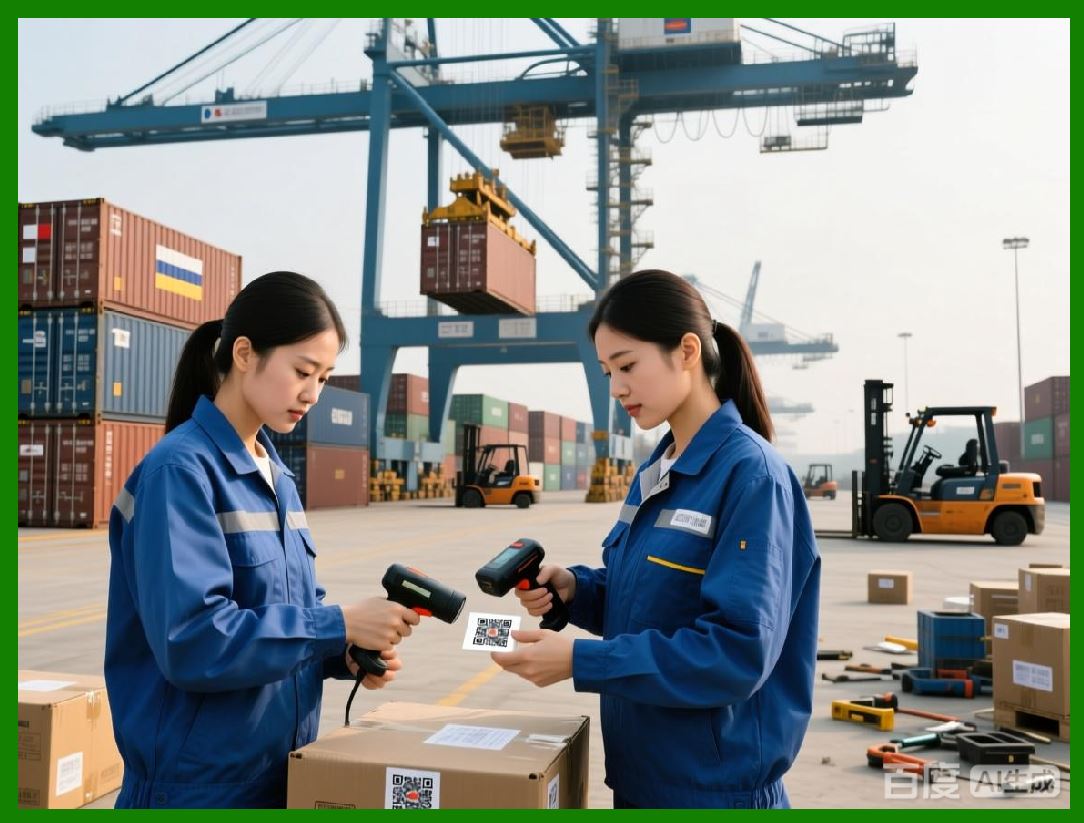
36.1 For more advanced operations, LABELVIEW supports direct connectivity to structured databases. |
36.2 Database integration enables real-time or near-real-time access to authoritative data sources, improving accuracy and synchronization. |
36.3 Users can configure database connections by defining: |
* Data source drivers |
* Authentication credentials |
* Query logic |
* Field mappings |
36.4 SQL-based queries allow precise control over which records are retrieved and how they are filtered. |
36.5 This capability is particularly valuable in environments where labeling must reflect current inventory status, production orders, or customer-specific requirements. |
|
37. Manual Data Entry and Operator Interaction |
37.1 Not all labeling scenarios can rely solely on automated data sources. |
37.2 LABELVIEW supports controlled manual data entry, allowing operators to input variable data at print time. |
37.3 Input prompts can be configured with: |
* Field labels |
* Data type constraints |
* Default values |
* Mandatory or optional status |
37.4 This ensures that manually entered data adheres to expected formats and reduces the risk of operator error. |
37.5 Manual input is commonly used for small batch runs, exceptions, or custom labeling tasks. |

|
38. Counters, Serialization, and Sequential Data |
38.1 Sequential numbering is a common requirement in labeling applications, particularly for traceability and compliance. |
38.2 LABELVIEW includes built-in counters that can automatically increment values across print jobs. |
38.3 Counters can be configured with: |
* Starting values |
* Increment steps |
* Reset conditions |
* Numeric or alphanumeric formats |
38.4 This enables reliable generation of serial numbers, batch identifiers, or pallet IDs without external systems. |
38.5 Counter behavior can be linked to data records, print quantities, or operator actions. |

|
39. Variable Data Formatting and Transformation |
39.1 Raw data from external sources often requires transformation before being printed on labels. |
39.2 LABELVIEW provides formatting options that allow users to: |
* Concatenate multiple data fields |
* Extract substrings |
* Apply padding or truncation |
* Format dates and numeric values |
39.3 These transformations enable labels to meet customer, regulatory, or internal formatting requirements without modifying source data. |
39.4 The ability to manipulate data at the label level adds significant flexibility to labeling workflows. |

|
40. Conditional Logic and Data-Driven Behavior |
40.1 Advanced labeling scenarios often require conditional behavior based on data values. |
40.2 LABELVIEW allows conditional rules to be applied to label objects, such as: |
* Showing or hiding elements |
* Changing text or barcode content |
* Modifying visual properties |
40.3 These conditions are evaluated at print time, enabling dynamic label behavior without creating multiple templates. |
40.4 Conditional logic is especially useful for multi-product labels, customer-specific formats, or regulatory variations. |
40.5 This feature reduces template proliferation and simplifies label management. |

|
41. Error Handling and Data Validation |
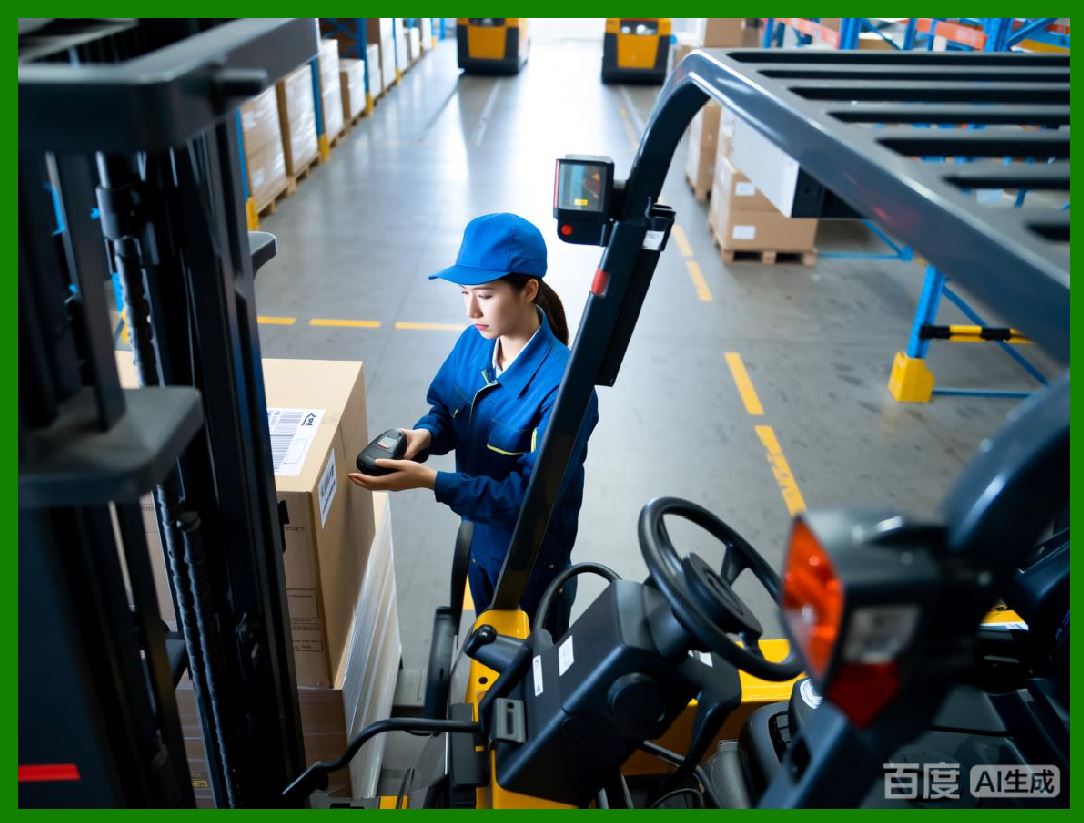
41.1 Data integrity is critical in labeling operations, and LABELVIEW incorporates multiple layers of validation. |
41.2 The software verifies: |
* Data type compatibility |
* Required field completion |
* Length and character constraints |
* Barcode encoding validity |
41.3 Errors are detected before printing, preventing the production of incorrect or unusable labels. |
41.4 Validation rules can be tailored to specific workflows, balancing flexibility with control. |
|
42. Data Preview and Testing Tools |
42.1 Before committing to production printing, users can preview how variable data will populate labels. |
42.2 LABELVIEW allows users to browse records, simulate print runs, and inspect individual label instances. |
42.3 This preview capability helps identify data mapping issues, formatting errors, or unexpected values. |
42.4 Testing tools reduce the risk of costly mistakes during live operations. |

|
43. Data Security and Access Considerations |
43.1 When integrating external data sources, security becomes an important consideration. |
43.2 LABELVIEW relies on underlying system security mechanisms to protect database credentials and file access. |
43.3 Access to label templates and data connections can be restricted through operating system permissions and organizational policies. |
43.4 While LABELVIEW is not a centralized security platform, it supports secure deployment within controlled IT environments. |

|
44. Summary of Part 4 |
44.1 TEKLYNX LABELVIEW provides a flexible and powerful framework for data-driven labeling. |
44.2 Its support for diverse data sources, variable fields, counters, and conditional logic enables dynamic label generation without excessive complexity. |
44.3 These capabilities allow medium-sized operations to achieve higher efficiency, accuracy, and scalability in their labeling workflows. |
 cs@easiersoft.com