Part 10: Printing Technologies, Media Compatibility, Durability, and Industrial Use Cases |
109. Comprehensive Printing Technology Support |
ActiveBarcode provides versatile printing options to accommodate diverse operational needs: |
* Thermal transfer printing: Ideal for durable labels in warehouses, manufacturing, and logistics. Produces high-contrast, long-lasting barcodes resistant to abrasion and chemicals. |
* Direct thermal printing: Suitable for short-term labels such as shipping or receipts. Eliminates the need for ink or ribbons but is more sensitive to heat and light exposure. |
* Inkjet and laser printing: Compatible with office and industrial printers for high-resolution barcode production. Allows flexible integration with Word, Excel, or custom documents. |
* Vector-based printing: Generates scalable barcodes in EMF or SVG formats for crisp printing at any size, suitable for professional labels or posters. |
* Raster-based printing: Exports barcodes as BMP, PNG, or JPEG files, compatible with most printing devices and workflows. |

|
110. Media Compatibility Across Industries |
ActiveBarcode supports varied label media for different industrial, commercial, and retail applications: |
* Paper labels: Standard office or product labels for everyday use. |
* Synthetic labels: Polyester or polypropylene labels for chemical, outdoor, or industrial applications. |
* Adhesive tags: Durable sticky labels for pallets, cartons, and inventory items. |
* Cardstock: For ID cards, tickets, or membership cards. |
* Flexible materials: Labels for curved or irregular surfaces, such as bottles, tubes, or small components. |

|
111. High-Resolution and Precision Printing |
Barcode readability depends on high-resolution and precise printing, which ActiveBarcode ensures: |
* Dot-per-inch (DPI) settings: Adjust barcode resolution for printer capability and scanning distance. |
* Consistent module width: Maintain uniform bar and space sizes for optimal scanning. |
* Quiet zones and margins: Automatically calculate and include sufficient spacing around the barcode to ensure scanner compatibility. |
* Alignment tools: Precisely position barcodes on labels, packaging, or documents to meet layout requirements. |

|
112. Environmental Durability and Resilience |
Barcodes often face harsh environmental conditions, and ActiveBarcode supports durability considerations: |
* Temperature resistance: Labels printed with thermal transfer technology can withstand extreme heat or cold. |
* Moisture and chemical resistance: Synthetic labels maintain scannability in wet or chemically-exposed environments. |
* UV resistance: Labels printed with UV-stable inks prevent fading under sunlight exposure. |
* Mechanical stress resistance: Industrial labels remain readable despite scratching, bending, or friction during transport. |

|
113. Industrial-Grade Labeling Applications |
ActiveBarcode is widely used in industrial-grade applications across sectors: |
* Manufacturing assembly lines: Barcode labels on components, subassemblies, and finished products ensure accurate production tracking and quality control. |
* Warehouse and logistics operations: High-volume printing for pallet and carton labels enables rapid scanning and inventory management. |
* Aerospace and automotive industries: Data Matrix and Code 128 barcodes on small parts provide traceability and compliance with regulatory standards. |
* Pharmaceutical labeling: Unique barcodes on drug packaging ensure compliance with FDA UDI requirements and global anti-counterfeiting regulations. |

|
114. Batch Printing for Industrial Efficiency |
ActiveBarcode batch printing capabilities optimize large-scale labeling operations: |
* Database-driven batch generation: Pull data from ERP or inventory management systems for automatic barcode creation. |
* Automated numbering and serialization: Generate unique barcodes for each item, pallet, or batch without manual entry. |
* Template-based layouts: Maintain uniformity across thousands of labels while accommodating different product sizes and media. |
* Networked printing: Send batch jobs to multiple printers across production floors or warehouses. |
|
115. Integration with Industrial Printers |
ActiveBarcode is compatible with industrial printing hardware commonly used in factories and distribution centers: |
* Thermal transfer printers: Zebra, TSC, SATO, and other industrial brands. |
* Direct thermal label printers: For short-term shipping and logistics labels. |
* Laser and inkjet printers: For office and professional-grade label printing. |
* High-speed, high-volume printers: Support for continuous roll printing and high-throughput operations. |

|
116. Error Minimization in Industrial Environments |
In industrial settings, barcode accuracy is critical to prevent errors: |
* Pre-print verification: Ensure all barcodes are correctly formatted and scannable. |
* Check digit calculation: Automatically insert correct check digits for EAN, UPC, or Code 128 barcodes. |
* Quality control workflows: Integrate barcode printing with inspection stations to verify scannability before shipping. |
* Error logging: Track any printing or scanning failures for corrective action. |

|
117. Durability Testing and Verification |
ActiveBarcode supports verification of barcode durability in harsh conditions: |
* Print-and-scan testing: Simulate scanning in extreme conditions to ensure reliability. |
* Environmental simulation: Test labels against heat, cold, moisture, UV exposure, and mechanical abrasion. |
* Feedback for design adjustments: Adjust module size, resolution, or media selection based on test results. |

|
118. Industrial Use Case Examples |
Real-world industrial applications illustrate ActiveBarcode robustness: |
* Automotive supplier: Printed Data Matrix codes on small parts withstand mechanical stress and remain readable during assembly. |
* Pharmaceutical packaging: Batch-specific Data Matrix codes printed on synthetic labels ensure compliance and trackability through distribution. |
* Warehouse distribution: ITF-14 pallet labels printed via thermal transfer maintain high readability during transit and storage. |
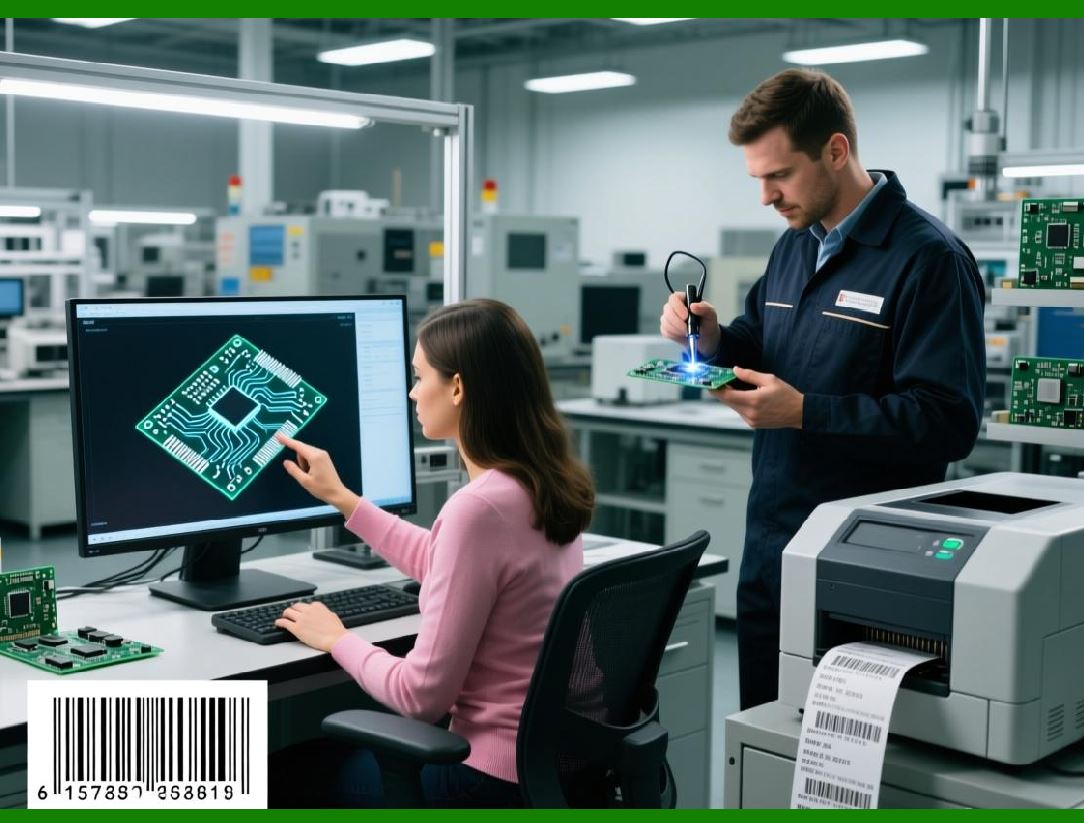
* Electronics manufacturer: QR Codes on PCBs allow automated tracking of each board through testing, assembly, and shipment. |

|
119. Environmental Compliance and Sustainability |
ActiveBarcode also supports sustainable labeling practices: |
* Printable on recyclable materials: Compatible with eco-friendly labels without sacrificing readability. |
* Efficient material use: Optimize label size and barcode density to reduce waste. |
* Digital verification: Reduce the need for physical retesting by validating barcodes digitally before printing. |

|
120. Operational Benefits of Industrial-Grade Printing |
Implementing ActiveBarcode for industrial printing provides tangible advantages: |
* Reduces mislabeling and scanning errors. |
* Increases efficiency in production, packaging, and logistics workflows. |
* Ensures regulatory compliance across industries. |
* Extends label lifespan in harsh environments. |
* Supports large-scale operations with batch printing and networked deployment. |
This Part 10 emphasizes printing technologies, media compatibility, environmental durability, and industrial-grade applications, highlighting ActiveBarcode adaptability and reliability in professional and industrial environments. |
Part 11, which will focus on integration with Office applications, automation with macros, and productivity enhancements. |
 cs@easiersoft.com