Part 18: Cross-Platform Compatibility and Integration with Microsoft Office and Other Applications |
213. The Importance of Cross-Platform Compatibility |
ActiveBarcode is designed for versatility and broad compatibility, enabling organizations to use barcode generation across multiple software and operating environments: |
* Reduces dependency on specific hardware or software platforms. |
* Simplifies integration into existing workflows without extensive reconfiguration. |
* Ensures barcode solutions can be deployed across offices, warehouses, and remote locations. |
* Supports scalability for enterprise-wide implementations. |

|
214. Microsoft Office Integration |
ActiveBarcode offers native integration with Microsoft Office, making it easy to generate barcodes in familiar applications: |
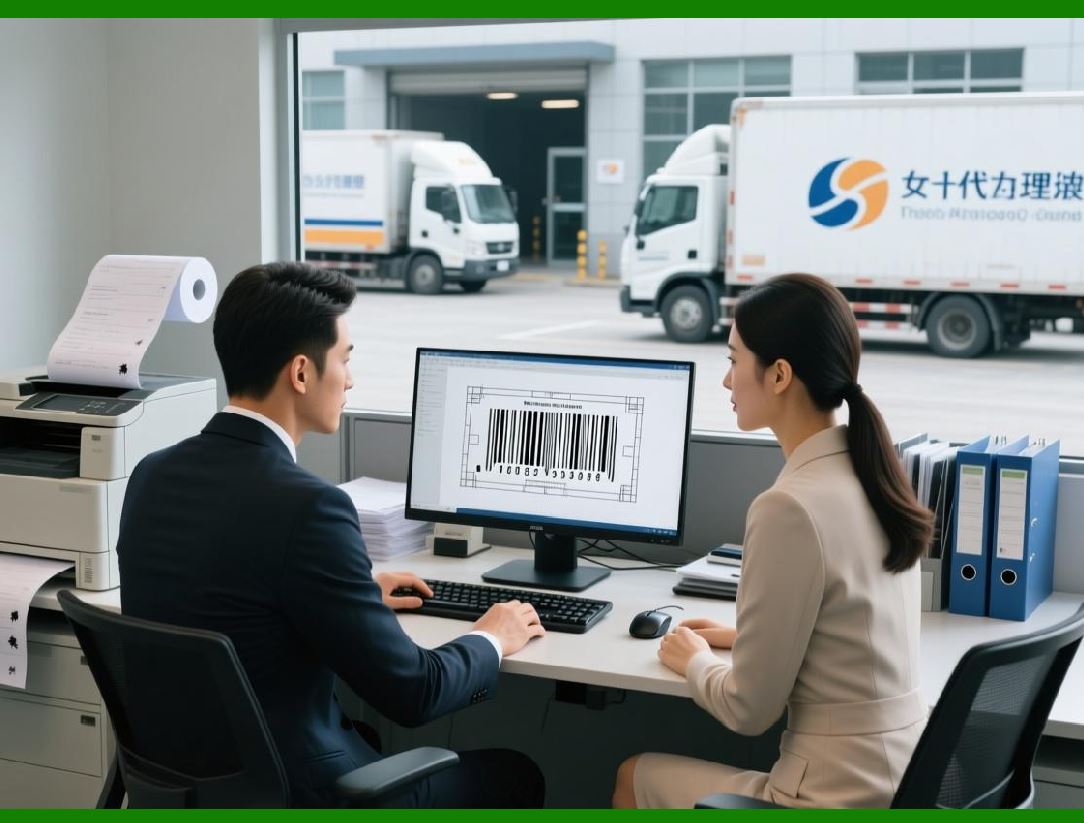
* Microsoft Word: Insert barcodes into invoices, letters, reports, and labels with full control over size, symbology, and text alignment. |
* Microsoft Excel: Generate barcodes directly from spreadsheet data, such as SKU lists, product codes, or customer IDs, with automatic updates when the data changes. |
* Microsoft Access: Integrate with Access databases to produce barcodes for inventory management, membership cards, or serialized items. |
* Mail Merge Compatibility: Combine ActiveBarcode with Office mail merge functions to generate dynamic barcodes for personalized letters, marketing campaigns, or event invitations. |
|
215. Other Office Suite Integration |
Beyond Microsoft Office, ActiveBarcode can integrate with other productivity suites and office tools: |
* LibreOffice and OpenOffice: Use ActiveBarcode to insert barcodes into Writer documents or Calc spreadsheets with similar functionality to Microsoft Office. |
* Google Workspace: Generate barcodes programmatically for Google Sheets or Docs using ActiveBarcode scripting capabilities. |
* Presentation Software: Include barcodes in PowerPoint or similar presentation applications for internal reports, product showcases, or trade events. |

|
216. Integration with Design Software |
ActiveBarcode supports graphics and label design environments: |
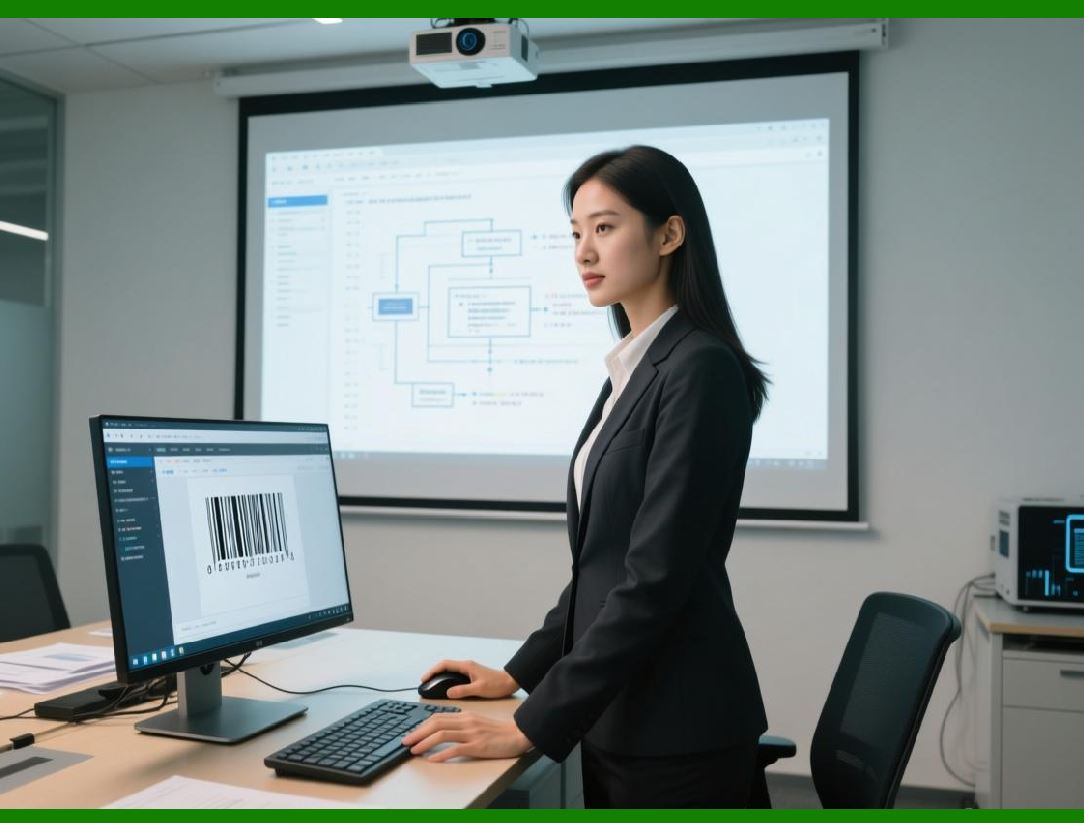
* Adobe Illustrator and CorelDRAW: Embed barcodes directly into vector-based designs for packaging, labels, or promotional materials. |
* Label design tools: Combine barcodes with company logos, product images, or decorative elements in specialized label design software. |
* Print-ready output: Export barcodes in formats such as SVG, PDF, or EPS to maintain vector quality for high-resolution printing. |
|
217. Database and Application Integration |
ActiveBarcode provides robust integration with databases and enterprise applications: |
* SQL, MySQL, and Oracle databases: Generate barcodes dynamically from database fields, such as product IDs, batch numbers, or serial codes. |
* ERP, CRM, and WMS systems: Streamline label creation and printing based on real-time operational data. |
* Custom applications: Use ActiveBarcode as a COM/ActiveX component or via API calls to integrate barcode generation into custom software environments. |
* Scripting and automation: Employ VBA, C, VB.NET, or Python to automate barcode creation, placement, and printing in various applications. |

|
218. Cross-Platform Printing Support |
ActiveBarcode supports printing across a wide range of platforms and devices: |
* Windows printers: Compatible with network and local printers, thermal label printers, and high-resolution industrial printers. |
* MacOS support: ActiveBarcode provides cross-platform printing options for macOS users via integrated applications or PDF export. |
* Cloud printing: Generate barcodes in desktop applications and send print jobs to cloud-connected printers for remote or distributed operations. |
* Mobile printing: Export barcode labels to mobile devices and compatible wireless printers for on-site labeling in warehouses, retail environments, or field operations. |

|
219. Programming and API Integration |
ActiveBarcode offers flexible programming interfaces for developers: |
* COM/ActiveX components: Integrate barcode functionality into legacy and modern Windows applications. |
* .NET Framework and .NET Core support: Develop Cor VB.NET applications that leverage ActiveBarcode features. |
* Automation scripts: Use VBA, PowerShell, or Python to batch-generate barcodes, control templates, and automate printing processes. |
* Custom software embedding: Incorporate barcode generation seamlessly into ERP, CRM, WMS, or inventory management software. |

|
220. Cross-Platform File Formats |
ActiveBarcode ensures barcodes are portable and compatible across multiple file formats: |
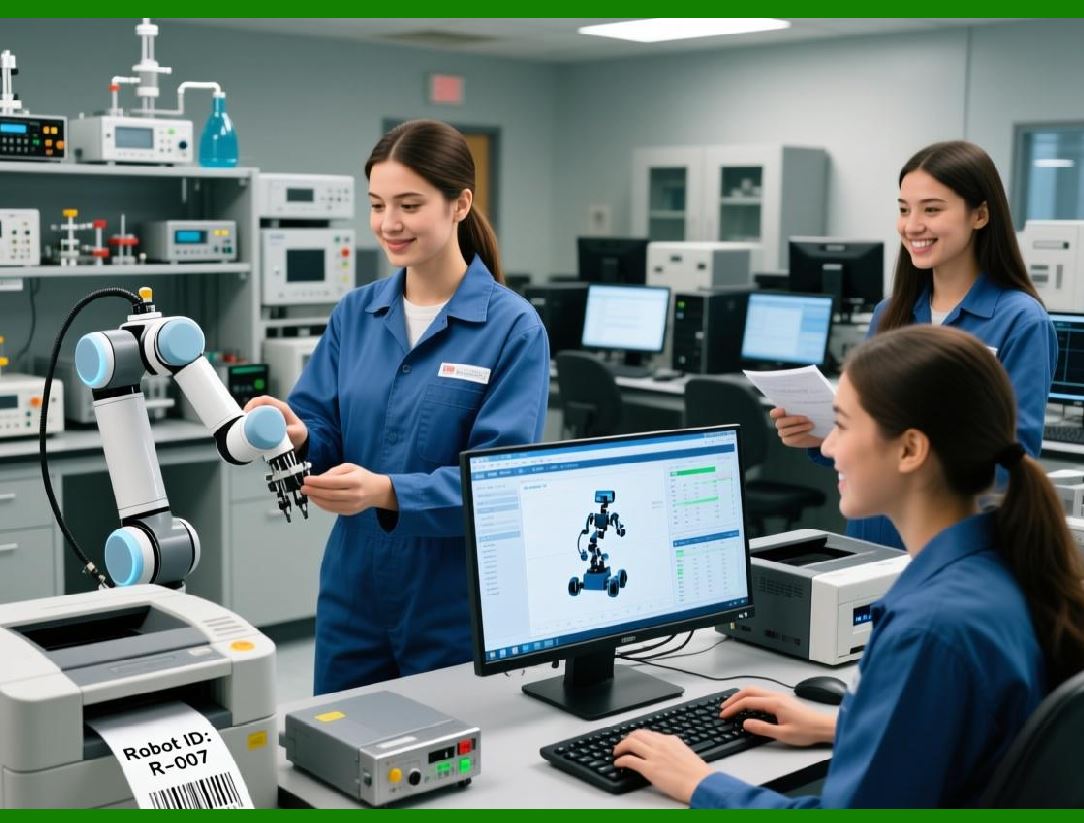
* Vector formats: SVG, EMF, EPS for high-quality scaling and professional printing. |
* Raster formats: PNG, BMP, JPG for standard document embedding or web use. |
* PDF output: Embed barcodes into PDF documents for invoices, shipping labels, or digital distribution. |
* Office integration: Barcodes generated in Word, Excel, or Access retain high-quality resolution when printed or exported. |
|
221. Benefits of Multi-Environment Integration |
* Operational flexibility: Generate barcodes in any office, warehouse, or production environment. |
* Reduced training needs: Users can work in familiar software applications while leveraging barcode functionality. |
* Scalability: Barcode generation can grow with enterprise needs, including cross-office or global operations. |
* Interoperability: ActiveBarcode supports seamless exchange of barcode data between applications, databases, and platforms. |
* Future-proofing: Ensures compatibility with new operating systems, office suites, and printing technologies. |

|
222. Case Studies: Cross-Platform and Office Integration |
* Retail chain: Integrated ActiveBarcode with Excel and Word to generate product and shipment labels directly from ERP-generated spreadsheets, enabling rapid scaling across multiple stores. |
* Pharmaceutical company: Embedded Data Matrix barcodes in Word-based labeling templates, ensuring consistent labeling across production batches and compliance with regulatory standards. |
* Event management: Used ActiveBarcode in PowerPoint presentations and Google Workspace documents to dynamically generate QR Codes for tickets and attendee badges. |
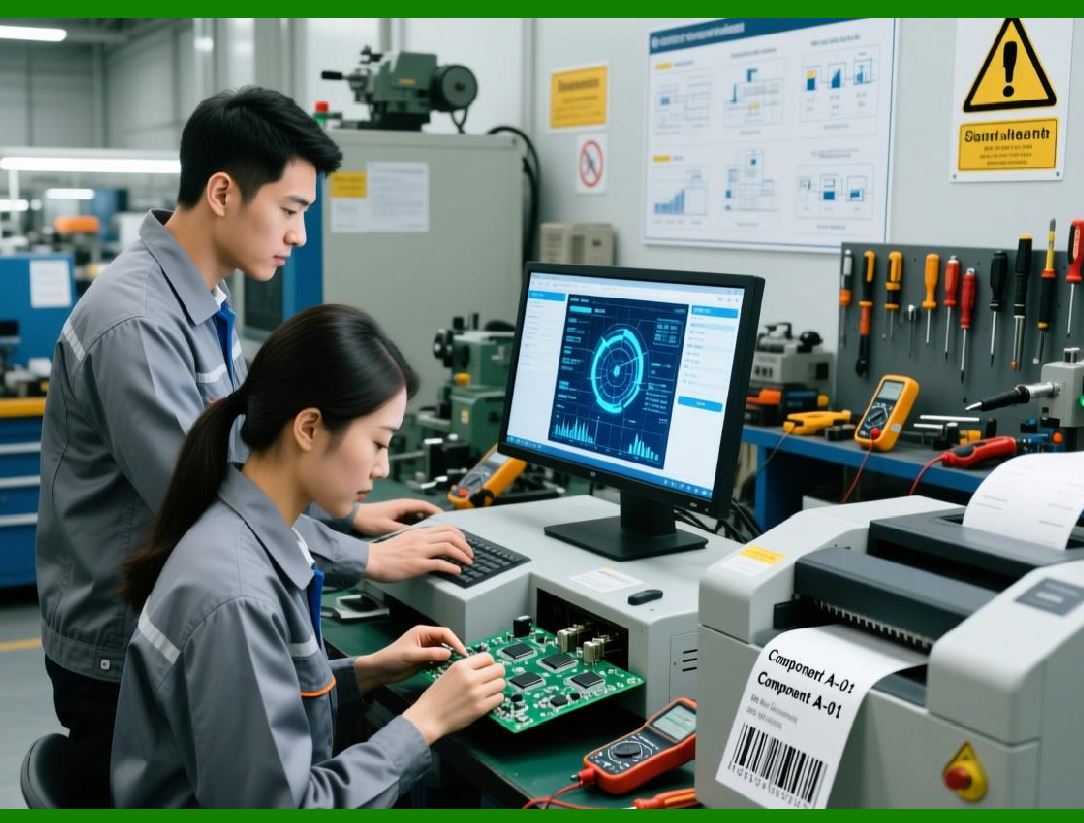
* Manufacturing: Developers embedded ActiveBarcode in custom .NET applications to automate batch barcode generation, printing, and database updates across multiple factories. |
|
223. Future Enhancements in Integration |
* Expanded support for cloud-based productivity suites and collaboration tools. |
* Enhanced mobile and tablet printing capabilities for field operations. |
* Improved API and scripting support for advanced automation and enterprise software integration. |
* Seamless integration with IoT-enabled printers and smart production lines. |
This Part 18 emphasizes ActiveBarcode cross-platform compatibility and integration capabilities, showing how it seamlessly works with Microsoft Office, other office suites, design software, databases, and custom applications to enhance barcode generation and printing workflows. |
Part 19 will serve as the final part, summarizing ActiveBarcode overall capabilities, business value, and strategic advantages. |
 cs@easiersoft.com