Part 2: The Role of Barcodes in Business Operations |
Barcodes have become an integral part of many business operations, particularly when integrated into an ERP system. Their ability to automate data collection, reduce human error, and improve operational efficiency has transformed how businesses manage their processes, from inventory management to order fulfillment. Below are the key ways barcodes play a significant role in various business operations. |
2.1 Supply Chain Management |
Supply chain management involves the flow of goods, information, and finances from raw material suppliers to end customers. Barcodes are crucial in tracking and managing each step of this journey, ensuring that businesses can monitor products from the point of manufacture all the way to the final consumer. |
* Tracking Products Across Locations: Barcodes provide an efficient method to track products as they move through various stages of the supply chain. Whether moving from one warehouse to another or being shipped to a customer, barcode scanning ensures that each product journey is documented, improving visibility into the status of the supply chain. ERP systems can record these movements in real-time, allowing businesses to track and trace every product in their inventory. |
* Real-time Data Collection: The use of barcode scanners at different supply chain points ensures that data is collected instantly. This data can be integrated directly into the ERP system, which updates inventory levels, stock status, and the location of products automatically. This real-time information enables businesses to make better decisions, such as when to reorder stock, which products are selling best, or where delays may be occurring. |
* Reducing Errors in Shipment: Barcodes play a vital role in reducing errors during product shipments. When each item is scanned at different points, it ensures the correct product is being shipped to the right location. This can help prevent costly mistakes, such as shipping the wrong product or sending goods to the wrong destination. With barcode-enabled ERP systems, these errors are automatically flagged, allowing staff to rectify them before they escalate. |

|
2.2 Inventory Management |
Managing inventory accurately is one of the most challenging tasks for businesses, especially those with large warehouses or multiple retail locations. Barcodes provide a streamlined solution for real-time tracking, reducing the need for manual inventory counts and improving overall inventory management efficiency. |
* Automatic Stock Updates: When products are scanned using barcodes, the information is automatically transmitted to the ERP system, which updates stock levels. This eliminates the need for manual entry and ensures that inventory records are always up-to-date. In high-turnover environments, such as retail, this can significantly reduce stock discrepancies and improve the accuracy of stock levels. |
* Reducing Stockouts and Overstocking: Barcodes enable more accurate inventory tracking, reducing the chances of stockouts (when products are unavailable) or overstocking (when too much product is held). In an ERP system with barcode integration, businesses can set thresholds for reordering products based on real-time stock levels, ensuring that inventory is maintained at optimal levels. |
* Streamlined Replenishment: Barcodes are particularly helpful in managing the replenishment process. As items are sold or consumed, the barcode system automatically triggers a reorder process through the ERP system. This ensures that stock is replenished on time without manual intervention, reducing the risk of stock shortages and minimizing disruptions in supply. |
* Shelf Life and Batch Tracking: For businesses dealing with perishable goods, barcodes are essential in managing the shelf life of products. Barcodes can be used to track production dates, expiration dates, and batch numbers. This is especially important in industries like food and pharmaceuticals, where products must be monitored for safety and compliance purposes. The ERP system can provide alerts when stock reaches its expiration date, helping businesses remove expired products from their shelves. |

|
2.3 Sales and Order Fulfillment |
Sales and order fulfillment are core business functions where barcode technology plays a transformative role. By using barcodes to track products from the point of sale to delivery, businesses can streamline the order fulfillment process, improve accuracy, and enhance customer satisfaction. |
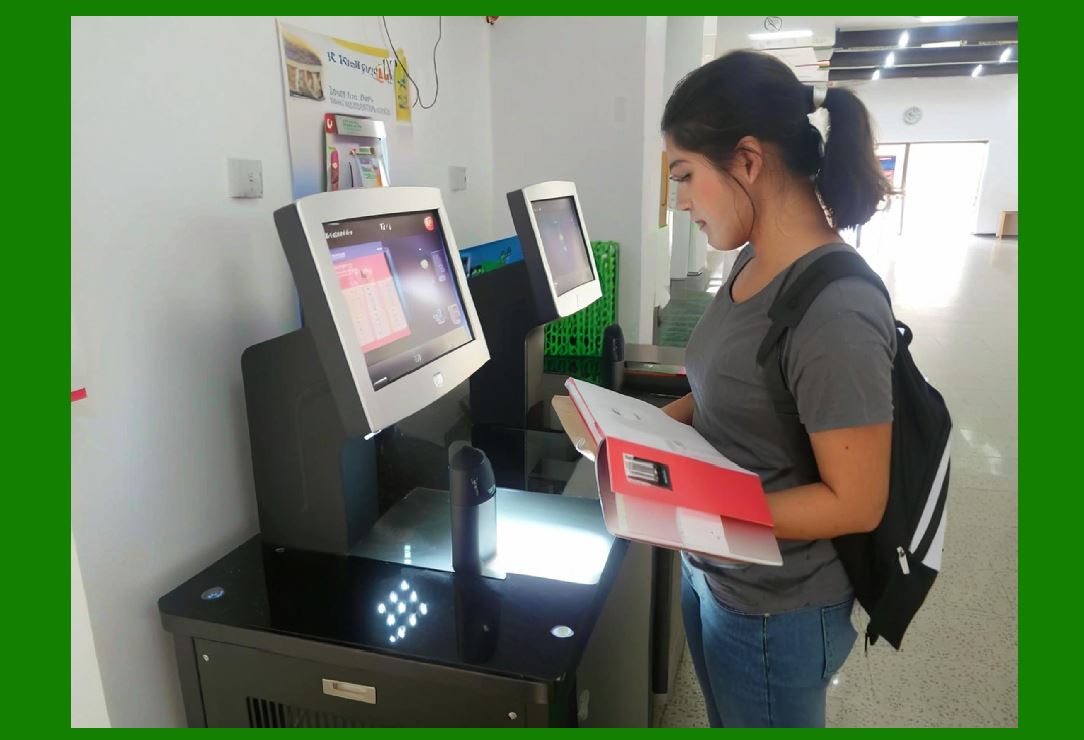
* Speeding Up the Order Picking Process: In a warehouse, the order picking process can be time-consuming and prone to errors. With barcode scanning, warehouse staff can quickly locate items and verify that the correct product is picked. Barcodes can be used to verify item numbers, quantities, and locations, helping to avoid errors in the picking process. When integrated into the ERP system, barcode scanning updates inventory counts instantly and ensures accurate order fulfillment. |
* Packing and Shipping Accuracy: After the items are picked, they need to be packed and shipped. Barcodes help ensure that the right products are packed in the correct shipping container. By scanning the barcode on each item during packing, businesses can confirm that the correct items are being sent to customers. This improves accuracy and reduces the likelihood of sending incorrect or incomplete orders. |
* Tracking Order Progress: Barcodes also enable businesses to track orders as they move through the fulfillment process. Each stage of the order fulfillment process, from picking to packing to shipping, can be recorded in the ERP system via barcode scans. This provides real-time visibility into the status of customer orders, improving communication with customers and allowing for better service. |
* Customer Satisfaction: Fast, accurate order fulfillment plays a major role in customer satisfaction. By using barcodes to streamline the order picking, packing, and shipping processes, businesses can ensure that orders are delivered on time and as expected. This can lead to higher customer retention rates, positive reviews, and repeat business. |
|
2.4 Asset Management |
Managing physical assets such as equipment, tools, and machinery can be challenging, especially for large organizations with numerous assets spread across different locations. Barcodes play an important role in improving asset tracking and management. |
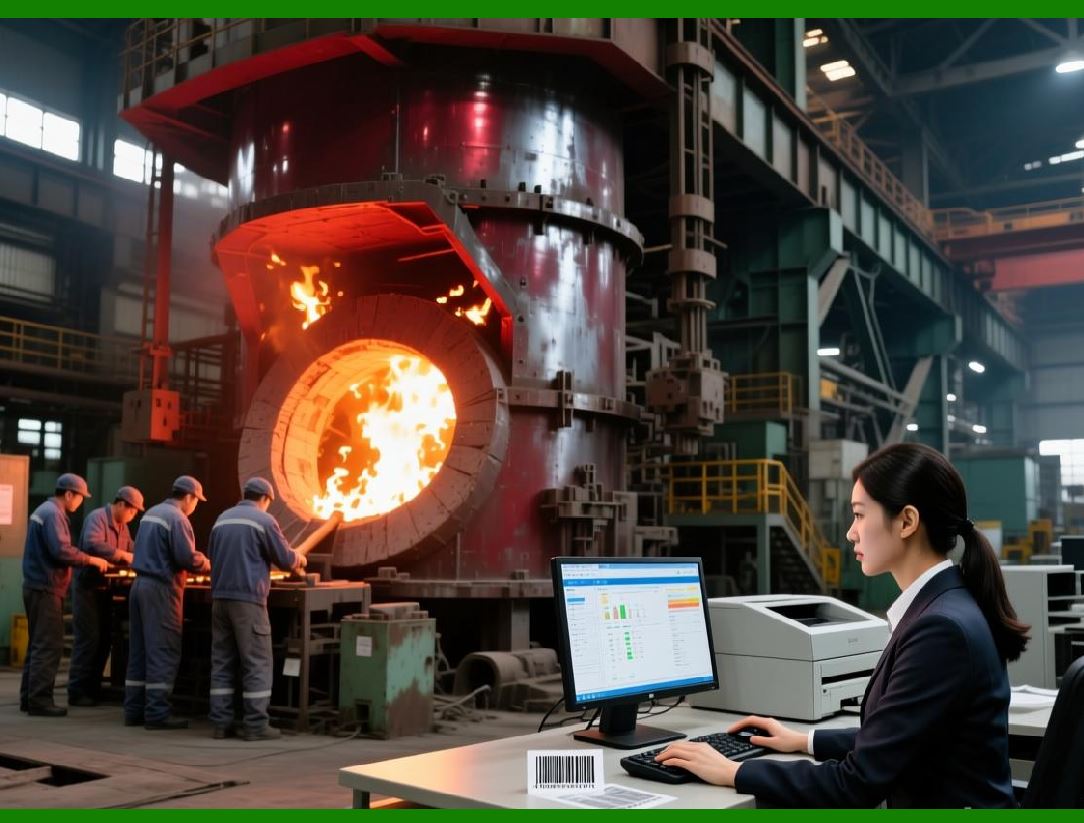
* Asset Tagging: Barcodes are commonly used to label physical assets, allowing businesses to easily track their location, usage, and maintenance schedules. By attaching a barcode to each asset, employees can quickly scan the asset for information, such as its purchase date, warranty status, or maintenance history. This provides valuable data to the ERP system, helping businesses manage their assets more effectively. |
* Real-time Updates on Asset Status: When assets are scanned, the ERP system is updated in real time with information about their status. Whether the asset is in use, under repair, or available for use, barcode scanning ensures that the system reflects accurate and up-to-date data. This minimizes downtime and ensures that assets are utilized efficiently. |
* Preventive Maintenance: Barcodes can be used to track maintenance schedules for equipment and machinery. When an asset barcode is scanned, the ERP system can prompt for upcoming maintenance tasks, such as inspections, repairs, or part replacements. This helps prevent unexpected breakdowns and extends the life of critical assets. |
|
2.5 Enhancing Accuracy and Reducing Human Error |
One of the most significant advantages of barcode integration in ERP systems is the reduction of human error. Manual data entry is prone to mistakes, such as misreading product codes, entering incorrect quantities, or recording inaccurate dates. By using barcode scanning, businesses can automate data entry and reduce the chances of errors. |
* Faster and More Accurate Data Entry: Barcode scanning is much faster and more accurate than manual data entry. Scanning a barcode ensures that the correct product information is captured every time, eliminating mistakes caused by manual input. This leads to more accurate inventory counts, order fulfillment, and reporting. |
* Improved Compliance: In industries with strict regulatory requirements, such as pharmaceuticals or food production, barcode scanning ensures that data is captured accurately and consistently. This helps businesses comply with industry regulations and avoid costly fines for non-compliance. |

|
Summary of Part 2: |
In this section, we've explored the critical role barcodes play in various business operations. By integrating barcode technology into ERP systems, organizations can streamline supply chain management, enhance inventory control, improve order fulfillment, and manage assets efficiently. The automation of these processes reduces human error, improves accuracy, and provides real-time data to make informed business decisions. In the following sections, we will dive into the specific barcode-related functionalities offered by various mainstream ERP software platforms. |
 cs@easiersoft.com