Part 3: General Barcode Functionality in ERP Systems |
In this section, we will discuss the general barcode-related functions common across many ERP systems. These functions include barcode generation, scanning, and printing, which are fundamental to automating data capture and improving operational efficiency. Understanding how these functionalities are integrated into ERP systems is essential for businesses looking to leverage barcode technology to streamline their processes. |
3.1 Barcode Generation |
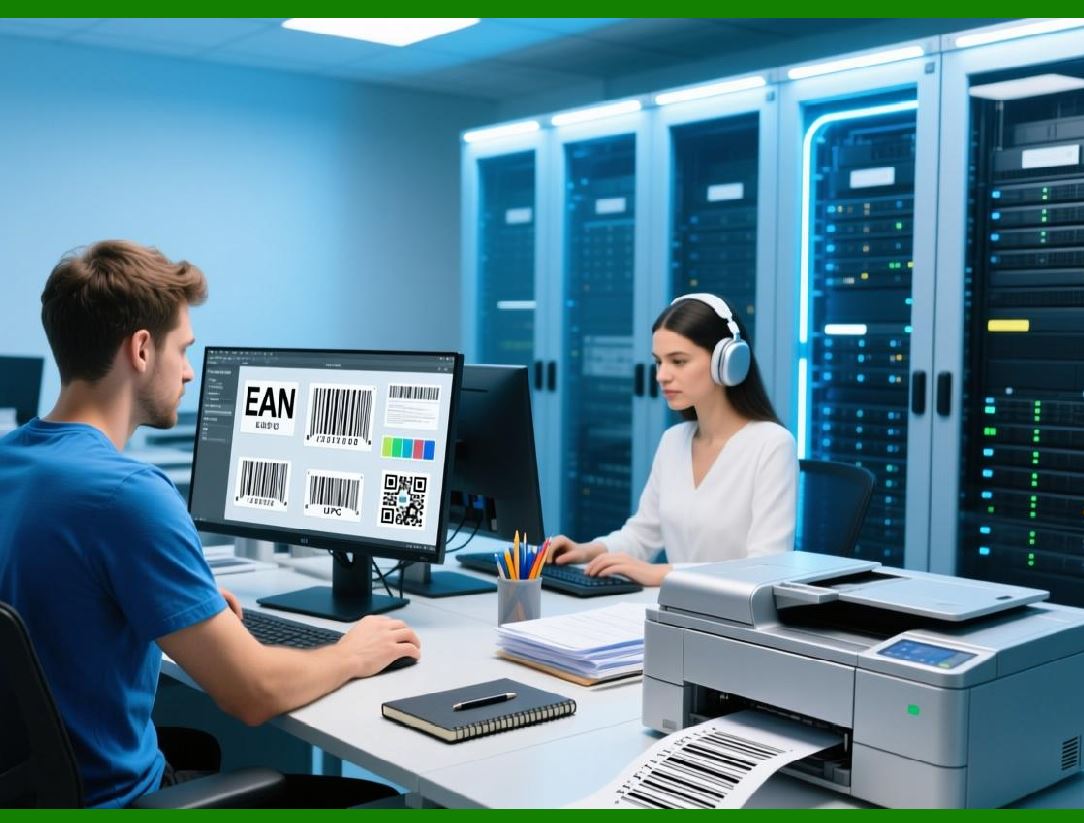
Barcode generation refers to the ability of an ERP system to create unique barcodes for products, assets, or shipments. This functionality is crucial for businesses that need to label their goods or assets with scannable codes that can be easily tracked. |
* Product Labeling: ERP systems can generate barcodes automatically when new products are entered into the system. For each product, the system assigns a unique identifier (e.g., a SKU or product code) and generates a corresponding barcode. This barcode can then be printed and attached to the product, ensuring that it can be easily tracked and scanned at different stages of the supply chain, inventory management, or sales processes. |
* Customizable Barcode Formats: Different industries and use cases may require different barcode formats. Many ERP systems allow businesses to customize the type of barcode that will be generated, depending on their specific needs. Common barcode formats include Code 128, EAN-13, UPC, QR codes, and more. ERP systems may also support advanced barcode formats, such as 2D barcodes, for applications that require more data to be encoded. |
* Batch and Lot Numbering: For businesses in industries like pharmaceuticals or food production, generating barcodes for batches or lots is an essential function. ERP systems can automatically generate barcodes based on batch or lot numbers, allowing businesses to track the movement and usage of specific batches of products. This functionality is particularly important for regulatory compliance and for ensuring traceability in case of product recalls. |
* Integration with Inventory Data: When a new product or asset is added to the inventory, the ERP system can generate a barcode linked directly to the product's record. This allows for automatic updates to inventory counts, locations, and other attributes whenever the barcode is scanned. As a result, barcode generation is closely integrated with the system inventory management functions. |
|
3.2 Barcode Scanning |
Barcode scanning is one of the most common ways businesses use barcodes in ERP systems. Scanners read the information encoded in barcodes and transmit it to the ERP system, allowing businesses to automatically capture and process data. |
* Data Capture for Inventory Management: Barcode scanners are frequently used in warehouses or retail environments to capture data about products being received, picked, packed, or shipped. For example, when inventory is scanned as it enters the warehouse, the ERP system automatically updates the stock levels in real time. This reduces the need for manual data entry and ensures that inventory records are always up to date. |
* Order Fulfillment and Shipping: During order fulfillment, barcode scanning speeds up the picking and packing process by verifying that the correct items are being prepared for shipment. When the items are scanned, the ERP system checks the product against the order details, ensuring accuracy. Once the order is shipped, the system updates the order status and generates a tracking number. |
* Asset Tracking: In industries where asset management is critical, barcode scanners help track the movement and usage of assets. For example, in a hospital, barcode scanners can be used to track medical equipment as it is checked in and out of different departments. The ERP system records this data automatically, providing accurate records of asset usage, maintenance, and location. |
* Mobile Barcode Scanning: Many modern ERP systems support mobile barcode scanning via smartphones or tablets equipped with barcode reader apps. This allows workers to scan products or assets while on the go, whether in the warehouse, on the shop floor, or during customer deliveries. Mobile scanning provides flexibility and enables real-time updates without the need for stationary scanning equipment. |
* Multi-Barcode Scanning: Some ERP systems can handle multiple barcode scans at once, improving efficiency. This feature is particularly useful in environments where products are grouped together in batches or pallets. With multi-barcode scanning, workers can scan multiple products simultaneously, and the ERP system will register all scanned items in real-time. |

|
3.3 Barcode Printing |
Barcode printing functionality is vital for businesses that need to generate labels for products, assets, or shipments. The ability to print barcodes directly from the ERP system simplifies operations and helps ensure accuracy. |
* Printing Product Labels: ERP systems often have integrated printing capabilities that allow businesses to print barcode labels directly from within the system. For example, when a new product is received or produced, the ERP system can generate a label with the product's barcode, which is then printed and attached to the product. This functionality ensures that barcodes are correctly generated and formatted according to industry standards. |
* Customizable Label Design: Many ERP systems allow businesses to customize the design of their barcode labels. Companies can choose the size, layout, and format of the barcode label to suit their specific needs. For instance, a label might include additional information such as product descriptions, barcodes, logos, and regulatory information. Some ERP systems also integrate with third-party label design software to provide even more flexibility in label design. |
* Printing for Different Environments: ERP systems support barcode printing for a variety of environments, whether it's for retail, warehousing, shipping, or manufacturing. Barcode printers used in these environments may include thermal printers, inkjet printers, or laser printers, depending on the application. ERP systems can generate labels formatted for different types of printers, ensuring compatibility and high-quality printing. |
* Batch Printing: In many scenarios, businesses need to print barcodes for multiple products at once, such as when new inventory arrives. ERP systems often include a batch printing feature, allowing users to select a range of products and generate barcode labels in bulk. This feature is especially useful in warehouses and manufacturing environments where many items need to be labeled simultaneously. |
* Label Printing Integration: ERP systems can integrate with barcode label printers to streamline printing tasks. For example, when an order is ready for shipment, the ERP system automatically sends the necessary information to a barcode printer, generating a shipping label with a barcode and other order details. This integration eliminates the need for manual intervention, making the label printing process faster and more accurate. |

|
3.4 Barcode Data Synchronization |
One of the most important aspects of barcode functionality in ERP systems is data synchronization. When a barcode is scanned or printed, the information must be synchronized across all relevant systems in real time. This ensures that data remains accurate and up-to-date across the entire business. |
* Real-time Data Updates: As products are scanned or labels are printed, the ERP system must update its data in real time. For example, when an item is sold, scanned, or moved, the ERP system must immediately reflect the change in stock levels. Real-time updates ensure that businesses can rely on the data in the ERP system to make informed decisions. |
* Integration with Other Systems: In some cases, businesses may use barcode technology in conjunction with other software systems, such as warehouse management systems (WMS), customer relationship management (CRM) systems, or supply chain management platforms. Barcode data must be seamlessly integrated between these systems to provide a unified view of business operations. ERP systems with barcode integration can sync data across various platforms, ensuring consistency and accuracy. |
* Error Checking and Validation: To ensure the accuracy of scanned or printed data, many ERP systems include error-checking mechanisms. For example, when a barcode is scanned, the ERP system may validate that the product matches the expected item or that stock levels are sufficient for an order. If discrepancies are detected, the system can flag the issue for resolution, helping to prevent costly errors. |

|
3.5 Reporting and Analytics |
Barcode data can be used to generate reports and analytics within the ERP system, providing valuable insights into business performance. Barcode scanning generates data that can be analyzed to track product movements, identify trends, and monitor efficiency. |
* Inventory Reports: By scanning barcodes, businesses can generate reports that show real-time inventory levels, stock movements, and reorder statuses. These reports provide valuable insights into inventory turnover, helping businesses identify slow-moving products, stockouts, or overstocked items. |
* Asset Utilization Reports: Barcode data can also be used to track the usage and maintenance of assets. ERP systems can generate reports on asset utilization, helping businesses understand how frequently equipment is being used, whether maintenance schedules are being met, and which assets need repairs or replacements. |
* Sales and Order Reports: Barcode data can be used to generate detailed sales and order reports, helping businesses track product sales, monitor order fulfillment, and identify opportunities for improvement. These reports can be used to optimize pricing strategies, promotional campaigns, and inventory management. |

|
Summary of Part 3: |
In this section, we've covered the core barcode-related functions in ERP systems, including barcode generation, scanning, printing, synchronization, and reporting. These functions are essential for automating data capture, improving inventory management, and streamlining business processes. With barcode integration, ERP systems can provide real-time data updates, reduce errors, and generate valuable insights through reporting and analytics. These capabilities form the foundation for the more specific barcode functionalities found in individual ERP systems, which we will explore in the next parts of the article. |
 cs@easiersoft.com