Part 7: Infor ERP Barcode Functions |
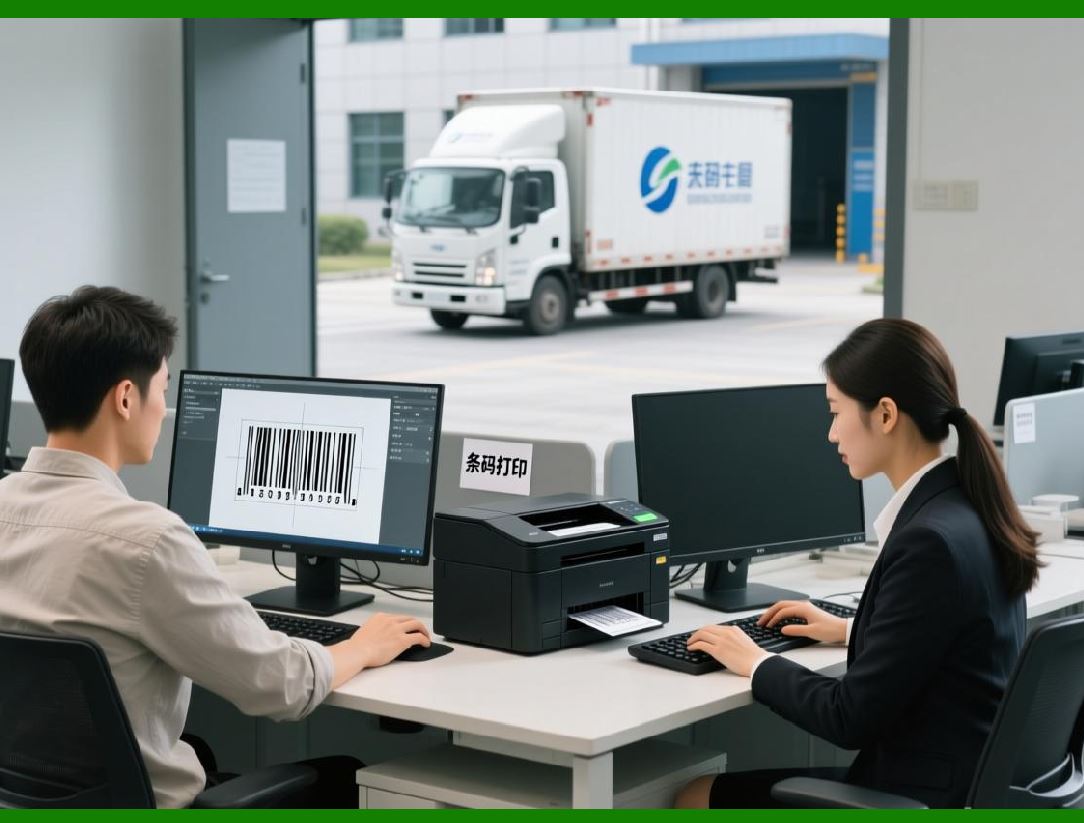
Infor ERP is a comprehensive suite of enterprise resource planning solutions that offers deep integration across a variety of industries, including manufacturing, healthcare, distribution, and retail. Infor's ERP systems leverage barcode technology to improve efficiency, reduce human error, and streamline a wide range of business operations. In this section, we will explore how barcode functions are integrated into Infor ERP, focusing on inventory management, warehouse operations, asset tracking, and production. |
|
7.1 Integration of Barcodes in Infor CloudSuite for Inventory Management |
Infor CloudSuite, one of Infor flagship ERP offerings, integrates barcode technology across various modules to automate inventory management and provide real-time data updates. Barcode scanning enables businesses to track and manage their inventory with greater accuracy, reducing the reliance on manual stocktaking and improving operational efficiency. |
* Real-time Inventory Tracking: Barcode scanning allows Infor ERP to update inventory levels automatically in real time. As products are received, picked, or shipped, the system immediately reflects changes in stock quantities. For example, when goods are received, scanning the barcode on each product will update the system inventory levels. This provides an up-to-date view of stock quantities, reducing the risk of stockouts or overstocking. |
* Improved Accuracy and Efficiency: Infor CloudSuite integration with barcode technology minimizes human error by automating data entry. Manual errors such as miscounting, data transcription mistakes, or incorrect product identification are reduced. This leads to more accurate inventory records and better decision-making capabilities in procurement, production, and sales. |
* Automated Stock Adjustments: Barcode scanning simplifies stock adjustments in Infor ERP. When inventory discrepancies are identified, such as missing or damaged items, workers can scan barcodes to initiate stock adjustments. The ERP system automatically updates inventory records to reflect the changes, ensuring that businesses have accurate and real-time information. |
* Batch and Lot Tracking: In industries such as food and pharmaceuticals, batch and lot tracking is crucial for compliance and traceability. Infor ERP barcode functionality supports batch and lot numbering, allowing businesses to track products based on these identifiers. This is especially important for regulatory compliance and product recalls, as barcodes can store batch-specific data like production date, expiration date, and other critical details. |
|
7.2 Barcode Scanning in Infor Warehouse Management (WMS) |
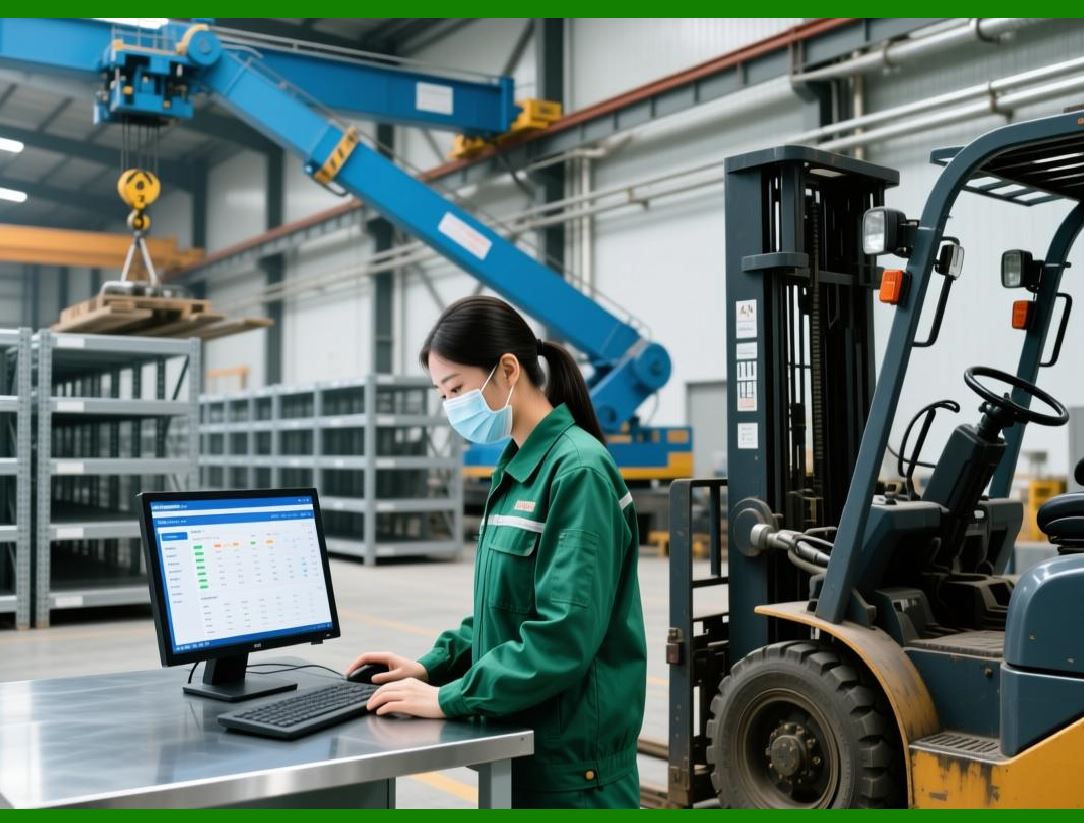
Infor ERP Warehouse Management System (WMS) is designed to optimize warehouse operations, and barcode scanning plays a central role in this. By integrating barcode functionality, Infor WMS streamlines inventory tracking, order picking, shipping, and more. |
* Barcode-Based Putaway and Picking: When goods arrive at the warehouse, barcode scanning enables efficient putaway operations. Warehouse staff scan the barcode on each product, which confirms its storage location in the system. Similarly, when orders are picked for shipment, barcode scanning verifies that the correct items are selected. This helps ensure that the right products are delivered to the correct customers and reduces the risk of picking errors. |
* Real-time Visibility into Warehouse Operations: Barcode scanning provides real-time visibility into the location and status of products within the warehouse. Each scan updates the ERP system with information about product movements, allowing businesses to track goods as they are moved between locations. This provides better control over inventory, reduces lost or misplaced items, and helps optimize warehouse space. |
* Optimized Packing and Shipping: Infor WMS integrates barcode scanning into the packing and shipping processes. When products are packaged for shipment, the barcodes are scanned to confirm that the correct items are being packed. The system updates the order status and generates shipping labels. This reduces manual intervention, increases efficiency, and ensures that the right products are sent to customers. |
* Multi-Barcode Scanning: Infor WMS supports multi-barcode scanning, which allows workers to scan several barcodes simultaneously, especially when items are packed together in boxes or pallets. This speeds up the picking and packing process, making it more efficient in high-volume environments. |

|
7.3 Barcode Use in Infor Manufacturing and Production Modules |
In manufacturing environments, barcode scanning in Infor ERP helps track raw materials, work-in-progress items, and finished goods. Barcode technology is embedded in Infor manufacturing modules to optimize production processes, improve material handling, and enhance overall productivity. |
* Tracking Materials in Production: Barcode scanning is used to track the consumption of raw materials during the production process. As materials are used on the shop floor, workers scan the barcodes on material containers or parts. Infor ERP automatically updates the system, ensuring that the usage of materials is accurately recorded. This helps businesses manage material costs, minimize waste, and track inventory consumption in real-time. |
* Work Order and Job Tracking: Infor ERP manufacturing module integrates barcode scanning to track the progress of work orders and production jobs. As workers move through different stages of production, they scan barcodes to log their actions, such as assembling parts, quality checks, or packaging. This provides real-time updates to the ERP system, allowing production managers to monitor job progress and adjust schedules if needed. |
* Asset Management on the Shop Floor: Manufacturing plants often have a range of equipment and tools that need to be managed and maintained. Infor ERP integrates barcode scanning for asset tracking, allowing businesses to scan barcode labels attached to machines or tools. This ensures that maintenance schedules are adhered to, and asset usage is accurately logged, which helps prevent unplanned downtime and extends the lifespan of equipment. |
* Production Line Efficiency: Barcode scanning can be used to monitor the efficiency of production lines in real time. By tracking the movement of items along the production line and scanning barcodes at each stage, businesses can identify bottlenecks, measure throughput, and identify areas for improvement. This data is valuable for improving manufacturing processes and optimizing labor resources. |

|
7.4 Barcode Printing and Labeling in Infor ERP |
Infor ERP offers barcode printing and labeling capabilities, allowing businesses to generate and print labels directly from the ERP system. This integration reduces manual processes, ensures consistency, and enhances operational efficiency across the organization. |
* Custom Barcode Labels: Infor ERP enables businesses to customize barcode labels based on their specific needs. Labels can include various types of information such as product codes, descriptions, barcodes, batch numbers, and expiration dates. These customized labels help businesses meet regulatory requirements and internal labeling standards. |
* Automated Label Generation: Infor ERP automatically generates barcode labels during key operational processes such as goods receipt, production, and shipping. For instance, when inventory is received at a warehouse, the system can generate barcode labels for each item. This automation reduces human error, speeds up labeling tasks, and ensures that all items are correctly tagged for tracking. |
* Integration with Label Printers: Infor ERP integrates with barcode label printers, allowing businesses to print labels directly from the ERP system. The system sends the relevant data (e.g., product information, batch numbers, barcodes) to the printer, which generates the labels. This seamless integration ensures that labels are accurately printed and ready for use in the warehouse, production line, or shipping department. |
* Batch and Serial Number Printing: For industries that require the tracking of batches or serial numbers, such as pharmaceuticals, food production, or electronics, Infor ERP supports the printing of batch-specific or serial-numbered barcode labels. These labels provide a unique identifier for each item, which helps with inventory tracking, quality control, and traceability. |

|
7.5 Reporting and Analytics with Barcode Data in Infor ERP |
Infor ERP leverages the data captured through barcode scanning to generate valuable insights that help businesses optimize their operations. Barcode-driven reporting and analytics provide real-time visibility into inventory, warehouse performance, production efficiency, and more. |
* Inventory and Stock Reports: Barcode scanning data is used to generate detailed reports on inventory levels, stock movements, and product turnover. These reports help businesses identify trends in inventory usage, monitor stock levels across multiple locations, and optimize reordering processes. Barcode-driven reports are particularly useful for managing high-value or high-turnover inventory. |
* Warehouse Performance Metrics: Barcode data in Infor ERP allows businesses to track key performance indicators (KPIs) for warehouse operations. Metrics such as picking speed, order accuracy, and packing efficiency can be tracked in real time, helping businesses identify opportunities for improvement. By using barcode data for analytics, businesses can optimize warehouse operations and improve overall productivity. |
* Production Analytics: In manufacturing, barcode scanning provides valuable data for performance analysis. Infor ERP can generate reports on production efficiency, material usage, job completion rates, and more. This data helps manufacturers identify bottlenecks, monitor production progress, and improve throughput. |
* Predictive Analytics: By analyzing barcode data, Infor ERP can provide predictive insights to help businesses plan for future inventory needs, demand fluctuations, and production schedules. This enables businesses to optimize inventory levels, reduce stockouts, and better align production plans with demand. |

|
Summary of Part 7: |
In this section, we have explored how Infor ERP integrates barcode functionality across inventory management, warehouse operations, manufacturing, and asset tracking. Barcode scanning plays a central role in automating data capture, providing real-time visibility, and improving the efficiency of various business processes. From inventory tracking to production monitoring and shipping, barcode technology helps streamline operations and reduce human error. The integration of barcode printing, automated label generation, and reporting features in Infor ERP enhances operational efficiency and provides valuable data-driven insights for better decision-making. |
 cs@easiersoft.com