Part 13: Advanced Features and Industry-Specific Applications |
13.1 Advanced Barcode Features |
Beyond standard barcode creation, LabelDesigner supports advanced features for specialized applications: |
1. GS1-compliant encoding |
* Includes Application Identifiers for serialized shipping, batch tracking, and expiry dates |
* Supports GS1-128, GS1 DataMatrix, and GS1 QR Codes |
2. Error-corrected 2D codes |
* QR Codes and DataMatrix symbols include ECC levels |
* Ensures scannability even with damage, smudging, or low-quality media |
3. Barcode concatenation and composite symbols |
* Merge multiple fields into a single barcode for complex logistics and traceability |
* Useful for serialized products or multi-attribute tracking |
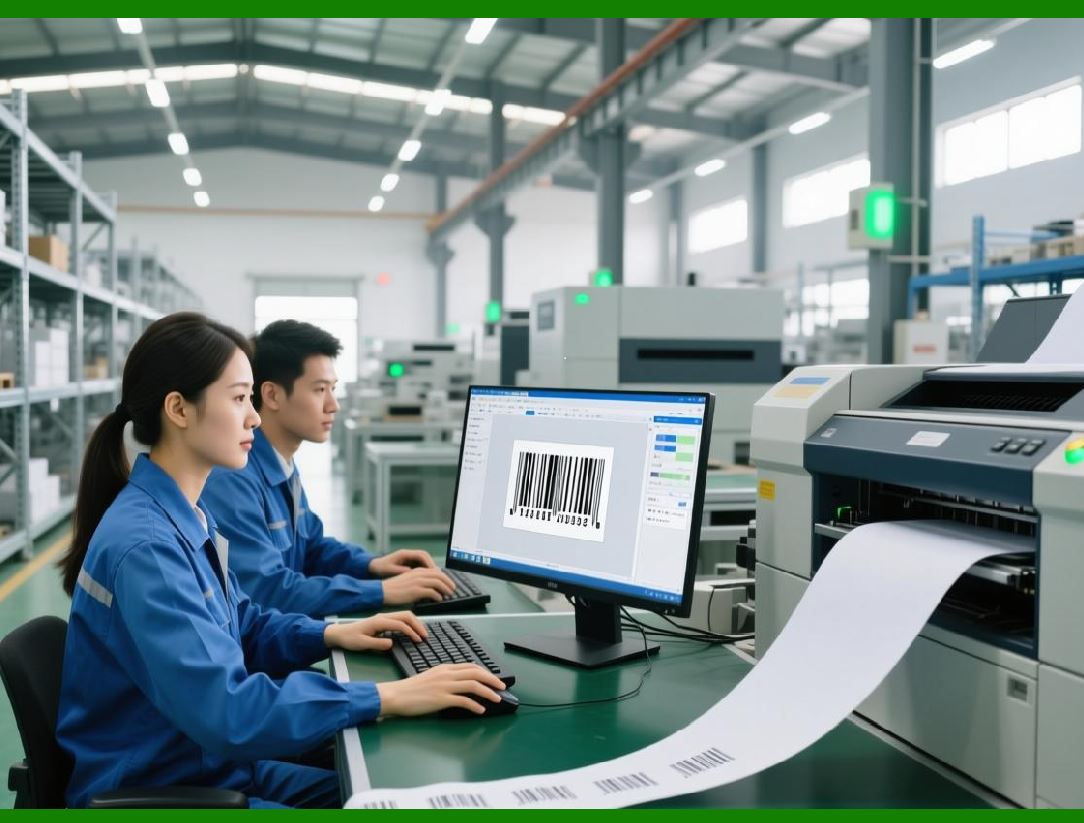
These features allow LabelDesigner to meet highly regulated and logistics-intensive environments, such as pharmaceuticals, medical devices, and food supply chains. |
|
13.2 Specialized Labeling for Pharmaceuticals |
Pharmaceutical labeling is a high-stakes environment requiring: |
1. Serialization |
* Unique identifiers for each package to prevent counterfeiting |
* Automated incrementing and data-driven population |
2. Regulatory compliance |
* FDA, EMA, and GS1 traceability guidelines |
* Mandatory human-readable fields for critical data like lot number and expiration date |
3. Variable data barcodes |
* DataMatrix symbols for small vials or blister packs |
* Supports linked batch and production information |
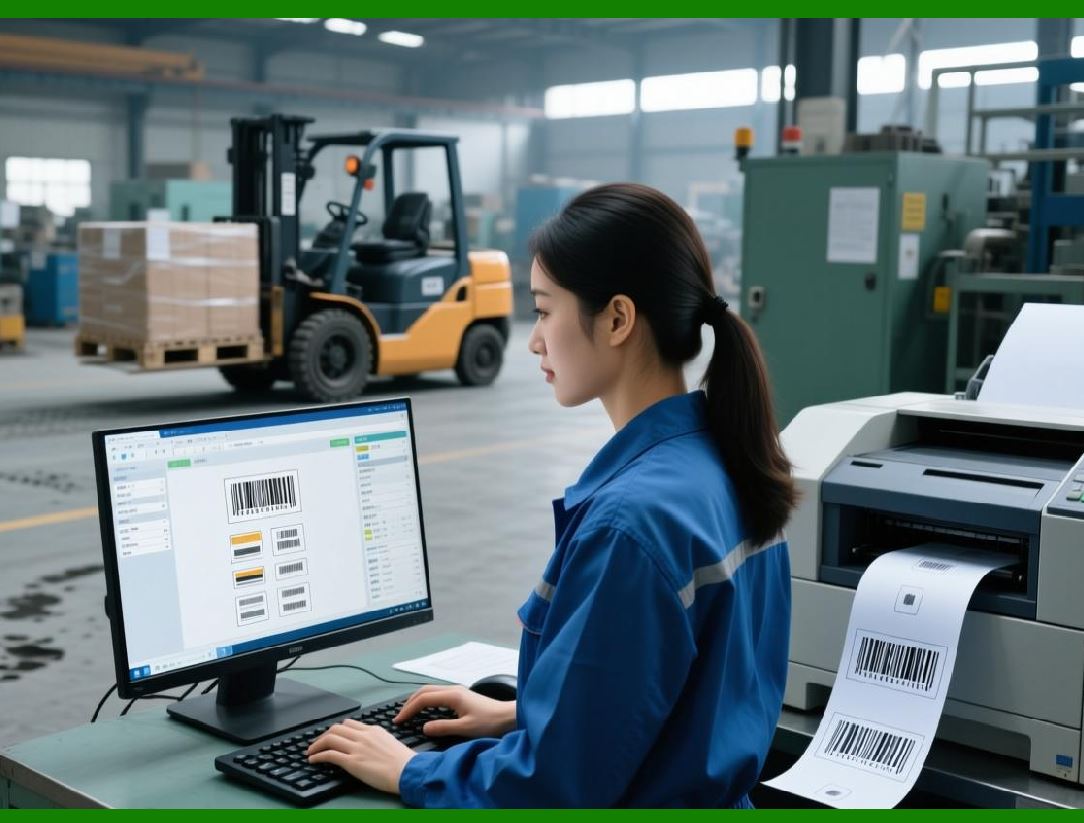
LabelDesigner combination of automation, variable data, and barcode standards ensures accuracy, regulatory compliance, and traceability in pharmaceutical production. |
|
13.3 Food and Beverage Industry Applications |
Food labeling has unique challenges: |
1. Expiration and best by dates |
* Auto-generated from production dates using variable data fields |
2. Batch tracking |
* Integrates with ERP/WMS for batch-level traceability |
3. Nutrition facts and ingredient lists |
* Dynamically populated text objects for multi-product lines |
4. Allergen warnings and icons |
* Supports image objects to comply with local labeling regulations |
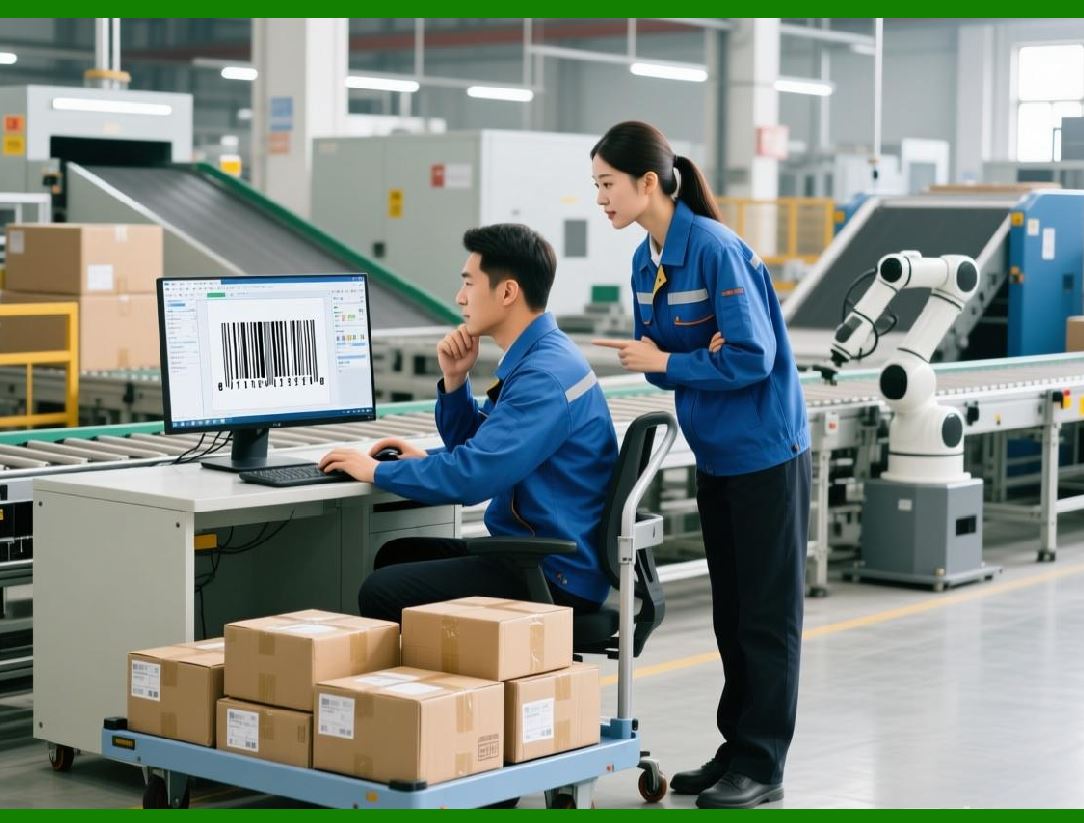
LabelDesigner allows food manufacturers to generate compliant labels efficiently across multiple product lines and packaging types. |
|
13.4 Industrial and Manufacturing Labeling |
In manufacturing environments, labels often include: |
1. Serial numbers and part IDs |
2. Production line or plant identifiers |
3. Compliance barcodes for ISO, RoHS, or CE marking |
LabelDesigner supports: |
* Automated batch generation for production runs |
* Integration with MES systems for work order-based labeling |
* Multiple label sizes for small components or large machinery |
Industrial labeling requires precision, durability, and adaptability, all of which LabelDesigner provides. |

|
13.5 Logistics and Supply Chain Use Cases |
For logistics, labeling is critical for tracking, scanning, and fulfillment: |
1. Pallet and carton labeling |
* GS1-128 barcodes encode shipment IDs, weight, and destination codes |
2. Shipping labels |
* Integration with ERP or carrier APIs to populate address, tracking number, and service type |
3. Multi-site synchronization |
* Standardized label templates across warehouses ensure consistency |
4. Automated batch printing |
* Labels generated as shipments are created, reducing manual steps |
LabelDesigner enables efficient supply chain operations with accurate, compliant labels. |

|
13.6 Customization for Branding and Marketing Labels |
Beyond technical and regulatory labels, LabelDesigner supports branding and promotional labels: |
1. High-resolution logos and images |
2. Color backgrounds and gradients |
3. Variable text for promotions, serial gifts, or marketing campaigns |
This flexibility allows marketing teams to integrate promotional content into product packaging, while still using the same platform for operational labels. |

|
13.7 Integration with RFID and Emerging Technologies |
While LabelDesigner is barcode-centric, it can interface with emerging identification technologies: |
1. RFID tag encoding |
* Assign serial numbers or product identifiers to RFID labels alongside printed barcodes |
2. IoT device labeling |
* Supports small 2D barcodes or QR codes that link to digital product information |
3. Digital twins and traceability |
* Combine LabelDesigner output with enterprise digital tracking systems |
These capabilities position LabelDesigner as forward-compatible with modern supply chain technologies. |

|
13.8 Audit, Compliance, and Traceability Enhancements |
Advanced operations require rigorous compliance tracking: |
1. Digital label archives |
* Retain previous versions for regulatory inspection |
2. Printable audit summaries |
* Include operator, template, date, and batch information |
3. Error logs and alerts |
* Notify operators of missing or invalid data prior to printing |
These enhancements ensure full accountability and traceability, critical for pharmaceuticals, food, and regulated manufacturing. |

|
13.9 Training and Operational Best Practices |
Maximizing LabelDesigner potential requires training and process governance: |
1. Template standardization |
* Prevents inconsistencies across departments |
2. Data validation protocols |
* Ensure accurate variable data population |
3. Printer calibration and media testing |
* Maintain scannability and label durability |
4. Regular workflow review |
* Adapt processes as operational or regulatory requirements evolve |
Best practices ensure long-term reliability, compliance, and efficiency. |

|
13.10 Conclusion of Advanced and Specialized Applications |
LabelDesigner is not only a general label and barcode design suite but also an enterprise-grade solution for: |
* Pharmaceutical and medical labeling |
* Food and beverage compliance labeling |
* Industrial and manufacturing product tracking |
* Logistics and supply chain efficiency |
* Marketing, branding, and promotional labeling |
By combining automation, variable data, advanced barcode support, visual design flexibility, and enterprise integration, LabelDesigner addresses the complex and evolving needs of modern businesses. |
 cs@easiersoft.com