LabelDesigner (Code Finix): General Label & Barcode Design Suite |
Part 6 Printing Systems, Output Control, and Hardware Integration |
68. Printing as the Final Critical Stage |
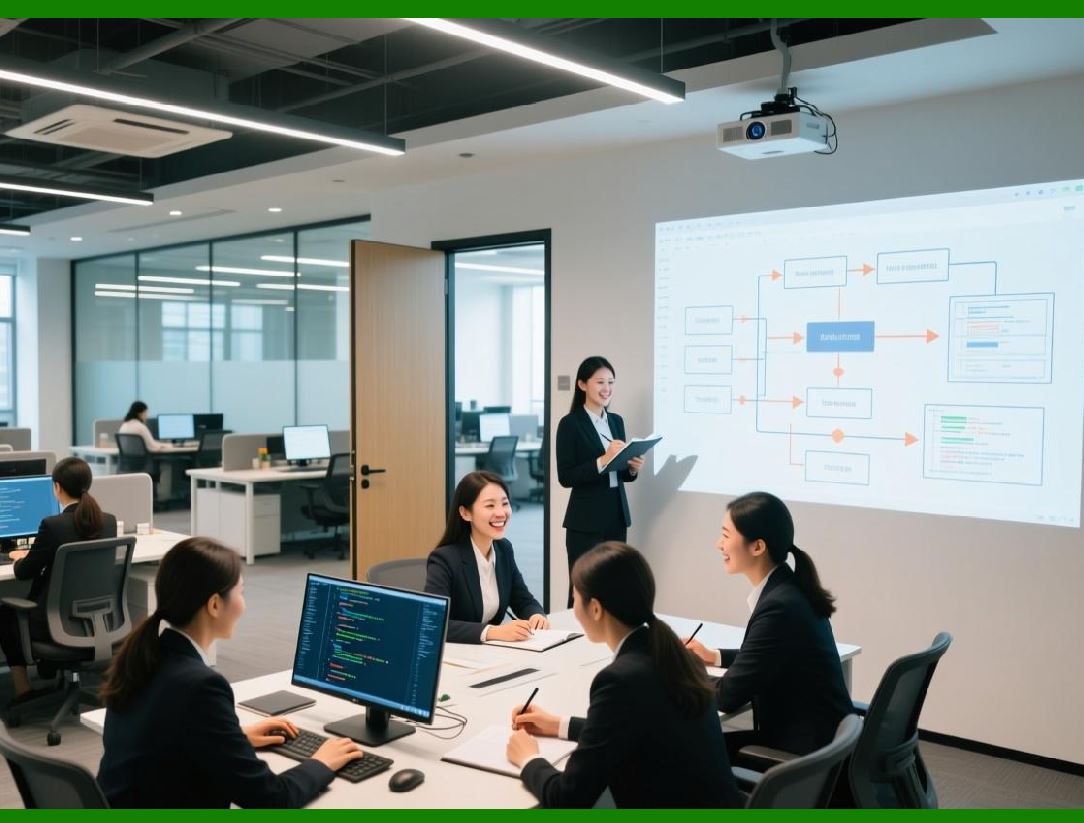
In any labeling workflow, printing is the stage where digital design and data are transformed into physical artifacts. No matter how well a label is designed, its value depends on accurate and reliable printing. LabelDesigner by Code Finix treats printing not as a peripheral function but as a core component of the overall system. |
Printing introduces a range of technical variables, including printer type, resolution, media characteristics, and environmental conditions. LabelDesigner printing subsystem is designed to manage these variables while maintaining consistency between on-screen design and printed output. |
By integrating print-related considerations throughout the design and preview process, the software reduces the gap between expectation and reality. |
|
69. Support for Different Printer Categories |
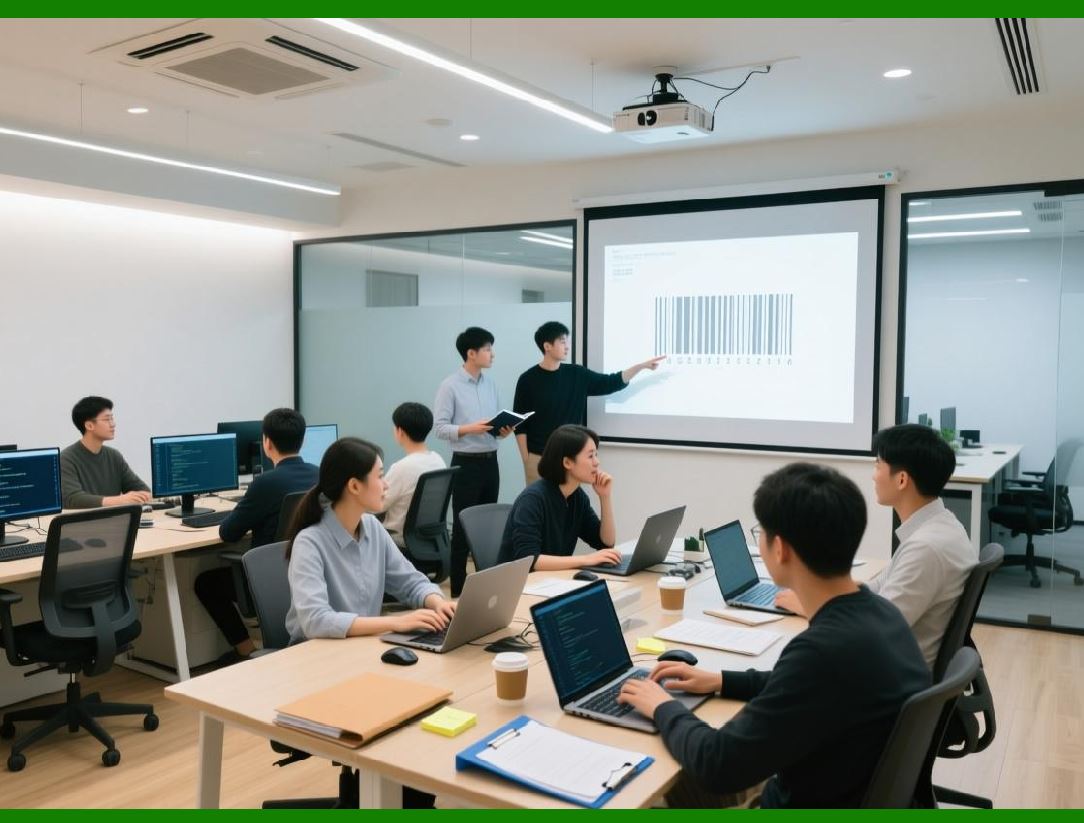
LabelDesigner is designed to work with a variety of printer types commonly used in labeling applications. These include general-purpose office printers, dedicated label printers, and industrial printing devices. |
Office printers, such as inkjet and laser printers, are often used for low-volume or prototype labeling. LabelDesigner supports these printers through standard operating system drivers, allowing users to print labels on sheets or pre-cut stock. |
Dedicated label printers, including thermal transfer and direct thermal models, are widely used in logistics and manufacturing. These printers require precise control over label dimensions, print density, and feed mechanisms. LabelDesigner architecture accommodates these requirements by allowing printer-specific settings to be defined within the project. |
Industrial printers, often used in high-volume or harsh environments, may introduce additional constraints such as fixed resolutions or proprietary command languages. LabelDesigner compatibility with these devices underscores its suitability for professional use. |
|
70. Printer Driver Integration and OS-Level Compatibility |
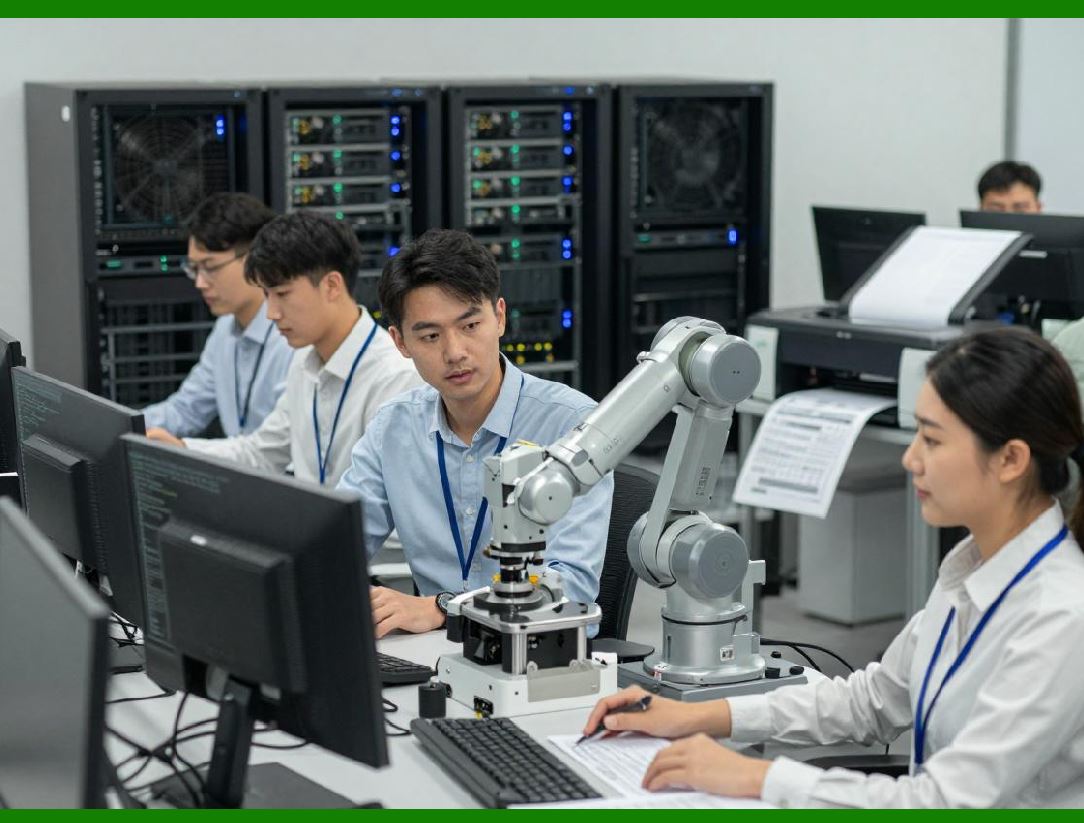
Rather than attempting to replace printer drivers, LabelDesigner integrates with existing operating system printing frameworks. This approach leverages the stability and compatibility of established driver ecosystems. |
By relying on OS-level drivers, LabelDesigner ensures that it can work with a wide range of printers without requiring custom development for each model. Users benefit from updates and improvements provided by printer manufacturers without changes to the label design software itself. |
This integration also simplifies installation and maintenance, as users can manage printers through familiar system tools while still accessing advanced print control features within LabelDesigner. |
|
71. Label Stock Definition and Media Handling |
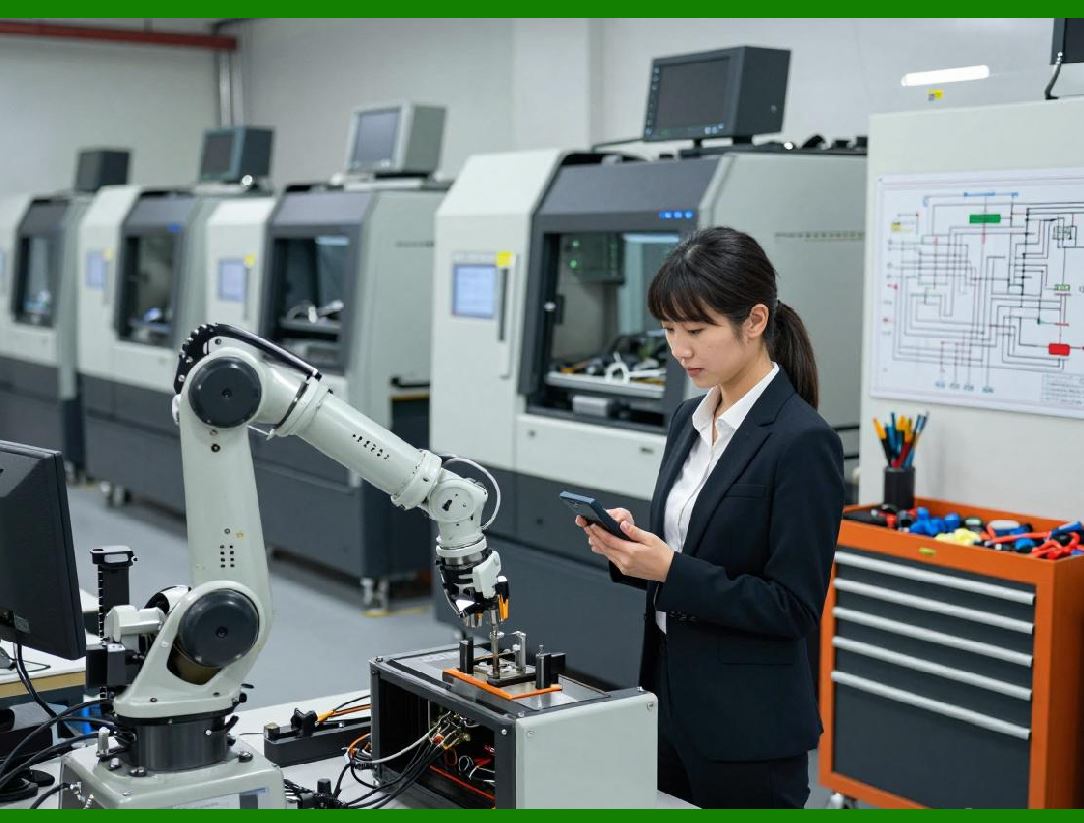
Accurate printing depends on correctly defining the physical characteristics of label stock. LabelDesigner allows users to specify label dimensions, gaps, margins, and orientation to match the media being used. |
For roll-fed labels, parameters such as label height, width, and inter-label gap must be configured precisely. For sheet-fed labels, the layout of multiple labels per page must be defined, including margins and spacing. |
By storing these definitions within projects or templates, LabelDesigner ensures that label designs remain aligned with the intended media, even when printed on different printers. |
|
72. Resolution Management and Print Density |
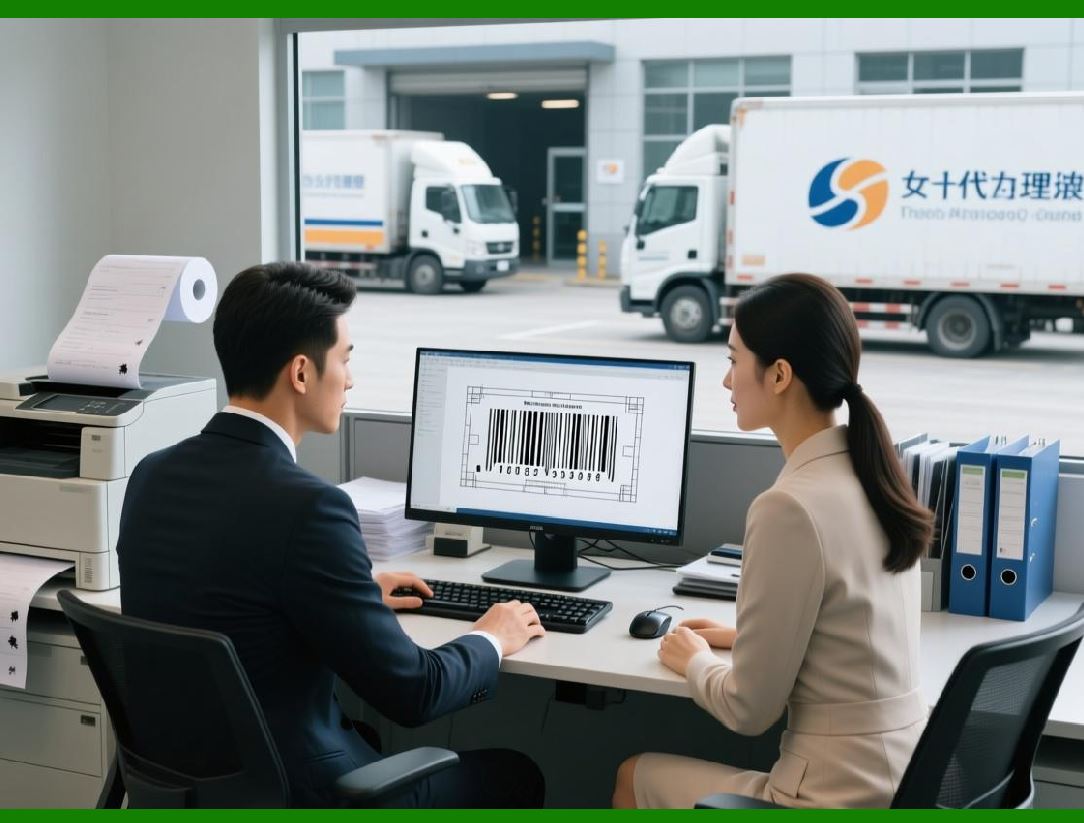
Print resolution plays a crucial role in label quality, particularly for barcodes. LabelDesigner is designed to be resolution-aware, adjusting rendering to match the printer dots-per-inch capabilities. |
For thermal printers with fixed resolutions, the software can align barcode module sizes with printer dots, producing crisp and readable symbols. For higher-resolution printers, LabelDesigner can take advantage of increased detail for text and graphics. |
Print density settings control how much ink or thermal energy is applied during printing. These settings affect both appearance and durability. LabelDesigner provides access to such parameters, allowing users to fine-tune output for specific media and environments. |
|
73. Print Preview and WYSIWYG Output |
A key expectation of professional design software is that printed output should closely match on-screen previews. LabelDesigner supports this expectation through accurate print preview functionality. |
The preview reflects not only the layout but also the applied data, printer settings, and scaling. Users can inspect labels at actual size or zoomed in to check details such as text alignment and barcode clarity. |
By offering reliable preview capabilities, LabelDesigner reduces the need for trial prints and conserves materials. |

|
74. Batch Printing and Job Control |
Many labeling tasks involve printing labels in batches rather than individually. LabelDesigner includes job control features that support batch printing from data sources. |
Users can specify how many labels to print per data record, select subsets of records, and control print order. These options are particularly important in production environments where labeling is integrated into operational workflows. |
Job control features also help manage interruptions. For example, if a print job is paused or stopped, users can resume from a specific point without reprinting the entire batch. |

|
75. Printer Selection and Dynamic Routing |
In environments with multiple printers, selecting the appropriate device for each label type can be complex. LabelDesigner supports printer selection at the project or template level. |
This capability allows different label designs to be routed automatically to specific printers. For example, shipping labels might be printed on a thermal printer, while compliance labels are printed on a high-resolution laser printer. |
Dynamic routing reduces manual intervention and minimizes the risk of printing labels on incorrect media. |

|
76. Calibration and Alignment Adjustments |
Even with correct settings, physical printers may require calibration to ensure alignment. Variations in media feed, cutter accuracy, or mechanical tolerances can affect output. |
LabelDesigner provides adjustment options that allow users to fine-tune print positioning. Small offsets can be applied to correct alignment issues without modifying the underlying label design. |
This separation between design and calibration helps maintain template integrity while accommodating hardware variability. |

|
77. Support for Continuous and Cut Media |
Label printers may use continuous media or pre-cut labels. Each type introduces different printing considerations. |
For continuous media, the software must control label length and feed precisely to ensure consistent output. For pre-cut labels, it must align printing with physical cuts or gaps. |
LabelDesigner media handling options support both scenarios, allowing users to configure behavior according to their printer and media type. |

|
78. Error Detection During Printing |
Printing errors can occur for various reasons, such as media jams, out-of-label conditions, or communication failures. LabelDesigner interacts with printer drivers to receive status information and report issues to the user. |
Clear error messages help users identify the cause of a problem quickly. In batch printing scenarios, the software may allow recovery without restarting the entire job. |
This responsiveness is essential in production environments where downtime can be costly. |

|
79. Print Logging and Traceability |
In regulated or quality-controlled environments, it may be necessary to track printing activity. LabelDesigner supports logging of print jobs, including information such as time, template used, and data records processed. |
Print logs contribute to traceability and auditing. They also provide diagnostic information that can be useful for troubleshooting or process improvement. |
|
80. Integration with External Systems and Devices |
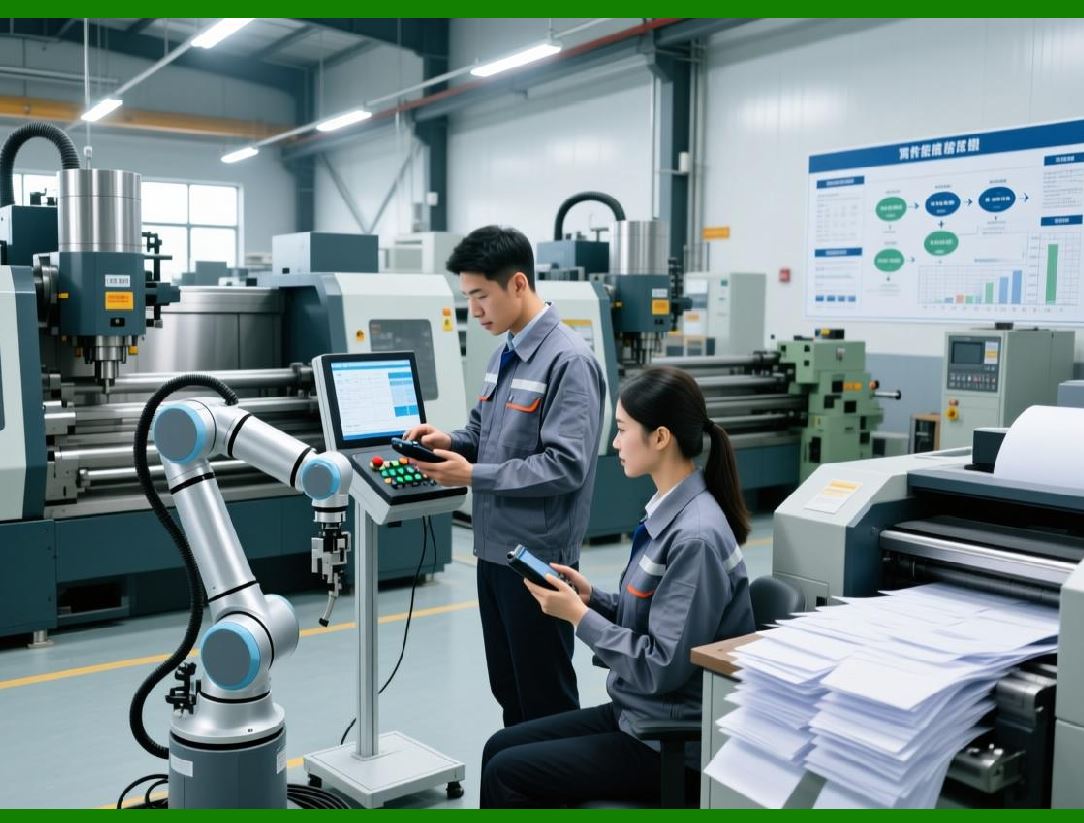
Beyond printers, labeling workflows may involve other hardware such as scanners, weigh scales, or applicators. While LabelDesigner primary focus is label design and printing, its compatibility with standard data formats and drivers allows it to integrate into broader systems. |
For example, scanned data can be fed into the software as input for variable fields, or printed labels can be applied automatically by downstream equipment. |
This interoperability reinforces LabelDesigner role as a component within larger operational ecosystems. |

|
81. Environmental and Durability Considerations |
Labels are often exposed to challenging environments, including moisture, heat, abrasion, and chemicals. While material selection is outside the scope of software, LabelDesigner supports design decisions that enhance durability. |
For example, users can choose barcode sizes and error correction levels appropriate for harsh conditions. Print density and resolution settings can be adjusted to improve longevity. |
By providing control over these parameters, LabelDesigner helps users produce labels that remain functional throughout their intended lifespan. |
|
82. Transition to Automation and Customization |
This part has focused on printing systems and hardware integration, highlighting how LabelDesigner bridges the gap between digital design and physical output. |
In the next part, the discussion will move to automation, scripting, and customization capabilities, examining how LabelDesigner can be extended and integrated into automated workflows and custom applications. |
 cs@easiersoft.com