Part 9: Automation, Print Workflows, and Enterprise Deployment |
9.1 The Importance of Automation in Labeling |
In high-volume or enterprise environments, manual label design and printing is no longer practical. Automation ensures consistency, efficiency, and accuracy, reducing the risk of human error while meeting operational demands. |
LabelDesigner is designed to support both semi-automated and fully automated workflows. Automation in this context includes: |
1. Template-driven batch printing |
2. Data-driven dynamic label generation |
3. Integration with ERP, MES, and WMS systems |
4. Programmatic control via scripting or API |
The combination of these capabilities allows organizations to scale labeling operations without compromising quality or compliance. |

|
9.2 Template-Based Automation |
LabelDesigner encourages a template-centric approach, where label layouts are separated from the data they represent. |
Key aspects include: |
1. Reusable templates |
Templates store layout, barcode configurations, variable field definitions, and print settings. |
2. Parameterization |
Users define variable fields that will be populated dynamically at print time. |
3. Version control |
Templates can be versioned to maintain compliance with regulatory requirements or internal quality standards. |
This methodology allows consistent label formatting across multiple production lines or locations. |

|
9.3 Batch Printing Automation |
Batch printing is a core component of automated label workflows. |
LabelDesigner provides: |
1. Record-driven batch printing |
Each data record generates one or more labels automatically. |
2. Custom print sequences |
Users can define the order in which records are printed, including conditional sequences based on specific field values. |
3. Partial or selective batch execution |
Operators can choose subsets of records for printing without re-running the full batch. |
4. Job queuing |
Jobs can be queued to manage large production volumes and coordinate with other printing tasks. |
Batch printing reduces manual labor, increases throughput, and maintains consistent quality across large label runs. |

|
9.4 Scripting and Macro Support |
LabelDesigner provides mechanisms for programmatic automation through scripting or macros. |
Capabilities include: |
1. Data preprocessing |
Transforming or validating imported data before label generation. |
2. Template selection |
Dynamically choosing label templates based on input data, production line, or product type. |
3. Custom print logic |
Automatically determining quantities, print destinations, or label sequences. |
4. Error handling |
Detecting and logging problems during the print process. |
Scripting allows advanced users to tailor LabelDesigner to complex operational requirements. |

|
9.5 Integration with Enterprise Systems |
Many organizations deploy LabelDesigner alongside enterprise platforms. Integration points include: |
1. ERP (Enterprise Resource Planning) |
* Pull product master data and order information |
* Generate labels at the point of fulfillment or shipping |
2. MES (Manufacturing Execution System) |
* Automate batch labeling for production lots |
* Include work order numbers, operator codes, and timestamps |
3. WMS (Warehouse Management System) |
* Print location or pallet labels dynamically |
* Coordinate labeling with inventory updates |
Integration ensures that labels always reflect current and accurate operational data. |

|
9.6 API and Command-Line Printing |
For enterprise deployment, LabelDesigner supports headless operation via command-line execution or API calls. |
Features include: |
1. Template invocation |
Trigger a label template with specified data. |
2. Print job control |
Specify printer, number of copies, and record ranges programmatically. |
3. Automation hooks |
Integrate with scripts, ERP systems, or workflow engines. |
This approach is particularly useful for high-volume operations or when labels must be generated as part of a larger automated process. |

|
9.7 Print-Time Validation and Error Recovery |
Automation is only effective if it includes robust error handling. |
LabelDesigner provides: |
1. Field validation |
* Required fields |
* Data type constraints |
* Barcode format validation |
2. Error alerts |
* Inform operators of missing or invalid data |
* Suggest corrective actions |
3. Recovery options |
* Resume interrupted print jobs |
* Reprint specific records without affecting others |
These mechanisms ensure that automation does not compromise quality or traceability. |

|
9.8 Multi-Printer Deployment |
Enterprises often operate multiple printers across production lines, shipping areas, and warehouses. |
LabelDesigner supports: |
1. Printer mapping per template |
Assign templates to specific printers based on label type or job requirements. |
2. Dynamic printer selection |
Choose printers at print time based on availability or operational rules. |
3. Load balancing |
Distribute print jobs across multiple printers to optimize throughput. |
Multi-printer support is essential for high-volume labeling environments. |

|
9.9 Workflow Logging and Audit Trails |
For regulated environments, maintaining traceability is crucial. |
LabelDesigner supports: |
1. Print job logs |
* Timestamp of printing |
* Template used |
* Data records printed |
2. Error and exception logs |
* Capture validation failures or printer errors |
3. Audit trail generation |
* Supports compliance with ISO, FDA, or internal quality standards |
Logging enhances transparency, accountability, and process improvement. |

|
9.10 Scheduled and Triggered Printing |
Advanced deployments often require scheduled or event-driven label printing. |
LabelDesigner supports: |
1. Time-based triggers |
* Generate labels at predetermined intervals (e.g., daily batch reports) |
2. Event-based triggers |
* React to new orders, production completion, or shipment creation |
3. Automated output handling |
* Automatically route printed labels to specific printers or storage locations |
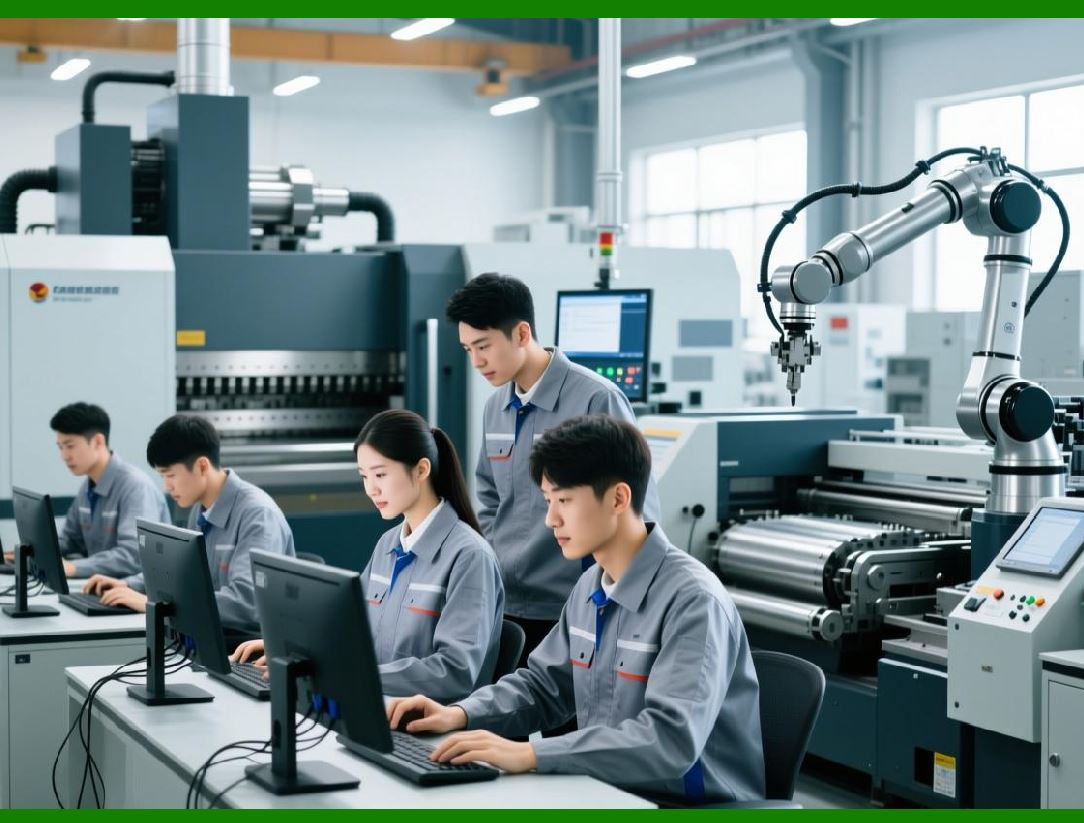
This functionality allows LabelDesigner to operate as part of a fully automated production ecosystem. |
|
9.11 Security and Access Control |
In enterprise deployments, controlling access to templates, data sources, and print functions is critical. |
LabelDesigner supports: |
1. User-level permissions |
* Read-only, edit, or print-only roles |
2. Template locking |
* Prevent unauthorized modification of critical label designs |
3. Audit-ready workflows |
* Ensures only authorized personnel execute label printing |
Access control safeguards operational integrity and compliance. |

|
9.12 Transition to Graphics and Visual Design Capabilities |
Part 9 has focused on automation, print workflows, and enterprise integration. These capabilities demonstrate how LabelDesigner moves beyond a simple design tool into a mission-critical component of operational labeling systems. |
The next part, Part 10, will focus on graphics, layout, and visual design features, exploring how LabelDesigner balances technical accuracy with design flexibility. |
 cs@easiersoft.com