Labeljoy - Comprehensive Technical and Functional Analysis |
Part 4: Printing Architecture, Printer Compatibility, Calibration, and Output Precision |
1. Central Role of Printing in Labeljoy |
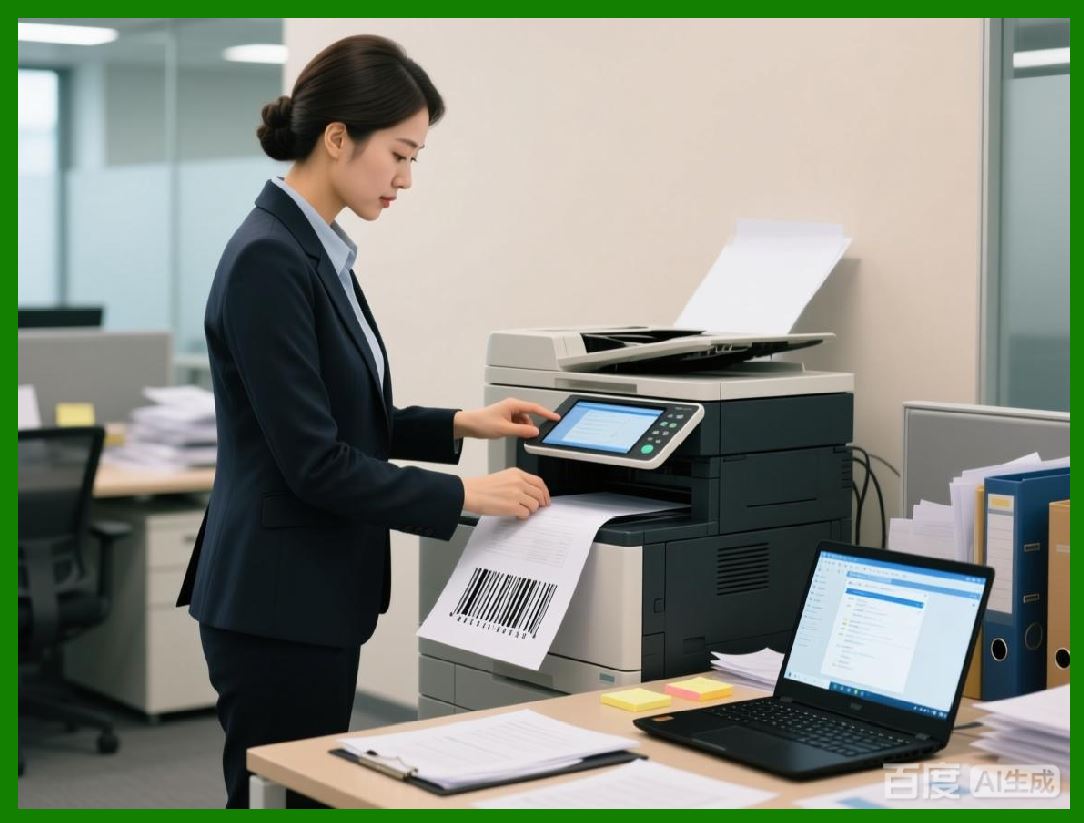
Printing is the final and most critical stage of any labeling workflow. A perfectly designed label that fails to print correctly has no operational value. Labeljoy is built with the assumption that printed output must closely match the on-screen design in terms of dimensions, alignment, and barcode quality. |
Rather than relying solely on operating system defaults, Labeljoy implements its own printing logic layered on top of standard printer drivers. This approach allows the software to provide predictable output across a wide range of printer types and configurations. |
|
2. Printer-Agnostic Design Philosophy |
Labeljoy follows a printer-agnostic philosophy. It does not restrict users to a specific brand or class of printer, nor does it require proprietary drivers beyond those supplied by the printer manufacturer. |
This philosophy makes Labeljoy compatible with: |
Inkjet printers |
Laser printers |
Desktop thermal label printers |
Industrial thermal transfer printers |
By relying on standard driver interfaces, Labeljoy ensures broad hardware compatibility while still providing fine-grained control over output behavior. |

|
3. Interaction with Operating System Print Subsystems |
Labeljoy integrates with the native print subsystem of the operating system. On Windows platforms, this involves interaction with installed printer drivers and print queues. |
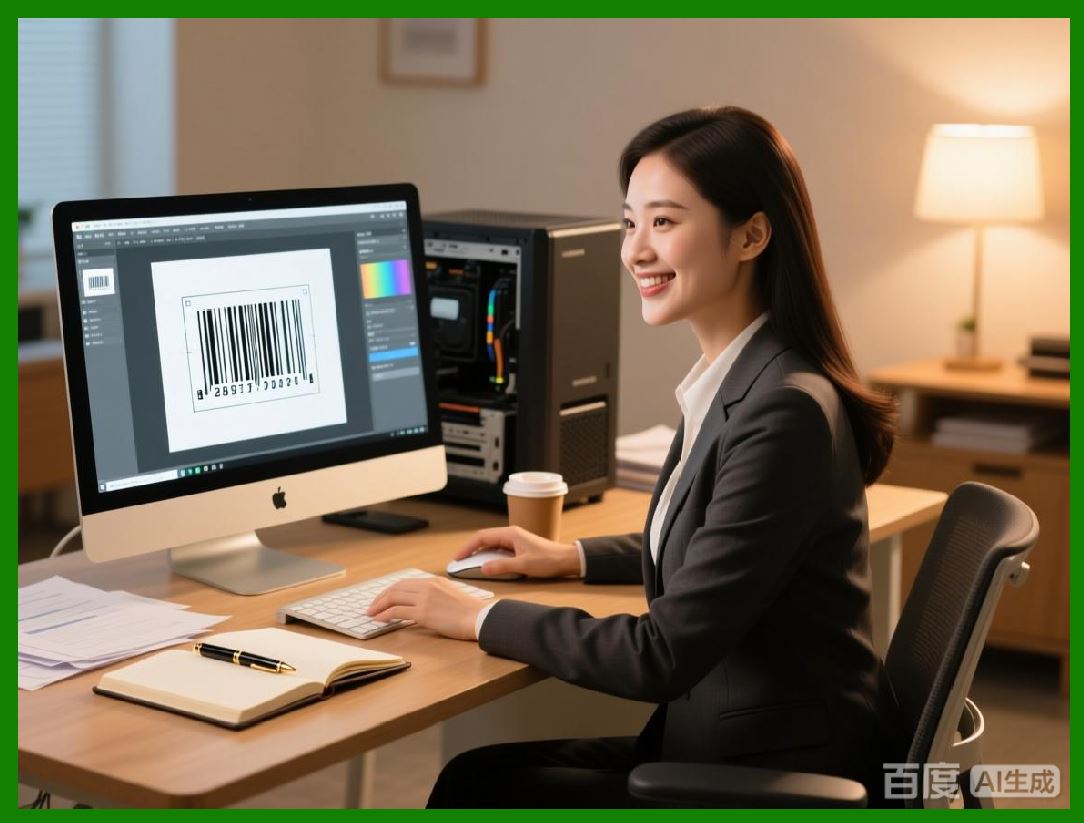
The software retrieves printer capabilities such as supported resolutions, printable area, and page size options. These parameters are then reflected in the label design environment. |
This tight coupling between design and print settings reduces discrepancies between screen and output. |
|
4. Page Setup and Label Dimensions |
One of the most common causes of printing errors in labeling workflows is mismatched page setup. Labeljoy addresses this by making page and label dimensions explicit and central to the design process. |
Users define: |
Page size |
Label width and height |
Margins |
Orientation |
These settings are visually represented on the design canvas, allowing users to see exactly how labels will be positioned on the page or roll. |

|
5. Support for Roll-Fed and Sheet-Fed Media |
Labeljoy supports both roll-fed label printers and sheet-fed printers. |
For roll-fed printers, labels are typically printed one at a time, with the printer controlling label advance through sensors or fixed feed lengths. |
For sheet-fed printers, multiple labels are arranged on a single page. Labeljoy calculates the placement of each label based on defined rows, columns, and spacing. |
This dual support allows the same software to be used across different printing environments. |

|
6. Thermal Printer Considerations |
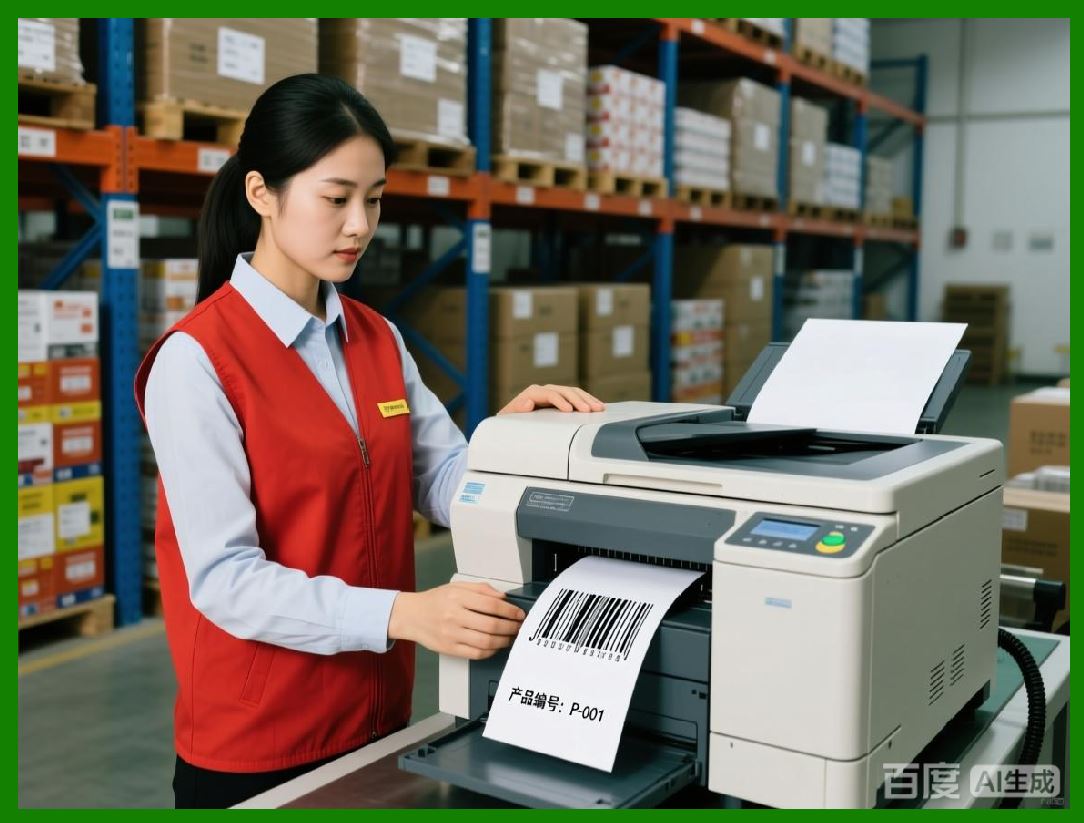
Thermal printers are widely used in barcode labeling due to their speed and print quality. Labeljoy is compatible with both direct thermal and thermal transfer printers. |
The software allows users to specify resolution settings, typically expressed in dots per inch. Common thermal printer resolutions include 203 DPI, 300 DPI, and 600 DPI. |
Labeljoy uses these resolution settings to calculate exact pixel dimensions for barcode modules and text, ensuring sharp output. |
|
7. Handling of Printer Resolution and Scaling |
Printer resolution plays a critical role in barcode readability. Labeljoy ensures that barcode module widths align with printer dot grids. |
When users resize barcode objects, Labeljoy recalculates module dimensions to maintain integer pixel widths where possible. This minimizes aliasing and edge distortion. |
The software also provides warnings when scaling operations would result in non-optimal module sizes. |
|
8. Print Calibration and Offset Adjustment |
Even with correct dimensions, physical printers often introduce small offsets due to mechanical tolerances. Labeljoy provides calibration tools that allow users to compensate for these offsets. |
Users can adjust: |
Horizontal offset |
Vertical offset |
Scaling correction |
These adjustments are applied at print time, allowing the on-screen design to remain unchanged while correcting physical output alignment. |
Calibration is particularly important for pre-cut labels and multi-label sheets. |

|
9. Print Preview and Verification |
Labeljoy includes a print preview feature that shows how the label will be rendered by the selected printer. |
The preview reflects: |
Page layout |
Label positioning |
Scaling effects |
This preview helps users detect issues before committing to print, reducing material waste. |

|
10. Multiple Copy and Collation Control |
Labeljoy allows users to control how many copies of each label are printed. |
For variable data labels, users can specify whether copies are printed consecutively per record or collated across records. |
This flexibility supports different operational workflows, such as printing multiple labels for each product or generating one label per data record. |

|
11. Print Order and Record Sequencing |
When printing variable data, the order in which records are processed matters. Labeljoy allows users to define print order based on record sequence or sorting criteria. |
This ensures that labels are produced in a logical and predictable order, which is important for downstream processes such as packaging or inventory management. |

|
12. Handling of Printer-Specific Limitations |
Different printers impose different limitations on printable area, supported page sizes, and resolution. |
Labeljoy queries these capabilities and adjusts its output accordingly. When a requested layout exceeds printer limits, the software alerts the user. |
This proactive validation prevents truncated or misaligned prints. |

|
13. Color Management and Grayscale Printing |
Although barcode labels are often monochrome, Labeljoy supports color printing where applicable. |
Users can define colors for text, graphics, and backgrounds. The software converts these colors appropriately based on printer capabilities. |
For thermal printers, color information is typically reduced to grayscale or monochrome, and Labeljoy handles this conversion automatically. |

|
14. Image Handling and Logo Printing |
Labels often include logos or images. Labeljoy supports importing bitmap images and placing them on labels. |
The software scales images to match printer resolution, ensuring that logos appear sharp rather than pixelated. |
Users can control image placement and layering relative to other label elements. |

|
15. Print Speed and Performance Considerations |
Labeljoy is designed to handle batch printing efficiently. For large data sets, the software streams print jobs in a controlled manner to avoid overwhelming the printer or the operating system. |
This approach balances throughput with reliability, reducing the risk of print job failures during high-volume runs. |

|
16. Error Detection During Printing |
Labeljoy monitors print job status and reports errors such as printer unavailability or driver failures. |
Users receive clear feedback when printing cannot proceed, allowing them to resolve issues quickly. |
This is especially important in production environments where downtime must be minimized. |

|
17. Reprinting and Job Recovery |
If a print job is interrupted, Labeljoy allows users to resume or reprint specific records. |
This reduces waste and ensures continuity in batch labeling operations. |

|
18. Printer Configuration Profiles |
To streamline workflows, Labeljoy supports saving printer configurations as profiles. |
A profile may include page setup, offsets, and resolution settings for a specific printer and label stock. |
Users can switch between profiles when using different printers or media types. |

|
19. Output Consistency Across Printers |
One of Labeljoy strengths is its ability to maintain consistent output across different printers. |
By abstracting printer differences and enforcing layout rules, the software helps ensure that labels designed on one system can be printed reliably on another. |

|
20. Summary of Part 4 |
In this part, we examined Labeljoy printing architecture in detail, including: |
Printer compatibility |
Calibration and offset management |
Resolution-aware rendering |
Batch printing control |
These capabilities ensure that Labeljoy carefully designed labels translate into accurate and reliable physical output. |
 cs@easiersoft.com