Labeljoy - Comprehensive Technical and Functional Analysis |
Part 6: Automation Capabilities, Batch Operations, and Workflow Integration |
1. Automation as a Practical Requirement in Labeling |
In many operational environments, label creation is not a one-off task but a recurring, repeatable process tightly coupled with business workflows. Labeljoy is designed with the assumption that users need to minimize manual repetition while maintaining control over label output. |
Rather than implementing a full scripting language or server-based automation platform, Labeljoy focuses on pragmatic automation features that align with desktop-based workflows. These features allow users to scale operations without introducing unnecessary complexity. |

|
2. Template-Driven Automation Model |
The foundation of automation in Labeljoy is its template-driven model. A label template encapsulates layout, formatting, barcode configuration, and data bindings. |
Once a template is defined, it can be reused indefinitely with different datasets. This separation of design and data is the primary automation mechanism, allowing repetitive labeling tasks to be executed with minimal manual intervention. |
Templates can be shared across teams to ensure consistent output. |
|
3. Batch Printing as a Core Automation Feature |
Batch printing is the most common form of automation in Labeljoy. When connected to a data source, the software can automatically generate and print a label for each record in the dataset. |
Users can define batch parameters such as: |
Number of copies per record |
Record selection criteria |
Print order |
This enables large labeling jobs to be executed in a single operation rather than through manual repetition. |

|
4. Automated Sequential Numbering |
Sequential numbering is a frequent requirement in labeling workflows, particularly for serial numbers, asset tags, and traceability identifiers. |
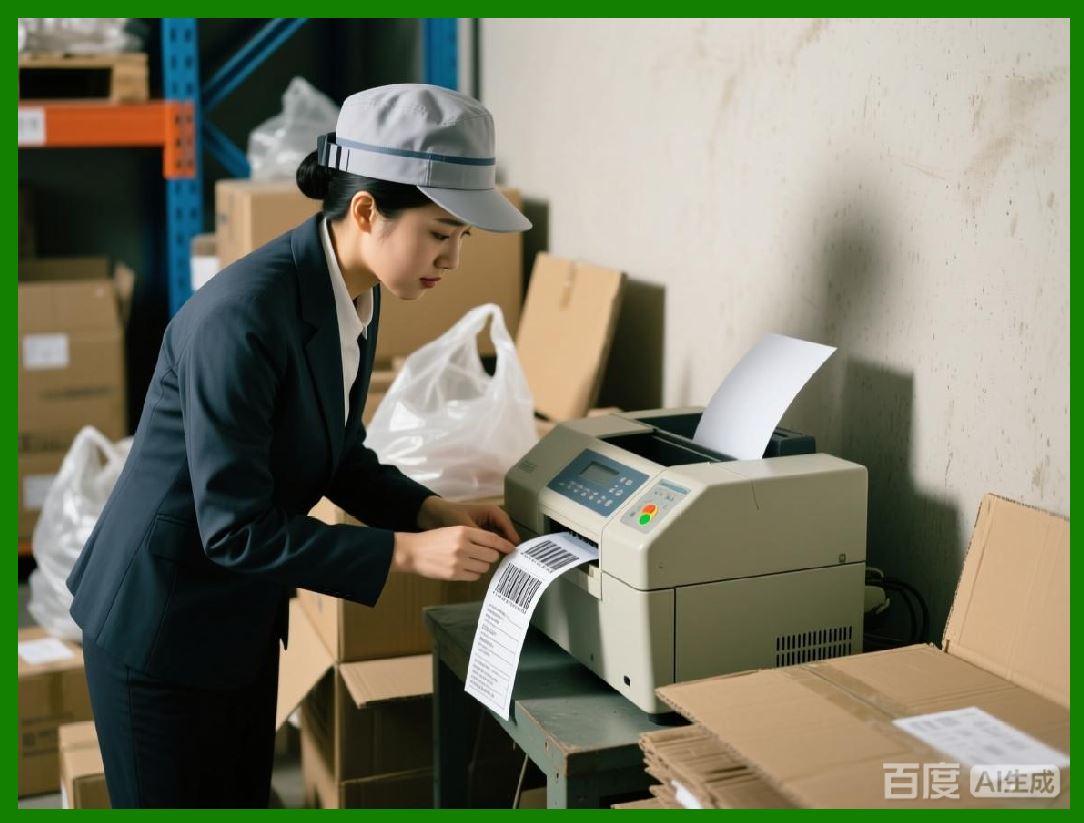
Labeljoy supports automated sequential fields that increment automatically during batch printing. These fields can be combined with static text or external data to form composite identifiers. |
The automation of sequential numbering eliminates manual tracking errors and ensures continuity across batches. |
|
5. Integration with Spreadsheet-Based Workflows |
Many small and medium-sized organizations rely heavily on spreadsheets as their primary data management tool. Labeljoy integrates seamlessly into these workflows. |
A typical automation pattern involves: |
Updating an Excel spreadsheet with new records |
Opening the corresponding label template |
Refreshing the data source |
Executing batch printing |
This pattern requires minimal technical expertise while still delivering scalable results. |

|
6. File-Based Workflow Automation |
Labeljoy support for CSV and text files enables automation through external processes. |
For example, a custom application or script can generate a CSV file containing label data. Labeljoy can then load this file and produce labels automatically. |
This approach allows Labeljoy to be integrated into broader automation pipelines without requiring direct API access. |
7. Database-Driven Automation Scenarios |
For more advanced users, database connectivity enables a higher level of automation. |
Labeljoy can retrieve data directly from a database using predefined queries. This allows label production to be driven by live operational data, such as newly created orders or inventory updates. |
While Labeljoy does not operate as a continuously running service, it can serve as a powerful front-end for database-driven labeling tasks. |

|
8. Controlled User Interaction in Automated Workflows |
Labeljoy balances automation with user oversight. Even in batch operations, users retain the ability to preview records, adjust settings, and confirm print jobs. |
This design reduces the risk of large-scale errors while still enabling efficient processing. |
Automation in Labeljoy is intentionally transparent rather than opaque. |
|
9. Error Handling in Automated Processes |
Automated workflows must account for errors such as invalid data, printer issues, or connectivity problems. |
Labeljoy provides configurable error handling behavior during batch operations. Users can choose to: |
Stop the batch on the first error |
Skip problematic records |
Log errors for later review |
This flexibility allows organizations to tailor automation behavior to their risk tolerance. |

|
10. Reusability and Standardization of Workflows |
Automation in Labeljoy is closely tied to standardization. By using templates and predefined data structures, organizations can standardize labeling processes across departments. |
This reduces variability and improves compliance with internal or external standards. |
Standardized templates also simplify training and onboarding. |

|
11. Multi-User and Team-Based Considerations |
Although Labeljoy is a desktop application, it can be used effectively in team environments. |
Templates and data files can be stored on shared network locations, allowing multiple users to access the same resources. |
This approach supports collaborative workflows without requiring centralized server infrastructure. |
|
12. Integration with Packaging and Fulfillment Processes |
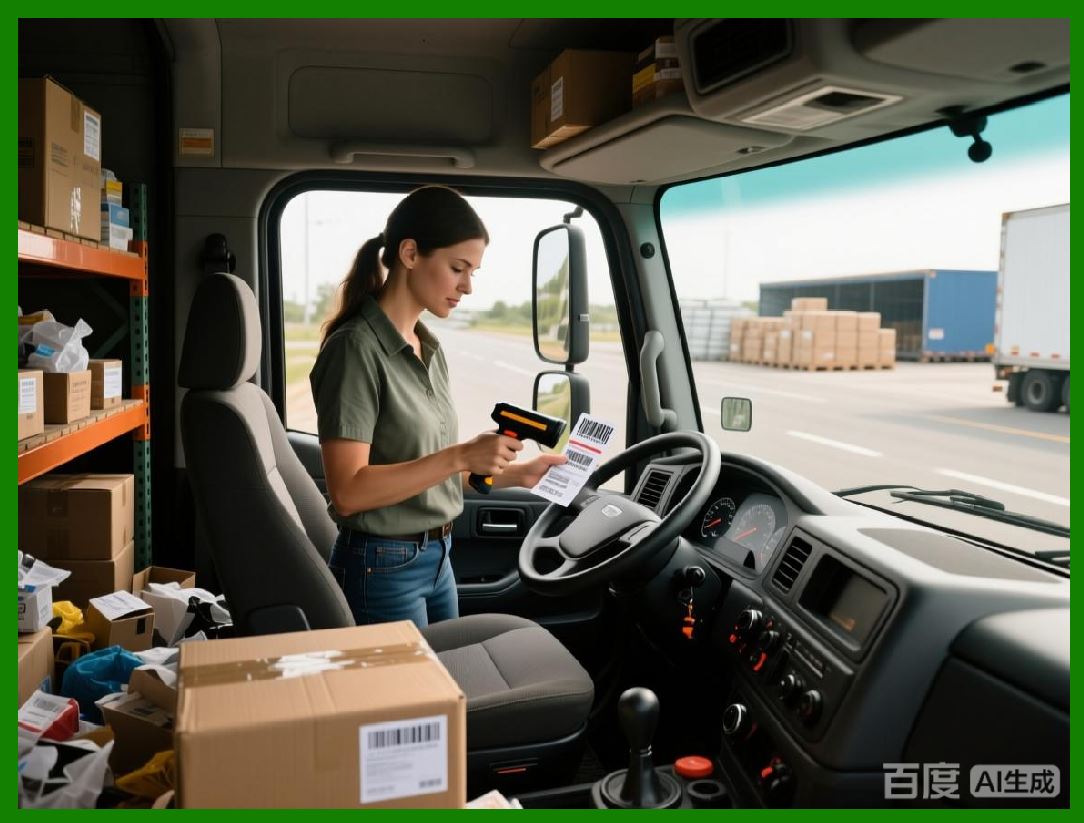
Labeljoy is often used as part of packaging and fulfillment operations. |
Labels generated by Labeljoy can include shipping information, product identifiers, and compliance markings. |
By integrating with order data sources, Labeljoy helps streamline the transition from digital orders to physical shipments. |

|
13. Manufacturing and Production Line Integration |
In manufacturing environments, Labeljoy is commonly used at workstations adjacent to production lines. |
Operators can load predefined templates and data sources corresponding to the current production run. |
This allows labels to be generated on demand without disrupting production flow. |

|
14. Automation Limitations and Design Trade-Offs |
Labeljoy intentionally avoids implementing complex scripting or server-side automation. |
This design choice keeps the software accessible and reduces maintenance overhead, but it also limits its suitability for fully unattended, high-volume labeling operations. |
Organizations requiring 24/7 automated labeling may need to supplement Labeljoy with additional tools. |

|
15. Reliability and Predictability in Automated Use |
One of Labeljoy strengths in automation scenarios is predictability. |
Because automation relies on templates and explicit data sources, outcomes are repeatable and verifiable. |
This reliability is particularly valuable in regulated environments. |

|
16. Version Control and Change Management |
In automated workflows, changes to label templates must be managed carefully. |
Labeljoy allows users to save and version templates manually, enabling controlled updates. |
While it does not include built-in version control, disciplined template management can achieve similar results. |

|
17. Training and Documentation for Automated Workflows |
Automation reduces manual effort but increases the importance of correct configuration. |
Labeljoy interface and documentation support training users to set up and maintain automated workflows. |
Clear templates and standardized data formats further reduce the risk of misconfiguration. |

|
18. Scalability of Automation Features |
Labeljoy automation features scale effectively for small to medium labeling volumes. |
For organizations with moderate throughput requirements, Labeljoy provides an efficient balance between automation and usability. |
This scalability aligns with its target market positioning. |

|
19. Practical Examples of Automation Use |
Common automation scenarios include: |
Printing product labels from updated inventory spreadsheets |
Generating serial number labels during asset registration |
Producing shipping labels from order exports |
These scenarios illustrate how Labeljoy supports real-world business needs. |

|
20. Summary of Part 6 |
In this part, we examined Labeljoy automation and workflow integration capabilities, covering: |
Template-based automation |
Batch printing and sequential numbering |
Spreadsheet and database-driven workflows |
Design trade-offs and scalability |
These features enable Labeljoy to function as a practical automation tool within desktop-based labeling environments. |
 cs@easiersoft.com