Part 6 Advanced Features, Analytics, Cloud Deployment, and Strategic Value |
51. Introduction to Advanced Features |
51.1 |
Beyond core design, LMS, print automation, and compliance capabilities, NiceLabel offers a suite of advanced features aimed at maximizing operational efficiency, flexibility, and scalability. These features enable organizations to handle complex labeling requirements while integrating seamlessly into modern digital ecosystems. |
51.2 |
Advanced features include: |
* Centralized reporting and analytics |
* Cloud deployment options for global scalability |
* Mobile applications for remote operations |
* Integration with IoT and smart manufacturing systems |
* Artificial intelligence-assisted labeling workflows |

|
52. Centralized Reporting and Analytics |
52.1 |
NiceLabel includes robust reporting and analytics tools to provide visibility into labeling operations, printer utilization, and compliance metrics. |
52.2 |
Reporting capabilities include: |
* Print job volumes and trends |
* Printer uptime and error statistics |
* Template usage and version histories |
* Approval cycle durations and bottlenecks |
52.3 |
Analytics enable data-driven decision-making, allowing managers to optimize labeling processes, reduce waste, and identify areas for operational improvement. |
52.4 |
For regulated industries, analytics also provide audit-ready insights, demonstrating adherence to internal policies and regulatory requirements. |

|
53. Cloud Deployment and SaaS Models |
53.1 |
NiceLabel has embraced cloud deployment, allowing organizations to manage labeling across multiple sites without local server infrastructure. |
53.2 |
Cloud deployment benefits include: |
* Centralized template management with real-time updates |
* Reduced IT maintenance and support costs |
* Global access to labels for multi-site operations |
* Automatic software updates and security patches |
* Seamless integration with cloud-hosted ERP and logistics systems |
53.3 |
By leveraging cloud technology, enterprises can scale labeling operations dynamically, supporting seasonal demand spikes or rapid expansion into new markets without the need for extensive local infrastructure. |

|
54. Mobile Applications and Remote Printing |
54.1 |
Mobile applications extend NiceLabel functionality to tablets, smartphones, and portable devices, allowing operators to print labels at the point of need. |
54.2 |
Key mobile capabilities include: |
* Access to approved label templates on-the-go |
* Real-time integration with cloud or on-premise data sources |
* Wireless printing to industrial label printers |
* Operator authentication for secure printing |
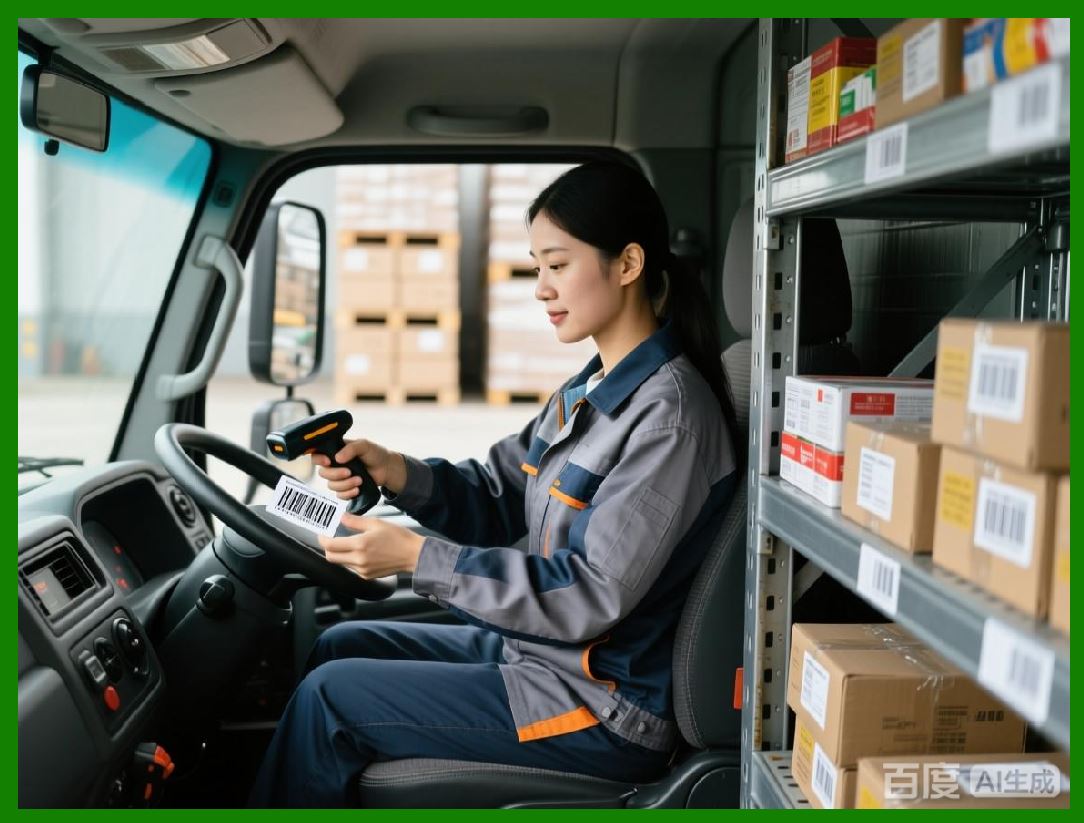
* Barcode scanning to trigger label generation |
54.3 |
Mobile printing improves efficiency in warehouses, field operations, shipping, and receiving, eliminating delays caused by transporting items to central print stations. |

|
55. Internet of Things (IoT) Integration |
55.1 |
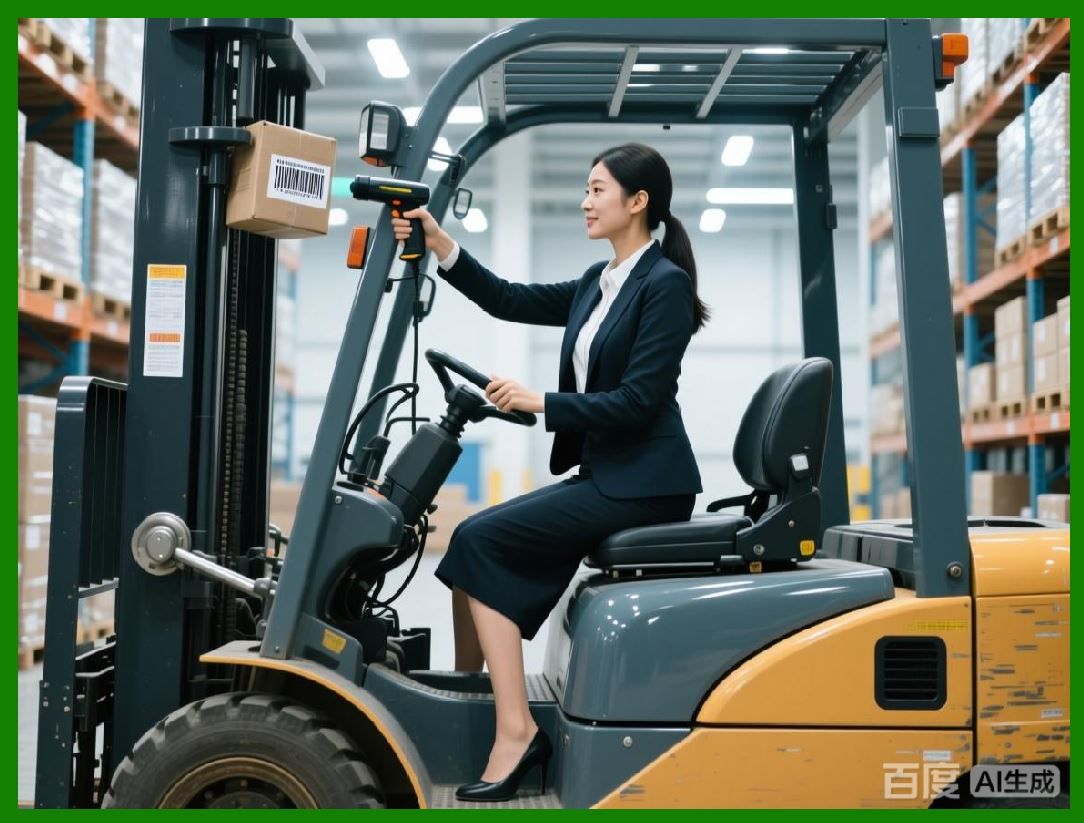
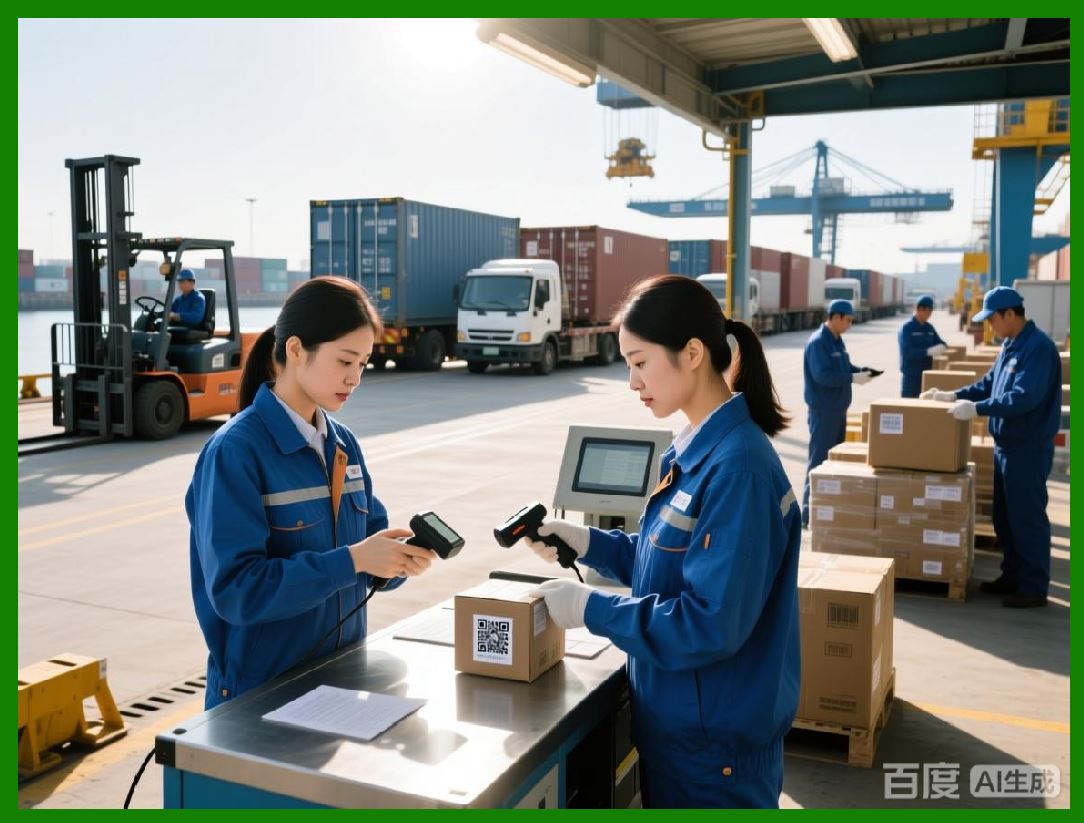
As manufacturing and logistics systems adopt IoT devices, NiceLabel integrates with IoT sensors and smart equipment to enable automated labeling workflows. |
55.2 |
Examples of IoT integration include: |
* Automatic label printing triggered by machine output sensors |
* Real-time data population from connected production lines |
* Predictive maintenance alerts for printers based on usage data |
55.3 |
IoT connectivity enhances accuracy, traceability, and efficiency, bridging the gap between digital monitoring systems and physical labeling operations. |
|
56. Artificial Intelligence-Assisted Labeling |
56.1 |
Advanced NiceLabel implementations leverage artificial intelligence (AI) and machine learning to optimize labeling workflows and detect potential errors. |
56.2 |
AI-assisted features may include: |
* Predictive correction of label formatting errors |
* Intelligent barcode verification and readability checks |
* Automated identification of labeling bottlenecks |
* Optimization of template layouts for faster printing and reduced material waste |
56.3 |
These AI-driven enhancements increase operational resilience, reduce manual oversight, and support continuous improvement initiatives. |
|
57. Future Trends in Industrial Labeling |
57.1 |
NiceLabel continues to evolve in response to emerging trends in industrial labeling and digital transformation. Key trends include: |
* Increased automation of labeling across the entire production lifecycle |
* Cloud-native architectures supporting global operations |
* Expanded integration with ERP, MES, WMS, and IoT systems |
* AI and analytics for predictive quality control |
* Sustainability initiatives, including optimized label materials and reduced waste |
* Augmented reality (AR) and smart glasses for real-time labeling guidance and verification |
57.2 |
These trends indicate that labeling is shifting from a support function to a strategic operational process, essential for quality, compliance, and supply chain transparency. |
|
58. Strategic Value of NiceLabel |
58.1 |
The strategic value of NiceLabel extends beyond label printing. It provides organizations with: |
* Operational efficiency: Automated, error-proof labeling reduces manual labor and rework |
* Regulatory compliance: Integrated workflows, audit trails, and approval processes reduce risk of non-compliance |
* Data integrity: Database-driven labeling ensures that printed information matches enterprise systems |
* Scalability: Cloud and mobile capabilities support expansion without infrastructure bottlenecks |
* Traceability: Serialization and IoT integration provide end-to-end product visibility |
58.2 |
For companies in regulated industries or multi-site operations, NiceLabel serves as a centralized platform that aligns labeling with enterprise governance, quality management, and digital transformation strategies. |
58.3 |
In highly competitive markets, accurate and efficient labeling enhances brand reliability, operational transparency, and customer trust, demonstrating the critical strategic role of NiceLabel in modern industrial operations. |
|
59. Summary of Part 6 |
59.1 |
Part 6 explored advanced features, cloud deployment, mobile applications, IoT integration, AI-assisted workflows, future trends, and strategic value of NiceLabel. |
59.2 |
Key points include: |
* Centralized reporting and analytics support operational optimization |
* Cloud deployment enables global scalability and reduces IT overhead |
* Mobile applications enhance flexibility and point-of-use printing |
* IoT integration and event-driven workflows enable real-time, automated labeling |
* AI-assisted labeling increases accuracy, reduces errors, and supports continuous improvement |
* Future trends indicate greater automation, sustainability, and strategic alignment of labeling |
* NiceLabel delivers measurable strategic value through efficiency, compliance, traceability, and operational resilience |
59.3 |
Together with Parts 1 through 5, this final section completes a comprehensive overview of NiceLabel as an enterprise-grade labeling platform, demonstrating its role in modern industrial, regulatory, and supply chain environments. |
|
60. Concluding Remarks |
60.1 |
NiceLabel is more than a label design tool; it is a comprehensive industrial labeling platform that combines user-friendly design, robust data integration, workflow governance, compliance control, and advanced automation. |
60.2 |
By integrating label design with enterprise systems, regulatory compliance, printing automation, and analytics, NiceLabel enables organizations to transform labeling into a controlled, efficient, and strategic process. |
60.3 |
In an era where accuracy, traceability, and operational efficiency are paramount, NiceLabel provides a scalable, reliable, and future-ready solution for industrial labeling across multiple industries worldwide. |
60.4 |
From small production sites to global manufacturing and distribution networks, NiceLabel empowers organizations to meet regulatory requirements, optimize workflows, and maintain brand integrity, positioning labeling as a strategic operational capability rather than a routine task. |
60.5 |
With continuous development in cloud technology, AI, IoT integration, and workflow optimization, NiceLabel is poised to remain a market-leading solution for industrial labeling for years to come. |
 cs@easiersoft.com