Part 10: Printer Compatibility, Print Drivers, and Hardware Integration |
10.1 Central Role of Printing Hardware in Barcode Systems |
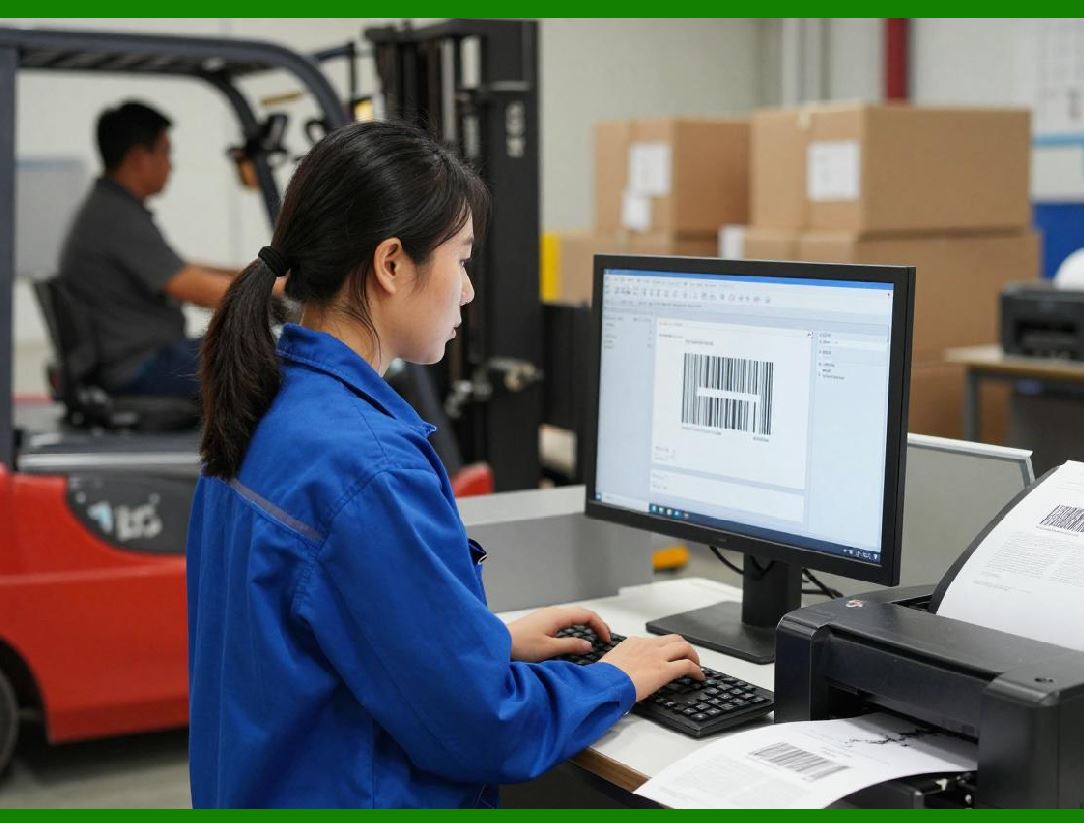
Barcode software ultimately succeeds or fails at the printing stage. Regardless of how well barcodes are designed or data is managed, poor printer compatibility can undermine the entire labeling process. Wasp Barcode Maker places significant emphasis on reliable printer integration, reflecting its focus on inventory environments where labels must print correctly the first time, often under time pressure. |
In inventory management, printing is not an occasional task but a core operational activity. Labels may be printed at receiving docks, stockrooms, production floors, or shipping stations. Wasp Barcode Maker is designed to accommodate this diversity of printing contexts by supporting a wide range of printer types and configurations. |

|
10.2 Supported Printer Categories |
Wasp Barcode Maker is compatible with several major categories of printers commonly used in inventory operations: |
* Thermal transfer barcode label printers |
* Direct thermal barcode printers |
* Standard laser printers |
* Inkjet printers for low-volume or office use |
This broad compatibility allows organizations to use the software across different departments, even when printer hardware varies. For example, warehouse staff may rely on industrial thermal printers, while administrative teams may use laser printers for documentation labels. |

|
10.3 Thermal Printer Integration |
Thermal printers are the backbone of most inventory labeling operations. Wasp Barcode Maker is designed to work seamlessly with thermal printers from major manufacturers, including those commonly deployed in warehouses and retail stockrooms. |
Key aspects of thermal printer integration include: |
* Accurate handling of label roll dimensions |
* Support for gap, notch, and continuous media |
* Consistent scaling across different DPI settings |
The software relies on standard printer drivers rather than proprietary printing languages, which simplifies setup and reduces the risk of compatibility issues when upgrading hardware or operating systems. |

|
10.4 Direct Thermal vs. Thermal Transfer Considerations |
Wasp Barcode Maker supports both direct thermal and thermal transfer printing workflows. While the software itself does not enforce media type selection, its design tools account for the practical differences between these technologies. |
In direct thermal environments, where labels may fade over time or under heat exposure, Wasp encourages high-contrast barcode designs and sufficient bar widths to maintain scannability. In thermal transfer environments, where durability is higher, users can confidently deploy smaller labels and denser layouts. |
This flexibility allows organizations to adapt their labeling strategy to different use cases without changing software. |
|
10.5 Laser and Inkjet Printer Support |
Although thermal printers dominate inventory labeling, Wasp Barcode Maker also supports laser and inkjet printers for specific scenarios. These printers are often used for: |
* Asset tags on standard paper |
* Low-volume labeling |
* Office-based inventory tasks |
When using laser or inkjet printers, Wasp Barcode Maker maintains consistent output by aligning label designs with standard page sizes and printer margins. This ensures that barcodes retain correct proportions and quiet zones, even when printed on non-specialized hardware. |
|
10.6 Print Resolution and DPI Management |
Print resolution has a direct impact on barcode readability. Wasp Barcode Maker accounts for printer DPI settings when generating barcode graphics, ensuring that bar widths align with printer dot grids. |
The software supports: |
* Common thermal printer resolutions |
* Automatic scaling based on selected printer |
* Prevention of fractional dot widths |
By aligning barcode geometry with printer resolution, Wasp reduces the risk of blurred or distorted bars, which can lead to scan failures in inventory environments. |

|
10.7 Print Drivers and Operating System Integration |
Wasp Barcode Maker integrates with the operating system native print driver infrastructure. This approach provides several advantages: |
* Compatibility with a wide range of printers |
* Simplified installation and configuration |
* Reduced dependency on proprietary components |
Because it uses standard print drivers, Wasp Barcode Maker can adapt more easily to changes in operating system versions or printer firmware updates. This stability is particularly valuable in business environments where IT resources may be limited. |
|
10.8 Printer Calibration and Alignment |
Printer calibration is a common challenge in barcode printing. Small alignment errors can cause labels to print off-center or clip barcode elements. Wasp Barcode Maker provides tools and guidance to help users align output correctly. |
Calibration-related features include: |
* Test print functionality |
* Adjustable label offsets |
* Margin fine-tuning |
These features allow users to compensate for mechanical variations between printers and ensure consistent output across multiple devices. |
|
10.9 Media Handling and Label Stock Configuration |
Different printers and label stocks require different configurations. Wasp Barcode Maker allows users to define label stock parameters, including: |
* Label width and height |
* Gap or notch size |
* Continuous feed settings |
By matching software settings to physical media, users can avoid common issues such as skipped labels, misaligned prints, or wasted stock. |

|
10.10 Batch Printing Performance |
In inventory operations, batch printing is often time-sensitive. Wasp Barcode Maker is designed to handle batch print jobs efficiently without overwhelming printer buffers or system resources. |
Batch printing considerations include: |
* Controlled spooling behavior |
* Predictable print order |
* Stable handling of large print queues |
While not intended for high-speed industrial label applicators, the software performs reliably in small to mid-scale batch printing scenarios typical of many warehouses and stockrooms. |

|
10.11 Multiple Printer Environments |
Some organizations operate multiple printers across different locations or departments. Wasp Barcode Maker supports selecting different printers for different tasks, allowing users to direct print jobs to the most appropriate device. |
This flexibility supports decentralized inventory operations, where labeling occurs at multiple points in the workflow. |

|
10.12 Hardware Compatibility with Scanners |
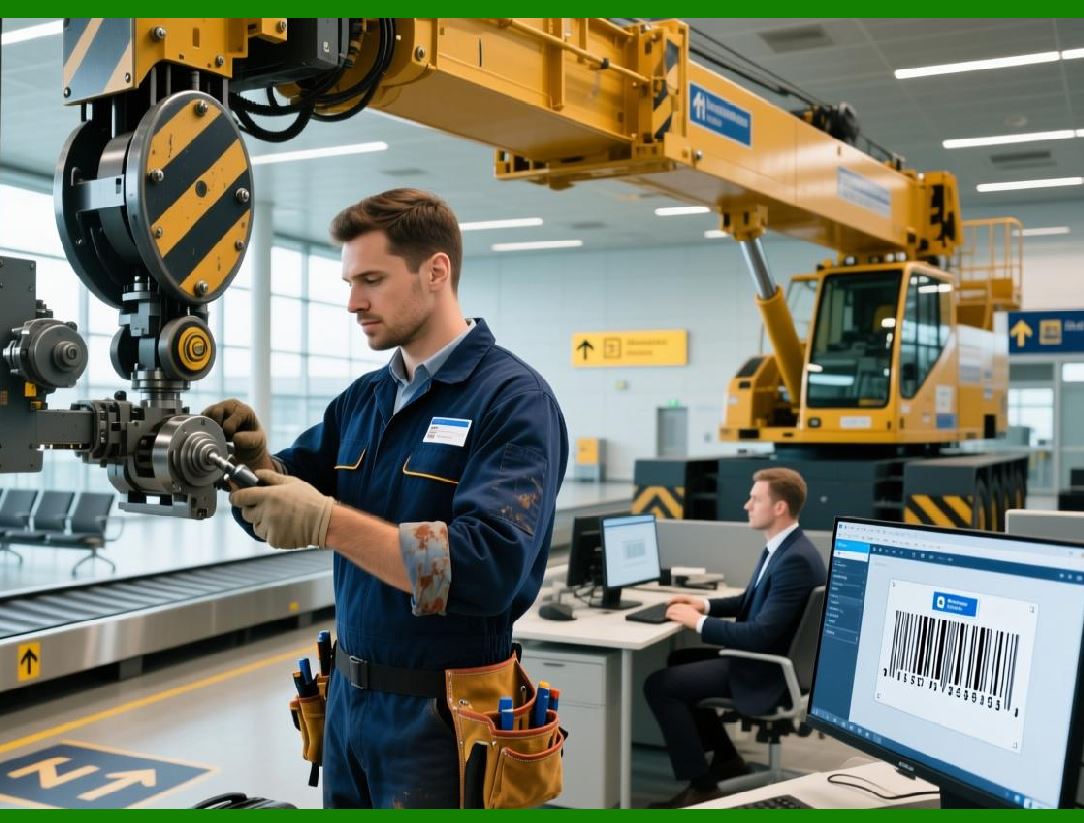
Although Wasp Barcode Maker focuses on printing, its output is designed with scanner compatibility in mind. The software adherence to barcode standards ensures that printed labels can be read by: |
* Handheld laser scanners |
* CCD scanners |
* Imagers |
* Mobile device cameras |
This broad scanner compatibility reduces the risk of downstream issues once labels are deployed in inventory systems. |
|
10.13 Reliability in Real-World Environments |
Inventory environments are often harsh, with dust, vibration, temperature variation, and high throughput. Wasp Barcode Maker printing and hardware integration features are designed to support reliable output under these conditions. |
By prioritizing standard compliance, predictable printing behavior, and practical calibration tools, the software helps organizations maintain operational continuity even as hardware changes over time. |
|
10.14 Summary of Printing and Hardware Integration |
Wasp Barcode Maker approach to printer compatibility and hardware integration reflects its practical, inventory-first design philosophy. Rather than relying on specialized or proprietary printing methods, it emphasizes broad compatibility, stability, and ease of configuration. |
These characteristics make it suitable for organizations that require dependable barcode printing across diverse hardware environments without excessive technical complexity. |
 cs@easiersoft.com