Part 19: Future Developments, Emerging Trends, and Technological Enhancements |
19.1 The Evolving Role of Barcode Software |
Barcode software like Wasp Barcode Maker has evolved from simple label printing tools into integral components of digital inventory management, asset tracking, and operational workflow optimization. As industries become more connected and data-driven, barcode software must adapt to emerging trends, ensuring organizations maintain efficiency, compliance, and competitiveness. Future developments are likely to focus on automation, integration, intelligence, and enhanced usability. |

|
19.2 Cloud-Based and Remote Access Capabilities |
One significant trend is the shift toward cloud-based software solutions. While Wasp Barcode Maker primarily functions as desktop software, future versions or integrations may include: |
* Cloud storage of templates and label data, enabling centralized management across multiple sites |
* Remote printing capabilities, allowing staff to generate labels from mobile devices or remote offices |
* Collaboration features, so multiple users can access and modify templates or batch print jobs in real time |
Cloud adoption enhances scalability, reduces administrative overhead, and supports distributed operations in modern supply chains and enterprise environments. |

|
19.3 Mobile Integration and On-the-Go Labeling |
The growing prevalence of mobile devices in inventory and asset management has driven demand for barcode software that integrates with smartphones, tablets, and handheld scanners. Potential enhancements include: |
* Mobile apps to design and print labels directly from handheld devices |
* Integration with mobile scanning and data collection apps, enabling instant updates to inventory systems |
* Dynamic printing, allowing labels to be created and printed in real time at remote locations |
Mobile integration supports field operations, remote warehouses, and flexible supply chain processes, reducing delays in labeling and scanning. |
|
19.4 Automation and Intelligent Label Generation |
Automation is a key focus for modern barcode software. Future developments in Wasp Barcode Maker may emphasize: |
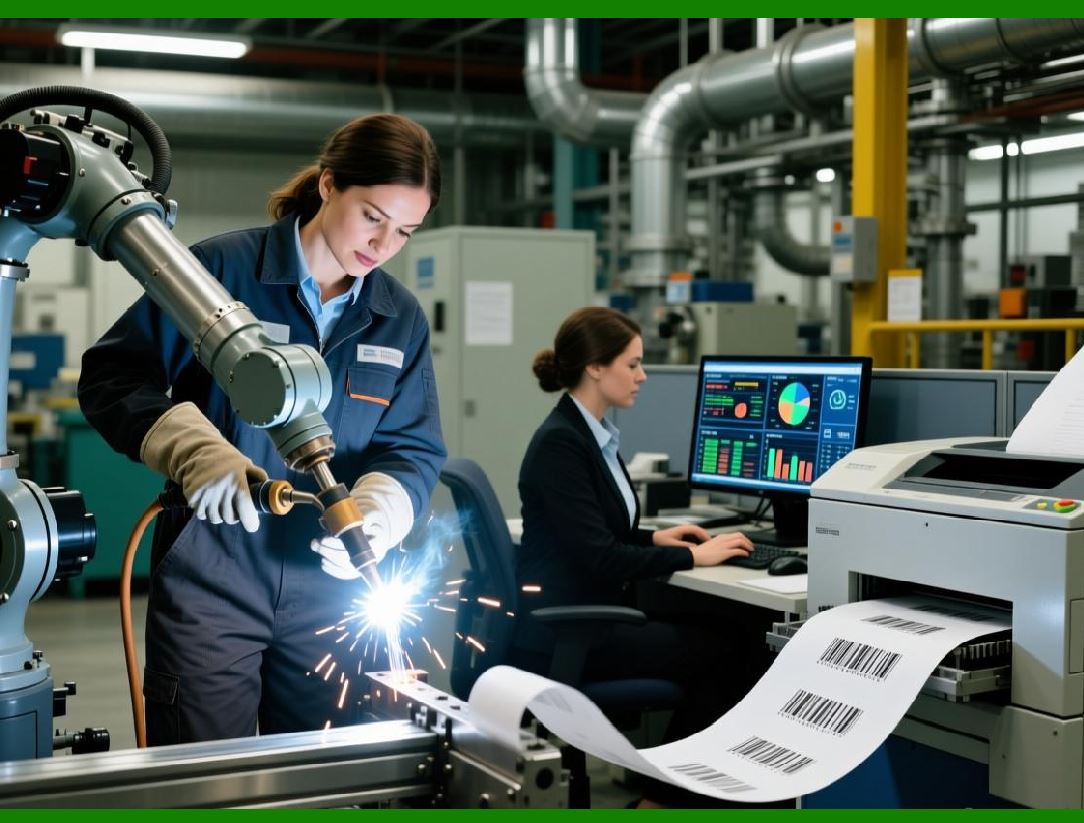
* Automated batch printing triggered by inventory events, such as stock arrivals or sales |
* Dynamic template selection based on product type or shipping destination |
* Intelligent error detection, automatically flagging invalid or incomplete data before printing |
By reducing manual intervention, automation minimizes human error, speeds up workflows, and ensures consistent label quality. |

|
19.5 Enhanced Integration with Enterprise Systems |
Integration with ERP, warehouse management, and asset tracking systems is essential for real-time data synchronization. Emerging trends include: |
* APIs and web services that enable seamless data exchange between Wasp Barcode Maker and enterprise systems |
* Real-time updates of inventory levels, automatically reflecting labels generated or scanned |
* Cross-platform interoperability, supporting multi-vendor scanners, printers, and inventory databases |
Enhanced integration ensures that labeling operations remain synchronized with broader organizational data workflows, improving operational efficiency and accuracy. |

|
19.6 Support for Advanced Barcode Symbologies |
As industries evolve, new barcode symbologies and 2D codes are emerging to encode larger data sets, integrate with IoT devices, or improve machine readability. Potential enhancements in Wasp Barcode Maker may include: |
* Support for next-generation 2D codes with higher density or error correction |
* Color-coded barcodes for visual differentiation and faster scanning |
* Encoding for RFID or NFC-enabled labels, bridging traditional barcode technology with emerging IoT and smart inventory solutions |
Advanced symbology support allows organizations to future-proof their labeling operations and adopt innovative tracking methods. |

|
19.7 Analytics and Reporting Enhancements |
Future barcode software trends emphasize leveraging data from labeling operations to drive insights. Wasp Barcode Maker may expand reporting and analytics capabilities by: |
* Integrating operational data with dashboards, highlighting label usage, errors, and workflow bottlenecks |
* Predictive analytics, suggesting label stock replenishment or workflow adjustments based on historical data |
* Customizable KPI tracking, allowing managers to measure labeling efficiency and compliance performance |
Advanced analytics turn label printing from a simple operational task into a strategic source of data for process improvement. |
|
19.8 Sustainability and Eco-Friendly Printing |
Environmental sustainability is becoming increasingly important. Future developments in Wasp Barcode Maker may focus on: |
* Optimized label layouts to minimize waste on sheets or rolls |
* Print-on-demand workflows to reduce unused labels |
* Support for eco-friendly materials such as biodegradable or recycled label media |
These enhancements support corporate sustainability initiatives and reduce operational costs associated with wasted materials. |

|
19.9 AI and Machine Learning Integration |
Artificial intelligence (AI) and machine learning (ML) may play a role in future barcode software by: |
* Optimizing barcode placement and size based on scanner performance and environmental conditions |
* Detecting potential printing errors before batch runs using predictive models |
* Automating template selection and data mapping from complex databases |
AI integration could make labeling operations more intelligent, adaptive, and error-resistant, particularly in high-volume or complex workflows. |

|
19.10 Security and Compliance Enhancements |
As barcode labeling increasingly intersects with digital data and regulatory reporting, future developments may include: |
* Enhanced audit trails and access controls, ensuring label creation and printing are secure and traceable |
* Encryption for sensitive data embedded in barcodes |
* Automated compliance validation, checking that printed labels meet industry or regulatory standards before deployment |
Security and compliance features ensure organizations can meet stricter regulatory requirements and protect sensitive operational information. |

|
19.11 Benefits of Embracing Emerging Trends |
By adopting emerging trends in barcode software, organizations can achieve: |
* Increased operational efficiency and scalability |
* Reduced human error and misprints |
* Improved data-driven decision-making |
* Future-proofing against evolving industry and regulatory requirements |
* Enhanced user experience and adoption across teams |
Organizations that leverage these enhancements position themselves to respond effectively to dynamic inventory, logistics, and asset management environments. |

|
19.12 Summary of Future Developments and Trends |
Wasp Barcode Maker is well-positioned to evolve alongside industry needs. Emerging trends in cloud integration, mobile access, automation, advanced symbology, analytics, sustainability, AI, and security will continue to shape barcode labeling software. Organizations adopting these technologies will gain operational resilience, efficiency, and adaptability, ensuring their labeling processes remain reliable, compliant, and strategically valuable. |
 cs@easiersoft.com