Wasp Barcode Maker |
A Comprehensive Technical and Practical Analysis |
Part 3 of 20 |
21. Barcode Standards and Compliance Framework |
21.1 Importance of Standards in Barcode Systems |
Barcode standards exist to ensure that symbols generated by one system can be reliably read by scanners produced by another vendor and interpreted consistently across different software environments. Wasp Barcode Maker is designed with strict adherence to widely accepted barcode standards, which is critical for interoperability in inventory and asset management workflows. |
Standards define aspects such as character encoding, symbol structure, checksum algorithms, quiet zone requirements, and dimensional tolerances. By embedding these rules into its barcode generation engine, Wasp Barcode Maker shields users from technical complexity while maintaining compliance. |

|
21.2 ISO and Industry Standards Alignment |
The software aligns its barcode output with ISO and IEC specifications governing linear barcode symbologies. This alignment ensures that barcodes remain compatible with scanners, printers, and verification tools that rely on these specifications. |
Standards compliance is particularly important in environments where barcodes may be scanned by third-party service providers, auditors, or partners using different hardware and software. |
21.3 Compliance Without User Burden |
One of the distinguishing features of Wasp Barcode Maker is that compliance is achieved implicitly rather than through user-driven configuration. Users are not required to select specific ISO versions or manually adjust technical parameters. Instead, the software enforces compliance automatically through its encoding logic and constraints. |
This design approach minimizes the risk of human error while still producing professional-grade results. |

|
22. Code 39 Symbology Implementation |
22.1 Overview of Code 39 |
Code 39 is one of the most widely used linear barcode symbologies for internal inventory and asset tracking. It supports a limited alphanumeric character set and does not require a checksum, making it simple and flexible. |
Wasp Barcode Maker includes robust support for Code 39, recognizing its continued popularity in non-retail environments. |
22.2 Character Set and Encoding Rules |
Code 39 supports uppercase letters, digits, and a small set of special characters. Wasp Barcode Maker enforces these character set limitations during data entry, preventing invalid encodings. |
Extended Code 39, which allows encoding of the full ASCII character set using multiple symbol combinations, may also be supported depending on the software version. |
22.3 Use Cases and Trade-Offs |
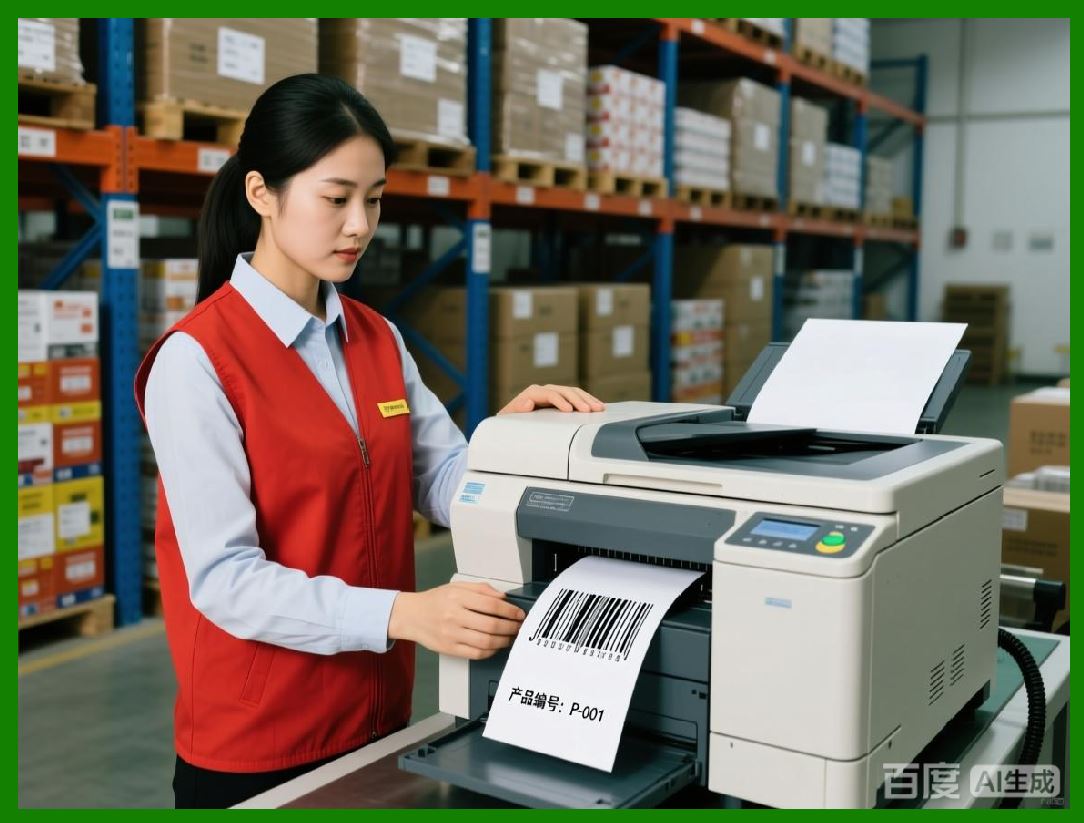
Code 39 simplicity makes it ideal for asset tags and internal labels. However, its relatively low data density means that barcodes can become wide when encoding long values. Wasp Barcode Maker helps manage this trade-off by providing sizing controls and warnings when barcodes become impractically large. |
|
23. Code 128 Symbology Implementation |
23.1 Overview of Code 128 |
Code 128 is a high-density linear barcode symbology capable of encoding the full ASCII character set. It is widely used in logistics, shipping, and inventory management where space efficiency is important. |
Wasp Barcode Maker implementation of Code 128 focuses on producing compact, highly readable barcodes without exposing users to the complexity of code set switching. |
23.2 Automatic Code Set Optimization |
Code 128 includes multiple code sets optimized for different character types. Wasp Barcode Maker automatically selects and switches between code sets as needed, maximizing data density and minimizing barcode width. |
This optimization is handled transparently, allowing users to input data naturally without worrying about encoding efficiency. |
23.3 Checksum Calculation |
Code 128 requires a checksum to ensure data integrity. Wasp Barcode Maker calculates this checksum automatically and incorporates it into the barcode symbol. |
Automatic checksum handling reduces errors and ensures compliance with scanning and verification requirements. |

|
24. UPC and EAN Retail Barcode Handling |
24.1 Retail Barcode Context |
UPC and EAN barcodes are standardized retail symbologies used primarily for point-of-sale scanning. They encode fixed-length numeric values that identify products in global databases. |
Wasp Barcode Maker supports these symbologies to accommodate businesses that sell consumer goods or manage retail inventory. |
24.2 Fixed-Length Enforcement |
UPC and EAN barcodes have strict length requirements. Wasp Barcode Maker enforces these requirements during data entry, preventing users from generating invalid symbols. |
The software also manages leading zeros and formatting nuances automatically, ensuring correct output. |
24.3 Check Digit Management |
Retail barcodes require check digits to validate data accuracy. Wasp Barcode Maker calculates and appends these digits automatically, removing the need for manual calculation. |
This feature is essential for ensuring that barcodes are accepted by point-of-sale systems and retail scanners. |

|
25. Interleaved 2 of 5 and Numeric Symbologies |
25.1 Numeric-Only Use Cases |
Interleaved 2 of 5 is a numeric-only barcode symbology commonly used in warehousing and logistics. Its compact encoding makes it suitable for encoding numeric identifiers such as shipment numbers or container IDs. |
Wasp Barcode Maker supports this symbology for users who require efficient numeric encoding. |
25.2 Even-Length Requirements |
Interleaved 2 of 5 requires an even number of digits. Wasp Barcode Maker enforces this rule and may automatically pad data with a leading zero if necessary. |
This automatic handling simplifies user interaction while maintaining standards compliance. |
25.3 Comparison with Other Numeric Barcodes |
Compared to Code 39 or Code 128, Interleaved 2 of 5 offers higher density for numeric data but lacks alphanumeric support. Wasp Barcode Maker symbology descriptions help users select the most appropriate option for their needs. |

|
26. Two-Dimensional Barcode Capabilities |
26.1 Limited but Practical Support |
While Wasp Barcode Maker core strength lies in linear barcodes, it may include support for select two-dimensional symbologies such as QR Code. This support addresses emerging use cases without shifting the software primary focus. |
Two-dimensional barcodes allow encoding of more data in a smaller space, but they are not always necessary for basic inventory tasks. |
26.2 QR Code Use Cases |
QR Codes may be used to encode URLs, extended identifiers, or supplementary information. In inventory contexts, they are sometimes used for linking physical items to online documentation or maintenance records. |
Wasp Barcode Maker QR Code implementation emphasizes ease of use rather than advanced customization. |
26.3 Trade-Offs of 2D Barcodes |
Two-dimensional barcodes require imaging scanners and may not be compatible with older laser scanners. Wasp Barcode Maker limited 2D focus reflects the reality that many inventory environments still rely heavily on linear scanning hardware. |
|
27. Encoding Constraints and User Guidance |
27.1 Preventing Invalid Encodings |
Wasp Barcode Maker actively prevents users from creating barcodes that violate symbology rules. This includes blocking unsupported characters, enforcing length limits, and ensuring proper formatting. |
By guiding users toward valid input, the software reduces trial-and-error and improves first-time success rates. |
27.2 Informational Feedback |
When input errors occur, the software typically provides clear, user-friendly explanations. These explanations focus on what needs to be corrected rather than exposing technical jargon. |
Effective feedback contributes to a smoother user experience and faster problem resolution. |
27.3 Educational Role |
Over time, users naturally learn basic barcode concepts through repeated interaction with the software. This informal education helps organizations develop better labeling practices without formal training. |
|
28. Symbol Dimensions and Density Management |
28.1 Balancing Density and Readability |
Barcode density affects both size and readability. High-density symbols save space but require higher print quality and scanner resolution. |
Wasp Barcode Maker manages this balance by selecting appropriate encoding methods and limiting extreme configurations. |
28.2 Automatic Scaling Behavior |
When users adjust barcode size, the software scales internal elements proportionally to maintain compliance. This prevents distortion that could compromise scan reliability. |
Automatic scaling ensures consistent output across different label sizes and printer resolutions. |
28.3 Practical Density Limits |
The software implicitly enforces practical density limits, discouraging configurations that would produce unreadable symbols. These safeguards protect users from inadvertently creating problematic labels. |

|
29. Quiet Zones and Structural Integrity |
29.1 Role of Quiet Zones |
Quiet zones are blank areas surrounding a barcode that allow scanners to detect the symbol boundaries. Without sufficient quiet zones, scanners may fail to read the barcode correctly. |
Wasp Barcode Maker automatically allocates quiet zones based on symbology requirements. |
29.2 User Restrictions on Quiet Zone Modification |
To preserve reliability, the software typically restricts users from reducing quiet zones below acceptable thresholds. This constraint reflects the software emphasis on dependable output. |
While advanced users may desire more control, this restriction benefits the majority of users. |
29.3 Consistency Across Output Methods |
Quiet zone management is consistent across preview, print, and export functions. This consistency ensures that barcodes behave the same regardless of how they are used. |

|
30. Verification and Quality Assurance Considerations |
30.1 Visual Verification |
Users can visually inspect barcodes in the preview window to ensure correct appearance. While visual inspection cannot replace formal verification, it provides a first-level quality check. |
Clear rendering and consistent layout make visual verification more effective. |
30.2 Scanner-Based Testing |
Practical verification often involves scanning printed barcodes with the intended hardware. Wasp Barcode Maker standards compliance increases the likelihood of successful scanning during such tests. |
Scanner-based testing helps identify issues related to printer quality, label materials, or environmental conditions. |
30.3 Limitations of Built-In Verification |
Wasp Barcode Maker does not typically include formal barcode verification tools that measure contrast or dimensional accuracy. Organizations with regulatory requirements may need external verification devices. |
Despite this limitation, the software produces barcodes suitable for most non-regulated environments. |

|
Part 4 will focus on printing technologies, label materials, printer calibration, and real-world print quality challenges as they relate specifically to Wasp Barcode Maker. |
 cs@easiersoft.com