Part 6 |
Serialization, Counters, and Intelligent Numbering Mechanisms in WaspLabeler |
58. Importance of Serialization in Labeling Systems |
58.1 Serialization refers to the generation of unique identifiers for each label within a print run or across multiple print runs. |
58.2 These identifiers are essential in applications such as asset tracking, inventory control, product traceability, and regulatory compliance. |
58.3 WaspLabeler incorporates serialization features that allow users to generate unique values automatically without manual data preparation. |
58.4 By embedding serialization logic within the labeling process, the software reduces reliance on external systems for basic numbering tasks. |
58.5 Serialization is therefore a critical capability for scalable and reliable labeling operations. |

|
59. Basic Counter Functionality |
59.1 The simplest form of serialization in WaspLabeler is the counter. |
59.2 Counters generate sequential numeric or alphanumeric values that increment with each printed label. |
59.3 Users can define the starting value of a counter based on operational requirements. |
59.4 Counters can increment by configurable step values, allowing for flexible numbering schemes. |
59.5 This basic functionality supports a wide range of everyday labeling needs. |

|
60. Counter Scope and Reset Behavior |
60.1 Counters in WaspLabeler can be scoped to specific print jobs or persist across sessions. |
60.2 Users can configure whether a counter resets at the beginning of a new print run or continues from its previous value. |
60.3 Reset behavior is particularly important in environments where numbering sequences must remain unique over time. |
60.4 Clear configuration of counter scope helps prevent accidental duplication of identifiers. |
60.5 These controls support both short-term and long-term serialization strategies. |

|
61. Alphanumeric and Formatted Serial Values |
61.1 In many applications, serial identifiers include both letters and numbers. |
61.2 WaspLabeler allows counters to generate alphanumeric sequences. |
61.3 Users can define formatting rules that include prefixes, suffixes, and fixed-width padding. |
61.4 For example, serial numbers may include location codes or product categories. |
61.5 These formatting options enable serial values to carry meaningful contextual information. |

|
62. Multiple Counters in a Single Label |
62.1 Some labels require more than one serialized field. |
62.2 WaspLabeler supports the use of multiple counters within a single label design. |
62.3 Each counter can be configured independently with its own starting value and increment logic. |
62.4 This allows for complex numbering schemes where different fields serve different tracking purposes. |
62.5 Proper management of multiple counters enhances labeling flexibility. |
|
63. Counters Combined with Imported Data |
63.1 Serialization often works in conjunction with imported data. |
63.2 WaspLabeler allows counters to be used alongside data-driven fields. |
63.3 For example, each record in an imported dataset can be assigned a unique serial number automatically. |
63.4 This eliminates the need to pre-generate serial values in external systems. |
63.5 Integration of counters and data import simplifies workflow design. |

|
64. Date and Time-Based Serialization Concepts |
64.1 Some labeling scenarios require identifiers that include date or time components. |
64.2 WaspLabeler supports the inclusion of system date and time values in label fields. |
64.3 These values can be formatted and combined with counters to create composite identifiers. |
64.4 Date-based serialization is commonly used in production and batch tracking. |
64.5 These features enhance traceability and auditability. |
|
65. Serialization in Barcode Objects |
65.1 Serialized values are frequently encoded into barcode objects. |
65.2 WaspLabeler ensures that serialized data meets the constraints of the selected barcode symbology. |
65.3 Check digits are recalculated automatically for each unique value. |
65.4 This guarantees that each serialized barcode remains valid and scannable. |
65.5 Reliable barcode serialization is essential for automated identification systems. |

|
66. Human-Readable Display of Serialized Data |
66.1 Serialized identifiers are often displayed as both barcodes and text. |
66.2 WaspLabeler allows serialized values to be linked to both barcode and text objects simultaneously. |
66.3 This ensures visual confirmation of the encoded value. |
66.4 Consistent display supports manual verification and troubleshooting. |
66.5 Human-readable serialization complements automated scanning. |
|
67. Preventing Duplicate Serial Numbers |
67.1 Duplicate serial numbers can undermine the integrity of tracking systems. |
67.2 WaspLabeler provides configuration options to minimize the risk of duplication. |
67.3 Users can review and manage counter values before printing. |
67.4 Disciplined use of counters and templates helps maintain unique sequences. |
67.5 Proper planning is essential for effective serialization strategies. |
|
68. Serialization Across Multiple Print Jobs |
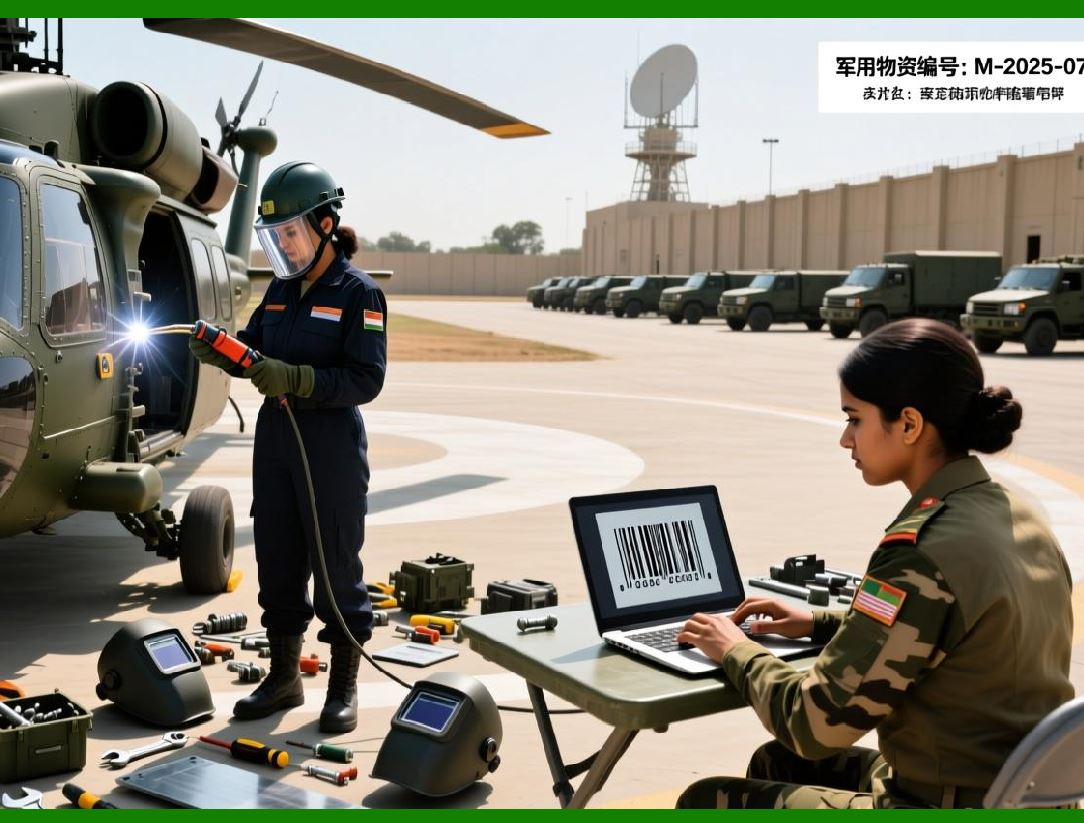
68.1 In ongoing operations, serialization may need to span multiple print jobs. |
68.2 WaspLabeler supports persistent counters that carry values forward. |
68.3 This ensures continuity even when printing is paused or resumed. |
68.4 Persistent serialization is particularly important in asset management and compliance scenarios. |
68.5 These capabilities support long-term operational stability. |
|
69. Serialization and Operational Traceability |
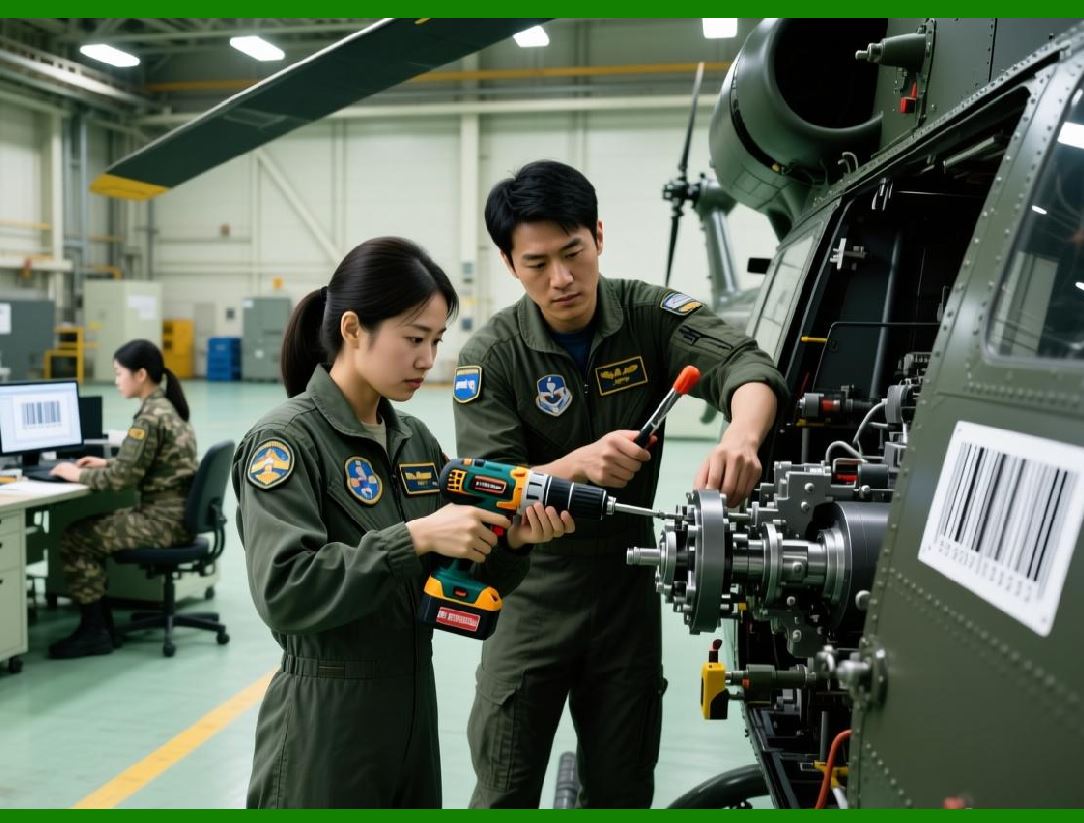
69.1 Serialization is a cornerstone of traceability systems. |
69.2 By generating unique identifiers, WaspLabeler enables precise tracking of items through their lifecycle. |
69.3 Serialized labels support audits, recalls, and quality control processes. |
69.4 Traceability is increasingly important in regulated industries. |
69.5 WaspLabeler serialization features align with these requirements. |
|
70. Summary of Part 6 and Next Focus |
70.1 This part has examined serialization, counters, and intelligent numbering mechanisms in WaspLabeler. |
70.2 The next part will focus on printer integration, print settings, and output management. |
 cs@easiersoft.com