Part 17 Mobile and Remote Printing Capabilities in ZebraDesigner |
17. Overview of Mobile and Remote Printing |
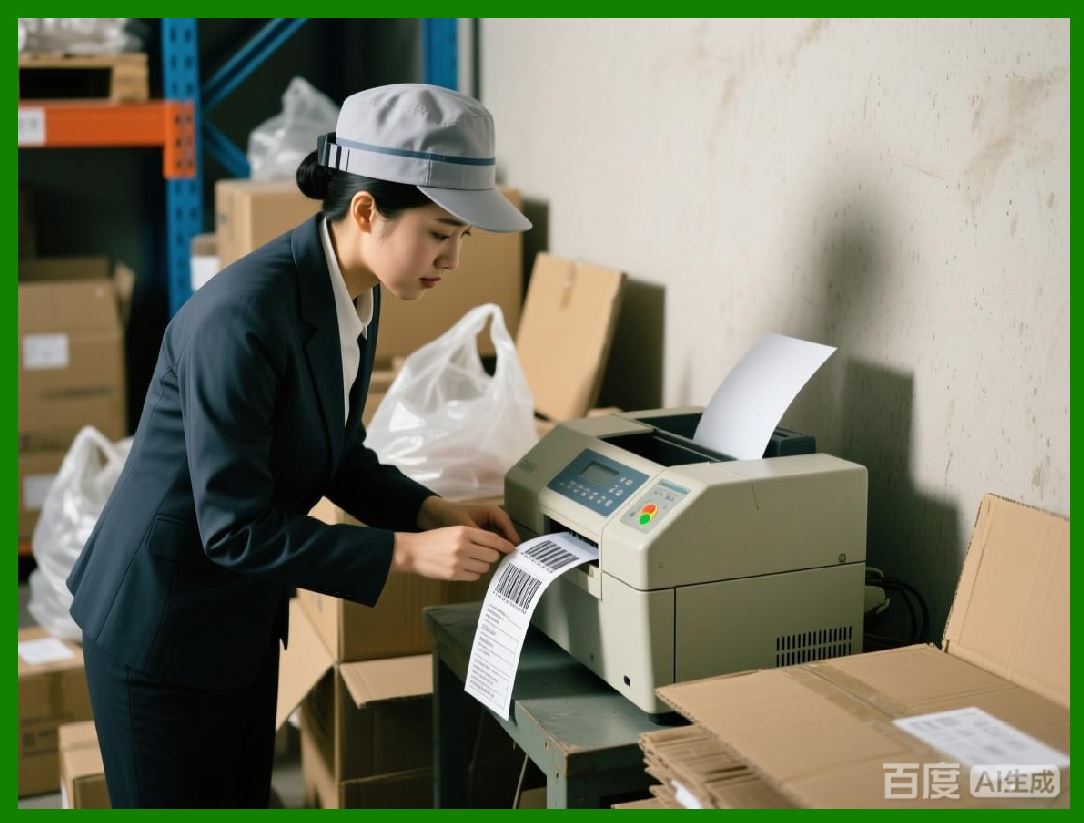
Modern labeling operations increasingly require mobility and remote access. Whether in warehouse environments, production floors, retail locations, or field operations, operators need the ability to print labels from mobile devices or remote workstations. ZebraDesigner supports these requirements through mobile printing features, network integration, and remote job submission, enabling seamless labeling across distributed environments. |
Mobile and remote printing in ZebraDesigner focuses on connectivity, device compatibility, workflow integration, and operational flexibility, ensuring labels can be produced whenever and wherever they are needed without compromising quality or compliance. |
|
17.1 Mobile Device Compatibility |
ZebraDesigner supports a range of mobile devices for printing labels: |
* Smartphones and tablets running iOS or Android |
* Windows-based tablets and laptops |
* Zebra mobile printers and companion devices |
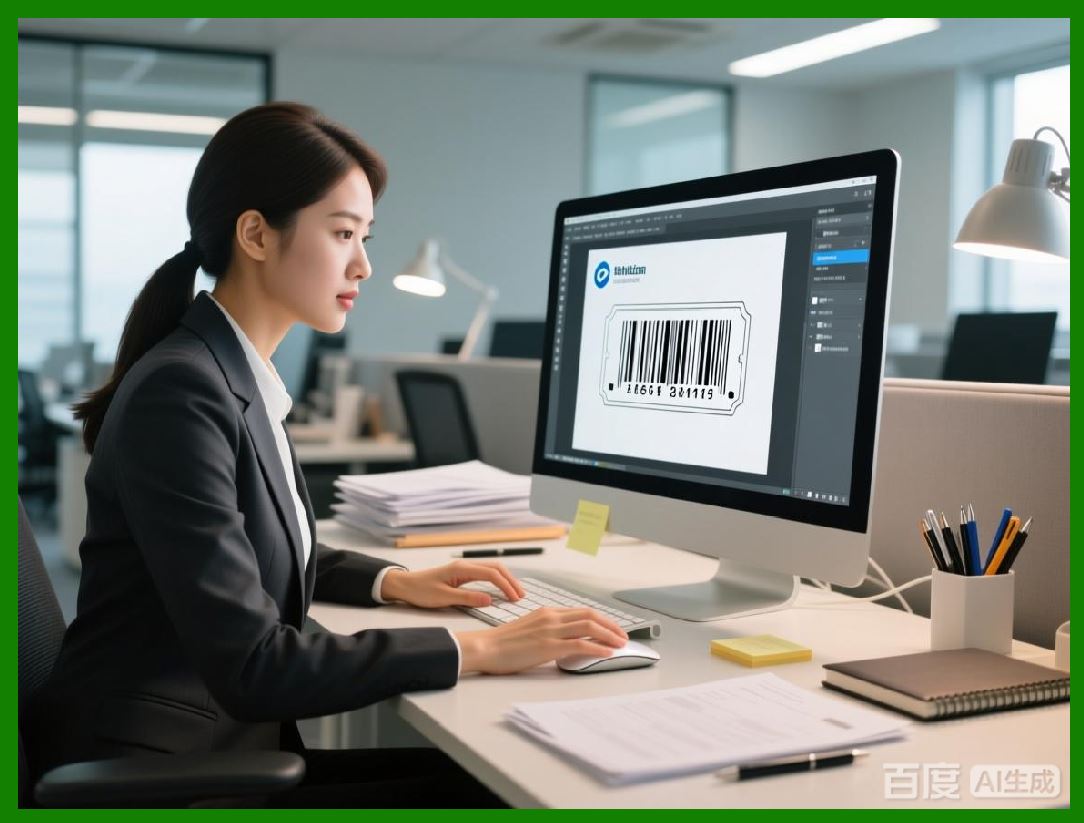
Using mobile devices, operators can design, preview, and print labels on the go. This is particularly useful in retail, healthcare, logistics, and field service applications. |
|
17.2 Wireless Connectivity and Networking |
ZebraDesigner leverages wireless and network connectivity to facilitate remote printing: |
* Wi-Fi connections for mobile devices and printers |
* Bluetooth for short-range communication with mobile printers |
* TCP/IP and LPR/LPD protocols for networked Zebra printers |
* Integration with enterprise networks for centralized management |
Wireless connectivity ensures that operators can access printers without physical connections, improving workflow flexibility. |
|
17.3 Remote Print Job Submission |
Remote printing enables operators to send print jobs to Zebra printers located elsewhere in the facility or across multiple sites: |
* Submit print jobs from mobile or desktop devices |
* Select target printer remotely based on availability or proximity |
* Monitor job status and receive notifications of completion or errors |
* Schedule print jobs for deferred execution |
This capability supports distributed operations and reduces the need for operators to physically interact with printers. |
|
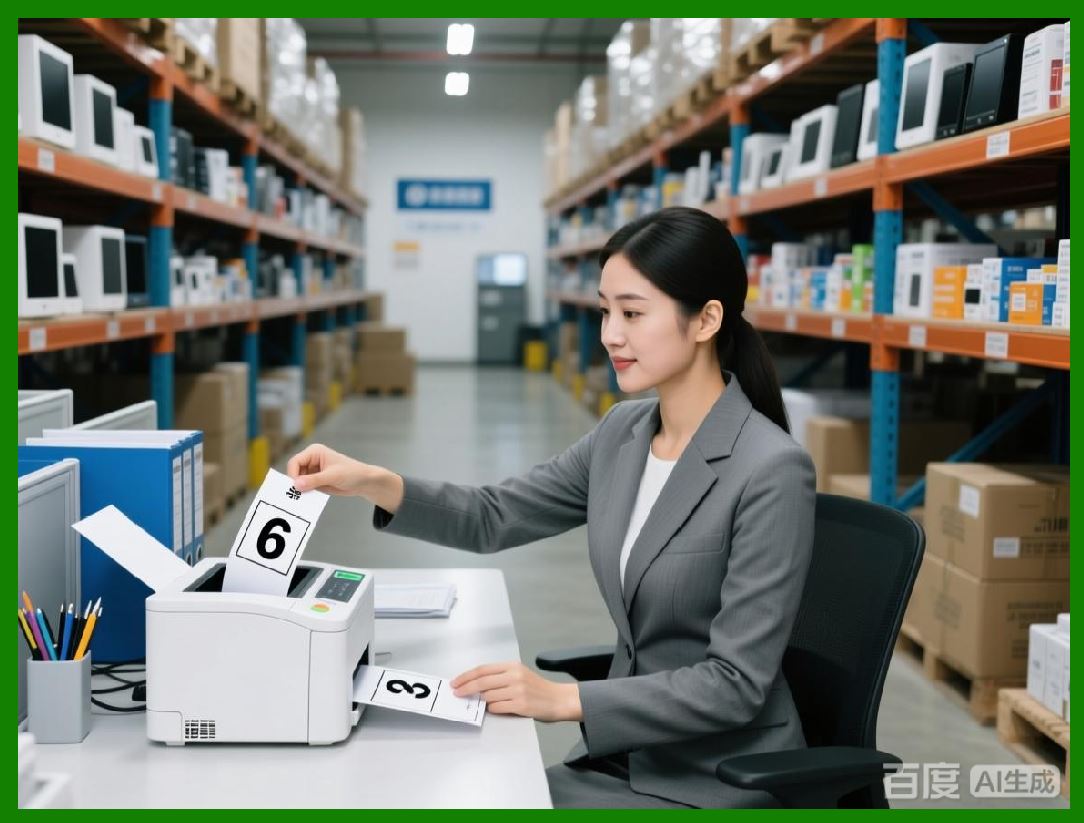
17.4 Cloud-Based Printing Integration |
ZebraDesigner can integrate with cloud-based platforms for remote labeling: |
* Access templates stored in centralized cloud repositories |
* Submit print jobs via secure web portals or mobile apps |
* Maintain consistent label designs across multiple sites |
* Leverage cloud services for analytics, reporting, and template management |
Cloud integration enhances scalability and simplifies management for multi-site or multi-national operations. |
|
17.5 Mobile Printing Workflow Automation |
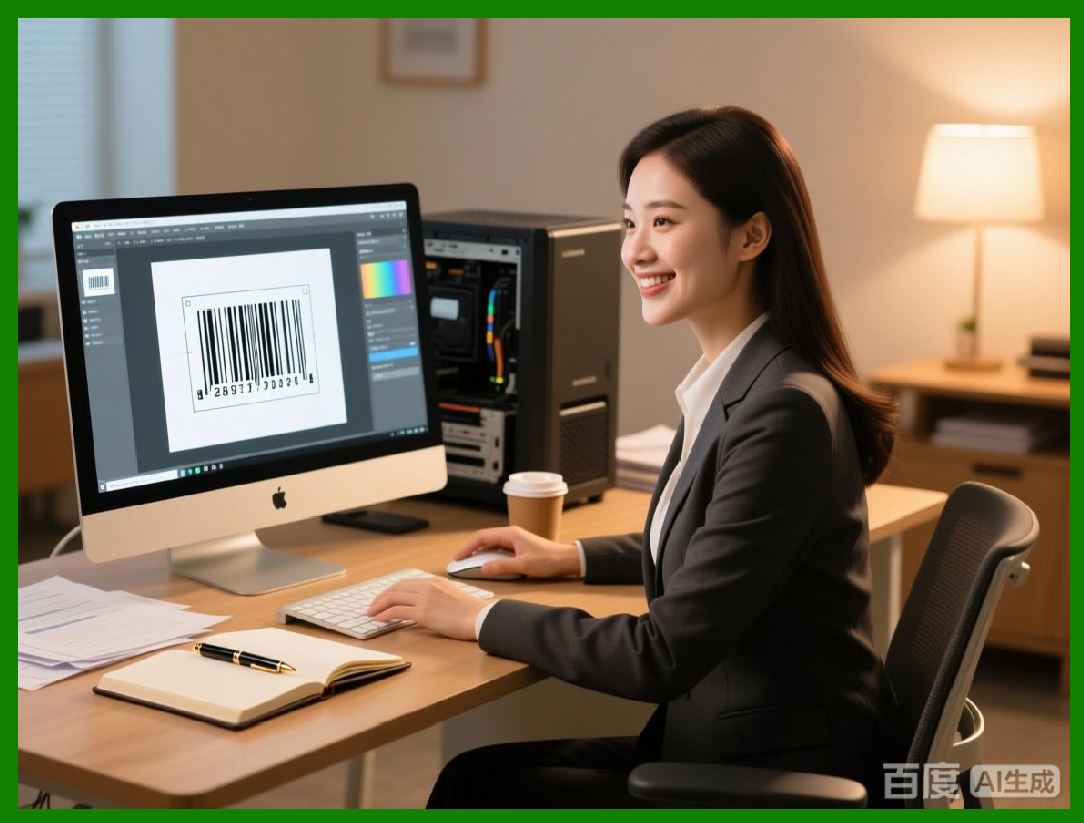
ZebraDesigner enables workflow automation for mobile printing: |
* Trigger print jobs from mobile scanning or inventory systems |
* Automatically populate labels with variable data captured in the field |
* Integrate barcode scanning to initiate printing at specific operational points |
* Use conditional logic to select label templates or content dynamically |
Automation ensures accurate, real-time label generation without manual intervention, even in mobile or remote environments. |
|
17.6 Mobile Print Job Monitoring |
Operators and managers can monitor print activity remotely using ZebraDesigner: |
* Real-time status of print jobs, including completion, errors, or pending jobs |
* Notifications for media shortages, ribbon issues, or printer faults |
* Historical logs of remote printing activity for auditing and reporting |
Remote monitoring allows proactive management of labeling operations, reducing downtime and ensuring uninterrupted productivity. |

|
17.7 Mobile Printing in Warehouse and Logistics Operations |
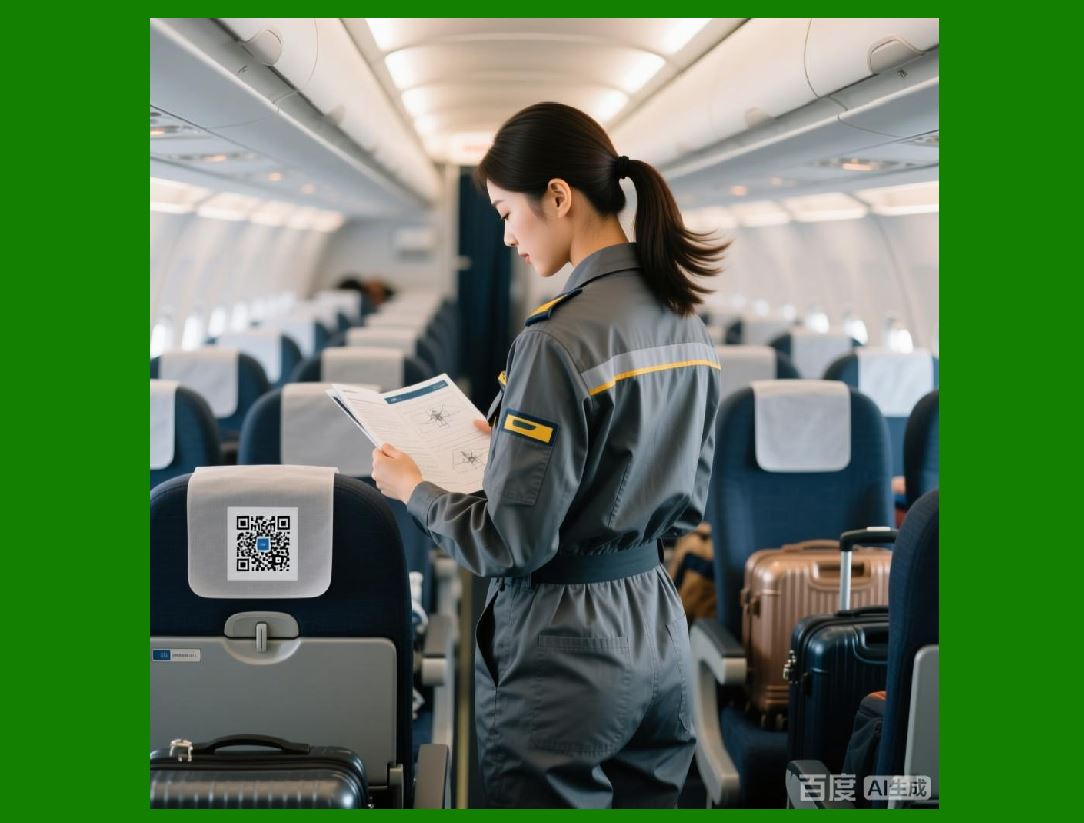
In warehouse and logistics environments, mobile printing provides significant benefits: |
* Print shipping or inventory labels at the point of pick, pack, or staging |
* Reduce errors associated with manual data transcription |
* Enable dynamic label generation for items with variable quantities or destinations |
* Improve operational efficiency by minimizing trips to centralized printers |
Mobile printing directly contributes to faster order fulfillment and higher accuracy in inventory management. |
|
17.8 Mobile Printing in Healthcare and Field Services |
Healthcare and field service operations benefit from ZebraDesigner mobile capabilities: |
* Print patient identification, specimen, or medication labels at the bedside or lab |
* Generate asset tracking or maintenance labels in the field |
* Ensure labels are generated in real-time with accurate, up-to-date information |
* Maintain compliance with regulatory requirements by enforcing template and variable data standards |
Mobile printing enhances patient safety, asset traceability, and operational efficiency in distributed environments. |

|
17.9 Security Considerations for Mobile and Remote Printing |
Remote and mobile printing introduces additional security challenges, which ZebraDesigner addresses: |
* Secure authentication for mobile device access |
* Encrypted data transmission between device and printer |
* Role-based access control to prevent unauthorized label creation or printing |
* Audit logs of remote printing activity for compliance verification |
These measures ensure that mobile and remote printing does not compromise operational security or regulatory compliance. |
|
17.10 Benefits of Mobile and Remote Printing |
The mobile and remote printing capabilities of ZebraDesigner provide multiple benefits: |
* Operational flexibility, enabling printing in distributed or field environments |
* Faster response times and real-time label generation |
* Reduced errors and improved data accuracy |
* Enhanced scalability for multi-site operations |
* Secure, traceable, and compliant printing workflows |
Organizations can expand labeling capabilities beyond centralized locations while maintaining quality, security, and efficiency. |
|
17.11 Summary of Mobile and Remote Printing |
Part 17 has detailed ZebraDesigner mobile and remote printing capabilities, including device compatibility, wireless connectivity, cloud integration, workflow automation, and monitoring. These features allow organizations to extend labeling operations to distributed environments, improve efficiency, and maintain compliance and operational control. |
In the next part, Part 18, we will explore integration with RFID and advanced encoding technologies, detailing how ZebraDesigner supports modern identification methods beyond traditional barcodes. |
 cs@easiersoft.com