Part 21 Conclusion and Strategic Considerations for ZebraDesigner |
21. Overview and Strategic Value |
ZebraDesigner represents a comprehensive labeling solution tailored for modern enterprises requiring precision, efficiency, and compliance in label design and printing. From its intuitive template design capabilities to advanced features like mobile printing, RFID integration, enterprise workflow connectivity, and robust security, ZebraDesigner addresses the diverse needs of industries including logistics, healthcare, manufacturing, retail, and regulated environments. |
This final part synthesizes the insights from the previous sections, highlighting ZebraDesigner strategic benefits, operational impact, and considerations for future growth and technology adoption. |

|
21.1 Comprehensive Label Design Capabilities |
ZebraDesigner excels in providing flexible and powerful label design functionality: |
* Variety of label elements: Text, graphics, barcodes (1D and 2D), RFID fields, and hybrid elements |
* Variable and conditional data: Dynamic population from databases or ERP systems |
* Professional templates: Standardized design for compliance and brand consistency |
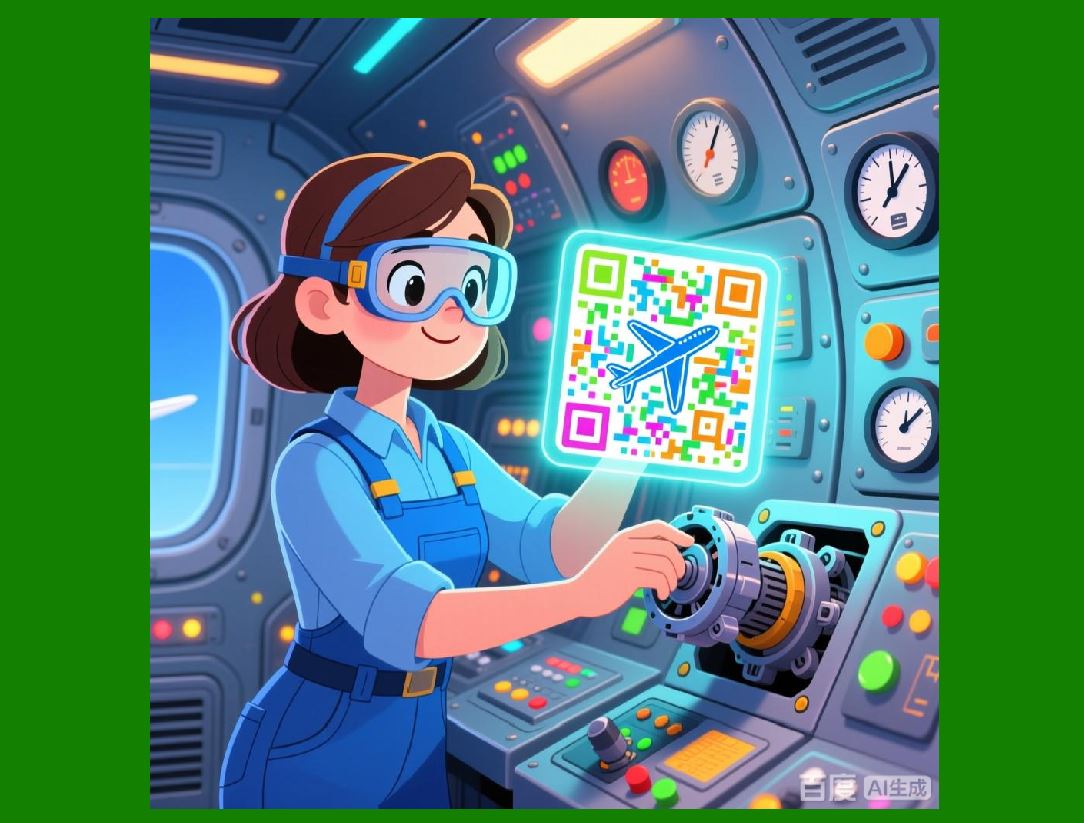
* Hybrid and advanced encoding: Integration of RFID, Data Matrix, QR Codes, serialized data, and cryptographic encoding |
These capabilities ensure organizations can meet a wide range of operational and regulatory labeling requirements with precision. |
|
21.2 Integration with Enterprise Systems |
One of ZebraDesigner most significant strengths is its ability to integrate seamlessly into enterprise workflows: |
* ERP, WMS, MES, and asset management systems |
* Database-driven variable data for real-time label generation |
* Print server and networked printer management |
* Event-driven printing automation for efficiency and accuracy |
Integration provides not just operational convenience but also strategic advantages in process automation, data integrity, and end-to-end traceability. |

|
21.3 Mobile, Remote, and Distributed Printing |
ZebraDesigner supports modern operational models requiring mobility: |
* Printing from smartphones, tablets, or laptops |
* Wireless, Bluetooth, and network connectivity for distributed environments |
* Cloud integration for multi-site template and print job management |
* Real-time monitoring and remote job submission |
These capabilities allow organizations to extend labeling beyond centralized production areas, supporting field operations, retail locations, and multi-site manufacturing facilities. |

|
21.4 Security, Access Control, and Compliance |
ZebraDesigner incorporates robust security and auditing features: |
* Role-based access control for template creation, editing, and printing |
* Template locking, approval workflows, and version history |
* Encryption and secure handling of sensitive variable data |
* Comprehensive audit trails for regulatory compliance and traceability |
Security measures protect both operational integrity and compliance with global standards in healthcare, pharmaceuticals, logistics, and other regulated industries. |

|
21.5 Reporting, Analytics, and Operational Insights |
ZebraDesigner analytics capabilities empower organizations to optimize labeling operations: |
* Tracking print jobs, printer usage, and resource consumption |
* Error analysis and operational alerts |
* Customizable reports for compliance, cost control, and productivity |
* Enterprise integration for centralized dashboards and predictive insights |
By leveraging analytics, organizations can continuously improve label production efficiency, reduce waste, and maintain quality control across complex operations. |

|
21.6 Maintenance, Troubleshooting, and Calibration |
Consistent, high-quality label output requires attention to printer performance: |
* Scheduled maintenance and preventive care for Zebra printers |
* Printhead cleaning, media and ribbon management, and calibration |
* Diagnostic tools and troubleshooting workflows for operational efficiency |
* Firmware and driver updates for compatibility and performance optimization |
ZebraDesigner embeds guidance and alerts to ensure minimal downtime and consistent label quality, critical for high-volume operations. |

|
21.7 Training, Support, and Implementation Strategies |
Adoption and effective utilization of ZebraDesigner are supported through: |
* Structured training programs for designers, operators, and administrators |
* Onboarding support for installation, configuration, and enterprise integration |
* Technical support channels, documentation, and knowledge bases |
* Role-based learning, change management, and continuous improvement workflows |
These measures ensure that organizations achieve operational excellence and maximize ROI from ZebraDesigner deployment. |

|
21.8 Strategic Benefits Across Industries |
Across sectors, ZebraDesigner delivers measurable benefits: |
* Logistics and supply chain: Faster, more accurate labeling, real-time tracking, and automated workflows |
* Healthcare and pharmaceuticals: Patient safety, compliance with FDA/UDI regulations, and RFID-enabled asset tracking |
* Retail and manufacturing: Brand consistency, multi-site standardization, and reduced labeling errors |
* Regulated industries: Audit-ready records, compliance with ISO, GS1, and industry-specific standards |
By combining flexibility, automation, and security, ZebraDesigner provides organizations with a competitive advantage in operational efficiency and compliance. |

|
21.9 Forward-Looking Considerations |
As labeling technologies evolve, ZebraDesigner remains positioned for future innovation: |
* Expansion of cloud and mobile printing capabilities |
* Enhanced integration with IoT, RFID, and Industry 4.0 systems |
* Advanced analytics leveraging AI for predictive maintenance and operational optimization |
* Continuous support for evolving barcode standards, GS1 Digital Link, and global regulatory requirements |
Organizations implementing ZebraDesigner can not only meet current operational needs but also adapt to future demands in automation, traceability, and data-driven operations. |

|
21.10 Summary and Conclusion |
ZebraDesigner is more than a label design tool; it is a strategic platform for enterprise labeling. With its powerful design capabilities, seamless integration with ERP and operational systems, mobile and remote printing, RFID and advanced encoding support, security and audit features, reporting and analytics, and guidance for maintenance and training, ZebraDesigner addresses every aspect of modern labeling operations. |
Organizations adopting ZebraDesigner benefit from: |
* Operational efficiency and accuracy |
* Scalability and flexibility across distributed sites |
* Enhanced compliance and audit readiness |
* Data-driven decision-making and continuous process improvement |
By combining design flexibility, operational integration, and strategic support, ZebraDesigner empowers enterprises to meet current labeling needs while preparing for future technological advances. |

|
Cited Source: |
[https://www.zpsstore.com/barcode-software/](https://www.zpsstore.com/barcode-software/) |
 cs@easiersoft.com