1. Introduction scope, objectives, and how to read this document. | This document examines inventory management and barcode modules inside mainstream ERP software, covering conceptual foundations, typical module architectures, barcode symbology and scanning hardware, data models and master data, common workflows (receiving, putaway, picking, packing, shipping, cycle count, and physical inventory), integration patterns with other ERP modules (purchasing, sales orders, manufacturing, warehouse management, finance), configuration and customization, deployment considerations (cloud vs on-premise, hybrid), performance and scaling, security and audit requirements, testing and go-live strategies, training and change management, maintenance and continuous improvement, and long-term trends (IoT, RFID, computer vision, autonomous mobile robots). The goal is to provide operational detail and technical guidance sufficient for internal architects, ERP implementers, and warehouse managers to design, select, implement, and operate barcode-enabled inventory processes inside ERP systems. Read this as both a practitioner manual and a blueprint for specification. | 
| 2. Fundamental inventory concepts and terminology used by ERPs. | Inventory management inside an ERP uses a consistent vocabulary that must be understood before integrating barcodes: item (or SKU) a unique product identifier; lot/batch groupings with shared manufacture/expiry attributes; serial numbers unique IDs at unit level; unit of measure (UoM) purchase, stock, and sales UoMs and conversion rules; location logical and physical storage containers (site, warehouse, zone, aisle, bay, shelf, bin); inventory transactions receipts, issues, transfers, adjustments; stock-on-hand vs available-to-promise (ATP) vs committed stock; valuation methods FIFO, LIFO, weighted average, standard cost; reservation/allocation holds of stock for orders; replenishment min/max, reorder point, safety stock, MRP-driven. Barcoding ties to many of these: barcodes encode identifiers (item codes, lot/serial, UoM, location IDs) that scanners and mobile devices read to create fast, auditable transactions in the ERP. Understanding the domain vocabulary ensures barcode labels and scanned data map correctly to ERP fields and processes. | 
| 3. Types of barcode data and barcode symbologies commonly used in ERP environments. | Practical ERP barcode implementations use a mix of 1D and 2D symbologies and often standard data encodings. Common 1D: Code 128 (high density, variable-length), EAN-13/UPC-A (consumer goods), Interleaved 2 of 5 (numeric), Code 39 (legacy alphanumeric). Common 2D: Data Matrix (industrial marking, high density), QR Code (ubiquitous, versatile), PDF417 (stacked linear, used for driver licenses and certificates). Many warehouses use GS1 standards (GTIN for trade items, GLN for locations, SSCC for logistics units, AI application identifiers for additional data like lot, expiration). The barcode module must support scanning and parsing Application Identifiers (AIs) used in GS1-128 (e.g., AI (01) for GTIN, (10) for batch/lot, (17) for expiry, (21) for serial). ERP systems also often accept custom encoded payloads (concatenated fields, delimited strings) and require parser templates to split scanned strings into ERP attributes. | 4. Barcode label design and printing considerations within ERP modules. | Labeling is the first interface between physical goods and the ERP. Barcode modules usually include a label designer or integrate with label design tools. Label content decisions: which fields to print (item code, description, GTIN, lot, serial, UoM, weight, supplier, date), size and resolution to match scanner/read distance, human-readable text placement, quiet zone margins, and barcode density (module size). Printing considerations include label material (paper, synthetic), adhesive type, environmental factors (wet, cold, chemical exposure), and printer selection (thermal transfer for durable labels, direct thermal for short-term). ERP modules should allow templates per item type, per location, or per process (receiving, picking, pallet, outbound). They should support SSCC generation for pallets and cartons (incrementing serial logistic reference with check digit) and assignment to packing transactions. Print on demand vs batch printing workflows are both supported: printers can be controlled directly from ERP via drivers or middleware. | 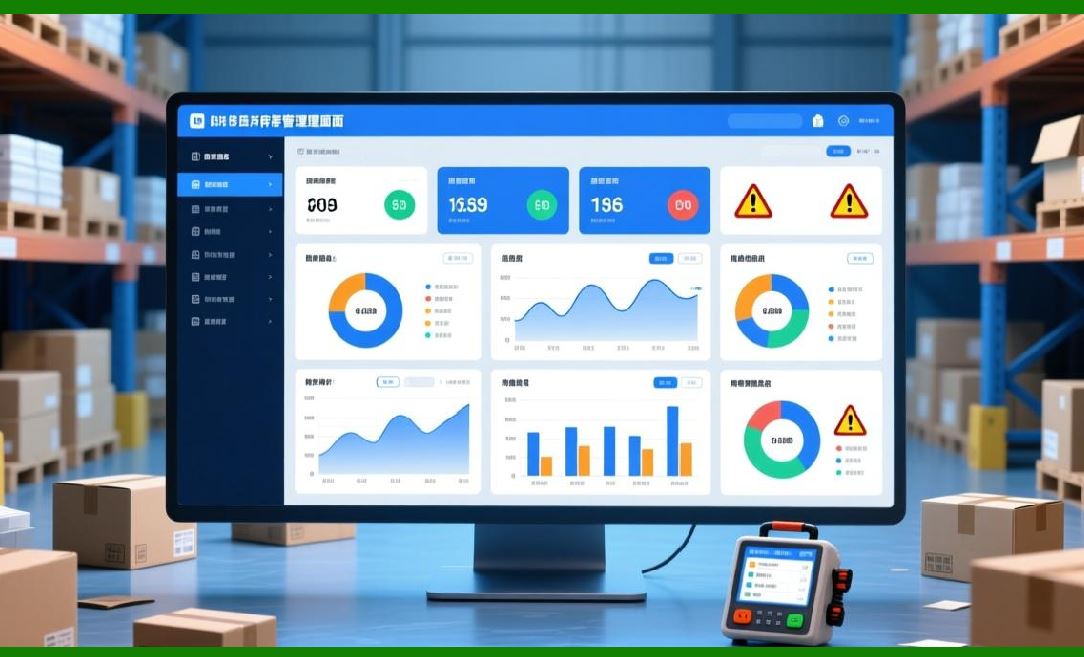
| 5. Hardware used for barcode operations scanners, mobile computers, and printers. | Warehouse hardware ecosystem: handheld barcode scanners (simple blue-tooth or USB tethered), rugged mobile computers (Windows CE/Windows Embedded/Android with integrated barcode cameras), wearable scanners, fixed-mount scanners for conveyors, label printers (industrial thermal transfer with cutter or rewinder), and RFID readers (when hybrid). Mobile computers run ERP mobile clients or specialized warehouse apps and communicate via Wi-Fi, LTE, or Bluetooth. Important device capabilities: imager vs laser (imagers read 2D), autofocus and depth of field (reading wide-to-close barcodes), battery life, ruggedness (IP rating, drop spec), manageability (remote configuration, MDM support), and SDK availability (to integrate scanning APIs with ERP apps). The ERP barcode module must support device profiles, command sequences for host-initiated scanning, and integration with mobile OS characteristics. | 6. Architecture patterns for barcode modules within mainstream ERP systems. | Barcode modules can be implemented in several architectural patterns: (A) monolithic integrated module where ERP core contains warehouse/barcode logic and serves both desktop and mobile clients; (B) middleware approach where a separate Warehouse Management System (WMS) or Warehouse Execution System (WES) handles barcode operations and synchronizes with ERP; (C) microservice-based architecture where barcode parsing, label printing, and device management are independent services exposing APIs; (D) hybrid cloud-edge architecture where local edge services handle device connectivity and real-time scanning to ensure resiliency when cloud connectivity is unstable. Each pattern affects latency, availability, and complexity. For high-volume warehouses, decoupling real-time barcode capture to an edge layer or WMS improves throughput and allows specialized optimization (e.g., batch validation, scanner orchestration, local SSCC generation). | 
| 7. Data model and master data alignment between barcode module and ERP core. | A clean, consistent master data model is essential. Core objects: Item master (with SKU, GTIN, attributes), Location master (site, warehouse, zone, bin), Supplier master, Customer master, Unit of Measure conversions, Packaging hierarchies, Lot/Batch attributes (manufacture date, expiry), Serial number policies, and Barcode templates. Barcode module must reference canonical IDs (e.g., use internal item_id as a primary key) and map scanned codes (GTIN, supplier part number, internal SKU) to that canonical ID using alias tables. There must be lookup tables for barcode-to-item mapping, with support for multiple barcode per item (each packaging variant) and cross-reference by supplier. For lot/serial, the ERP should maintain lifecycle states and ensure scanned lot/serial map to the correct inbound receipt or manufactured batch. | 8. Receiving workflows with barcode enablement step-by-step process. | Barcode-enabled receiving workflow typical steps: (1) purchase order arrival and ASN (advance shipment notice) ingestion; (2) print receiving labels or scan supplier labels to identify inbound pallets/cartons; (3) scan SSCC or carton barcodes to create inbound receipt transactions in ERP and link to PO lines; (4) capture item-level barcodes for quantity verification and to capture lot/serial data (if serialized items); (5) confirm quantities, accept or quarantine damaged goods, and record exceptions with images or notes; (6) putaway instructions generated based on item storage profile (temperature, hazardous, fast-moving) and location availability; (7) scan destination bin when performing putaway to update inventory location and available quantities. Critical features: PO-to-barcode mapping, tolerance checks, PAR/VMI integration, automatic lot/serial capture, and exception handling that integrates with quality control workflows. | 
| 9. Putaway strategies and barcode-driven automation. | Putaway decisions determine where inventory should reside for optimal retrieval and storage efficiency. Barcode modules support directed putaway: system suggests best bin based on rules (e.g., class-based storage: fast movers close to pick faces; cold chain into refrigerated zones; hazardous into designated areas), current bin occupancy, slotting parameters, and weight/volume constraints. The putaway workflow is executed via mobile devices: the operator scans the inbound pallet/carton barcode, scans target location barcode, and confirms the transaction; ERP updates bin-level quantities and available capacity. Advanced systems support multi-step putaway (pallet to bulk then split to pick faces), and may command conveyor/tote sortation by emitting SSCC and location mapping to WES. Barcode capture at each step is required to keep a precise audit trail and to support later traceability. | 10. Picking and order fulfillment barcode workflows, strategies, and optimization. | Picking is the most barcode-intensive activity. Common picking strategies: discrete picking, batch picking, wave picking, zone picking, cluster picking, and pick-to-light or pick-to-voice augmentations. Barcode modules implement picks by sending pick lists to mobile devices or handheld scanners; operators scan the pick location barcode to confirm they are at the right bin, then scan the item barcode (or the package barcode) to confirm correct SKU and quantity many systems require scan of both location and item to prevent mis-picks. Batch and wave picking group orders to reduce travel; barcode scanning ensures correct order consolidation. Serial and lot tracked items require capturing the specific identifier scanned into the pick transaction. For high-throughput operations, the barcode module integrates with cartonization logic, weight checks, and dimensioning systems; after picking, operators scan carton labels and assign SSCCs so the ERP knows which orders are in which cartons. | 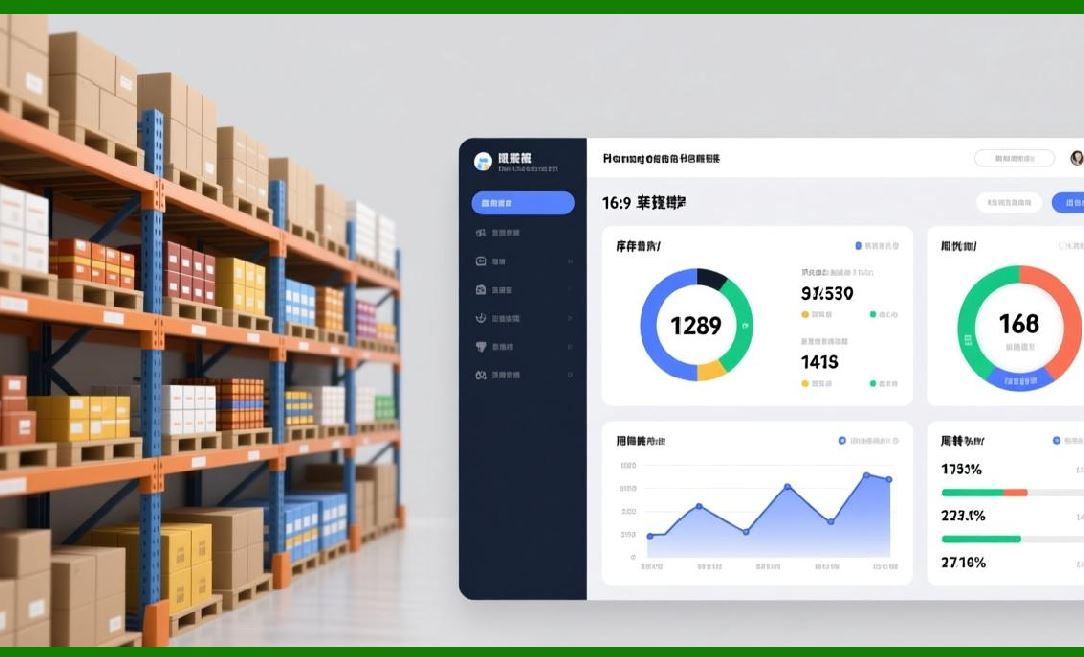
| 11. Packing, cartonization, and SSCC handling in barcode-enabled processes. | Packing merges picked items into shipping units. Barcode modules often include cartonization engines (software that suggests which items to pack into which carton sizes based on volume and weight). Operators scan order and item barcodes, then select or print a carton label (SSCC) to assign to the carton or pallet. Barcode scanning during packing verifies items and can trigger automated weight validation: the carton barcode is scanned and the system compares the expected packed weight to scale input mismatches flag exceptions. SSCC generation must follow GS1 rules when required; ERP should maintain SSCC counters and provide check digit computation. Scanning SSCCs at each handling point preserves traceability for returns, recalls, and shipment visibility. | 12. Shipping and carrier integration using barcodes to meet carrier requirements. | After packing, the barcode module supports manifest creation and shipment creation. Carriers require label formats (e.g., carrier-specific barcode formats, tracking numbers) and often request electronic manifests or ASNs. ERP modules integrate carrier APIs or middleware (e.g., shipping connectors) to generate carrier labels operators scan the SSCC and the carrier label is printed and applied. The barcode module tracks the association between SSCC, order, and carrier tracking number. Real-time barcode scanning at loading docks confirms the correct pallet is loaded onto the truck and allows proof-of-pickup. For LTL and parcel, labels must include scannable tracking barcodes and sometimes GS1-128 Application Identifiers for additional data. | 
| 13. Inventory counting cycle counting and full physical inventory with barcode assistance. | Barcode modules are instrumental for cycle counting: scheduled counts for subsets of SKUs to maintain accuracy. Workflows: generate count tasks (by ABC classification or random), send task to handheld, operator scans location barcode and then item barcodes to capture counted quantities and lot/serial when necessary, submit counts, and reconcile differences via variance transaction flows (investigate, adjust, or initiate recount). For full physical inventories, barcode scanning massively reduces time and errors: scanners capture location and item barcodes and mobile apps support multi-operator coordination. The module should support count tolerances, automated discrepancy workflows, and reconciliation reports. For lot-traceable items or serialized inventory, physical inventory logic must respect per-serial reconciliation and may require stricter controls (e.g., supervisor sign-off). | 14. Lot and serial traceability and compliance using barcodes. | Industries like pharmaceuticals, food, aerospace, and electronics require strict traceability. Barcode modules must support creation and scanning of lot and serial labels, capture production/expiry dates, link inbound lots through manufacturing or kitting to outbound lots, and provide queries for forward and backward traceability. This includes chain-of-custody logs who scanned what, when, and where and the ability to extract recall lists (show all shipments containing a specific lot/serial). The module should integrate with quality management systems to quarantine lots failing QC and with regulatory reporting (e.g., serialization reporting, DSCSA for pharmaceuticals). Barcode encoding strategies often use GS1 AIs for lot (AI 10) and serial (AI 21) to standardize data capture. | 
| 15. Inventory valuation, finance reconciliation, and barcode accuracy impact. | Barcode-enabled accurate transactions reduce discrepancies in valuation. ERP inventory valuation processes (periodic or perpetual) depend on correct quantities and cost layers. When barcodes ensure real-time, location-level updates, finance sees a more accurate picture of inventory assets. Linkage between barcode events and financial transactions should be clear: receipts create stock and AP accruals, goods issues update COGS and inventory accounts, and adjustments reconcile variance. Batch-level costing for lot-tracked items must be honored. Inventory module must log audit trails for any manual adjustments, with reason codes and authorization to prevent misuse. Barcode accuracy directly impacts cost-of-goods-sold and balance sheet reliability. | 16. Integration with purchasing, manufacturing, and sales modules workflows and data flows. | Barcode modules are not islanded; they feed and are driven by procurement, MRP, production, and sales. Examples: receiving barcodes create receipts that close PO line quantities; manufacturing issues raw materials by scanning component barcodes and capturing lot usage to complete production orders; finished goods are labeled with lot/serial and SSCCs for distribution; sales order picking triggers pick tasks. Data flows include transactional updates (inventory quantities, lot assignment), master data synchronization (new items and barcodes), and event messages (ASN, shipping confirmation). Integrations use APIs, EDI, or direct DB transactions and must ensure idempotency and reconciliation in case of connectivity issues barcode modules should queue offline scans and reconcile when connectivity resumes. | 
| 17. Middleware and device management bridging ERP and physical devices. | Warehouse operations often require device orchestration: mobile device management (MDM) for provisioning, firmware updates, remote wipe; gateway services for translating scanner SDK events to ERP APIs; print servers for managing printers; and local edge services for low-latency tasks. Middleware can also perform barcode parsing (apply regex templates or GS1 parsing), enrich scanned data (look up item by GTIN), and enforce business rules before sending transactions upstream. For enterprises with many warehouses, centralized device management with role-based provisioning and telemetry is essential. The barcode module must provide APIs for such middleware or be able to embed middleware capabilities when part of the ERP. | 18. Error handling, exceptions, and operator overrides in barcode workflows. | Real-world operations always have exceptions: label unreadable, wrong barcode on supplier carton, damaged goods, or missing lot information. The barcode module must provide structured exception flows: capture an exception type, attach photos or notes, escalate for supervisor review, optionally route to quarantine, and provide disposition (accept, return-to-supplier, adjust). Operator overrides should be controlled by role and logged: for example, allow a supervisor to accept a small over-receipt beyond PO tolerance. The module should provide alternative input methods (manual entry) with validation if barcode scanning fails, and encourage retry/scan verification before allowing manual bypasses. | 
| 19. Security, access control, and audit trails in barcode-enabled inventory. | Every barcode interaction changes inventory state; security is paramount. ERP barcode modules should enforce authentication (device-level and user-level), role-based access control for tasks (who can receive, putaway, pick, adjust), and session management on mobile devices. Transactions must be time-stamped, tied to user IDs, and include location context. For high-compliance industries, multi-factor authorization may be necessary for critical operations (e.g., inventory adjustments, release from quarantine). Audit logs should be tamper-evident and retain enough context to reconstruct an event (scanned barcode content, mapped item_id, bin id, device id, user id, timestamp). Integration with SIEM and identity providers is recommended. | 20. Performance, scalability, and high-volume considerations for barcode modules. | High-volume warehouses require the barcode system to handle thousands of scans per hour per site, low-latency confirmation, and resilient connectivity. Design considerations: local edge caching to ensure operations continue during WAN outages, batching of non-critical updates for throughput, partitioning of tasks by warehouse zone for parallelism, and asynchronous message queues for integrating with ERP core. Database design must avoid hotspots use event sourcing or append-only logs for transaction history and maintain denormalized read models for mobile queries. Load testing with realistic scan profiles and concurrency is essential; monitor metrics (scan rate, mobile app latency, transaction processing time) and set autoscaling policies for cloud-hosted services. | 
| 21. Configuration, customization, and extension points in mainstream ERPs. | Mainstream ERPs provide configuration options for barcode behavior: which fields are scanned, parsing templates, label templates, scan flows for each process type, device profiles, and location structures. Customization may be necessary for specialized workflows ERP should offer extension points (APIs, user exits, event handlers) to plug in custom logic (e.g., rules for special packaging, regulatory checks). Best practice: prefer configuration over customization to ensure easier upgrades; when customization is necessary, encapsulate it as separate services or use supported extension frameworks that survive upgrades. Maintain a catalog of customizations and test them during ERP patching. | 22. Testing strategies for barcode modules unit, integration, and operational testing. | Testing a barcode-enabled inventory system spans multiple layers. Unit tests validate parsing logic and barcode label generation algorithms. Integration tests simulate scanner events to the mobile app and validate ERP API transactions. End-to-end tests emulate receiving-to-shipping flows, including exception scenarios. Operational (UAT) testing should occur in a mirrored warehouse environment with real devices, scanning real labels, and exercising high-throughput peaks. Implement automated scan-mode test harnesses that send synthetic barcode scans at rates similar to production. Include regression tests for label printing (barcode readability via scanners), and test disaster scenarios (network outage, device battery failure) to verify offline modes and reconciliation logic. | 
| 23. Data quality, barcode governance, and master-data hygiene. | Barcode accuracy relies on clean master data. Governance practices: enforce unique barcode constraints, maintain barcode-to-item alias tables, standardize barcode formats across suppliers via onboarding rules, and perform periodic barcode audits (scan validation across SKUs). Use data stewardship processes to resolve mismatches (duplicate barcodes, expired lots). Implement validation rules at ingestion time (e.g., ASN parsing, supplier barcode mapping) and provide dashboards for missing or invalid barcodes. For inbound supplier labels that don't match internal SKUs, have rapid mapping workflows to minimize dock delays. Good governance reduces exceptions and improves throughput. | 24. Training, operations playbooks, and human factors design for barcode workflows. | Technology is only as effective as the people using it. Create role-specific training: receiving clerks, putaway teams, pickers, packers, dock operators, and supervisors. Provide pocket guides for scanning sequences, label placement, and exception handling. Design mobile UI flows with human factors in mind: large fonts, confirmation prompts for irreversible actions, barcode scan confirmation sounds/visual cues, and minimum steps to complete common tasks. Establish performance KPIs tied to training (picks per hour, accuracy rate) and use gamification carefully to encourage accurate scanning without encouraging shortcuts. Continuous feedback loops from floor operators help refine workflows and reduce error-prone steps. | 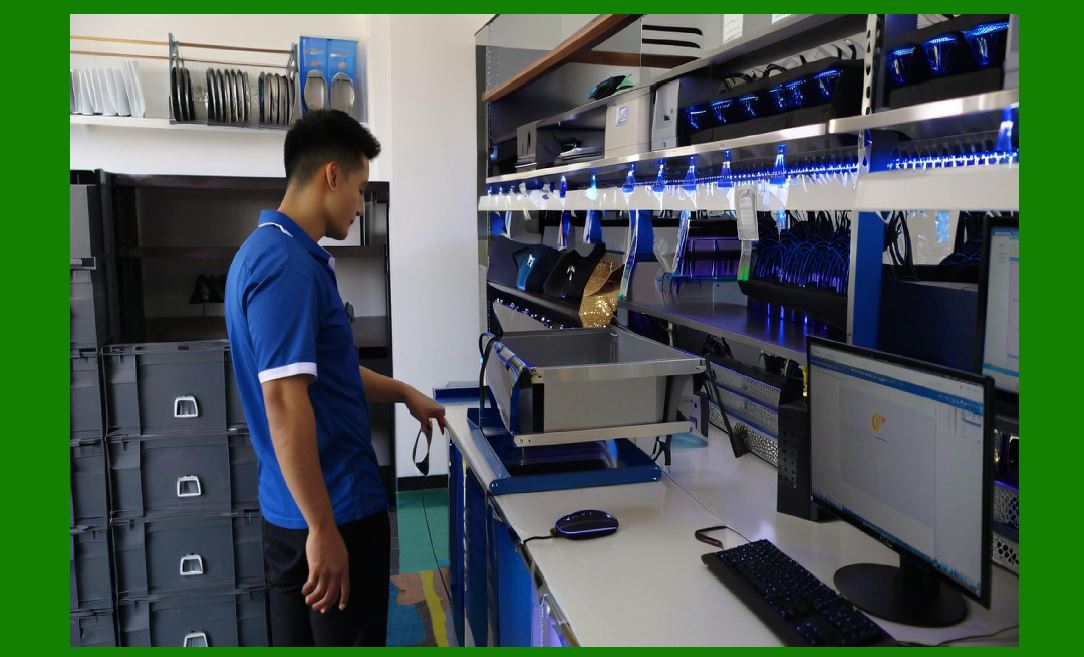
| 25. Migration and cutover planning when introducing barcode modules to an existing ERP. | Rolling out barcode functionality requires meticulous cutover planning. Key steps: baseline inventory counts and reconciliation before cutover; pilot in a contained warehouse zone; migrate master data and barcode mappings; parallel run phase where manual and barcode transactions co-exist; reconcile transactions during the pilot; train staff and iteratively fix process gaps; scale rollout across zones with rollback plans per zone. Critical to cutover is not allowing double-processing ensure any manual transactions are frozen or reconciled. Establish a war-room during go-live to handle exceptions rapidly and maintain stakeholder communication channels. | 26. Operational metrics, dashboards, and continuous improvement with barcode telemetry. | Barcode systems provide rich operational telemetry: scan rates per operator, scanning error rate (failed reads, manual overrides), pick accuracy, average time per transaction, exception frequency by exception type, throughput per shift, and device health metrics. Use dashboards to monitor these KPIs and feed into continuous improvement cycles (root-cause analysis, Kaizen events). For example, a high scan error rate in a zone may indicate poor label print quality, scanner misconfiguration, or physical lighting issues; corrective actions can include label redesign, device firmware updates, or adjusted lighting. Regularly review SSCC utilization, shrinkage trends, and cycle count variances to tune replenishment and slotting. | 
| 27. Maintenance, lifecycle management, and vendor relationships for barcode ecosystems. | Maintain an inventory of supported devices, printers, and middleware with lifecycle timelines. Plan for periodic firmware and driver updates, thermal printhead replacement schedules, and spare device provisioning. Vendor relationships matter: extend service-level agreements for rapid replacement, negotiate software support windows (esp. for mobile apps and middleware), and ensure communication paths for urgent security patches. For large deployments, consider managed services for device lifecycle or third-party maintenance. Regularly review contract alignment with operational needs, especially for cloud-based ERP or WMS where vendor change may impact integrations. | 28. Cost considerations and ROI modeling for barcode-enabled inventory projects. | Evaluate costs: hardware (scanners, mobile computers, printers), software licensing (ERP barcode/WMS modules, middleware), label materials, integration/customization development, training, and ongoing support. Benefits to quantify: labor savings (reduced pick/putaway time), accuracy improvements (reduction in mis-shipments and returns), inventory carrying cost reduction (improved turnover and fewer safety stock needs), traceability and compliance cost avoidance, and faster cycle counts. ROI modeling should include soft benefits like improved customer satisfaction. Use pilot data to refine ROI assumptions and present total cost of ownership over a 3year horizon including device replacement cycles and software maintenance. | 
| 29. Advanced features and integrations: RFID, voice picking, IoT sensors, and vision systems. | While barcodes remain ubiquitous, advanced integrations enhance capabilities. RFID provides bulk-read capability for pallets and tagged items; integration requires readers, tags, and mapping to ERP transactions (and special care for tag collision and read accuracy). Voice picking integrates with barcode verification, where a worker receives voice instructions but still scans items/locations for validation. IoT sensors (temperature, humidity) can tag SSCCs or zones; barcode modules link sensor telemetry to lot storage conditions. Computer vision can assist by validating picked items visually or reading multiple barcodes in an image this reduces manual scanning time in some workflows. Each technology brings its own data model and error characteristics; barcode modules should be extensible to ingest and consolidate these data streams. | 30. Regulatory, environmental, and industry-specific requirements affecting barcode implementations. | Industry regulations drive specific barcode needs. Pharmaceuticals require serialization, DSCSA compliance, and strict lot traceability; food and beverage must capture expiration and temperature chain details and respond to recall requests; aerospace requires lot traceability and special packaging identification; chemicals may need hazard labels and regulatory identifiers. Environmental factors (cold chain, outdoor storage) influence label material and printing choices. ERP barcode modules should provide configurable compliance templates (mandatory fields, retention policies) and integration with regulatory reporting systems. Engage compliance teams early to capture mandatory workflows (e.g., dual signatures, quarantine holds) during design. | 
| 31. Case studies archetypal implementations and lessons learned. | While anonymized, archetypal case studies are illustrative: (A) A mid-sized distributor implemented barcode-based directed putaway and saw a 30% reduction in average putaway time and 40% reduction in misplaced inventory; success factors included master data cleanup, slotting rules tuned for ABC classes, and phased rollout. (B) A high-volume e-commerce fulfillment center introduced pick-to-light plus barcode verification and achieved a 50% increase in picks/hour with 99.99% accuracy; critical investments were in network reliability, rugged devices, and operator training. (C) A regulated pharmaceutical manufacturer added GS1-based lot/serial labeling and DSCSA-compliant serialization; challenges included supplier barcode variability and integration with legacy MES systems mitigations were supplier onboarding and an edge service for label normalization. | 32. Implementation roadmap and recommended phased roll-out approach. | Recommended phases: (1) Discovery and assessment capture current processes, device inventory, and pain points; (2) Design create detailed process flows, data mapping, label templates, and device profiles; (3) Master data remediation clean item, location, and barcode tables; (4) Pilot select low-risk zone, configure scanning flows and devices, validate throughput and exceptions; (5) Expand rollout incremental zones with continuous feedback; (6) Optimize refine slotting, print settings, and performance tuning; (7) Sustain maintenance, KPIs, and governance. Each phase includes acceptance criteria and rollback plans. Keep stakeholders aligned: operations, IT, finance, procurement, and compliance. | 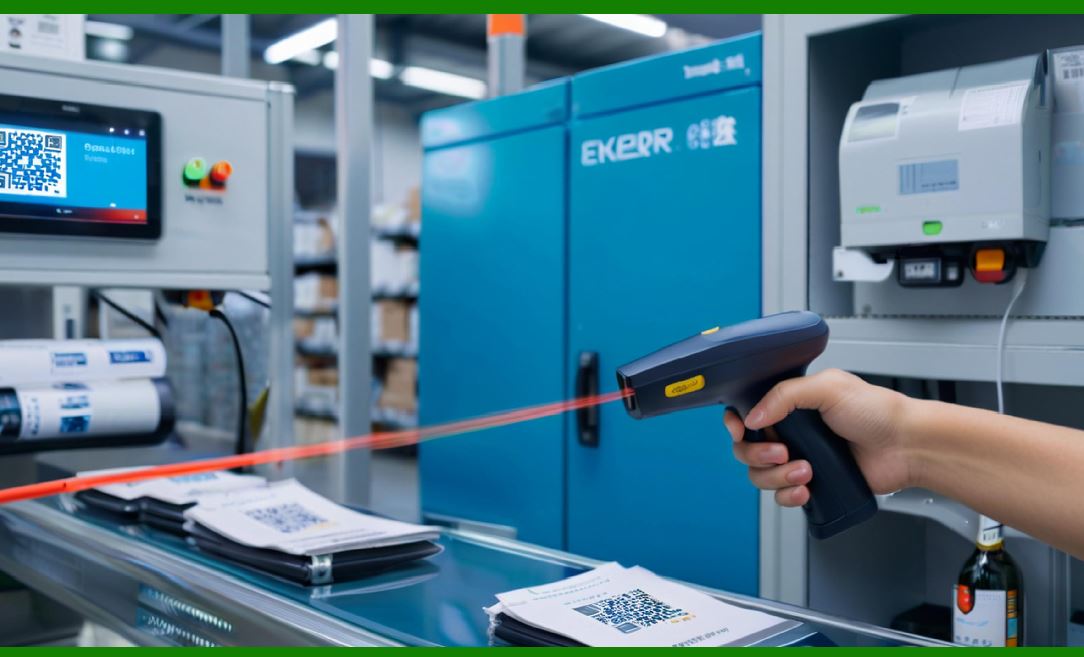
| 33. Common pitfalls, anti-patterns, and how to avoid them. | Typical pitfalls: (A) poor master data leading to mismatches avoid by early master data remediation; (B) over-customization that hampers upgrades prefer configuration; (C) insufficient training causing manual overrides invest in operator training and UX design; (D) ignoring device lifecycle and spares procure spares and plan replacements; (E) inadequate network design leading to outages design resilient Wi-Fi and edge capabilities; (F) single-point-of-failure middleware build redundant gateways and use message queues. Address these by design reviews, governance, and staged rollouts. | 34. Legal and privacy considerations around barcode data and mobile devices. | Barcode transactions often contain PII indirectly (customer addresses, order details). Ensure data minimization on devices (don't cache sensitive PII beyond necessity), encrypt device storage, and use secure channels (TLS) for transmissions. Implement device access controls and remote wipe capability. For cross-border operations, be aware of data residency and transfer laws; some countries require data to remain within borders or have specific logging and retention rules. Retain logs per compliance requirements, and anonymize or redact logs when necessary for privacy. | 
| 35. Roadmap and future trends where barcode modules are headed in ERP ecosystems. | Future directions: tighter convergence with real-time location systems (RTLS) for precise asset tracking; hybrid barcode + RFID strategies for better inventory visibility; AI-driven anomaly detection that flags unusual scan patterns indicating fraud or process drift; increased use of computer vision to capture multiple items in a single pass and auto-validate picks without manual scanning; more cloud-native barcode services with scalable microservices and edge processing for latency-sensitive tasks; and improved standards adoption (expanded GS1 adoption, interoperable APIs) to simplify supplier onboarding. ERP barcode modules will trend toward more open APIs, easier integrations with third-party hardware ecosystems, and higher automation with robotics and autonomous mobile robots (AMRs). | 36. Checklist for selecting or specifying a barcode module for ERP procurement. | When procuring: verify supported symbologies and GS1 compliance; confirm label design and SSCC handling capabilities; check device SDK compatibility (Android, iOS, Windows) and MDM support; evaluate integration patterns (APIs, middleware connectors, event streams); validate offline mode and reconciling behavior; examine performance at scale with vendor-provided benchmarks; review extension points and customization frameworks; ask about device lifecycle management and spare parts support; request references for similar-scale deployments, and ensure SLAs cover critical device replacement and software support. Also validate total cost of ownership including licensing, support, hardware, and label materials. | 
| 37. Operational playbook examples standardized step sequences for common tasks. | Provide structured playbooks: Receiving playbook (1. verify PO, 2. scan SSCC/ASN, 3. scan each carton/pallet, 4. capture lot/serial, 5. accept/quarantine, 6. mark putaway), Picking playbook (1. load pick list, 2. navigate to bin, 3. scan bin barcode, 4. scan item barcode, 5. confirm quantity, 6. scan carton SSCC if packing directly), Cycle count playbook (1. receive count task, 2. scan location, 3. scan each item, 4. submit count, 5. reconcile variances). Each playbook should include expected system prompts, escalation paths, and acceptable tolerances. Standardizing reduces cognitive load and speeds training. | 38. Governance model roles, responsibilities, and change control for barcode processes. | Establish a governance body including representatives from operations, IT, procurement, finance, and quality. Define roles: barcode master data steward, device admin, label designer, process owner, and security officer. Create change-control process for barcode templates, scanning flows, and device firmware require impact assessment, test sign-off, and deployment windows. Maintain a runbook for troubleshooting common problems (network, printer jams, scanner misreads) and communicate scheduled maintenance windows. Governance ensures consistency, compliance, and accountable evolution. | 
| 39. Return merchandise authorization (RMA), reverse logistics, and barcode-driven returns processing. | Returns introduce complexity; barcode modules streamline RMA by scanning returned items and linking them to original shipment/lot/serial data. Reverse logistics workflows: receive RMA ticket, scan returned SSCC/carton, validate items and lot/serial, perform quality inspection, decide disposition (restock, refurbish, scrap), and update inventory and financials. Barcode capture allows rapid reconciliation and fraud detection (e.g., scanned serial not matching original shipment). Integrate return scanning with claims processing and CRM systems to speed refunds and replacements. | 40. Summary and recommended next steps for teams adopting barcode-enabled inventory in ERP. | To adopt or enhance barcode-enabled inventory: begin with master data cleanup and define clear objectives (accuracy targets, throughput goals). Select hardware aligned to environment and purchase spares. Choose an architecture (integrated ERP module vs specialized WMS) based on volume and complexity. Pilot in a controlled zone, instrument operations with telemetry, and iterate. Establish governance, train operators, and plan for phased rollouts with robust cutover procedures. Monitor KPIs and invest in continuous improvement. Long-term, plan for hybrid technologies (RFID, vision, IoT) and ensure the barcode module remains extensible and standards-compliant. |
|
 cs@easiersoft.com