Barcode Label Software Printing and Export Functions |
Part 17: Autonomous Labeling Systems, Global Supply Chain Interoperability, and Future-Proofing |
155. Autonomous Labeling Systems |
155.1 Definition and Scope |
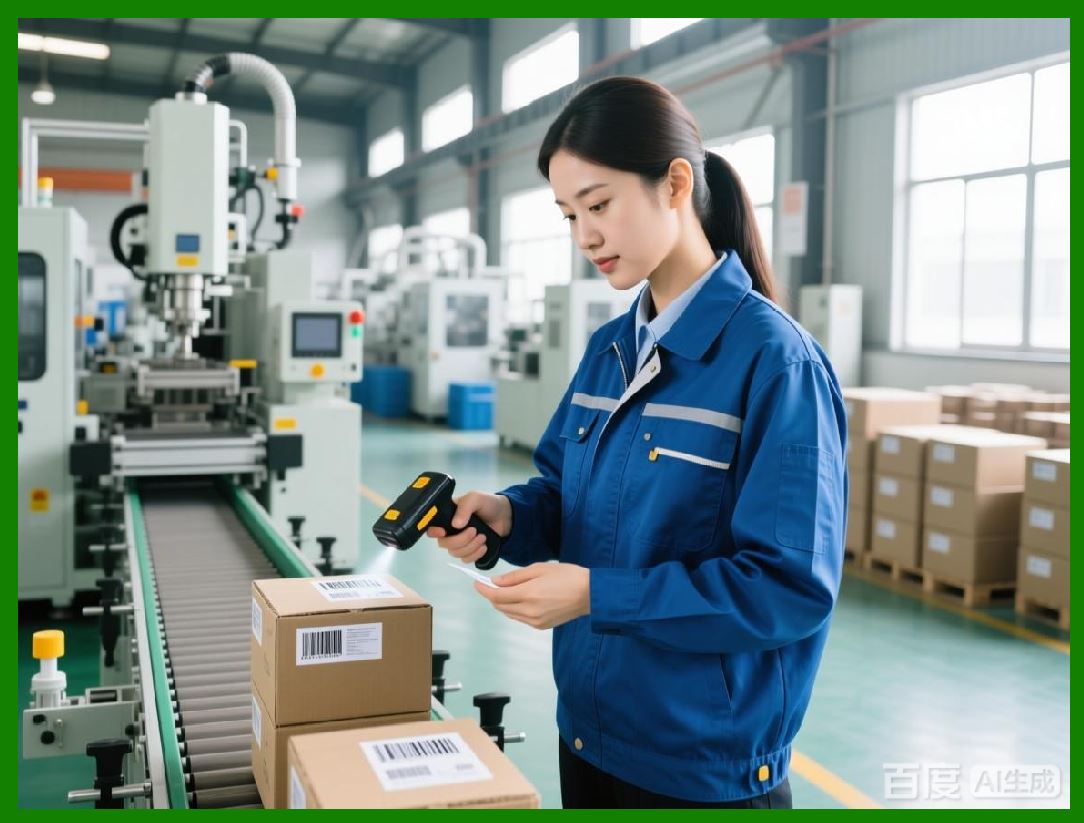
Autonomous labeling systems are self-operating solutions capable of: |
* Selecting templates and generating labels automatically |
* Performing inline verification and quality checks |
* Adjusting printing parameters in real-time based on feedback |
* Integrating with enterprise systems without human intervention |
Autonomy ensures higher efficiency, reduced error rates, and consistent compliance. |
|
155.2 Real-Time Decision-Making |
Autonomous systems leverage AI and predictive analytics to: |
* Determine optimal label layout for each product batch |
* Adjust error correction levels dynamically for 2D barcodes |
* Control print speed, intensity, and module size based on media and printer condition |
155.3 Error Handling and Self-Correction |
Autonomous labeling software includes: |
* Inline scanning to detect defects such as smudging, misalignment, or encoding errors |
* Automatic reprinting of defective labels |
* Adaptive adjustments to printers, templates, and variable data fields to prevent recurrence |
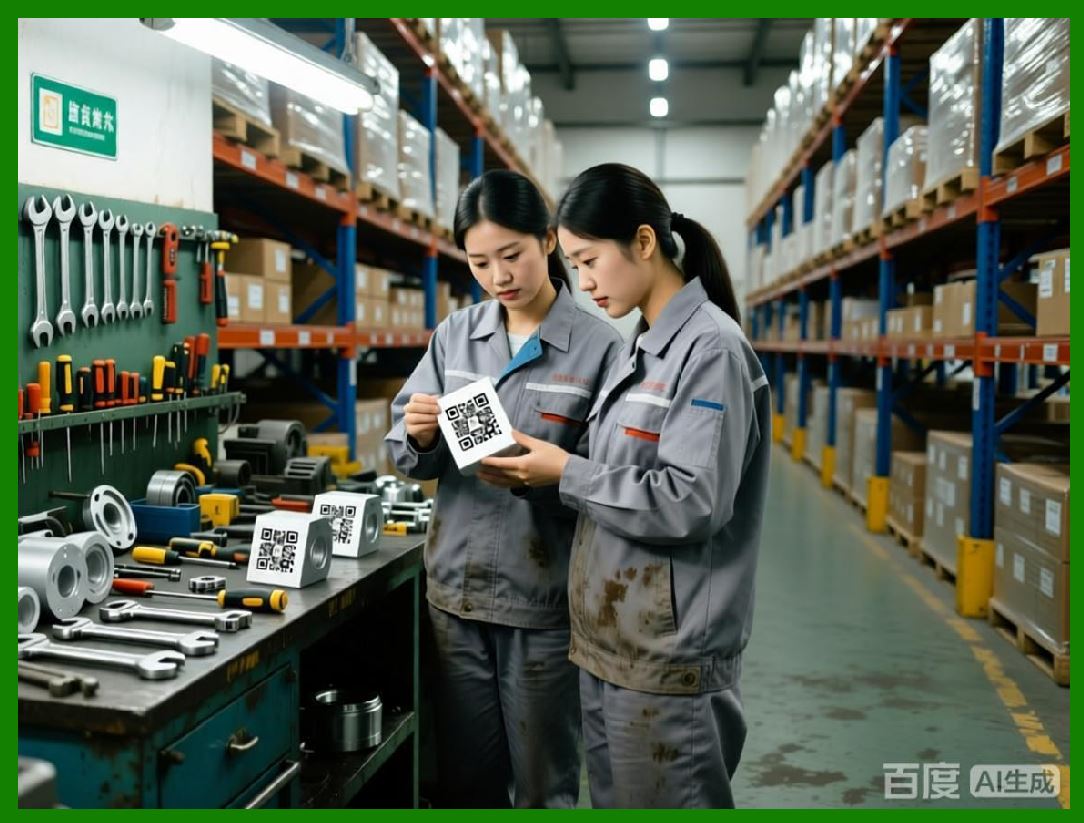
155.4 Benefits of Autonomy |
* Eliminates manual intervention for repetitive, high-volume tasks |
* Ensures uniformity across global operations |
* Reduces downtime and production bottlenecks |
* Enhances regulatory compliance through consistent, auditable processes |
|
156. Global Supply Chain Interoperability |
156.1 Multi-Jurisdiction Labeling Challenges |
Global supply chains face complexities such as: |
* Varied regulatory labeling requirements per country or region |
* Differences in symbology standards and units of measure |
* Cross-border trade compliance and serialization mandates |
Barcode label software must accommodate these variations while maintaining consistent quality and traceability. |
156.2 Centralized Template Management |
Global operations require centralized management of: |
* Templates, assets, and variable data rules |
* Version control to ensure all sites use authorized templates |
* Automated synchronization with regional print sites |
156.3 Integration with Cross-Border Systems |
Software integrates with customs, shipping, and regulatory reporting systems: |
* Automatic translation of label data for local regulations |
* Real-time validation of serialized data for compliance |
* Seamless synchronization with logistics and warehouse management platforms |
156.4 Tracking and Traceability Across Borders |
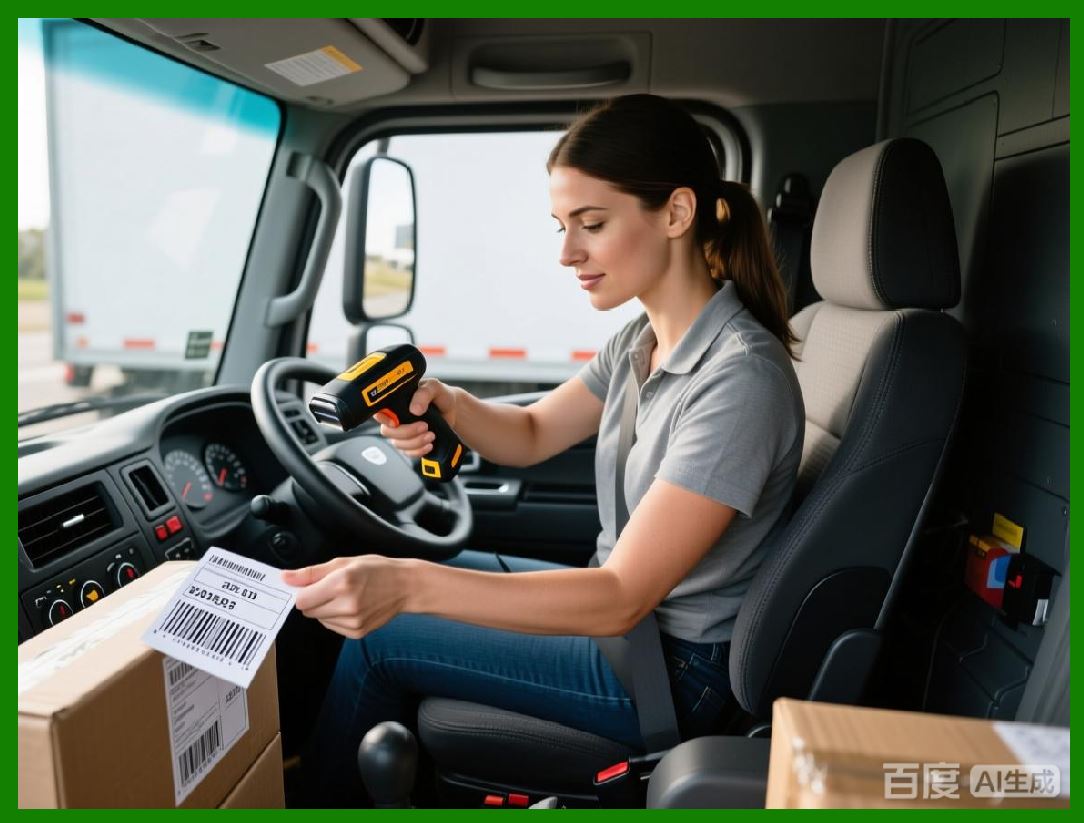
Global traceability is achieved by: |
* Linking each printed label to product batches and shipments |
* Maintaining a digital record of print events, verification results, and distribution status |
* Providing an auditable history for recalls, inspections, or regulatory audits |
|
157. Future-Proofing Barcode Label Software |
157.1 Modular and Extensible Architecture |
Future-proof label software is designed with modular architecture: |
* Independent modules for rendering, verification, export, and API integration |
* Easily upgradable components without disrupting the entire system |
* Supports emerging barcode symbologies, printer technologies, and export formats |
157.2 AI and Machine Learning Integration |
AI capabilities future-proof software by: |
* Continuously learning from operational data to improve print quality |
* Anticipating failures and suggesting optimizations |
* Enhancing compliance verification automatically as regulations evolve |
157.3 Cloud and Hybrid Deployment Readiness |
Future-proof systems support both cloud-native and hybrid deployments: |
* Elastic scaling for high-volume global operations |
* Localized printing for latency-sensitive or network-constrained environments |
* Seamless integration between cloud orchestration and local print servers |
157.4 Interoperability and Standard Compliance |
* Adherence to GS1, ISO/IEC, and other global standards |
* Support for secure IoT-enabled labels and connected packaging |
* Compatibility with next-generation ERP, WMS, MES, and logistics platforms |

|
158. Continuous Operational Optimization |
158.1 Real-Time Performance Monitoring |
* Tracks print speed, throughput, error rates, and verification outcomes |
* Identifies bottlenecks or misconfigured printers |
* Automatically adjusts workflow priorities for optimal efficiency |
158.2 Predictive Quality and Maintenance |
* Forecasts potential failures in printers, media, or label designs |
* Initiates preemptive maintenance to minimize downtime |
* Ensures labels meet high-fidelity standards even under variable conditions |
158.3 Analytics-Driven Decision Support |
* Provides actionable insights for supply chain and production managers |
* Optimizes label generation, layout, and printing parameters |
* Supports strategic decisions on resource allocation, template updates, and regulatory compliance |

|
159. Future Trends in Autonomous and Smart Labeling |
159.1 Integration with Connected Factories |
Autonomous labeling systems will: |
* Communicate with smart factory networks |
* Dynamically adapt labels based on real-time production data |
* Enable end-to-end visibility of products from manufacturing to delivery |
159.2 AI-Enhanced Regulatory Compliance |
Software will continuously: |
* Monitor regulatory changes globally |
* Validate labels against updated standards automatically |
* Alert operators to non-compliant labels before production or shipment |
159.3 Predictive and Self-Optimizing Systems |
* Fully automated printing and verification with minimal human intervention |
* Continuous learning from environmental and operational data |
* Optimization of throughput, print quality, and supply chain compliance |

|
160. Preview of Subsequent Parts |
The next parts will focus on: |
* Fully connected packaging and IoT-enabled smart labels |
* Advanced serialization and anti-counterfeiting mechanisms |
* AI-driven operational intelligence across global label printing systems |
* Strategies for ensuring sustainability, efficiency, and regulatory compliance in the future of enterprise labeling |

|
Part 18 will continue with IoT-enabled smart labels, serialization, anti-counterfeiting, and AI-driven operational intelligence. |
 cs@easiersoft.com