Barcode Label Software Printing and Export Functions |
Part 1: Conceptual Foundations, Output Architecture, and Printing Workflows |
1. Overview of Barcode Label Software Printing and Export Functions |
1.1 Fundamental Purpose of Printing and Export Capabilities |
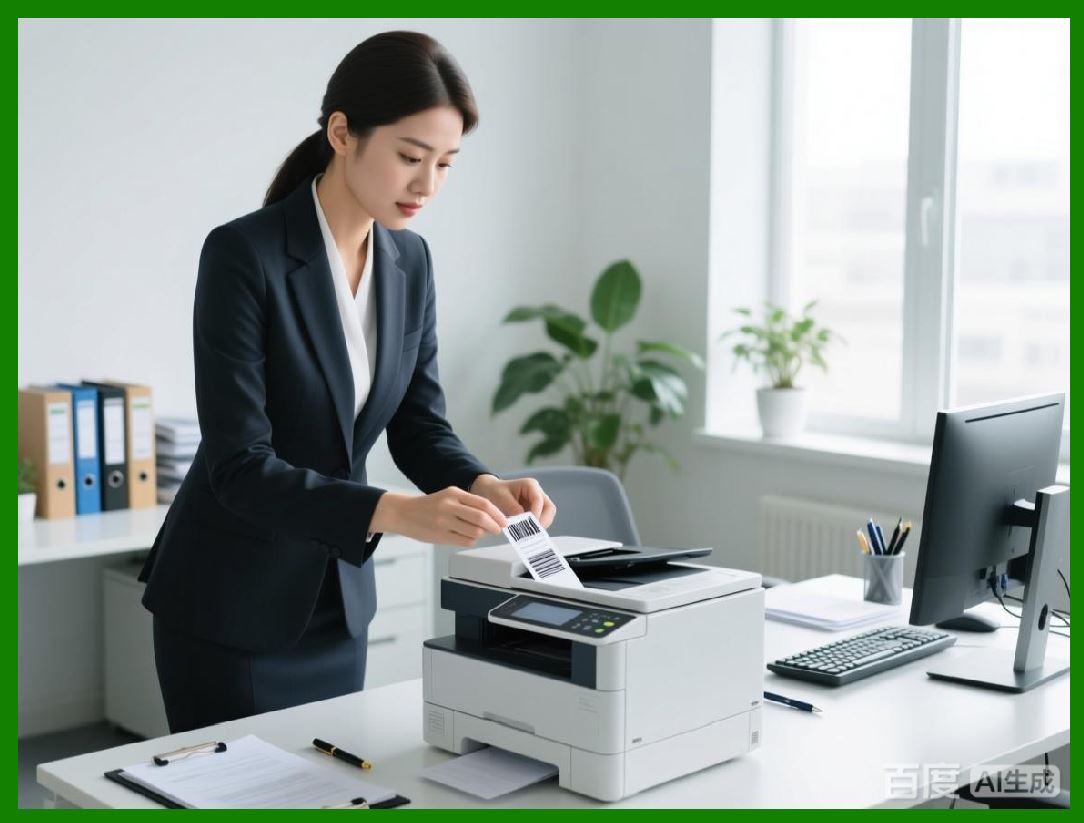
Barcode label software is not merely a design tool; it is fundamentally an output engine. The ultimate value of any barcode label system lies in its ability to reliably transform digital data into physical or digital artifacts that can be read, scanned, archived, transmitted, and re-used across multiple systems. Printing and export functions are therefore the most critical components of barcode label software, acting as the final stage of the data lifecycle. |
These functions serve several core purposes simultaneously: they ensure machine readability, preserve visual accuracy, guarantee dimensional correctness, maintain data integrity, and support interoperability across printers, operating systems, and downstream systems such as ERP, WMS, MES, and regulatory archives. |
Unlike general graphic design tools, barcode label software must produce output that conforms to strict technical constraints. A label that looks correct on screen may fail in production if the printing or export pipeline alters barcode module sizes, line widths, quiet zones, or error correction parameters. Therefore, printing and export functions are deeply integrated with barcode encoding engines, layout engines, and printer communication modules. |
|
1.2 Evolution from Simple Printing to Multi-Format Export |
Early barcode software focused almost exclusively on direct printing to dot-matrix or laser printers. Over time, as industrial requirements evolved, barcode label software expanded its output capabilities to include raster image export, vector file generation, and direct printer language output. |
Modern barcode label software typically supports a wide range of output formats, including but not limited to PNG, TIFF, PDF, SVG, EMF, ZPL, EPL, and other proprietary printer command languages. Each output format serves a distinct use case, from high-resolution archival storage to ultra-fast industrial thermal printing. |
This evolution reflects broader changes in enterprise IT environments, where labels are no longer printed only at a single workstation but are generated dynamically by servers, web applications, mobile devices, and automated production lines. |
1.3 Printing and Export as a System Integration Layer |
Printing and export functions form a bridge between software systems and physical devices. In many enterprise environments, barcode label software acts as an intermediary between upstream data sources and downstream printing infrastructure. |
In this role, the software must translate abstract label designs and variable data into concrete output that matches the expectations of printers, file formats, and regulatory standards. This translation process is non-trivial and involves coordinate transformations, unit conversions, font embedding, barcode rasterization or vectorization, and command sequencing. |
Because of this complexity, printing and export functions are often implemented as separate subsystems within barcode software, with their own configuration options, error handling mechanisms, and performance optimizations. |

|
2. Classification of Printing and Export Methods |
2.1 Direct Printing vs File-Based Export |
Barcode label software generally supports two primary output pathways: direct printing and file-based export. Direct printing sends label data immediately to a selected printer through an operating system driver or a direct communication channel. File-based export generates a standalone file that can be stored, transmitted, or printed later. |
Direct printing is typically used in operational environments where labels must be produced immediately, such as shipping stations, manufacturing lines, and retail backrooms. File-based export is more common in scenarios involving centralized processing, batch generation, regulatory submission, or third-party printing. |
Both approaches have advantages and limitations, and most professional barcode label software supports both simultaneously to accommodate diverse workflows. |
2.2 Raster Output Formats |
Raster formats represent label content as a grid of pixels. Common raster formats supported by barcode label software include PNG and TIFF. These formats are widely compatible and easy to display or print, but they require careful resolution management to preserve barcode quality. |
Raster output is often used when labels must be embedded into other documents, displayed in web applications, or transmitted to systems that cannot interpret vector graphics or printer command languages. |
2.3 Vector Output Formats |
Vector formats represent label content using geometric primitives such as lines, curves, and text objects. Common vector formats include PDF, SVG, and EMF. Vector output preserves scalability and precision, making it suitable for high-quality printing and long-term archival. |
Vector export is particularly valuable when labels need to be printed at different sizes, included in technical documentation, or processed by downstream graphics workflows without loss of fidelity. |
2.4 Printer Command Language Output |
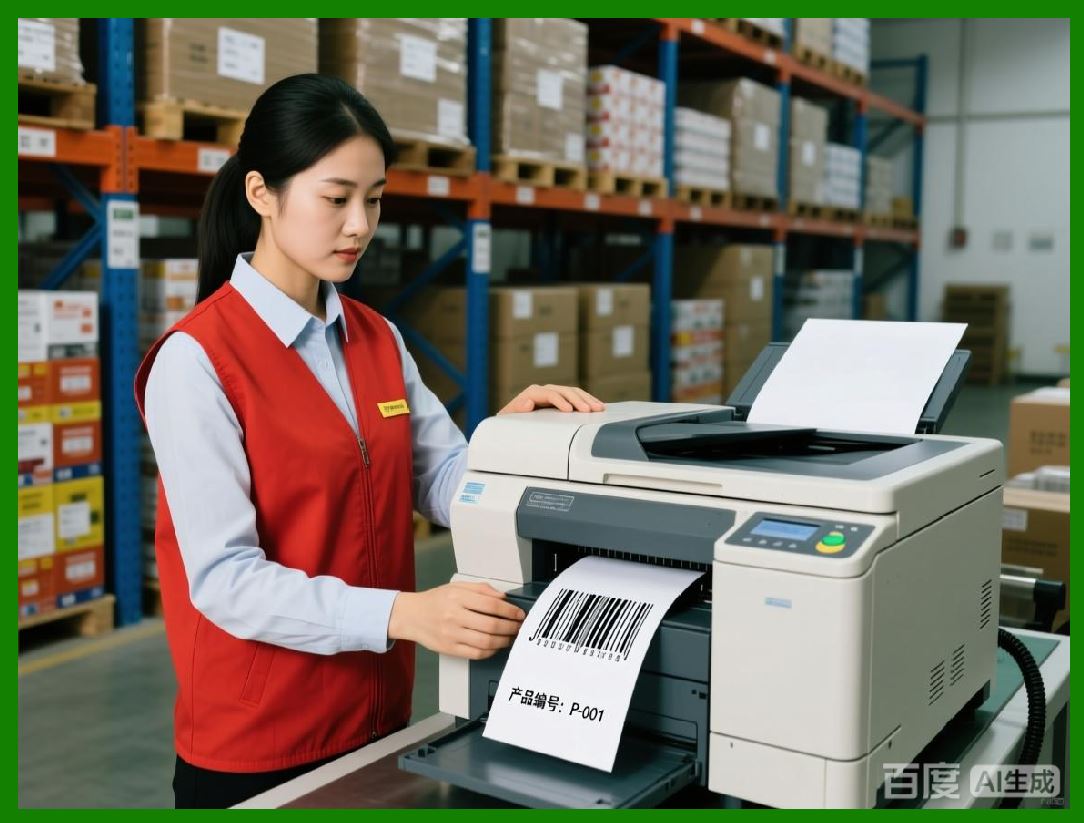
Printer command languages such as ZPL and EPL are low-level instruction sets understood directly by specific classes of printers, particularly thermal label printers. Outputting printer language files bypasses operating system drivers and allows precise control over printer behavior. |
This method is essential in high-volume industrial environments where speed, consistency, and predictability are critical. By generating native printer commands, barcode label software can achieve performance levels that are not possible with generic print drivers. |
|
3. Direct Printing Architecture in Barcode Label Software |
3.1 Interaction with Operating System Print Subsystems |
When performing direct printing through standard print drivers, barcode label software relies on the operating system printing infrastructure. This typically involves generating a print job composed of graphics primitives, text, and images, which is then handed off to the OS spooler. |
The OS spooler queues the job, applies printer-specific transformations through the selected driver, and transmits the final data stream to the printer. While this approach offers broad compatibility, it introduces several layers where output fidelity can be affected. |
Each layer may modify scaling, resolution, color conversion, or font substitution, potentially impacting barcode readability if not carefully managed. |
3.2 Print Driver Abstraction and Its Limitations |
Print drivers are designed primarily for general document printing rather than barcode precision. They often optimize for visual appearance rather than strict dimensional accuracy. As a result, subtle changes in driver settings, firmware versions, or operating system updates can alter output behavior. |
Barcode label software must compensate for these uncertainties by offering configuration options such as fixed DPI settings, driver-independent layout engines, and calibration tools. |
Despite these precautions, driver-based printing remains inherently less deterministic than printer language output, particularly in thermal printing scenarios. |
3.3 Page Setup and Media Handling |
Direct printing requires accurate configuration of page size, margins, orientation, and media type. In barcode label printing, page size typically corresponds to the physical dimensions of the label, not standard paper sizes. |
Barcode label software must generate print jobs that precisely match the target label size, taking into account printer hardware characteristics such as printable area, gap sensing, and tear-off position. |
Incorrect page setup can lead to clipped barcodes, misaligned labels, or inconsistent print positioning, all of which can compromise scanning reliability. |

|
4. Exporting Labels as Raster Images |
4.1 PNG Export: Characteristics and Use Cases |
PNG is a lossless raster format widely supported across platforms and applications. Barcode label software often provides PNG export for use cases involving digital display, web integration, and document embedding. |
When exporting to PNG, the software must choose an appropriate resolution, typically specified in dots per inch. A resolution that is too low can cause barcode modules to blur or merge, while excessively high resolution increases file size without meaningful benefits. |
PNG export is particularly useful for previewing labels, generating thumbnails, and integrating labels into systems that do not support vector formats. |
4.2 TIFF Export: Industrial and Archival Applications |
TIFF is a highly flexible raster format that supports multiple color depths, compression methods, and metadata options. In barcode label software, TIFF is often used for high-quality printing workflows and long-term archival. |
TIFF export allows precise control over resolution and bit depth, making it suitable for monochrome thermal labels as well as full-color product labels. |
Because TIFF files can be large, they are typically used in controlled environments where storage and bandwidth are not primary constraints. |
4.3 Resolution Management and Barcode Integrity |
When exporting raster images, resolution management is critical. Barcode symbologies are defined in terms of module sizes and ratios, which must be preserved exactly in the output image. |
Barcode label software must calculate pixel dimensions that correspond precisely to the intended physical dimensions at the chosen resolution. Any rounding errors or scaling operations can distort barcode geometry. |
Professional software often locks barcode dimensions to integer pixel values or uses oversampling techniques to minimize aliasing artifacts. |

|
5. Exporting Labels as Vector Graphics |
5.1 PDF Export: Universality and Precision |
PDF is one of the most commonly supported vector formats in barcode label software. It offers a balance of portability, precision, and compatibility with printing and viewing tools. |
When exporting to PDF, barcode label software can embed fonts, define vector shapes for barcodes, and include metadata describing the label. This ensures consistent rendering across systems and printers. |
PDF export is widely used for regulatory submissions, proofing workflows, and integration with document management systems. |
5.2 SVG Export: Web and Automation Workflows |
SVG is an XML-based vector format commonly used in web applications and automated workflows. Barcode label software may support SVG export for integration with web platforms, dynamic rendering systems, or custom printing pipelines. |
SVG allows labels to be manipulated programmatically, scaled without loss of quality, and styled using standard web technologies. |
However, SVG rendering behavior can vary between viewers, so barcode label software must generate conservative, standards-compliant SVG to ensure reliability. |
5.3 EMF Export: Windows-Centric Environments |
EMF is a vector format native to the Windows ecosystem. It is often used in enterprise environments where labels are inserted into office documents or printed through Windows-based workflows. |
Barcode label software supporting EMF export must carefully manage coordinate systems and device contexts to ensure accurate output. |
While EMF is less portable than PDF or SVG, it remains relevant in certain corporate environments. |
|
6. Thermal Label Printing Fundamentals |
6.1 Characteristics of Thermal Label Printers |
Thermal label printers use heat to produce images on specially coated paper or transfer ink from a ribbon. They are widely used in logistics, manufacturing, healthcare, and retail due to their speed, reliability, and low operating costs. |
Thermal printers typically operate at fixed resolutions, such as 203, 300, or 600 dots per inch. Barcode label software must tailor output precisely to these resolutions to achieve optimal results. |
Because thermal printers are often used in high-volume environments, printing efficiency and consistency are paramount. |
6.2 Driver-Based Thermal Printing vs Native Command Output |
Thermal printers can be driven through standard OS print drivers or through native command languages such as ZPL and EPL. Driver-based printing treats the thermal printer like a generic printer, while native command output communicates directly with the printer firmware. |
Native command output offers superior performance and control but requires barcode label software to implement printer-specific logic. |
The choice between these methods depends on factors such as printing volume, system architecture, and operational requirements. |
|
7. Introduction to Printer Command Languages |
7.1 Purpose and Scope of Printer Languages |
Printer command languages define a set of instructions that control printer behavior, including text placement, barcode generation, graphic rendering, and media handling. |
In thermal printing, these languages are optimized for speed and efficiency. They allow the printer to generate barcodes internally rather than relying on rasterized images sent from the host computer. |
Barcode label software that supports printer languages effectively offloads part of the rendering process to the printer itself. |
7.2 ZPL and EPL as Industry Standards |
ZPL and EPL are among the most widely used printer command languages in the thermal printing industry. They are supported by a large ecosystem of printers and are deeply integrated into industrial workflows. |
Supporting these languages requires barcode label software to maintain up-to-date knowledge of command syntax, firmware variations, and printer capabilities. |
|
8. Benefits of Outputting ZPL for Thermal Label Printers |
8.1 Improved Printing Speed |
When barcode label software outputs ZPL directly, the printer receives compact command instructions rather than large raster images. This reduces data transmission time and processing overhead. |
As a result, labels can be printed significantly faster, which is critical in high-throughput environments such as distribution centers. |
8.2 Consistency Across Systems |
ZPL output produces consistent results regardless of operating system, driver version, or application environment. The printer interprets the commands directly, ensuring predictable behavior. |
This consistency simplifies system validation and reduces troubleshooting effort. |
8.3 Reduced Dependence on Print Drivers |
By bypassing print drivers, ZPL output eliminates a common source of variability and failure. This is particularly valuable in server-based or embedded systems where driver installation may be impractical. |
8.4 Better Control Over Printer Features |
ZPL allows barcode label software to control advanced printer features such as media calibration, print speed, darkness, and label positioning. |
This level of control is difficult or impossible to achieve through generic print drivers. |
|
9. Preview of Subsequent Parts |
In the next parts, the discussion will expand into: |
* Detailed internal workflows for generating ZPL and EPL |
* Comparison between rasterized barcode output and printer-native barcode generation |
* Batch printing and spool optimization |
* Network printing and print server architectures |
* Error handling, verification, and logging |
* Export workflows in enterprise and cloud environments |
* Performance tuning for high-volume printing |
* Regulatory, archival, and validation considerations |

|
Part 2 will continue with an in-depth technical analysis of raster vs vector rendering pipelines and internal export engines. |
 cs@easiersoft.com