Barcode Label Software Printing and Export Functions |
Part 16: Global Regulatory Integration, Smart Label Operations, and Predictive Quality Optimization |
148. Global Regulatory Integration |
148.1 Complexity of Global Labeling Requirements |
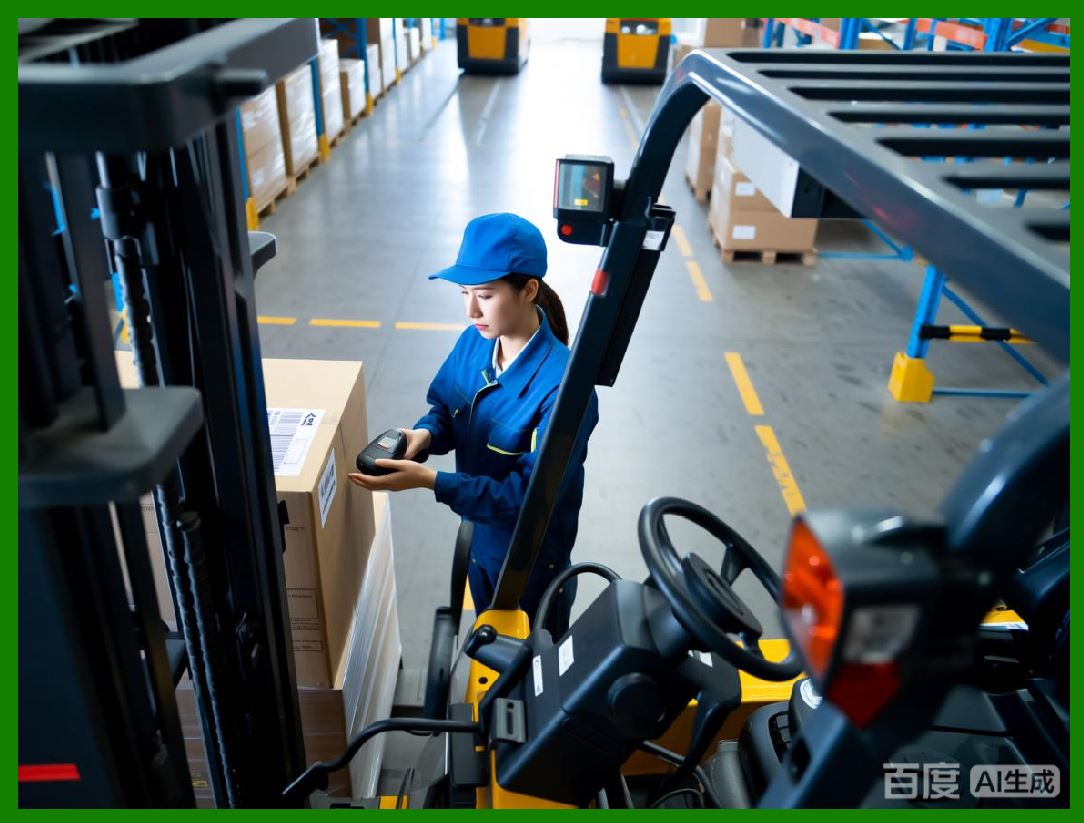
Barcode labels are subject to a wide range of regulatory standards across countries and industries: |
* GS1 and ISO/IEC symbology standards |
* FDA and EMA pharmaceutical labeling regulations |
* Customs and trade compliance for cross-border logistics |
* Industry-specific regulations for food, chemicals, or electronics |
Software must support multi-jurisdiction compliance simultaneously. |
|
148.2 Automated Validation Against Regulatory Rules |
Modern barcode label software incorporates regulatory rule engines that: |
* Validate mandatory fields, symbology types, and barcode formats |
* Check minimum dimensions, quiet zones, and contrast ratios |
* Enforce correct placement and sequential numbering for serialized items |
148.3 Integration with Regulatory Databases |
Dynamic integration with regulatory databases ensures labels remain compliant with updates: |
* Periodic synchronization with GS1 registries |
* Automatic updates of symbology definitions or format rules |
* Alerts for deprecated or non-compliant label templates |
148.4 Reporting and Certification |
Software can automatically generate: |
* Compliance reports for internal auditing |
* Certification files for submission to regulatory authorities |
* Digital records for traceability during inspections |

|
149. Smart Label Operations |
149.1 Definition and Scope |
Smart label operations involve labels that: |
* Communicate with scanners, IoT devices, or mobile apps |
* Include variable data dynamically updated in real-time |
* Support machine-to-machine verification and automated workflows |
149.2 Dynamic Label Content |
Variable data may include: |
* Lot numbers, batch IDs, or serial numbers |
* Expiry dates or condition-sensitive information |
* Real-time inventory or shipment status |
Software manages dynamic updates, ensuring consistency and compliance. |
149.3 Integration with Enterprise Systems |
Smart labels operate in synergy with: |
* ERP systems for order and inventory management |
* WMS for warehouse operations |
* MES for production tracking and quality management |
149.4 Remote Monitoring and Control |
Smart label systems allow: |
* Real-time verification of label readability in the field |
* Remote adjustments to label content or printing parameters |
* Alerting for misprinted or damaged labels |

|
150. Predictive Quality Optimization |
150.1 Data Collection for Quality Analysis |
Software collects extensive operational data: |
* Printer performance metrics |
* Environmental conditions like temperature or humidity |
* Historical label inspection results |
This data feeds predictive quality algorithms. |
150.2 Machine Learning Models |
Predictive models analyze correlations between: |
* Printer conditions and print defects |
* Substrate or media variations and scanning failures |
* Environmental fluctuations and barcode readability |
150.3 Real-Time Optimization |
Predictive algorithms dynamically adjust: |
* Print intensity, speed, and module sizing |
* Error correction levels in 2D barcodes |
* Variable field placement for maximum readability |
150.4 Proactive Issue Mitigation |
By forecasting potential failures, software can: |
* Halt or reroute print jobs before producing defective labels |
* Recommend maintenance or replacement of printer components |
* Adjust templates to compensate for identified risk factors |

|
151. End-to-End Traceability |
151.1 Linking Labels to Product Life Cycle |
Every label is digitally linked to the product it represents, providing: |
* Complete traceability from production to retail or distribution |
* Support for recalls, quality audits, and regulatory inspections |
* Integration with serialization, track-and-trace, and anti-counterfeit programs |
151.2 Audit Logging |
Comprehensive logging includes: |
* Template versions and variable data used for each print |
* Printer and media information |
* Inspection results and any corrective actions |
Logs are crucial for compliance, legal protection, and operational analysis. |
151.3 Digital Twins for Printing Operations |
Digital twins replicate real-world label production environments: |
* Simulate printing scenarios for optimization |
* Validate new templates or processes without disrupting operations |
* Predict the impact of environmental or operational changes |

|
152. Continuous Improvement in Label Operations |
152.1 Feedback Loops from Verification Systems |
Inline scanners, cameras, and IoT sensors provide continuous feedback: |
* Detect errors immediately |
* Inform AI-driven adjustments to rendering or printer parameters |
* Improve reliability and output consistency over time |
152.2 Analytics-Driven Process Optimization |
Advanced analytics identify trends and areas for improvement: |
* Common causes of print errors |
* Bottlenecks in production or logistics workflows |
* Opportunities to reduce waste and improve throughput |
152.3 Integration with Predictive Maintenance |
Predictive quality data informs maintenance schedules: |
* Reduces unplanned downtime |
* Ensures printers remain calibrated for high-fidelity output |
* Supports compliance by preventing defective labels from entering the supply chain |

|
153. Future Trends in Smart and Predictive Labeling |
153.1 Autonomous Labeling Operations |
Future systems will operate autonomously, including: |
* Automated template selection based on product type or shipment requirements |
* Real-time label generation, verification, and adjustment |
* Predictive maintenance and self-optimization of printers |
153.2 Connected Supply Chain Integration |
Labels will interact directly with smart warehouses, logistics systems, and end-user devices: |
* Automated inventory updates |
* Real-time shipment verification |
* Integrated recall and quality control mechanisms |
153.3 AI-Enhanced Compliance and Security |
Next-generation software will: |
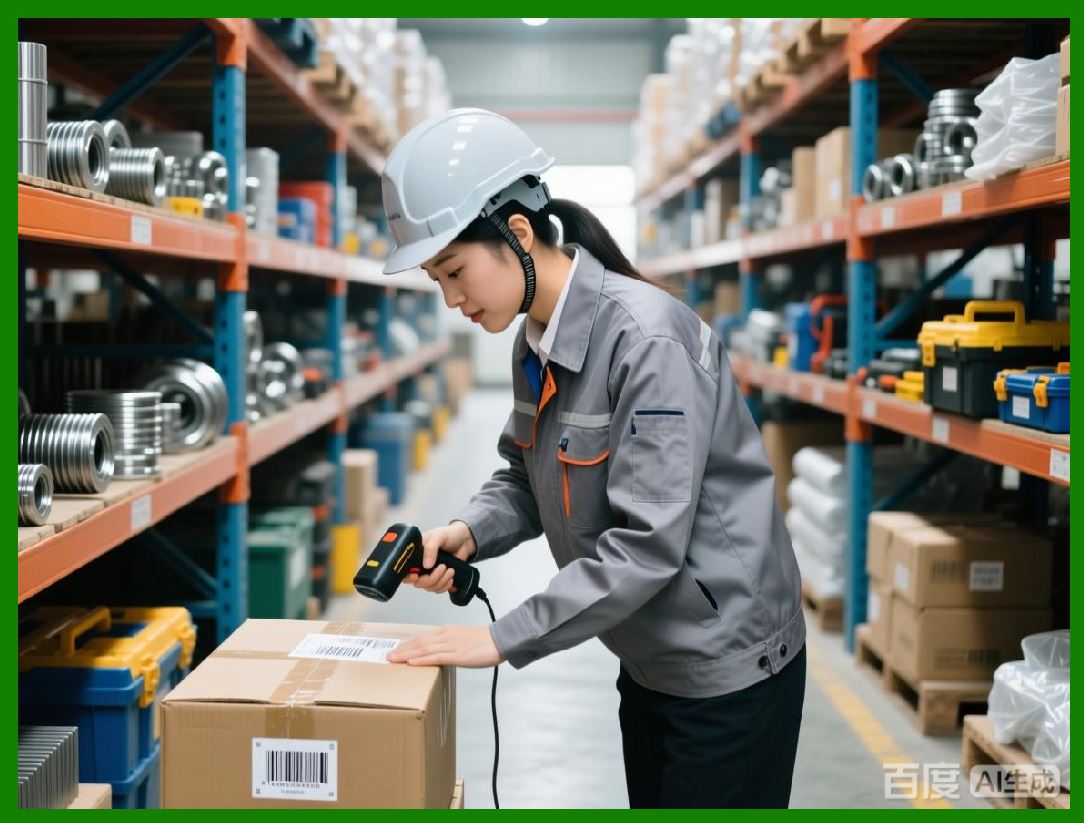
* Detect counterfeit or tampered labels using machine learning |
* Ensure compliance dynamically across multiple jurisdictions |
* Provide predictive alerts and automated corrective actions |
|
154. Preview of Subsequent Parts |
The next parts will focus on: |
* Autonomous labeling systems in fully connected factories |
* Cross-border labeling automation and global supply chain interoperability |
* Future-proofing label software for AI, IoT, and advanced barcode symbologies |
* Strategies for continuous operational optimization and regulatory adherence |

|
Part 17 will continue with autonomous labeling systems, global supply chain interoperability, and the future-proofing of barcode label software for enterprise-scale operations. |
 cs@easiersoft.com