Barcode Label Software Printing and Export Functions |
Part 18: IoT-Enabled Smart Labels, Serialization, Anti-Counterfeiting, and AI-Driven Operational Intelligence |
161. IoT-Enabled Smart Labels |
161.1 Definition and Scope |
IoT-enabled smart labels are labels equipped with sensors, RFID, or machine-readable codes that communicate directly with connected systems: |
* Provide real-time product status, location, and environmental conditions |
* Support automated scanning and validation across the supply chain |
* Enable intelligent decision-making in logistics, inventory, and production |
161.2 Dynamic Data Updates |
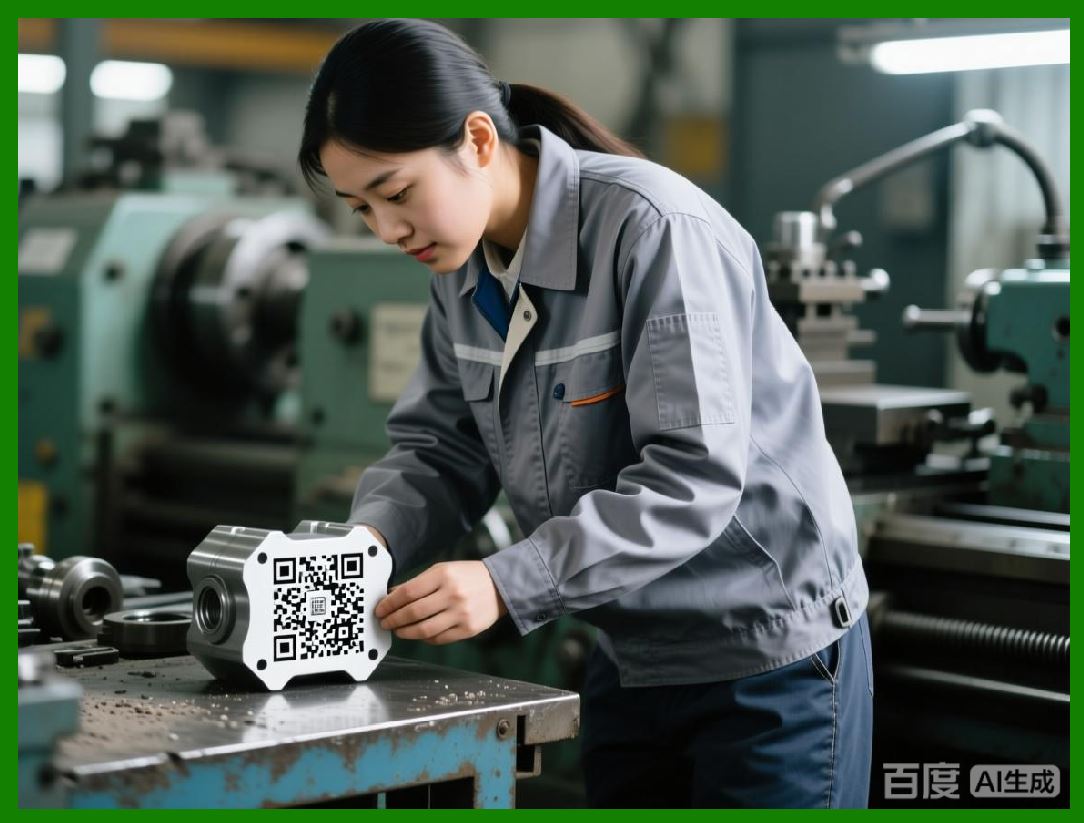
Smart labels can display or transmit variable data dynamically: |
* Expiry dates, batch numbers, or shipment details updated in real-time |
* Temperature-sensitive or condition-sensitive warnings automatically triggered |
* Integration with ERP, WMS, and MES systems for instantaneous updates |
|
161.3 Edge Computing Integration |
IoT-enabled labels interact with edge devices to process data locally: |
* Reduces latency in critical operations |
* Enables immediate corrective actions without waiting for centralized processing |
* Supports autonomous workflows for quality assurance and compliance |
161.4 Security and Data Integrity |
Security measures include: |
* Encrypted communication channels for sensor data and label updates |
* Digital signatures to verify authenticity |
* Tamper-evident designs and cryptographic validation for supply chain integrity |
|
162. Serialization and Traceability |
162.1 Serialization Principles |
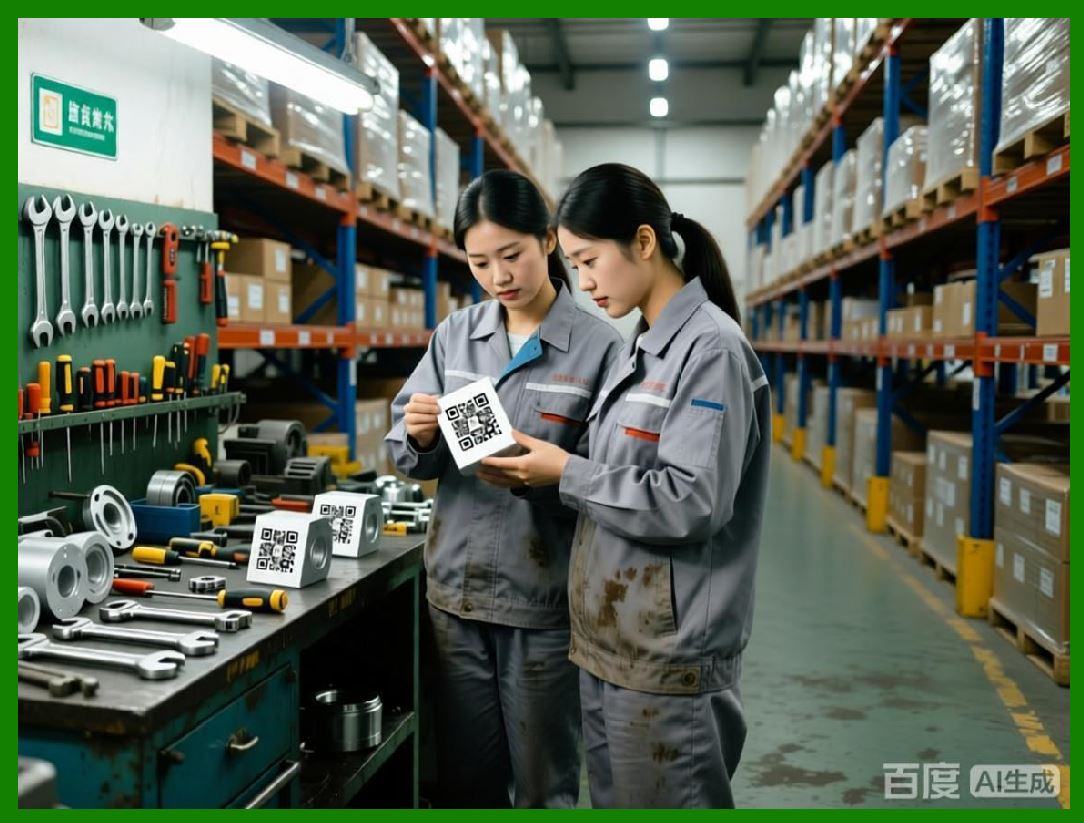
Serialization assigns unique identifiers to each product or package: |
* Supports track-and-trace operations throughout the supply chain |
* Enables recall management, warranty tracking, and anti-counterfeiting measures |
* Can be combined with 1D, 2D, or advanced color-coded barcodes |
162.2 Automated Serial Number Generation |
Barcode label software can: |
* Generate unique serial numbers based on rules or ranges |
* Avoid duplication through centralized control or distributed generation algorithms |
* Integrate with global standards such as GS1 for unique product identification |
162.3 Linking Serialization to Smart Labels |
* Smart labels transmit serialized data to cloud or edge systems for monitoring |
* Enable automated verification at any point in the supply chain |
* Provide real-time alerts if discrepancies or duplications are detected |
162.4 Traceability Across Borders |
Global supply chains benefit from serialization: |
* Cross-border verification of product authenticity |
* Compliance with region-specific traceability regulations |
* Seamless tracking of individual items from manufacturer to end-user |

|
163. Anti-Counterfeiting Mechanisms |
163.1 Overview of Anti-Counterfeiting Features |
Next-generation labels include multiple security layers: |
* Covert microtext, microdots, or digital watermarks embedded in the barcode |
* Color-coded or holographic elements |
* Cryptographic signatures and blockchain-backed verification |
163.2 Integration with Printing and Export Workflows |
Barcode label software ensures anti-counterfeiting elements are: |
* Embedded during rendering |
* Exported in formats compatible with printer capabilities |
* Verified automatically via inline scanners or IoT-enabled devices |
163.3 Field Verification |
Smart labels with anti-counterfeiting features enable: |
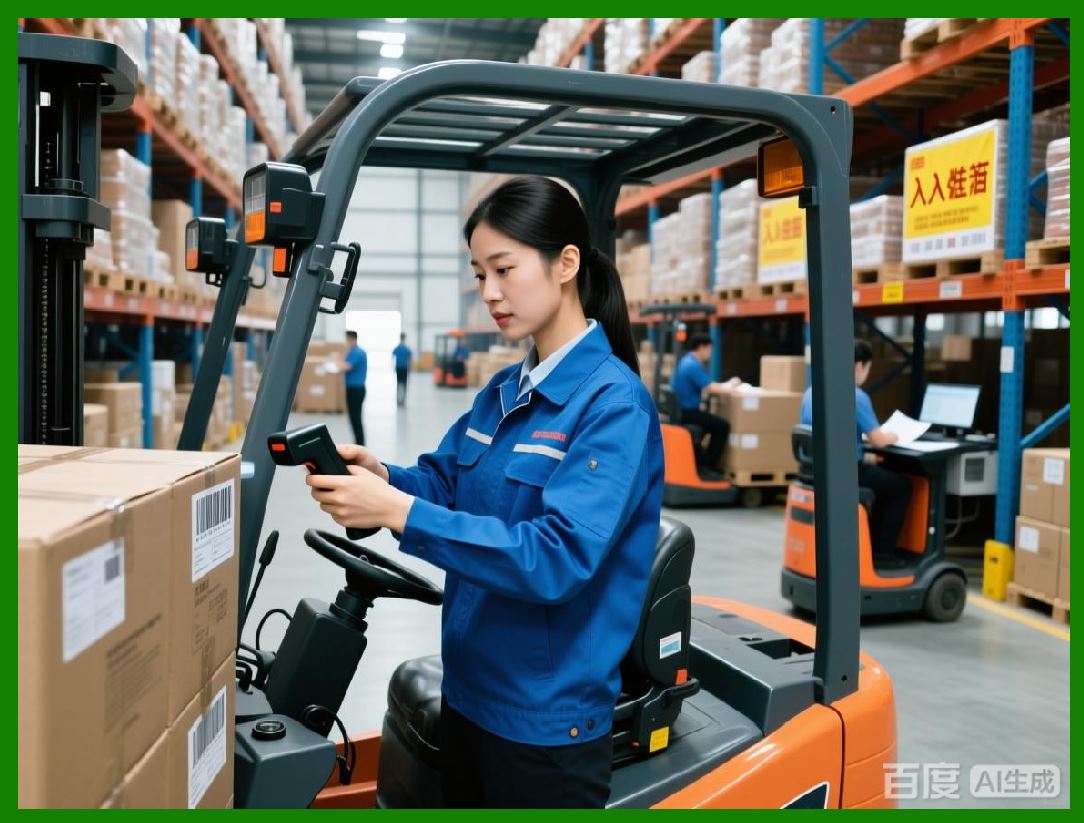
* Scanning via mobile devices or handheld scanners to validate authenticity |
* Real-time alerts for potentially counterfeit or tampered products |
* Automatic logging of verification events for compliance and audits |
163.4 Continuous Evolution |
Anti-counterfeiting mechanisms evolve in response to threats: |
* Software must allow updates to security features without disrupting production |
* New symbologies or covert markers can be integrated into existing templates |
* AI can analyze scanning and verification data to detect emerging counterfeit patterns |
|
164. AI-Driven Operational Intelligence |
164.1 Data Aggregation from Multiple Sources |
AI-driven operational intelligence leverages data from: |
* Printers, scanners, and IoT devices |
* ERP, WMS, MES, and cloud-based analytics platforms |
* Historical production and inspection records |
164.2 Predictive Analytics |
AI predicts: |
* Potential printing or quality issues before they occur |
* Maintenance needs for printers, media, and other consumables |
* Optimal label configurations based on environmental conditions and operational history |
164.3 Decision Support and Automation |
Operational intelligence supports: |
* Dynamic adjustment of printing parameters |
* Automated rerouting of jobs in distributed production networks |
* Intelligent prioritization of high-risk or high-volume batches |
164.4 Continuous Learning |
AI models continuously improve: |
* Analyzing past printing defects, environmental factors, and scanner feedback |
* Optimizing templates, rendering settings, and export parameters |
* Enhancing regulatory compliance and anti-counterfeiting effectiveness |
|
165. Integration with Supply Chain Visibility |
165.1 Real-Time Tracking |
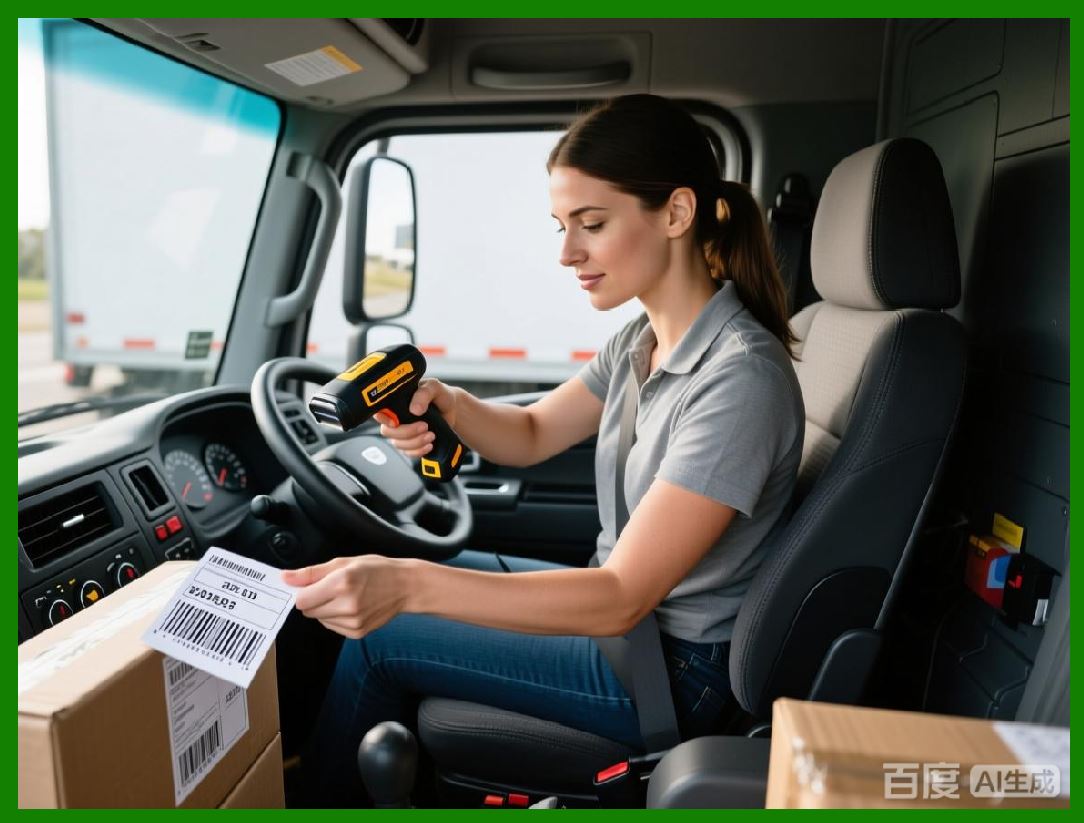
* IoT-enabled smart labels report location and condition in real-time |
* Integration with logistics platforms enables proactive issue resolution |
* Supports just-in-time operations and efficient inventory management |
165.2 End-to-End Visibility |
* Digital twin of each product or shipment is maintained |
* Labels, print events, and verification results are linked to physical items |
* Provides audit-ready traceability for regulatory inspections and internal quality management |
165.3 Alerts and Exception Management |
AI-driven systems automatically: |
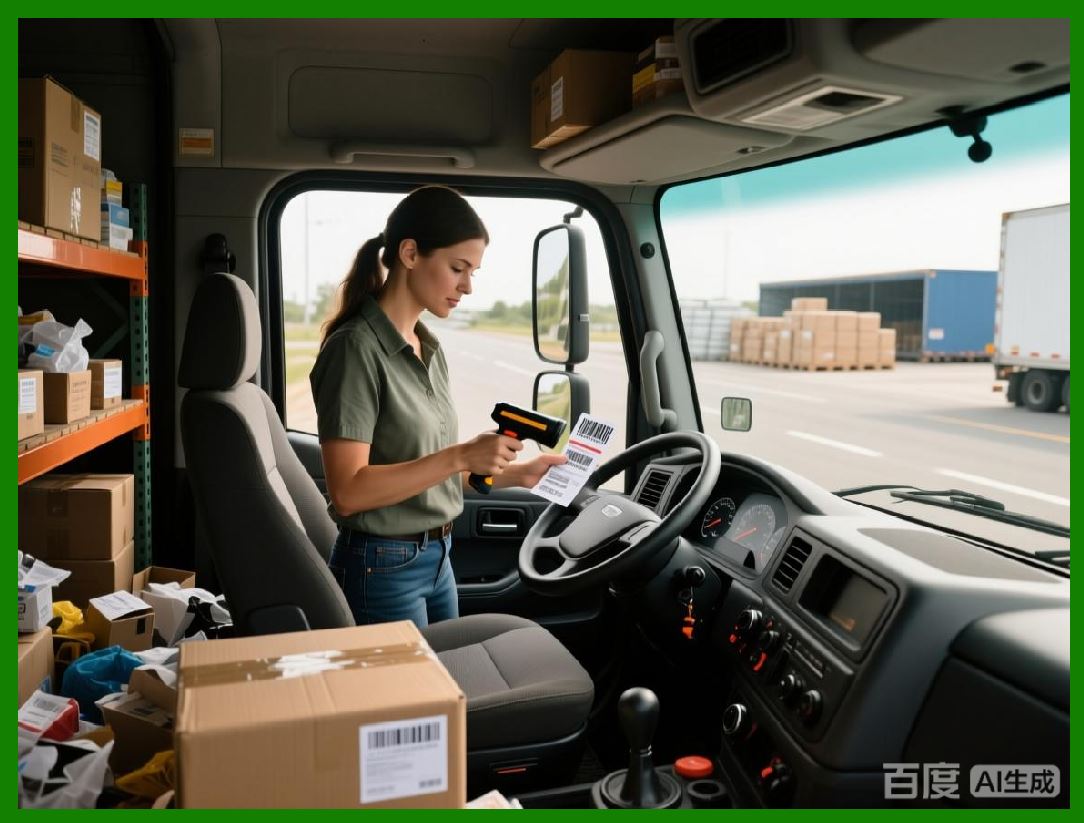
* Detect anomalies such as damaged, unreadable, or misprinted labels |
* Notify operators or trigger corrective actions |
* Ensure that non-compliant products do not leave the facility |
|
166. Future Trends in Smart Labeling and AI Intelligence |
166.1 Fully Autonomous Label Ecosystems |
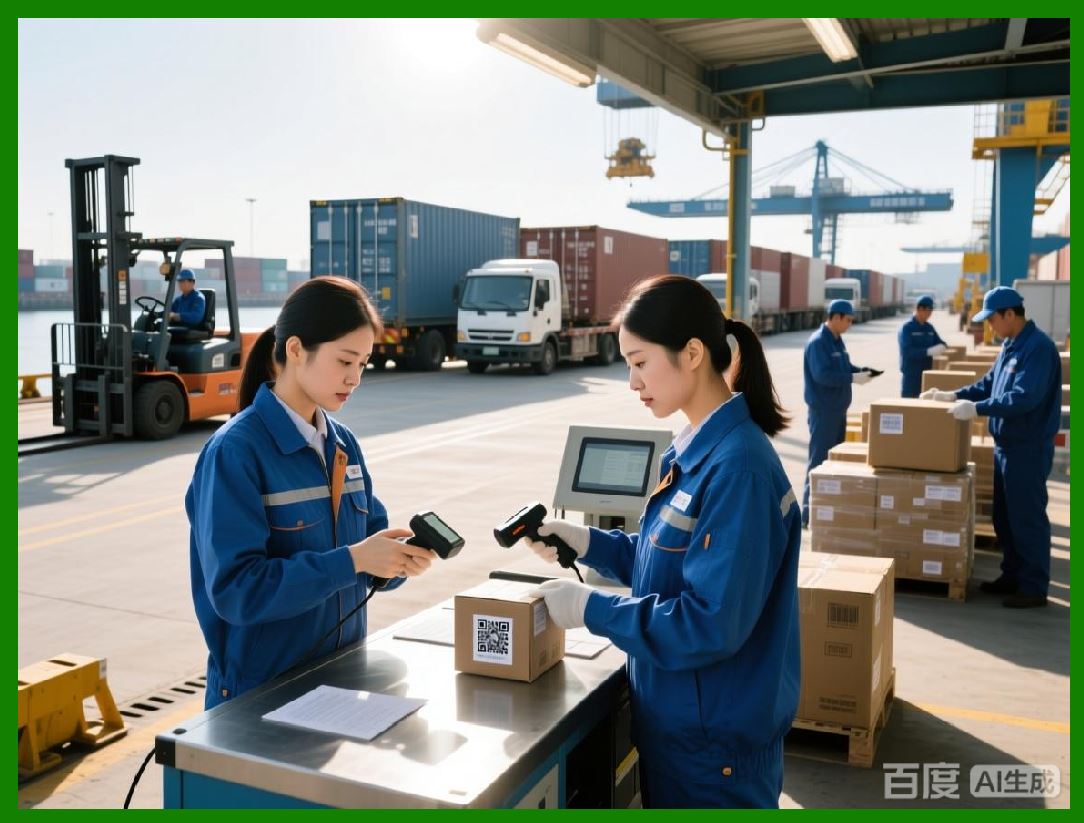
* Labels, printers, and enterprise systems operate in self-coordinated networks |
* Real-time adaptation to operational, environmental, and regulatory changes |
* End-to-end traceability without human intervention |
166.2 Predictive Compliance |
* AI predicts potential non-compliance before production |
* Automated adjustment of label content, symbology, and layout |
* Preemptive alerts to avoid violations and penalties |
166.3 Integration with Emerging Technologies |
* Blockchain-backed verification for anti-counterfeiting |
* Cloud and edge AI collaboration for distributed production |
* Augmented reality or mobile verification tools for field operations |
|
167. Preview of Subsequent Parts |
The next parts will focus on: |
* Advanced supply chain integration with blockchain and IoT-enhanced labels |
* Cross-platform operational intelligence for multi-site enterprises |
* Next-generation predictive and autonomous workflows for high-volume, high-compliance environments |
* Sustainability, efficiency, and optimization strategies for the future of barcode label printing and export |

|
Part 19 will continue with blockchain integration, cross-platform operational intelligence, and next-generation autonomous workflows for global labeling operations. |
 cs@easiersoft.com