Barcode Label Software Printing and Export Functions |
Part 23: Multi-Modal Label Verification, Predictive AI Workflows, and Fully Autonomous Global Labeling Strategies |
192. Multi-Modal Label Verification |
192.1 Overview and Definition |
Multi-modal verification refers to the simultaneous use of multiple verification methods to ensure the accuracy, authenticity, and quality of labels. This includes: |
* Visual inspection of printed text and graphics |
* Barcode scanning (1D, 2D, or advanced symbologies) |
* IoT-enabled data verification for smart labels |
* Environmental and substrate condition checks |
By integrating these methods, software provides comprehensive verification at every stage of the labeling workflow. |

|
192.2 Visual Inspection Integration |
* Cameras capture high-resolution images of printed labels |
* AI-based image recognition detects misalignment, smudging, font inconsistencies, and color deviations |
* Corrective actions such as reprint or template adjustment are automatically triggered |
192.3 Barcode Scanning and Validation |
* Inline scanners read each barcode for accuracy |
* Verifies symbology, module size, error correction level, and encoded variable data |
* Immediate feedback allows real-time correction of defective labels |

|
192.4 IoT and Smart Label Data Verification |
* Smart labels transmit serialized or variable data to connected systems |
* Software cross-verifies transmitted data with ERP, WMS, and MES databases |
* Any discrepancies trigger automatic alerts, reprints, or quarantine of affected batches |
192.5 Environmental and Substrate Monitoring |
* Sensors monitor humidity, temperature, and substrate conditions during printing |
* Adaptive adjustments to printer parameters ensure label readability and barcode integrity |
* Prevents printing failures caused by environmental fluctuations |

|
193. Predictive and Prescriptive AI Workflows |
193.1 Predictive Analytics for Labeling |
AI models analyze historical production, inspection, and maintenance data to: |
* Predict printing defects, misprints, and quality deviations |
* Forecast printer failures or consumable exhaustion |
* Anticipate supply chain disruptions affecting label distribution |
193.2 Prescriptive AI Recommendations |
* AI provides actionable recommendations for template adjustments, printer settings, and workflow scheduling |
* Automatically implements adjustments in autonomous systems where permitted |
* Optimizes throughput, quality, and operational efficiency across sites |

|
193.3 Adaptive Learning and Continuous Improvement |
* Machine learning algorithms continuously learn from verification results, environmental data, and maintenance logs |
* Templates, error correction settings, and verification parameters evolve over time |
* Reduces human intervention while maintaining high compliance and quality standards |
193.4 Integration with Digital Twins |
* AI simulations use digital twins to test recommended workflow adjustments |
* Predicts impact on print quality, material consumption, and throughput |
* Ensures safe implementation of changes in live production environments |

|
194. Fully Autonomous Global Labeling Strategies |
194.1 Definition and Scope |
Fully autonomous global labeling systems operate with minimal human intervention: |
* Centralized template management and real-time synchronization across multiple sites |
* AI-driven error detection, predictive maintenance, and quality optimization |
* Integrated verification using multi-modal methods and smart labels |
194.2 Centralized Control and Distributed Execution |
* Cloud or hybrid platforms orchestrate label production, verification, and export globally |
* Edge devices handle local printing, inline scanning, and immediate corrections |
* Ensures consistent label quality and compliance across all production locations |

|
194.3 Smart Job Scheduling and Optimization |
* AI determines the optimal sequence of printing jobs based on demand, resource availability, and environmental conditions |
* Predictive maintenance schedules are incorporated to minimize downtime |
* Automatic reallocation of resources maintains continuous production in high-volume operations |
194.4 Global Traceability and Compliance |
* Each label is linked to a unique serialized identifier stored in blockchain or centralized ledger systems |
* Full traceability from template selection to delivery enables regulatory compliance, recall management, and anti-counterfeiting enforcement |
* Audit trails are maintained automatically and can be generated for inspections worldwide |

|
195. Benefits of Fully Autonomous Operations |
195.1 Operational Efficiency |
* Eliminates manual intervention in repetitive and high-volume tasks |
* Minimizes errors, reprints, and wasted materials |
* Optimizes printer utilization and job throughput |
195.2 Quality and Compliance Assurance |
* Continuous multi-modal verification ensures adherence to quality standards |
* AI-driven predictive adjustments maintain barcode readability and label integrity |
* Automatic updates for regulatory compliance reduce risk of violations |

|
195.3 Supply Chain Transparency |
* IoT-enabled smart labels and blockchain verification enhance visibility |
* Real-time data supports proactive decision-making in logistics, inventory, and recalls |
* Ensures authenticity and traceability across global distribution networks |
195.4 Sustainability and Resource Optimization |
* Reduced material waste and energy consumption through AI-driven optimization |
* Predictive maintenance prevents unnecessary reprints and downtime |
* Supports corporate sustainability and ESG objectives by minimizing environmental impact |

|
196. Preview of Subsequent Parts |
The next parts will focus on: |
* Integration of next-generation symbologies and color-coded barcodes into autonomous workflows |
* Advanced IoT-enabled packaging solutions for real-time monitoring and adaptive label printing |
* AI-enhanced security, anti-counterfeiting, and regulatory verification |
* Strategies for scaling autonomous labeling operations while maintaining efficiency, compliance, and sustainability |
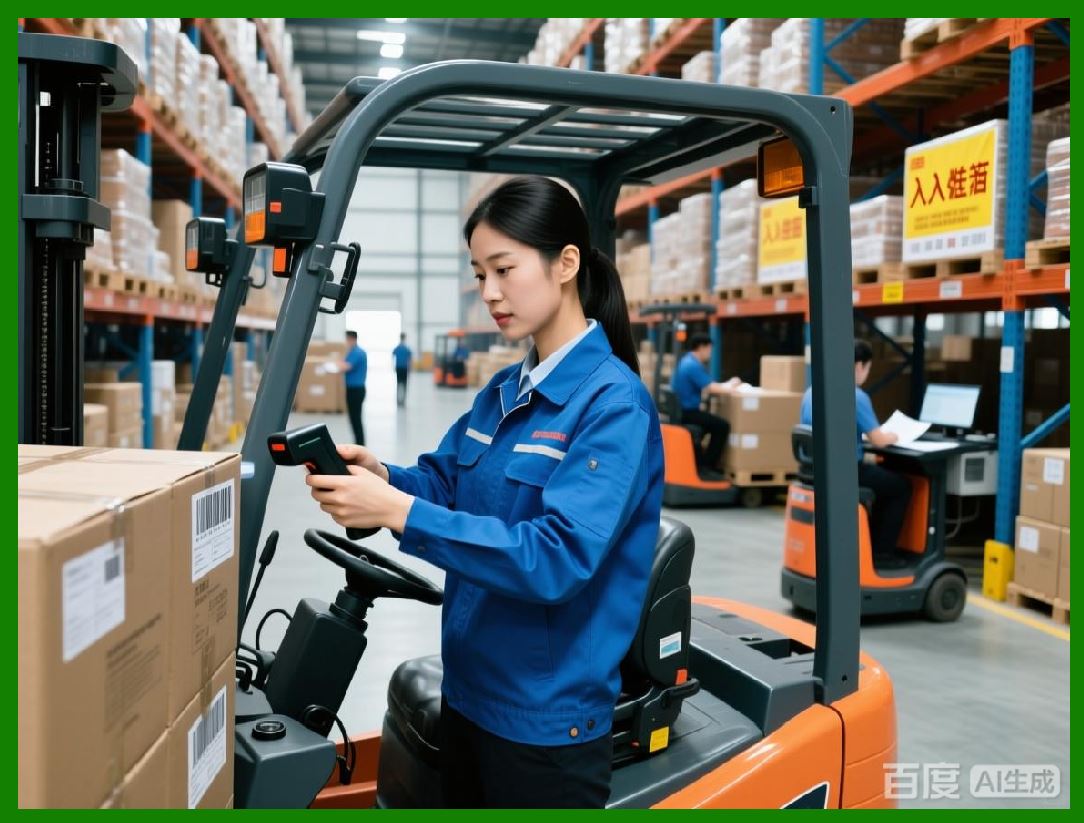
|
Part 24 will continue with next-generation symbologies, IoT-enabled packaging, and AI-enhanced security in autonomous global labeling systems. |
 cs@easiersoft.com