Barcode Label Software Printing and Export Functions |
Part 3: Printer Command Language Output, ZPL/EPL Generation, and Native Printer Rendering |
20. Printer Command Language Output as a Specialized Export Path |
20.1 Conceptual Difference Between Graphics Output and Command Output |
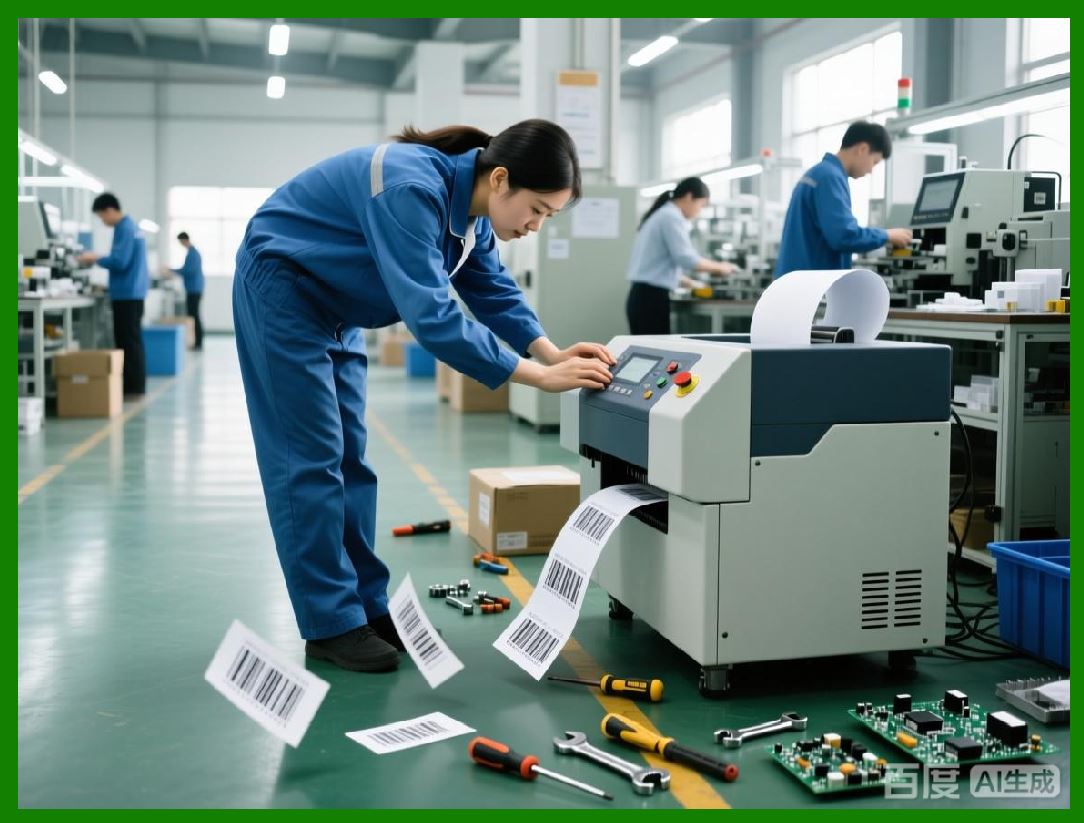
Printer command language output represents a fundamentally different approach to printing compared to raster or vector graphics export. Instead of sending a visual representation of the label, barcode label software sends a structured sequence of textual or binary commands that instruct the printer how to construct the label internally. |
These commands describe what to print rather than how the printed result should look at the pixel level. For example, instead of transmitting a bitmap image of a barcode, the software may instruct the printer to generate a specific barcode symbology with given parameters at a specified position. |
This distinction is crucial because it shifts responsibility for final rendering from the host computer to the printer firmware, which is optimized for its own hardware characteristics. |
|
20.2 Why Printer Language Output Exists |
Printer languages exist to solve several practical problems inherent in driver-based printing. These include performance bottlenecks caused by large raster data transfers, inconsistencies introduced by operating system drivers, and limited control over printer-specific features. |
By using a printer native language, barcode label software can bypass intermediate abstraction layers and communicate directly with the printer in its most efficient and predictable form. |
This approach is particularly well suited to industrial environments where printing speed, reliability, and determinism are more important than visual flexibility. |

|
21. Architecture of Printer Language Export Engines |
21.1 Translation from Label Objects to Printer Commands |
The printer language export engine operates by mapping high-level label objects to low-level printer instructions. Each object on the label, such as text, barcode, image, or shape, is translated into one or more commands understood by the target printer language. |
This translation process requires intimate knowledge of the printer language syntax, coordinate system, and supported features. It also requires awareness of printer limitations, such as maximum label width, memory constraints, and supported barcode symbologies. |
21.2 Command Sequencing and State Management |
Printer languages are often stateful. Commands may alter the printer internal state, such as origin position, font selection, or print mode. The export engine must manage this state carefully to avoid unintended side effects. |
Barcode label software typically generates printer language output as a complete, self-contained command stream that initializes the printer state, defines the label content, and triggers printing. This ensures predictable results regardless of prior printer usage. |
21.3 Coordinate Systems and Unit Conversion |
Printer languages usually define coordinates in terms of printer dots rather than physical units like millimeters or inches. The export engine must convert logical label coordinates into dot-based coordinates using the printer resolution. |
This conversion must be exact. Even small errors can accumulate across objects, leading to misalignment or barcode distortion. |
Professional barcode label software often includes printer-specific profiles that encapsulate resolution, printable area, and margin offsets. |

|
22. ZPL: Design Philosophy and Capabilities |
22.1 Overview of ZPL |
ZPL is a printer command language designed specifically for thermal label printers. It is optimized for fast interpretation and minimal data transmission. ZPL commands are typically ASCII-based, making them easy to generate, inspect, and debug. |
ZPL supports a wide range of features, including text rendering, graphic drawing, barcode generation, image storage, and printer configuration. |
22.2 Object-Oriented Nature of ZPL Labels |
ZPL labels are structured as sequences of fields. Each field corresponds to an object on the label, such as a text field or barcode field. Fields are defined with parameters specifying position, orientation, font, size, and content. |
This object-oriented structure aligns well with the internal object model of barcode label software, simplifying the translation process. |
22.3 Native Barcode Generation in ZPL |
One of the most significant advantages of ZPL is its ability to generate barcodes natively. Instead of sending a pre-rendered barcode image, the software instructs the printer to generate the barcode using its internal barcode engine. |
This native generation ensures optimal barcode quality because the printer firmware generates bars or modules that align perfectly with the printer dot grid. |

|
23. EPL: Legacy Language and Continued Relevance |
23.1 Overview of EPL |
EPL is an older printer command language that predates ZPL. It is simpler and more limited but remains relevant due to the large installed base of legacy printers. |
Barcode label software that targets diverse environments often supports both ZPL and EPL to ensure compatibility. |
23.2 Differences Between EPL and ZPL |
EPL provides fewer formatting options and supports a narrower range of barcode symbologies. It also has more rigid syntax and limited extensibility. |
Despite these limitations, EPL can still deliver fast and reliable printing when used appropriately. |
23.3 Migration Considerations |
In environments transitioning from EPL to ZPL, barcode label software may provide dual output modes or automatic language selection based on printer detection. |
This flexibility reduces operational disruption during hardware upgrades. |
|
24. Mapping Label Objects to ZPL Commands |
24.1 Text Fields |
Text fields are mapped to ZPL commands that specify font, size, orientation, and position. The export engine must select appropriate fonts supported by the printer or download custom fonts if necessary. |
Font metrics differ between printers, so text positioning must account for font-specific characteristics to maintain layout consistency. |
24.2 Barcode Fields |
Barcode fields are mapped to ZPL barcode commands corresponding to the desired symbology. Parameters such as module width, bar height, and human-readable text options are included in the command. |
The export engine must validate that the selected symbology and parameters are supported by the target printer. |
24.3 Graphics and Images |
Graphics and images are typically converted to monochrome bitmaps and embedded using ZPL graphic commands. This process involves rasterizing the image at printer resolution and encoding it in a printer-specific format. |
Because image embedding increases data size, barcode label software often caches frequently used images in printer memory. |
|
25. Performance Advantages of ZPL Output |
25.1 Reduced Data Transmission |
ZPL command streams are significantly smaller than raster image data for the same label. This reduces network traffic and transmission time, especially important in distributed printing environments. |
25.2 Faster Printer Processing |
Because the printer generates barcodes internally, it performs less processing compared to rendering large bitmaps. This results in higher throughput and reduced print latency. |
25.3 Deterministic Output Timing |
ZPL output produces predictable print times because command interpretation is consistent across jobs. This predictability is essential for synchronized production lines. |

|
26. Consistency and Repeatability |
26.1 Independence from Operating System Variability |
ZPL output bypasses operating system print subsystems entirely. As a result, changes to OS versions, driver updates, or system settings do not affect label output. |
This independence simplifies validation and long-term maintenance. |
26.2 Cross-System Uniformity |
The same ZPL file can be sent to multiple identical printers across different systems and produce identical results. This uniformity is difficult to achieve with driver-based printing. |

|
27. Error Handling and Diagnostics in Printer Language Output |
27.1 Syntax Validation |
Barcode label software must validate generated printer language commands to avoid syntax errors that could halt printing or produce incorrect output. |
Advanced software includes internal parsers or simulators to verify command streams before sending them to printers. |
27.2 Printer Feedback and Status Monitoring |
Some printers provide status feedback indicating errors such as out-of-media or invalid commands. Barcode label software may parse this feedback to inform users or trigger corrective actions. |

|
28. Storage and Reuse of Printer Language Files |
28.1 ZPL as a Portable Artifact |
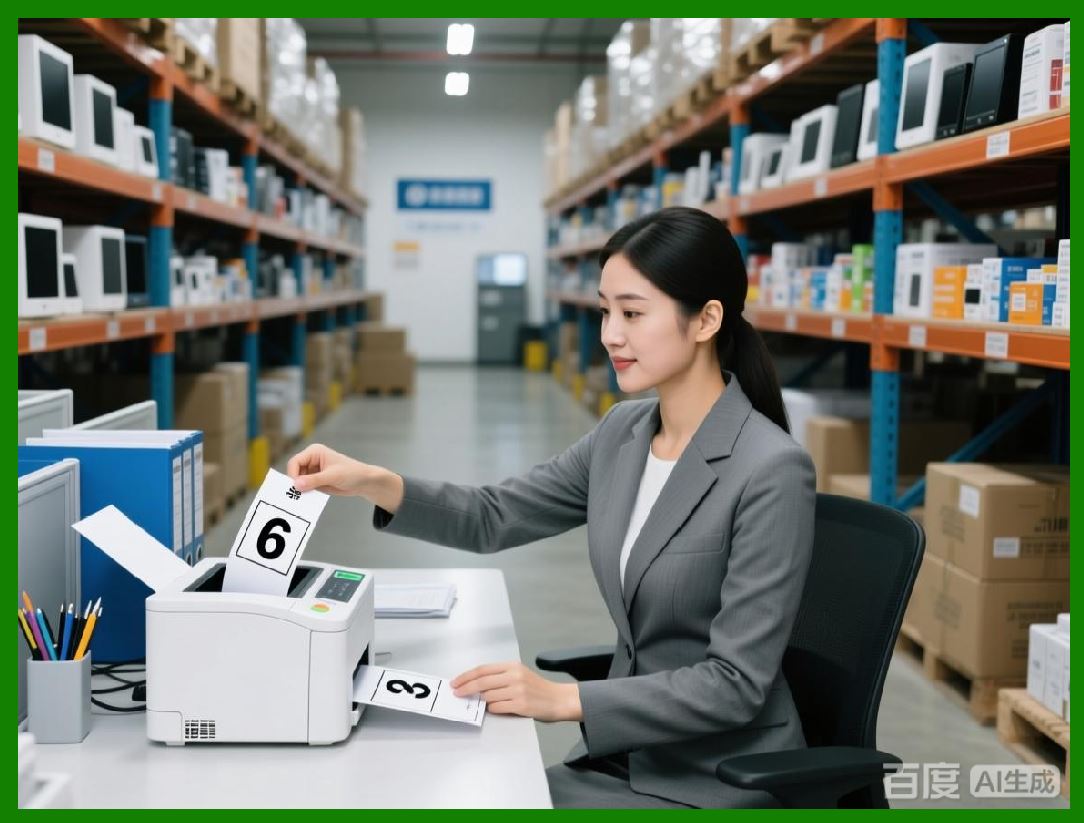
ZPL files can be stored, versioned, and reused independently of the software that generated them. This makes them valuable artifacts in automated systems. |
28.2 Integration with External Systems |
External systems such as ERP or WMS platforms can generate or store ZPL files and send them directly to printers, bypassing the label design software during runtime. |
|
29. Security Considerations |
29.1 Command Injection Risks |
Because printer languages are powerful, improperly validated input could result in unintended commands being executed. Barcode label software must sanitize variable data before embedding it in command streams. |
29.2 Access Control |
In networked environments, access to printer language output must be controlled to prevent unauthorized printing or printer reconfiguration. |

|
30. Preview of Subsequent Parts |
The next parts will cover: |
* Batch printing workflows and spool optimization |
* Network printing architectures and print servers |
* Cloud-based and web-based printing scenarios |
* Export automation and API-driven workflows |
* Validation, verification, and compliance requirements |
* Long-term archival and reproducibility of exported labels |

|
Part 4 will continue with an in-depth examination of batch printing, spooling mechanisms, and high-volume performance optimization. |
 cs@easiersoft.com