Part 1: Foundations, Rationale, and Core Concepts |
1. Introduction to the Centralized Database Model in ERP Systems |
1.1 |
The centralized database model is one of the most fundamental architectural characteristics that distinguishes Enterprise Resource Planning (ERP) systems from earlier generations of business software. Unlike standalone applications or loosely integrated departmental systems, ERP platforms are designed around a single, authoritative data repository that serves the entire enterprise. |
1.2 |
In this model, all functional modules - Such as finance, sales, procurement, manufacturing, inventory management, human resources, and logistics - Interact with the same underlying database. Each module reads from and writes to shared data objects rather than maintaining independent copies of information. |
1.3 |
This architectural decision was not merely a technical preference but a strategic response to the growing complexity of modern organizations. As enterprises expanded across locations, departments, and markets, fragmented data architectures became a major obstacle to efficiency, transparency, and control. |
1.4 |
The centralized database model addresses these challenges by establishing a single source of truth for enterprise data. Every transaction, master record, and status change is captured once and made immediately available to all authorized processes and users across the organization. |
1.5 |
This document provides an in-depth, multi-part exploration of the centralized database model in ERP systems, covering its conceptual foundations, technical implementation, operational impact, advantages, limitations, and its role in enabling real-time, end-to-end business processes. |

|
2. Historical Context: From Fragmented Systems to Centralized Data |
2.1 |
Before the emergence of ERP systems, most enterprises relied on isolated software applications developed to serve individual departments. Accounting systems, inventory systems, payroll systems, and production planning tools were often implemented independently, each with its own database and data structures. |
2.2 |
These systems were frequently developed at different times, by different vendors, and using different technologies. As a result, data definitions varied widely. A 'Customer',a 'Product',or an 'Order' might mean something slightly different in each system. |
2.3 |
To compensate for this fragmentation, organizations relied heavily on manual reconciliation, batch data transfers, and custom interfaces. Nightly or weekly data synchronization jobs were common, but they introduced delays, inconsistencies, and errors. |
2.4 |
The lack of real-time integration meant that management decisions were often based on outdated or incomplete information. Inventory levels might be accurate in the warehouse system but outdated in finance. Sales forecasts might not reflect current production constraints. |
2.5 |
The centralized database model emerged as a response to these limitations. By consolidating enterprise data into a single database and designing applications around shared data structures, ERP systems eliminated many of the systemic inefficiencies of fragmented architectures. |

|
3. Definition of a Centralized Database in the ERP Context |
3.1 |
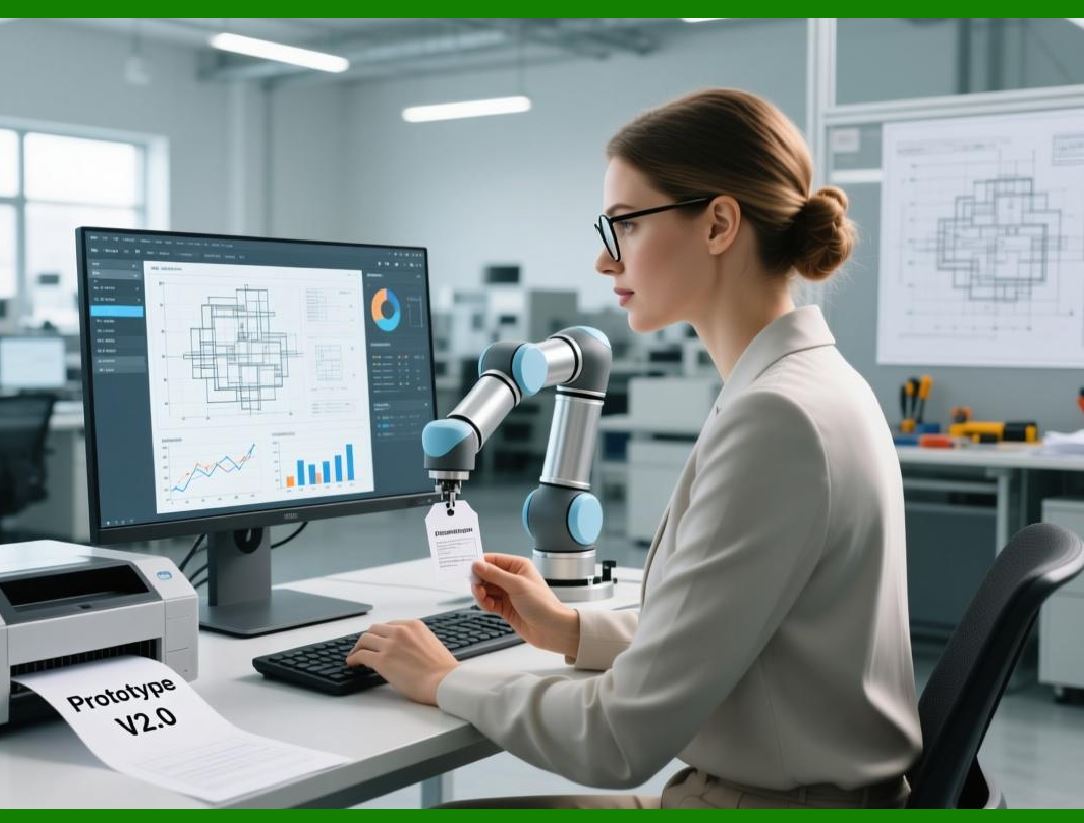
In the context of ERP systems, a centralized database refers to a unified data repository that stores all transactional, master, and configuration data used by the system functional modules. |
3.2 |
This database is logically centralized, meaning that from the perspective of the ERP application, it behaves as a single coherent data store. Physically, it may be implemented using high-availability clusters, replication, or distributed storage technologies, but it remains conceptually unified. |
3.3 |
All ERP modules access the database through standardized data access layers, business logic services, and integrity constraints. No module maintains its own independent data store for core business information. |
3.4 |
Centralization does not imply unrestricted access. Robust authorization mechanisms ensure that users and processes can only view or modify data relevant to their roles and responsibilities. |
3.5 |
The key principle is that data is created, maintained, and governed once, and then reused consistently across all business processes. |
|
4. Core Objectives of the Centralized Database Model |
4.1 |
The primary objective of the centralized database model is to ensure data consistency across the entire enterprise. When a data element is updated, the change is immediately reflected wherever that data is used. |
4.2 |
Another critical objective is real-time visibility. Decision-makers can rely on current information rather than historical snapshots, enabling faster and more accurate responses to changing conditions. |
4.3 |
The model also aims to eliminate duplicate records. Instead of maintaining multiple customer or product files, the organization maintains a single master record that serves all processes. |
4.4 |
Unified master data management is a direct consequence of centralization. Data governance rules, validation logic, and lifecycle management are applied uniformly across the system. |
4.5 |
Finally, the centralized model simplifies system maintenance, reporting, compliance, and auditing by reducing the number of data sources that must be monitored and reconciled. |

|
5. Centralized Database vs. Centralized Application Logic |
5.1 |
It is important to distinguish between centralized data and centralized application logic. While ERP systems emphasize centralized data, their application logic may be modular, service-oriented, or even distributed. |
5.2 |
Modules may run on different application servers, be deployed across geographic regions, or be implemented as microservices. However, they all operate against the same underlying data model. |
5.3 |
This separation allows ERP systems to scale and evolve technologically without sacrificing data integrity. New modules can be added without redefining core data structures. |
5.4 |
Centralized data provides a stable foundation upon which diverse applications can operate consistently. |

|
6. The Concept of Shared Data Objects |
6.1 |
At the heart of the centralized database model is the concept of shared data objects. These are standardized representations of real-world business entities, such as customers, vendors, materials, assets, and employees. |
6.2 |
Each shared data object has a defined structure, set of attributes, and lifecycle rules. For example, a customer object may include identification details, credit limits, tax information, and billing preferences. |
6.3 |
Once created, the same customer object is referenced by sales orders, invoices, deliveries, and financial postings. There is no need to recreate or duplicate the data for each process. |
6.4 |
Shared data objects enable seamless cross-functional workflows by ensuring that all processes operate on the same information. |

|
7. Master Data in a Centralized ERP Database |
7.1 |
Master data refers to relatively stable, foundational data that defines the core entities of an enterprise. Examples include customers, suppliers, products, bills of materials, and chart of accounts. |
7.2 |
In a centralized ERP database, master data is maintained in a single location and used consistently across all modules. |
7.3 |
Changes to master data are governed by defined workflows, approval processes, and validation rules to prevent errors and inconsistencies. |
7.4 |
Because master data is shared, its quality directly impacts all downstream processes. Centralization therefore elevates master data management to a strategic discipline rather than a departmental task. |

|
8. Transactional Data and Centralization |
8.1 |
Transactional data captures the day-to-day business activities of the enterprise, such as sales orders, purchase orders, goods receipts, production confirmations, and financial postings. |
8.2 |
In a centralized database model, transactional data is immediately recorded in the shared repository and becomes available to all relevant processes. |
8.3 |
This real-time availability eliminates delays between operational actions and their financial or logistical consequences. |
8.4 |
For example, when goods are received into inventory, stock levels, accounting balances, and planning data are updated simultaneously. |

|
9. Configuration Data and Organizational Structure |
9.1 |
ERP systems also rely heavily on configuration data that defines organizational structures, process rules, and system behavior. |
9.2 |
This includes company codes, plants, warehouses, cost centers, business units, and approval hierarchies. |
9.3 |
Centralizing configuration data ensures that organizational structures are interpreted consistently across all modules. |
9.4 |
It also allows enterprises to model complex, multi-entity organizations within a single system landscape. |

|
10. Real-Time Data Processing as a Consequence of Centralization |
10.1 |
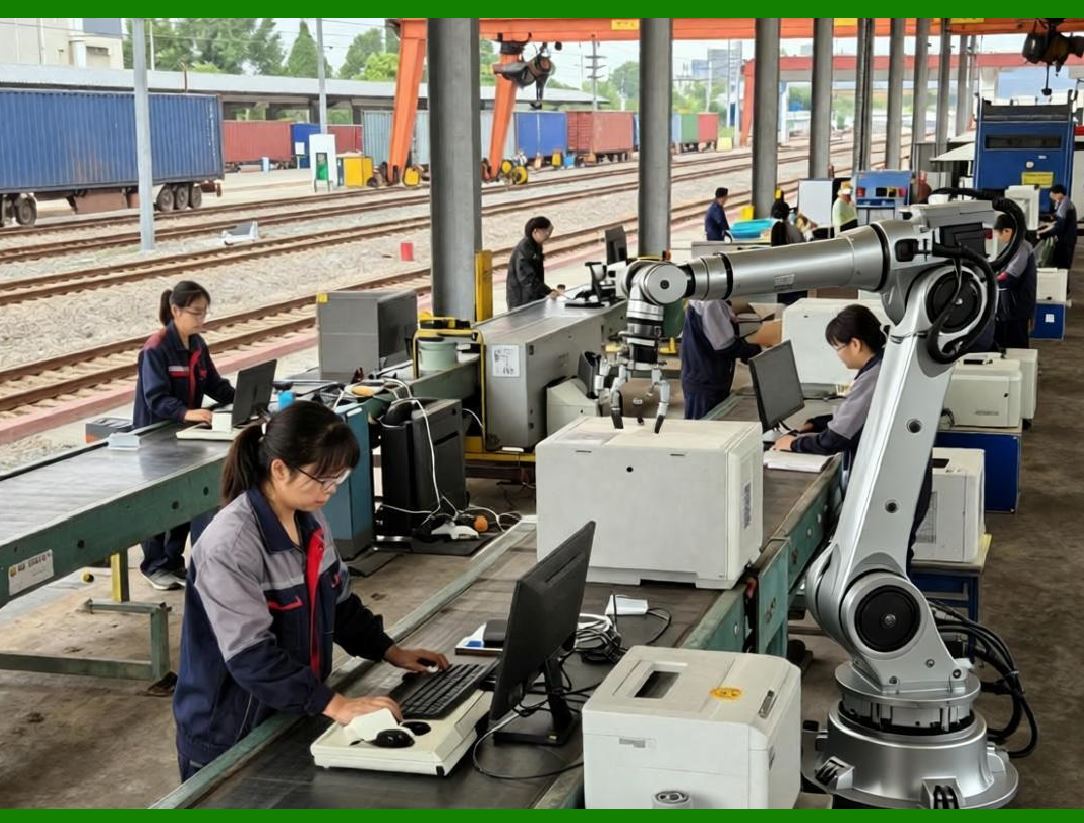
One of the most visible benefits of a centralized database model is real-time data processing. |
10.2 |
Because all modules operate on the same data repository, there is no need to wait for batch updates or synchronization jobs. |
10.3 |
Transactions are posted once and immediately reflected throughout the system. |
10.4 |
This real-time capability enables advanced planning, immediate financial insight, and responsive customer service. |
|
11. Example Overview: Sales Order Creation in a Centralized ERP System |
11.1 |
To illustrate the centralized database model in action, consider the creation of a sales order. |
11.2 |
When a user enters a sales order, the system references shared master data, including customer records, material data, pricing conditions, and tax rules. |
11.3 |
The sales order is stored as a transactional object in the centralized database, immediately accessible to other modules. |
11.4 |
No duplicate records are created in separate systems; the same sales order object is reused throughout its lifecycle. |

|
12. Immediate Inventory Impact |
12.1 |
As soon as the sales order is saved, inventory availability is recalculated using real-time stock data from the centralized database. |
12.2 |
Available-to-promise quantities are updated to reflect the new demand. |
12.3 |
Warehouse and logistics processes can immediately see the impact of the order on stock levels. |
12.4 |
This prevents over-commitment and supports accurate delivery promises. |

|
13. Financial Integration Through Shared Data |
13.1 |
Although detailed financial postings may occur at later stages, the sales order immediately establishes financial relevance. |
13.2 |
Revenue recognition rules, credit checks, and profitability analysis rely on the same shared data objects. |
13.3 |
The centralized database ensures that financial views of the order are consistent with operational views. |

|
14. Production and Planning Implications |
14.1 |
If the ordered items are manufactured rather than stocked, the sales order can trigger planning processes. |
14.2 |
Material requirements planning uses the same demand data stored in the centralized database. |
14.3 |
Production orders, capacity plans, and procurement activities are aligned automatically. |

|
15. Logistics Preparation and Fulfillment |
15.1 |
Logistics workflows, such as picking, packing, and shipping, are prepared based on the sales order data. |
15.2 |
Delivery documents reference the same order object, ensuring traceability and consistency. |
15.3 |
Any changes to the order are immediately reflected in logistics planning. |

|
16. Elimination of Duplicate Records |
16.1 |
Throughout this process, no duplicate customer, product, or order records are created. |
16.2 |
All modules reference the same underlying objects. |
16.3 |
This eliminates reconciliation work and reduces the risk of conflicting information. |

|
17. Data Integrity and Referential Constraints |
17.1 |
Centralized databases enforce data integrity through referential constraints and validation rules. |
17.2 |
Transactions cannot reference non-existent or invalid master data. |
17.3 |
This ensures logical consistency across all business processes. |

|
18. Security and Authorization in Centralized Databases |
18.1 |
Centralization does not imply universal access. |
18.2 |
ERP systems implement granular authorization controls at the data and transaction levels. |
18.3 |
Users can only view or modify data relevant to their roles. |

|
19. Scalability Considerations |
19.1 |
Centralized databases must support high transaction volumes and concurrent access. |
19.2 |
Modern ERP platforms address this through advanced database technologies, indexing strategies, and performance optimization. |

|
20. Summary of Part 1 |
20.1 |
This first part has established the conceptual foundation of the centralized database model in ERP systems. |
20.2 |
It has explained why centralization emerged, what it means in practice, and how it enables real-time, cross-functional integration. |
20.3 |
Subsequent parts will explore technical architecture, data governance, transaction processing, performance, failure handling, and strategic implications in far greater depth. |
 cs@easiersoft.com