Part 3: Transaction Lifecycle, Consistency, and Concurrency Control |
41. Transaction Lifecycle in a Centralized ERP Database |
41.1 |
In an ERP system, a transaction represents a meaningful business event that changes the state of enterprise data. Examples include creating a sales order, posting a goods receipt, confirming production, or issuing an invoice. |
41.2 |
Within a centralized database model, each transaction follows a defined lifecycle that ensures data integrity, business rule enforcement, and cross-module synchronization. |
41.3 |
The lifecycle typically begins with transaction initiation, continues through validation and posting, and concludes with commit or rollback. |
41.4 |
Because all modules operate on the same database, transaction lifecycle management must be robust enough to support thousands of concurrent users and processes without compromising consistency. |

|
42. Atomicity of ERP Transactions |
42.1 |
Atomicity is a foundational principle of transaction processing in centralized ERP databases. |
42.2 |
An ERP transaction is treated as an indivisible unit of work: either all related data changes are successfully applied, or none are. |
42.3 |
For example, when posting a goods receipt, inventory quantities, accounting balances, and document history must all be updated together. |
42.4 |
If any part of the transaction fails, the entire transaction is rolled back to preserve system integrity. |

|
43. Consistency Rules and Business Validation |
43.1 |
Consistency in an ERP context extends beyond database constraints to include complex business rules. |
43.2 |
Before a transaction is committed, the system validates it against organizational policies, master data settings, and regulatory requirements. |
43.3 |
Examples include credit limit checks, stock availability checks, and account determination validation. |
43.4 |
Centralization ensures that these rules are applied uniformly across all modules and users. |
|
44. Isolation and Concurrent Transaction Processing |
44.1 |
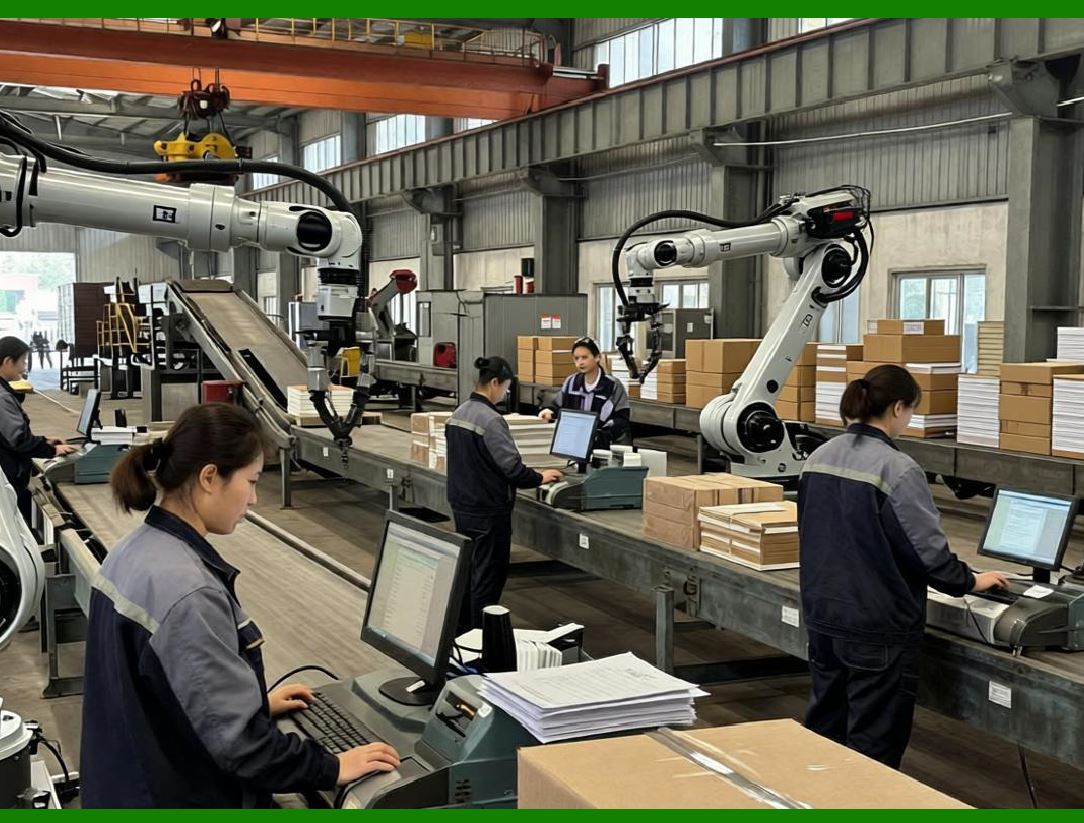
ERP systems must support high levels of concurrent access to shared data objects. |
44.2 |
Isolation mechanisms ensure that transactions do not interfere with one another in ways that produce incorrect results. |
44.3 |
Users entering sales orders, warehouse staff posting goods movements, and accountants closing periods may all operate simultaneously. |
44.4 |
The centralized database coordinates these activities to prevent data corruption or inconsistent views. |

|
45. Locking Mechanisms in Centralized Databases |
45.1 |
Locking is one of the primary mechanisms used to enforce isolation in centralized ERP databases. |
45.2 |
When a transaction modifies a data object, the system places a lock on that object to prevent conflicting updates. |
45.3 |
Locks may be applied at different levels, such as row-level, object-level, or logical business object level. |
45.4 |
Effective lock management balances data integrity with system performance. |

|
46. Logical vs. Physical Locks |
46.1 |
ERP systems often distinguish between logical locks and physical database locks. |
46.2 |
Logical locks represent business-level control, such as preventing two users from modifying the same sales order simultaneously. |
46.3 |
Physical locks are enforced by the database engine to manage concurrent data access. |
46.4 |
By combining both types, ERP systems achieve fine-grained control over data consistency. |

|
47. Deadlock Prevention and Resolution |
47.1 |
In environments with high concurrency, deadlocks can occur when two transactions wait indefinitely for each other locks. |
47.2 |
Centralized ERP databases include mechanisms to detect and resolve deadlocks automatically. |
47.3 |
Typically, one transaction is rolled back, allowing the other to proceed. |
47.4 |
Users are informed and can retry the operation, preserving overall system stability. |

|
48. Commit Control and Data Persistence |
48.1 |
The commit phase is when transaction changes become permanent in the centralized database. |
48.2 |
Once committed, data changes are immediately visible to other modules and users. |
48.3 |
This immediacy enables real-time integration but also requires careful validation before commit. |
48.4 |
ERP systems are designed to minimize partial or inconsistent commits. |
49. Rollback and Error Handling |
49.1 |
When errors occur during transaction processing, rollback mechanisms restore the database to its previous consistent state. |
49.2 |
Rollback is critical for preserving trust in centralized data. |
49.3 |
Users can correct errors and reprocess transactions without lingering data inconsistencies. |
49.4 |
Centralization simplifies error recovery by eliminating cross-system reconciliation. |

|
50. Real-Time Posting Across Functional Modules |
50.1 |
A defining feature of centralized ERP databases is real-time posting. |
50.2 |
When a transaction is committed, all affected modules immediately reflect the change. |
50.3 |
There is no delay between operational action and financial or logistical impact. |
50.4 |
This real-time behavior supports accurate reporting and responsive decision-making. |

|
51. Example: Goods Issue Transaction Lifecycle |
51.1 |
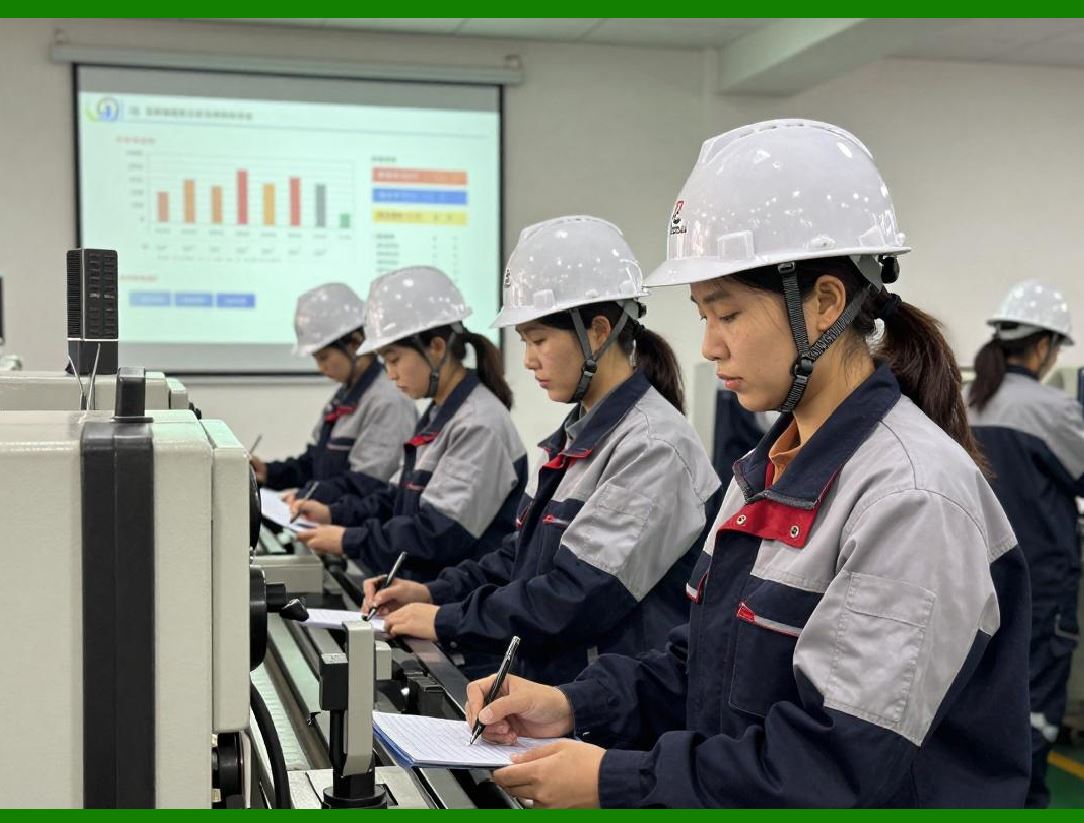
Consider a goods issue transaction for a customer delivery. |
51.2 |
The transaction reduces inventory quantities, updates stock valuation, and posts cost of goods sold. |
51.3 |
All these updates occur within a single transactional context. |
51.4 |
If any update fails, the entire transaction is rolled back. |
|
52. Financial Integration Through Unified Posting Logic |
52.1 |
Financial integration is deeply embedded in ERP transaction processing. |
52.2 |
Operational transactions automatically generate financial postings based on shared configuration data. |
52.3 |
This eliminates the need for separate financial interfaces. |
52.4 |
Centralized posting logic ensures consistency between operational and financial views. |

|
53. Document Flow and Traceability |
53.1 |
Centralized databases maintain explicit document flow relationships between transactions. |
53.2 |
A sales order is linked to deliveries, invoices, and accounting documents. |
53.3 |
These links enable end-to-end traceability across the transaction lifecycle. |
53.4 |
Users can navigate seamlessly between related documents. |

|
54. Impact on Period Closing and Reporting |
54.1 |
Real-time posting simplifies financial period closing. |
54.2 |
Because data is always current, there is less need for reconciliation and adjustment. |
54.3 |
Centralization supports continuous accounting practices. |
54.4 |
Management can access up-to-date financial results at any time. |

|
55. Handling High Transaction Volumes |
55.1 |
Centralized ERP databases must handle high transaction volumes without degradation. |
55.2 |
This requires optimized transaction design, efficient locking, and scalable infrastructure. |
55.3 |
Modern ERP platforms use advanced techniques such as in-memory processing to achieve this. |
55.4 |
Despite technical complexity, the logical transaction model remains consistent. |

|
56. Long-Running Transactions and Background Processing |
56.1 |
Some ERP processes involve long-running transactions, such as planning runs or mass updates. |
56.2 |
These processes are carefully designed to avoid blocking critical operational activities. |
56.3 |
Background processing frameworks manage such tasks asynchronously where appropriate. |
56.4 |
Centralized databases coordinate foreground and background workloads. |

|
57. Data Consistency Across Organizational Boundaries |
57.1 |
Large enterprises often operate across multiple legal entities and regions. |
57.2 |
The centralized database model supports this complexity by enforcing consistent data rules globally. |
57.3 |
At the same time, organizational boundaries are respected through authorization and configuration. |
57.4 |
This balance enables both global integration and local autonomy. |

|
58. Transaction Logging and Auditability |
58.1 |
Every transaction processed in a centralized ERP database is logged for audit purposes. |
58.2 |
Logs record who made the change, when it occurred, and what data was affected. |
58.3 |
This audit trail supports compliance, accountability, and troubleshooting. |
58.4 |
Centralization ensures a complete and coherent audit history. |

|
59. Resilience and Recovery in Centralized Systems |
59.1 |
Centralized databases are designed with resilience in mind. |
59.2 |
Transaction logs enable recovery in case of system failure. |
59.3 |
Data consistency can be restored to a known good state. |
59.4 |
This reliability is essential for mission-critical ERP operations. |

|
60. Summary of Part 3 |
60.1 |
This part has examined how centralized ERP databases manage transactions, ensure consistency, and support high concurrency. |
60.2 |
It has shown how atomicity, isolation, locking, and real-time posting work together to maintain data integrity. |
60.3 |
The next part will explore performance optimization, scalability strategies, and architectural trade-offs in centralized ERP database models. |
 cs@easiersoft.com