(Part 5: Cost Accounting, Controlling, and Internal Financial Intelligence) |
39. Purpose and Position of Cost Accounting in ERP |
39.1 Difference Between Financial Accounting and Cost Accounting |
In an ERP system, financial accounting is primarily concerned with external reporting, compliance, and statutory requirements. Cost accounting, often referred to as controlling, focuses on internal management purposes. |
Cost accounting answers questions such as: |
* Where are costs incurred |
* Why are costs incurred |
* Which activities or products generate profit or loss |
* How efficiently are resources used |
While financial accounting records what has happened, cost accounting analyzes why it happened and how it can be improved. |

|
39.2 Cost Accounting as a Management Tool |
Cost accounting provides management with: |
* Transparency of cost structures |
* Visibility into operational efficiency |
* Data for pricing decisions |
* Insight into profitability drivers |
ERP systems integrate cost accounting deeply with operational modules to ensure that cost data reflects real business activity. |

|
40. Cost Objects and Organizational Structures |
40.1 Definition of Cost Objects |
Cost objects are entities to which costs and revenues are assigned. They represent the internal structure of the organization from a financial perspective. |
Common cost objects include: |
* Cost centers |
* Profit centers |
* Internal orders |
* Projects |
* Products or services |
These objects allow financial data to be analyzed beyond legal entity boundaries. |
40.2 Cost Centers as Fundamental Cost Objects |
Cost centers represent organizational units where costs are incurred, such as departments, teams, or functional areas. |
Each cost center typically has: |
* A responsible manager |
* A defined purpose |
* A budget |
* A cost structure |
ERP systems track costs at the cost center level to enable accountability and control. |
40.3 Profit Centers and Responsibility Accounting |
Profit centers represent organizational units responsible for both costs and revenues. They are used to evaluate performance and profitability at a more granular level than legal entities. |
ERP systems support profit center accounting by: |
* Assigning revenues and costs to profit centers |
* Generating profit and loss statements per profit center |
* Enabling internal performance comparison |

|
41. Primary and Secondary Costs |
41.1 Primary Costs Definition |
Primary costs originate from external transactions, such as: |
* Vendor invoices |
* Payroll expenses |
* Utility bills |
These costs are recorded in financial accounting and simultaneously transferred to cost accounting. |
41.2 Secondary Costs Definition |
Secondary costs result from internal allocations, such as: |
* Departmental cost redistribution |
* Internal service charges |
* Overhead absorption |
Secondary costs exist only within cost accounting and do not affect external financial statements. |
41.3 Flow of Costs from Financial Accounting to Controlling |
When a financial transaction is posted, the ERP system automatically determines whether the cost is relevant for cost accounting and assigns it to appropriate cost objects. |
This real-time integration eliminates reconciliation issues between financial accounting and controlling. |
42. Cost Element Structure |
42.1 Cost Elements as the Bridge Between Modules |
Cost elements represent the nature of costs and revenues in cost accounting. They serve as the link between general ledger accounts and controlling objects. |
Each relevant general ledger account is mapped to a corresponding cost element. |
42.2 Primary Cost Elements |
Primary cost elements correspond to external expense and revenue accounts, such as: |
* Salaries |
* Rent |
* Raw material costs |
* Sales revenue |
They reflect costs originating from outside the organization. |
42.3 Secondary Cost Elements |
Secondary cost elements are used exclusively for internal allocations and assessments. They represent internal cost flows and have no direct general ledger counterpart. |

|
43. Internal Cost Allocation Mechanisms |
43.1 Purpose of Cost Allocation |
Cost allocation ensures that costs incurred in one area are correctly assigned to the areas that benefit from them. |
This process provides a more accurate picture of product and service profitability. |
43.2 Types of Internal Allocations |
ERP systems support various allocation methods, including: |
* Distribution |
* Assessment |
* Activity allocation |
* Overhead absorption |
Each method serves a specific analytical purpose. |
43.3 Allocation Cycles and Rules |
Allocations are typically executed through predefined cycles that specify: |
* Sender cost objects |
* Receiver cost objects |
* Allocation bases |
* Cost elements involved |
Once configured, these cycles can be executed automatically during period-end processing. |

|
44. Activity-Based Costing and Activity Allocation |
44.1 Concept of Activities in Cost Accounting |
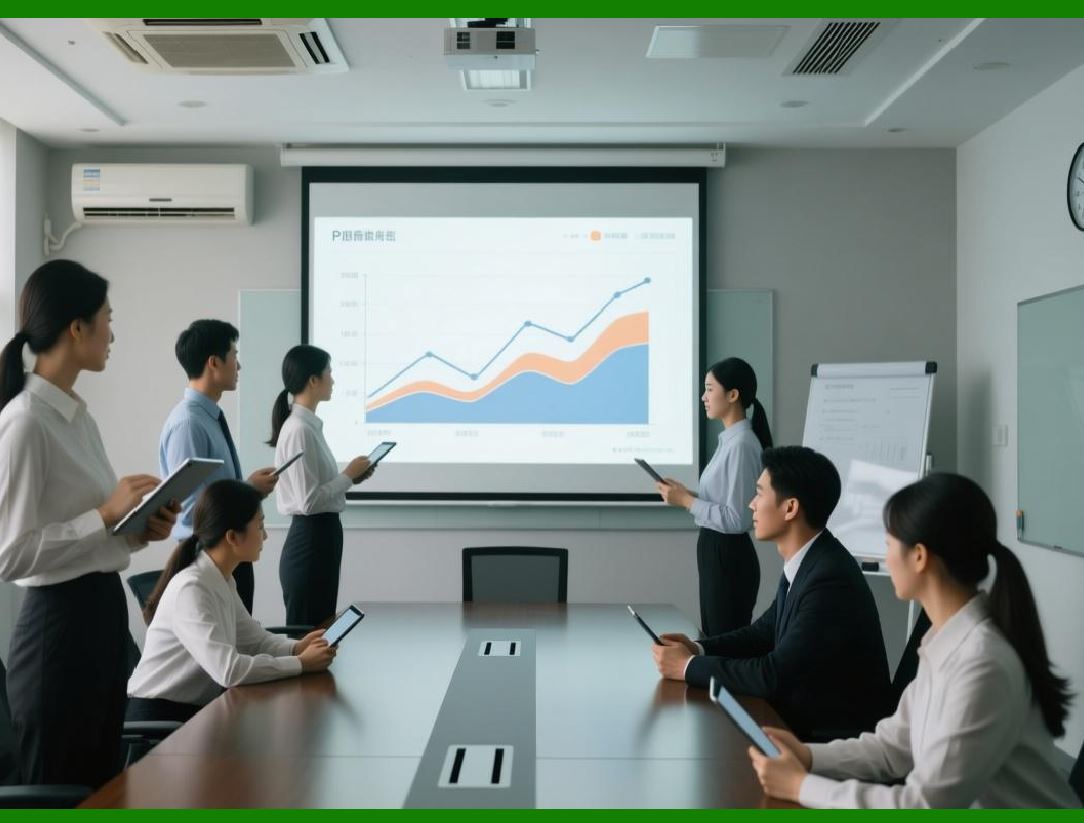
Activities represent measurable units of work performed by cost centers, such as machine hours, labor hours, or processing units. |
ERP systems allow activities to be defined, planned, and allocated. |
44.2 Activity Prices and Rates |
Activity prices represent the cost per unit of activity. They are calculated based on: |
* Planned costs |
* Planned activity quantities |
These prices are used to allocate costs to receivers based on actual activity consumption. |
44.3 Allocation of Activity Costs |
When an activity is consumed, the system automatically allocates costs from the sender cost center to the receiver cost object. |
This mechanism enables more accurate cost tracing. |
|
45. Internal Orders and Temporary Cost Tracking |
45.1 Purpose of Internal Orders |
Internal orders are used to collect costs for specific purposes, such as: |
* Marketing campaigns |
* Maintenance activities |
* One-time projects |
They provide a temporary cost collection mechanism. |
45.2 Lifecycle of Internal Orders |
Internal orders have defined lifecycles, including: |
* Creation |
* Cost collection |
* Settlement |
* Closure |
Costs collected on internal orders are eventually settled to final cost objects. |

|
46. Budgeting and Cost Control |
46.1 Budget Definition in ERP |
Budgets represent planned financial limits for cost objects over a specific period. |
ERP systems support budgets at multiple levels, such as: |
* Cost centers |
* Projects |
* Internal orders |
46.2 Budget Availability Control |
The system can enforce budget controls by: |
* Issuing warnings when budgets are exceeded |
* Blocking transactions that exceed budget limits |
* Recording budget consumption in real time |
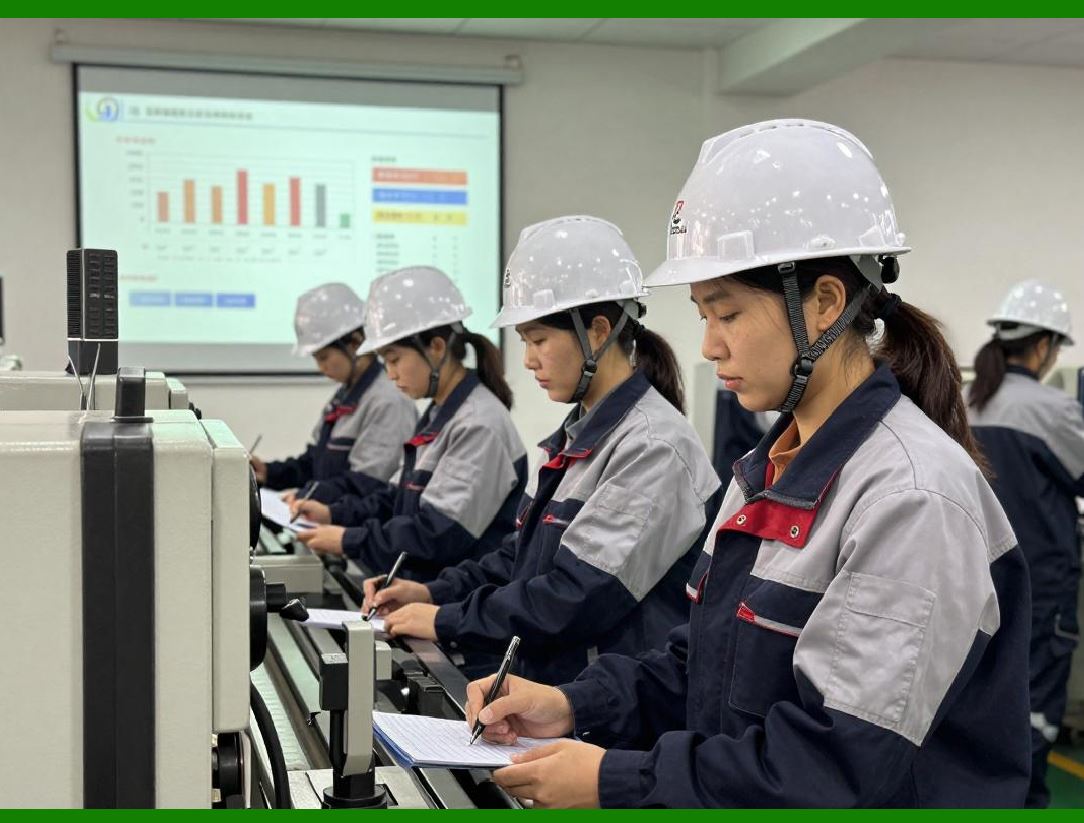
46.3 Variance Analysis |
ERP systems support variance analysis by comparing: |
* Planned costs versus actual costs |
* Budgeted costs versus actual costs |
This analysis helps management identify inefficiencies and take corrective action. |
|
47. Product Costing and Cost Object Controlling |
47.1 Purpose of Product Costing |
Product costing determines the cost of producing a product or service. This information is critical for: |
* Pricing decisions |
* Profitability analysis |
* Inventory valuation |
47.2 Planned and Actual Costing |
ERP systems distinguish between: |
* Planned costs, used for budgeting and pricing |
* Actual costs, derived from real transactions |
The comparison of planned and actual costs reveals variances. |
47.3 Standard Costing and Variance Analysis |
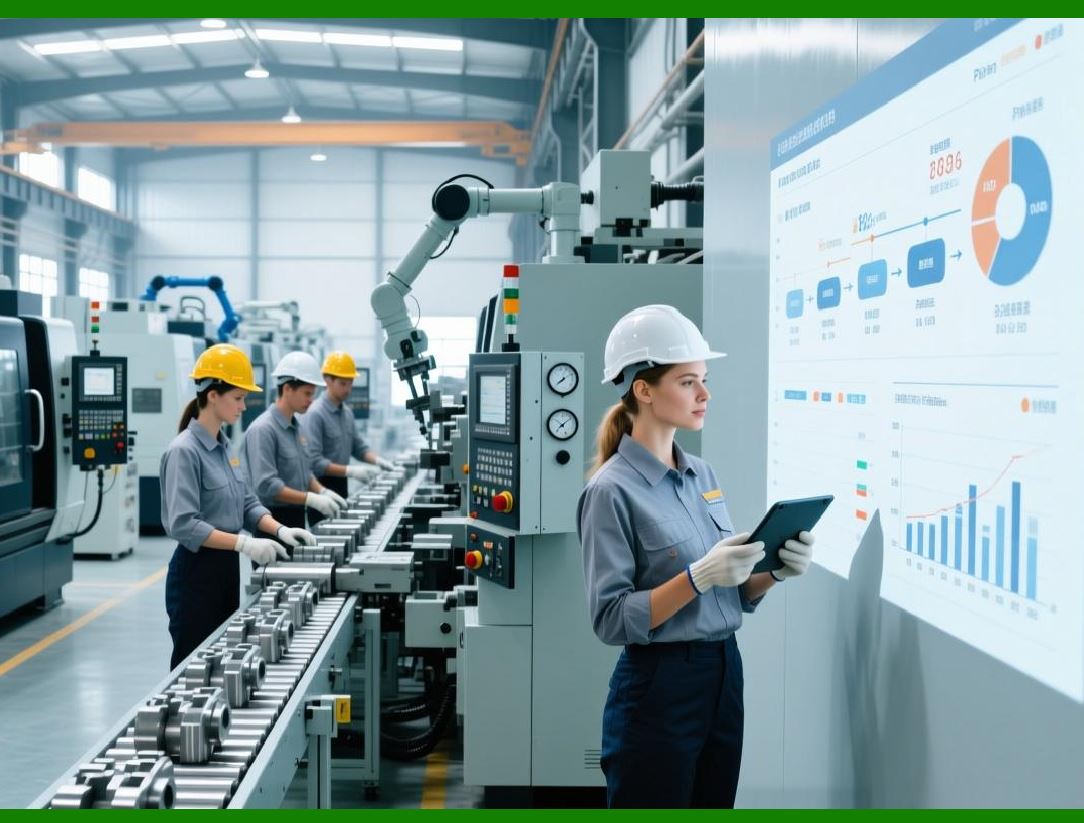
Standard costing uses predefined cost standards. Variances between standard and actual costs are analyzed to identify: |
* Efficiency issues |
* Price changes |
* Process deviations |
|
48. Profitability Analysis |
48.1 Purpose of Profitability Analysis |
Profitability analysis evaluates the financial performance of products, customers, markets, and business segments. |
It answers questions such as: |
* Which products are most profitable |
* Which customers generate the highest margins |
* Which regions perform best |
48.2 Dimensions of Profitability Analysis |
ERP systems support multi-dimensional profitability analysis based on attributes such as: |
* Product |
* Customer |
* Sales channel |
* Region |
* Time period |
48.3 Contribution Margin Analysis |
Contribution margin analysis separates: |
* Variable costs |
* Fixed costs |
This analysis helps management understand the drivers of profitability. |

|
49. Integration of Cost Accounting with Operational Modules |
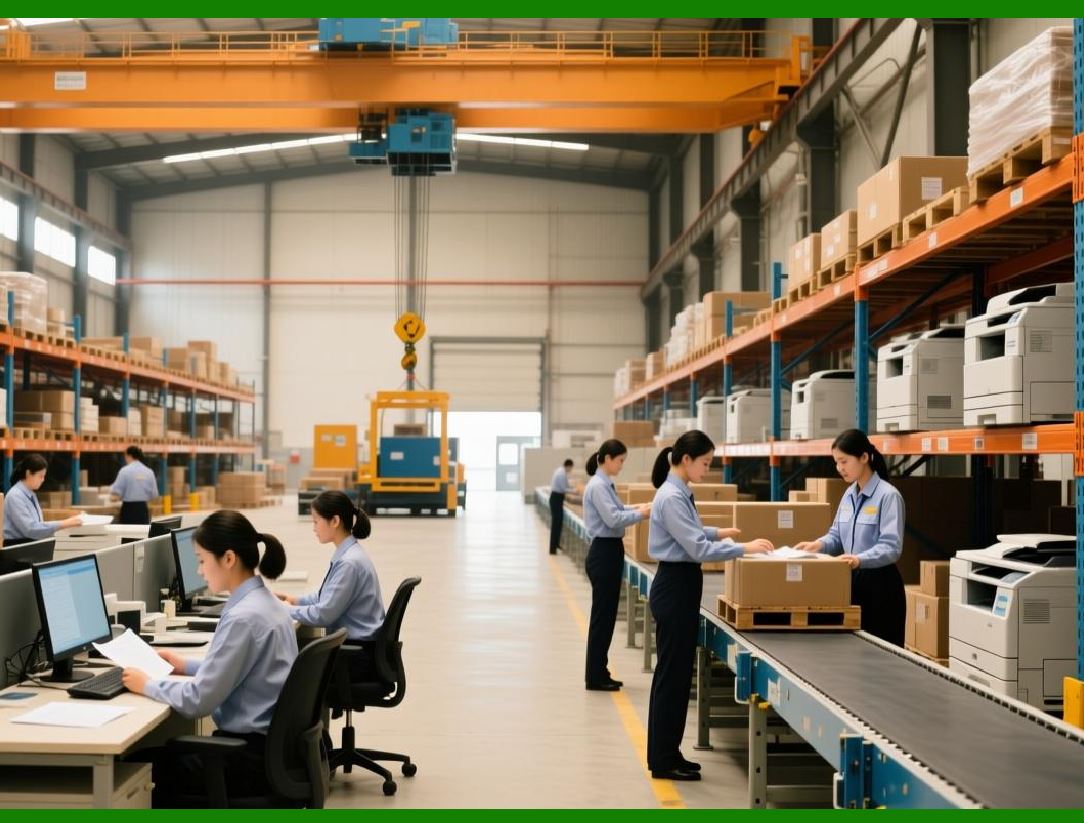
49.1 Manufacturing Integration |
Manufacturing activities generate cost data such as: |
* Material consumption |
* Labor hours |
* Machine usage |
These costs are captured automatically in cost accounting. |
49.2 Sales and Marketing Integration |
Sales activities contribute revenue and marketing costs to profitability analysis. |
49.3 Service and Support Integration |
Service activities generate cost data that can be analyzed for service profitability. |
|
50. Summary of Part 5 |
In this part, we explored: |
* The role of cost accounting and controlling |
* Cost objects and organizational structures |
* Primary and secondary costs |
* Internal cost allocation mechanisms |
* Budgeting and variance analysis |
* Product costing and profitability analysis |
Cost accounting transforms raw financial data into actionable management insight, enabling informed decision-making and operational optimization. |

|
In Part 6, we will move into Cash Management, Treasury Functions, Liquidity Planning, and Financial Risk Management, covering how ERP systems manage cash flow, bank relationships, and financial risk. |
 cs@easiersoft.com