ERP Transaction-Driven Design (Part 12 Conclusion) |
63. Summary of Core Principles |
63.1 Transaction-Centric Foundation |
1. ERP systems are fundamentally transaction-driven, meaning every business action is recorded as a discrete transaction. |
2. Common transaction types include: |
* Purchase order creation |
* Goods receipt |
* Invoice posting |
* Production confirmation |
* Payroll processing |
3. Each transaction is timestamped, traceable, affects multiple modules, and creates an auditable trail. |
4. The transaction-driven architecture ensures data consistency, real-time updates, and unified master data management across the organization. |

|
63.2 Centralized vs Distributed Transactions |
1. Centralized ERP: |
* Single database for all transactions ensures data consistency. |
* Real-time posting allows cross-module integration without delays. |
2. Distributed ERP: |
* Transactions are processed across multiple nodes, with replication and conflict resolution. |
* Supports global operations with low-latency access. |
Both approaches rely on transaction integrity, traceability, and security to maintain operational trust. |

|
63.3 Modular Transaction Interactions |
1. Transactions cross multiple ERP modules: |
* Finance, procurement, production, inventory, sales, HR, and logistics. |
2. Inter-module impact is automatically propagated: |
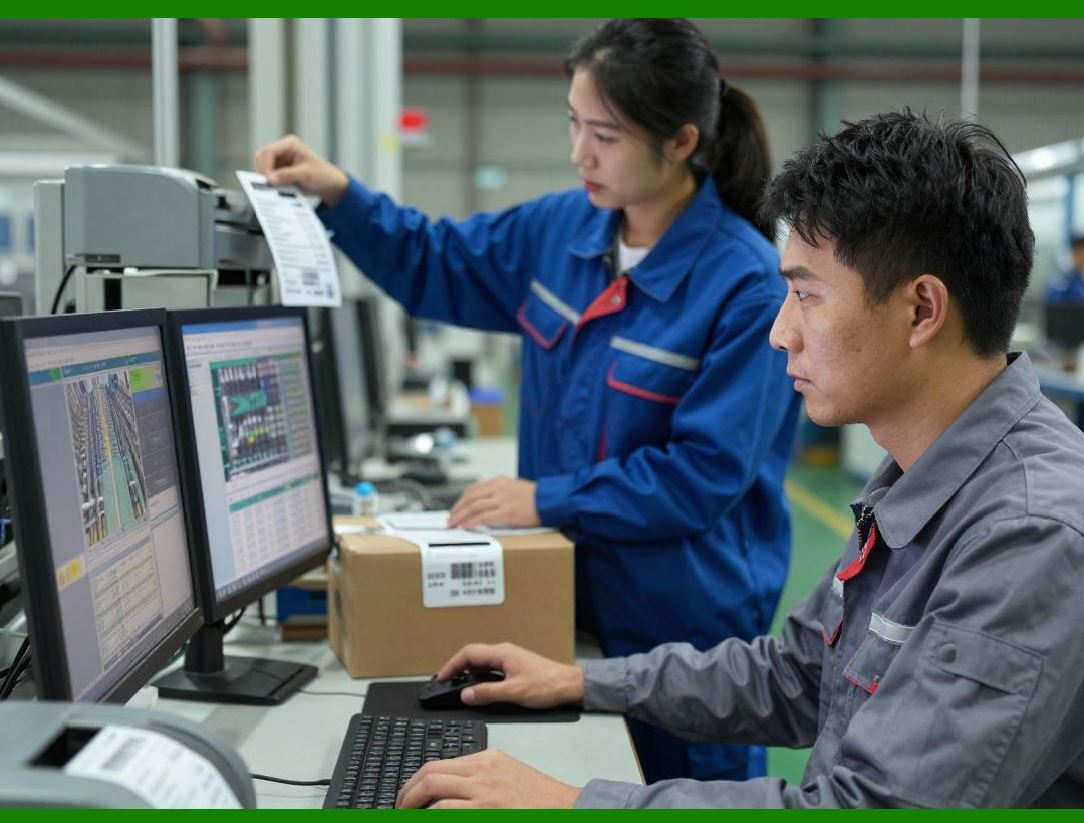
* Example: Posting a goods receipt updates inventory, triggers cost accounting entries, and may adjust production availability. |
3. This integration ensures real-time operational alignment and accurate reporting. |
|
64. Security and Compliance in Transactions |
64.1 User Access and Authorization |
1. Role-based access ensures only authorized personnel can post or modify transactions. |
2. Segregation of duties prevents conflicts of interest. |
3. Audit trails provide transparency for compliance and regulatory reporting. |
64.2 Fraud Prevention and Anomaly Detection |
1. AI and machine learning monitor transactions for unusual patterns. |
2. Three-way matching, threshold checks, and workflow approvals prevent fraudulent or erroneous postings. |
3. Continuous monitoring and forensic analysis ensure early detection of risks and operational inefficiencies. |

|
65. Transaction Scalability and Performance |
65.1 Handling High-Volume Transactions |
1. ERP systems scale using database partitioning, load balancing, parallel processing, and caching. |
2. Cloud-based ERP allows dynamic resource allocation to manage spikes in transaction volumes. |
3. High-availability architectures and real-time replication ensure continuous operation even under hardware or network failures. |
65.2 Optimization Best Practices |
1. Index optimization, transaction batching, and archiving old records improve performance. |
2. Continuous monitoring identifies bottlenecks and ensures transaction throughput remains high. |
3. Predictive analytics optimize transaction scheduling and resource allocation. |

|
66. Transaction Analytics and Strategic Insights |
66.1 Data-Driven Decision-Making |
1. Transactions provide a rich source of operational and financial data. |
2. Large-scale analytics enable identification of trends, bottlenecks, and cost-saving opportunities. |
3. Predictive modeling allows forecasting of demand, cash flow, production needs, and labor requirements. |
66.2 Continuous Improvement |
1. Process mining, KPI tracking, root cause analysis, and benchmarking use transaction data to optimize workflows. |
2. Historical transaction analysis informs strategic planning and operational adjustments. |
3. AI-assisted anomaly detection enhances accuracy, compliance, and operational efficiency. |

|
67. Emerging and Future Transaction Technologies |
67.1 Blockchain Integration |
1. Immutable, decentralized transaction ledgers provide security, transparency, and compliance. |
2. Smart contracts automate approval and payment workflows. |
67.2 IoT-Enabled Transaction Automation |
1. Sensors and smart devices trigger automatic transactions in ERP. |
2. Real-time operational data improves inventory accuracy, production tracking, and logistics efficiency. |
67.3 AI and Hyper-Automation |
1. AI autonomously monitors, classifies, approves, and optimizes transactions. |
2. Hyper-automation orchestrates end-to-end workflows, reducing manual intervention and error rates. |
3. Predictive AI anticipates business events and proactively generates transactions. |
67.4 Quantum Computing Potential |
1. Future ERP systems may leverage quantum computing for ultra-fast transaction analysis and optimization. |
2. Quantum algorithms enable simultaneous evaluation of millions of transaction scenarios for supply chain, finance, and production planning. |

|
68. Strategic Role of Transaction-Driven ERP in Digital Transformation |
68.1 Operational Efficiency |
1. Transaction-driven ERP ensures real-time visibility and coordination across departments. |
2. Automation, AI, and IoT reduce manual effort, errors, and processing delays. |
68.2 Risk Management and Compliance |
1. Every transaction is traceable and auditable, supporting regulatory compliance. |
2. AI and blockchain technologies strengthen fraud prevention, anomaly detection, and internal controls. |
68.3 Decision-Making and Predictive Planning |
1. Historical and real-time transaction data enables data-driven strategic decisions. |
2. Predictive modeling and AI allow proactive business planning rather than reactive problem-solving. |
68.4 Enterprise Agility |
1. Cloud, distributed, and scalable ERP systems allow rapid adaptation to changing market conditions. |
2. Organizations can respond instantly to operational, financial, or regulatory events. |

|
69. Best Practices for Transaction-Driven ERP |
1. Maintain Accurate Master Data Transactions rely on correct master data for consistency. |
2. Define Clear Roles and Responsibilities Implement RBAC and segregation of duties. |
3. Monitor Transactions Continuously Use AI, analytics, and reporting to identify risks and inefficiencies. |
4. Automate Where Possible Use IoT, AI, and hyper-automation to reduce manual posting and errors. |
5. Ensure Scalability Design ERP infrastructure to handle current and projected transaction volumes. |
6. Implement Disaster Recovery and High Availability Protect transactions from hardware, software, or network failures. |
7. Leverage Predictive Analytics Use transaction data for forecasting, planning, and proactive decision-making. |

|
70. Concluding Remarks |
The transaction-driven design of ERP systems is the backbone of modern enterprise operations. Transactions are not mere records; they are dynamic, multi-module events that: |
* Integrate business processes across finance, supply chain, production, HR, and sales. |
* Ensure data consistency, traceability, and real-time updates. |
* Enable operational efficiency, regulatory compliance, and strategic decision-making. |
* Serve as the foundation for advanced analytics, AI automation, predictive modeling, and emerging technologies. |
By designing ERP systems around transactions, enterprises achieve end-to-end operational visibility, process optimization, and a foundation for digital transformation, preparing them for the challenges of global, high-volume, and technologically advanced business environments. |
 cs@easiersoft.com