ERP Transaction-Driven Design (Part 2) |
6. Transaction Consistency in ERP Systems |
6.1 Definition of Transaction Consistency |
In an ERP system, transaction consistency ensures that every transaction transitions the system from one valid state to another. This means that after a transaction is posted: |
* All business rules are satisfied |
* All cross-module dependencies are resolved |
* All financial balances and inventory levels remain accurate |
* Referential integrity of the database is preserved |
Consistency is critical because ERP systems manage complex, interdependent data across finance, operations, supply chain, HR, and production. Without consistency, a single incorrect transaction could propagate errors system-wide. |

|
6.2 Role of Business Rules in Ensuring Consistency |
Business rules are encoded within ERP transactions to enforce consistency. Examples include: |
1. Inventory rules: A goods issue transaction cannot reduce stock below zero unless special authorization exists. |
2. Financial rules: A vendor invoice cannot be posted to a closed accounting period. |
3. Approval rules: A purchase order exceeding predefined thresholds requires managerial approval before posting. |
4. Integration rules: A production confirmation cannot be posted unless all required materials have been issued. |
By embedding these rules in transactions, ERP systems prevent illegal or inconsistent operations before they affect the database. |

|
6.3 Transaction Validation Workflow |
Consistency is enforced through a multi-stage validation workflow: |
1. Pre-entry validation: Ensures all required fields are populated and formatted correctly. |
2. Master data cross-check: Verifies that referenced master data exists and is active. |
3. Authorization check: Confirms that the user has the rights to execute the transaction. |
4. Business rule evaluation: Applies rules specific to the transaction type. |
5. Simulation (optional): Some ERP systems simulate posting to detect conflicts before committing. |
6. Database commit: Finalizes the transaction and ensures all updates are applied consistently. |
This workflow guarantees that only fully valid transactions become part of the enterprise record. |

|
7. ACID Principles and ERP Transactions |
7.1 Introduction to ACID |
ERP systems rely heavily on ACID (Atomicity, Consistency, Isolation, Durability) principles to manage transactions. ACID ensures reliability, data integrity, and recoverability. |
7.2 Atomicity |
Atomicity ensures that a transaction is all-or-nothing. Either every part of the transaction is executed successfully, or none of it is applied. |
Example: A purchase order receipt transaction involves: |
* Increasing inventory quantity |
* Creating accounting entries |
* Updating production availability |
If the accounting entry fails, the system rolls back the inventory update. Atomicity protects against partial data changes that could cause inconsistencies. |

|
7.3 Consistency |
Consistency guarantees that transactions move the system from one valid state to another, as discussed in Section 6. In ERP systems: |
* Balance sheets remain accurate |
* Inventory and production data remain correct |
* Referential integrity is preserved |
Consistency is enforced through embedded business rules and validation mechanisms. |

|
7.4 Isolation |
Isolation ensures that concurrent transactions do not interfere with each other. In large organizations, multiple users often process transactions simultaneously: |
* Two warehouse clerks might post goods receipts at the same time. |
* Multiple sales orders might reduce the same inventory simultaneously. |
ERP systems use locking mechanisms and transactional controls to prevent conflicts, ensuring each transaction operates as if it were executed alone. |

|
7.5 Durability |
Durability guarantees that once a transaction is posted and confirmed, its effects persist permanently, even in the event of hardware or software failures. ERP systems achieve durability through: |
* Redundant databases |
* Write-ahead logging |
* Backup and recovery mechanisms |
Durability is critical for auditability, regulatory compliance, and operational reliability. |

|
8. Concurrency Control in ERP Transactions |
8.1 Challenges of Concurrent Transactions |
In a multi-user ERP environment, concurrent transactions can create challenges such as: |
1. Lost updates: Two users modify the same record simultaneously, and one update overwrites the other. |
2. Dirty reads: A transaction reads uncommitted changes from another transaction, leading to inaccurate results. |
3. Non-repeatable reads: A transaction reads the same record twice but sees different data due to another transaction. |
4. Phantom reads: New records inserted by another transaction appear unexpectedly in a query result. |
Without proper control, these anomalies can disrupt operations and corrupt data. |

|
8.2 Locking Mechanisms |
ERP systems use locking to maintain isolation: |
1. Exclusive locks: Prevent other transactions from reading or writing a record while it is being modified. |
2. Shared locks: Allow multiple transactions to read a record but prevent modification. |
3. Optimistic locking: Allows concurrent access but checks for conflicts at commit time. |
4. Pessimistic locking: Blocks other transactions immediately to prevent conflicts. |
Different ERP modules implement locking based on transaction criticality and performance considerations. |

|
8.3 Deadlock Prevention |
Deadlocks occur when two or more transactions wait indefinitely for each other locks. ERP systems prevent deadlocks by: |
* Ordering lock acquisition |
* Implementing timeout mechanisms |
* Rolling back lower-priority transactions |
This ensures the smooth execution of multiple concurrent transactions. |

|
8.4 Multi-Version Concurrency Control (MVCC) |
Some modern ERP systems use MVCC, which maintains multiple versions of records. This allows: |
* Readers to access the last committed version without waiting for writers |
* Writers to create a new version without blocking readers |
* Improved performance for high-volume transaction environments |
MVCC is particularly useful in financial and inventory modules with heavy concurrent usage. |

|
9. Transaction Dependencies and Sequencing |
9.1 Inter-Transaction Dependencies |
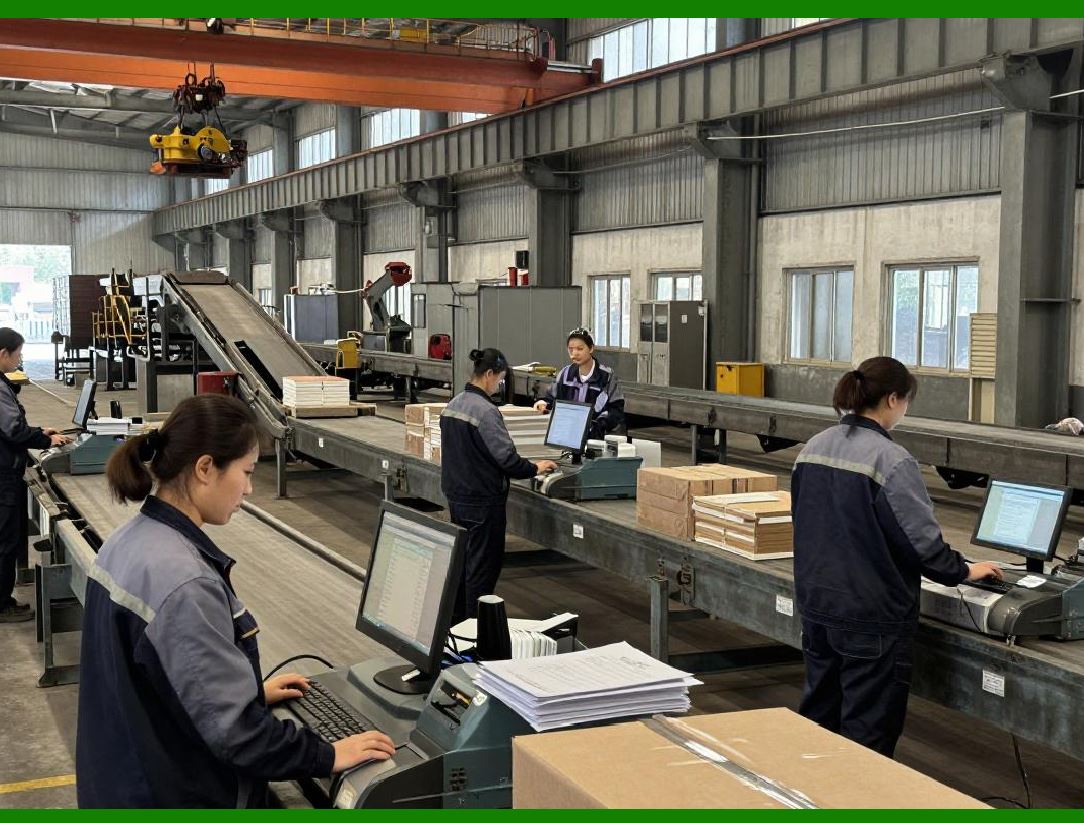
ERP transactions are often dependent on other transactions. Examples: |
1. A goods receipt transaction requires a corresponding purchase order transaction. |
2. An invoice posting depends on both the purchase order and the goods receipt. |
3. Production confirmation depends on material issues and work center availability. |
These dependencies ensure logical progression and prevent invalid postings. |
|
9.2 Sequential and Parallel Transaction Processing |
Transactions can be executed: |
* Sequentially: Strictly ordered according to business rules, ensuring deterministic outcomes. |
* In parallel: When independence exists, multiple transactions can be processed concurrently to improve throughput. |
ERP systems optimize execution while preserving consistency and isolation. |

|
9.3 Transaction Queuing and Workflow Integration |
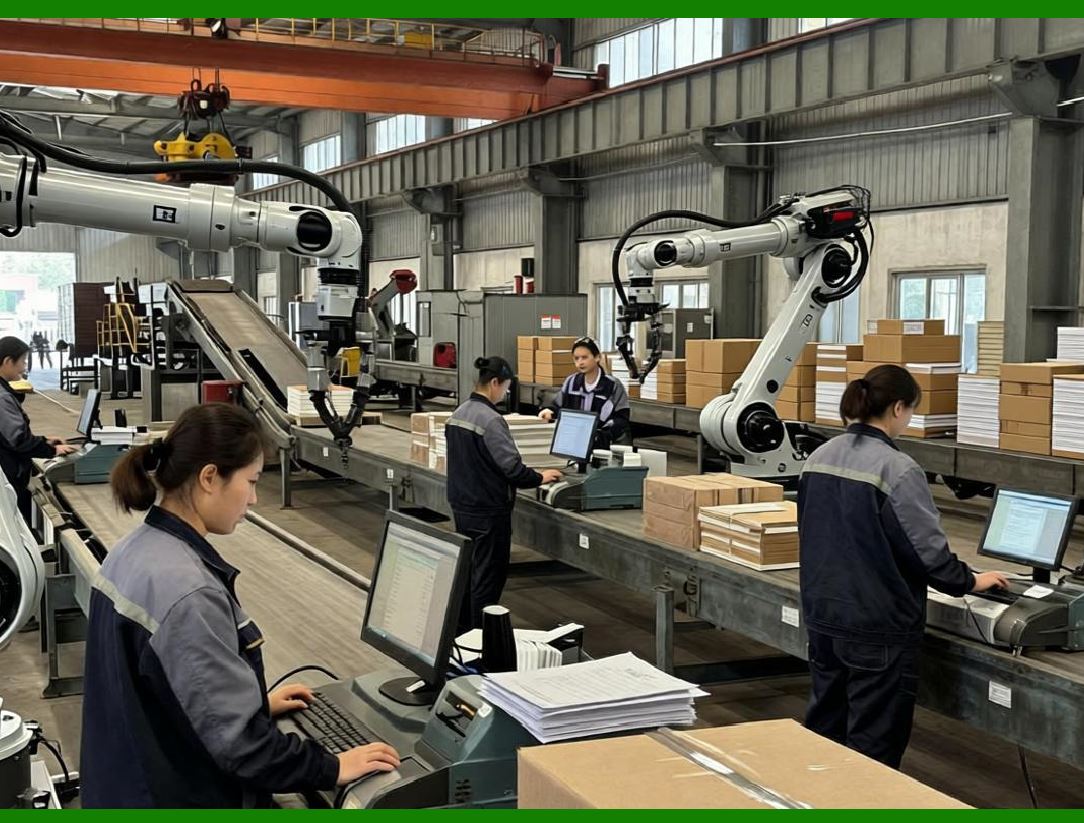
ERP systems often integrate transactions into workflows, where each transaction triggers the next step in a process. Example: |
* Purchase order approval triggers goods receipt upon delivery. |
* Goods receipt triggers quality inspection. |
* Quality inspection triggers invoice verification and payment. |
This sequencing ensures automated, controlled progression through business processes. |
|
10. Error Handling and Transaction Recovery |
10.1 Transaction Failure Scenarios |
Transactions can fail due to: |
1. User errors (wrong data entry) |
2. System errors (database or server failures) |
3. Integration failures (external systems unavailable) |
4. Business rule violations (insufficient stock, closed accounting period) |
ERP systems handle failures to prevent partial or incorrect updates. |

|
10.2 Rollback and Compensation Transactions |
When a transaction fails: |
* The system rolls back all changes to restore the previous consistent state. |
* If rollback is not possible (e.g., physical inventory moved), compensation transactions may be executed to correct the system. |
Example: |
* A partially posted goods receipt is reversed by a reversal transaction. |
* Financial entries are corrected using adjustment postings. |

|
10.3 Logging and Alerting |
Failed transactions are logged with detailed information: |
* User and system IDs |
* Timestamps |
* Error codes |
* Contextual data |
Alerts may be sent to administrators or supervisors to ensure prompt resolution. |

|
10.4 Continuous Auditing of Transactions |
ERP systems support continuous auditing by: |
* Monitoring transaction patterns |
* Detecting anomalies or policy violations |
* Enabling pre-emptive correction before business impact |
This continuous oversight reinforces the trustworthiness of transaction-driven design. |
 cs@easiersoft.com