ERP Transaction-Driven Design (Part 5) |
21. Transaction-Driven Reporting |
21.1 Concept of Transaction-Driven Reporting |
ERP systems generate reports based on transactional data rather than static snapshots. Every transaction recorded in the system contributes to: |
1. Operational reports showing current stock, pending orders, or production progress. |
2. Financial reports reflecting revenue, expenses, and liabilities in real time. |
3. Compliance reports demonstrating adherence to regulatory requirements. |
Because transactions are timestamped, auditable, and traceable, reports generated from these transactions are highly reliable and reflect the true operational state of the enterprise. |

|
21.2 Types of Transaction-Based Reports |
1. Operational Reports |
* Inventory movement reports derived from goods receipt, goods issue, and stock transfer transactions. |
* Production status reports built from operation confirmations and material issue transactions. |
* Procurement reports showing open POs, pending deliveries, and invoice statuses. |
2. Financial Reports |
* Trial balances, general ledger summaries, and accounts payable/receivable reports generated from invoice postings, payment receipts, and payroll transactions. |
* Real-time cash flow statements derived from transaction postings. |
3. Management Dashboards |
* KPIs like order fulfillment rates, production efficiency, and supplier performance are calculated using transaction data. |
* Interactive dashboards allow drill-down into individual transactions for detailed analysis. |

|
21.3 Advantages of Transaction-Driven Reporting |
1. Real-Time Accuracy Reports reflect the latest posted transactions, eliminating discrepancies caused by manual reconciliation. |
2. Granularity Reports can drill down to individual transaction levels, enabling detailed forensic analysis. |
3. Auditability Each reported figure can be traced back to the originating transactions, enhancing credibility with internal and external stakeholders. |
4. Cross-Functional Insights Integrated transactions allow reports to span multiple modules, e.g., linking sales orders with inventory levels and financial impact. |

|
22. Transaction-Driven Analytics |
22.1 Role of Transactions in Analytics |
ERP transactions form the raw material for business analytics. By analyzing transaction data over time, enterprises gain insights into: |
* Procurement efficiency |
* Production throughput |
* Sales trends and customer behavior |
* Cash flow and financial health |
* Workforce productivity |
Transaction-level detail allows for trend analysis, predictive analytics, and anomaly detection. |

|
22.2 Operational Analytics Examples |
1. Inventory Turnover Analysis |
* Using goods receipt and issue transactions to calculate stock turnover rates. |
* Identifies slow-moving items and supports just-in-time inventory planning. |
2. Procurement Efficiency Metrics |
* Evaluating average PO-to-GR time based on purchase order and goods receipt transactions. |
* Identifies bottlenecks in supplier performance or internal approvals. |
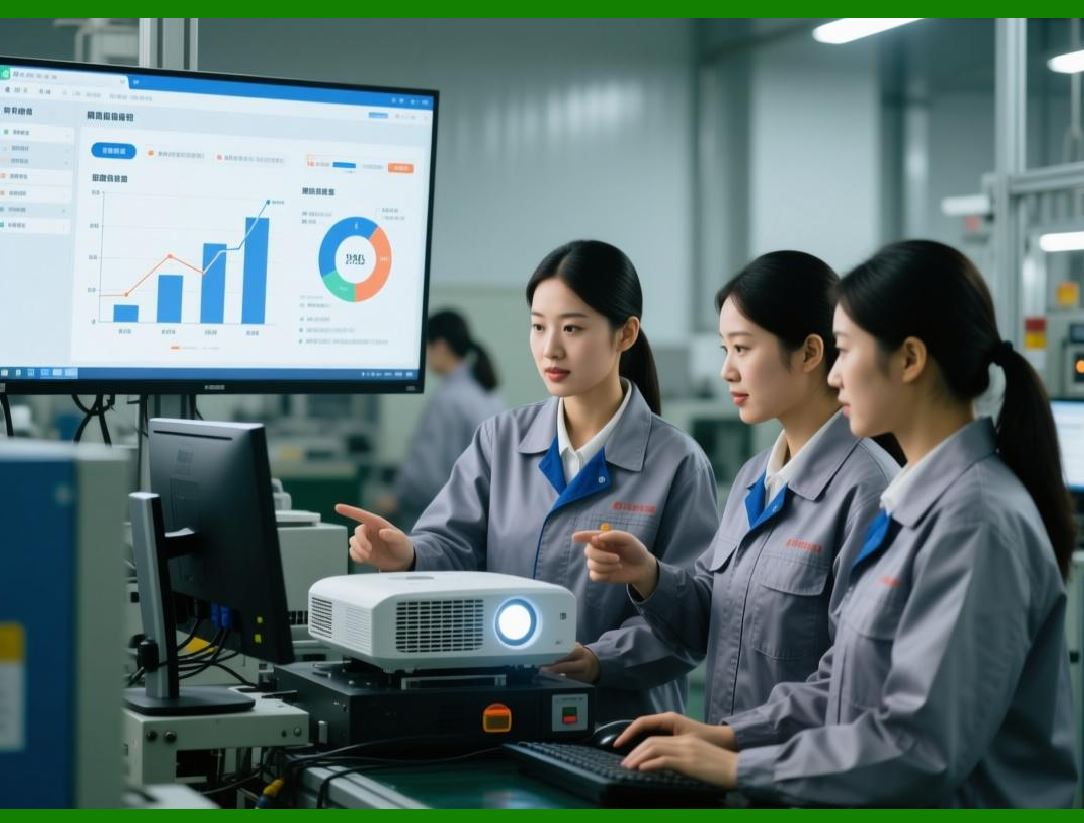
3. Production Performance Metrics |
* Comparing planned vs. actual production using production confirmations. |
* Highlights capacity constraints or operational inefficiencies. |
|
22.3 Financial Analytics Examples |
1. Revenue and Profitability Analysis |
* Linking sales order, billing, and payment transactions to calculate margins and contribution by product, customer, or region. |
2. Cost Allocation and Variance Analysis |
* Using production and payroll transactions to allocate costs accurately. |
* Comparing actual costs against planned costs for variance reporting. |

|
22.4 Advanced Analytics and Predictive Insights |
1. Trend Analysis Using historical transaction data to forecast demand, supply needs, or cash flow requirements. |
2. Risk Analysis Identifying patterns in late deliveries, invoice discrepancies, or payment delays. |
3. Predictive Maintenance Linking equipment usage transactions to anticipate failures and schedule preventive maintenance. |

|
23. Audit Trails and Compliance |
23.1 Importance of Audit Trails |
Every ERP transaction leaves a permanent, immutable record, forming the basis for internal and external audits. Audit trails ensure: |
1. Accountability Each transaction can be traced to a user or system process. |
2. Integrity Any change to a transaction generates a corrective or reversal transaction. |
3. Legal Compliance Regulations often require enterprises to maintain detailed transaction histories for years. |

|
23.2 Components of Transaction Audit Trails |
1. User Information Who created, approved, or modified the transaction. |
2. Timestamps When the transaction occurred and was posted. |
3. Data References Linked master data such as vendors, customers, materials, and cost centers. |
4. Change Logs Records of modifications, including old and new values. |
5. Reversal and Adjustment Transactions Explicit records of corrections or voided transactions. |

|
23.3 Benefits for Regulatory Compliance |
1. Financial Reporting Standards GAAP, IFRS, and local regulations require complete transaction history. |
2. Tax Reporting Compliance Transaction audit trails provide evidence for VAT, payroll, and income tax obligations. |
3. Operational Compliance ISO, SOX, and industry-specific standards often mandate traceable workflows and transaction records. |
|
24. Transaction-Driven Business Intelligence |
24.1 ERP Transactions as BI Foundation |
Enterprise business intelligence relies on accurate, integrated transaction data. ERP transactions provide: |
* Real-time operational data |
* Historical trends for forecasting |
* Drill-down capability to individual events |
This allows enterprises to turn raw transactions into actionable intelligence. |

|
24.2 BI Use Cases Leveraging Transactions |
1. Supply Chain Optimization |
* Analyzing procurement, inventory, and logistics transactions to optimize reorder points and supplier performance. |
2. Customer Analytics |
* Tracking sales orders, deliveries, and returns to understand buying patterns, retention, and churn. |
3. Financial Planning and Analysis |
* Using transactional financial data to prepare budgets, perform variance analysis, and model cash flow scenarios. |
4. Operational Risk Management |
* Detecting anomalies in payroll, procurement, or production transactions to prevent fraud or operational failures. |

|
24.3 Advanced BI Techniques Using ERP Transactions |
1. Data Mining Identifying patterns and correlations in large volumes of historical transaction data. |
2. Predictive Analytics Using past transaction sequences to predict future outcomes, e.g., demand spikes or supplier delays. |
3. Real-Time Dashboards Continuously updating key metrics using live transaction feeds. |
4. Scenario Simulation Modeling 'What-if' scenarios based on historical transaction behavior. |

|
25. Advantages of Transaction-Driven ERP Design for Decision-Making |
1. Operational Accuracy Decisions are based on validated, up-to-date transactions. |
2. Cross-Functional Insights Integrated transactions link finance, operations, HR, and logistics. |
3. Auditability and Risk Mitigation Every business action is traceable, reducing errors, fraud, and regulatory risk. |
4. Automation and Efficiency Transaction chains and workflows reduce manual intervention and streamline operations. |
5. Strategic Planning Support Rich historical transaction data enables forecasting, budgeting, and resource optimization. |
|
25.1 Real-Life Example |
Consider a global manufacturing company: |
* Sales order transaction triggers inventory reservation and production planning. |
* Production confirmation updates inventory and cost accounting. |
* Goods receipt of raw materials triggers invoice verification and vendor payment. |
* Payroll transaction records labor cost for production orders. |
All these transactions together enable management to: |
* Monitor real-time production efficiency |
* Calculate product profitability |
* Forecast cash flow |
* Maintain regulatory compliance |
* Optimize supply chain operations |
Without a transaction-driven design, the company would face data inconsistencies, delayed reporting, and operational inefficiencies. |
 cs@easiersoft.com