76. End-to-End Lifecycle of Integrated Barcode Systems |
The lifecycle of an integrated barcode system encompasses planning, deployment, operation, maintenance, and evolution: |
* Planning and Assessment: Organizations assess operational needs, identify ERP and inventory touchpoints, and define label requirements, symbologies, and compliance standards. |
* System Design: Integration architecture is designed, including API connections, middleware, data flows, error-handling logic, and device deployment strategies. |
* Deployment: Barcode software is installed, connected to ERP and inventory systems, scanners and printers are configured, and test environments are validated. |
* Operational Rollout: Labels are generated, scanned, and processed through real operational workflows, with monitoring and support structures in place. |
* Maintenance and Optimization: Ongoing calibration, software updates, and monitoring ensure reliability, with workflows refined based on operational data. |
* Evolution and Expansion: Integration adapts to business growth, new regulations, emerging technologies, and multi-site operations. |
A structured lifecycle ensures consistent performance, minimal disruption, and scalable integration across enterprise operations. |
|
77. Advanced Maintenance and Monitoring Strategies |
Sustaining integrated barcode operations requires continuous oversight: |
* Centralized Monitoring Dashboards: Integration platforms provide visibility into scanner activity, printer queues, API performance, and transaction success rates. |
* Predictive Device Maintenance: Analysis of device usage and error trends allows proactive replacement or servicing of scanners and printers. |
* Regular Integration Audits: Ensures that ERP updates, master data changes, and workflow modifications do not disrupt barcode operations. |
* Automated Health Checks: Systems perform periodic self-tests for connectivity, label readability, and data integrity. |
* Exception Management: Continuous monitoring flags anomalies for corrective actions before they escalate into operational problems. |
These strategies reduce downtime, preserve data integrity, and maintain high operational efficiency. |

|
78. Integration Case Study: Pharmaceutical Manufacturing |
In pharmaceutical manufacturing, barcode integration plays a critical role: |
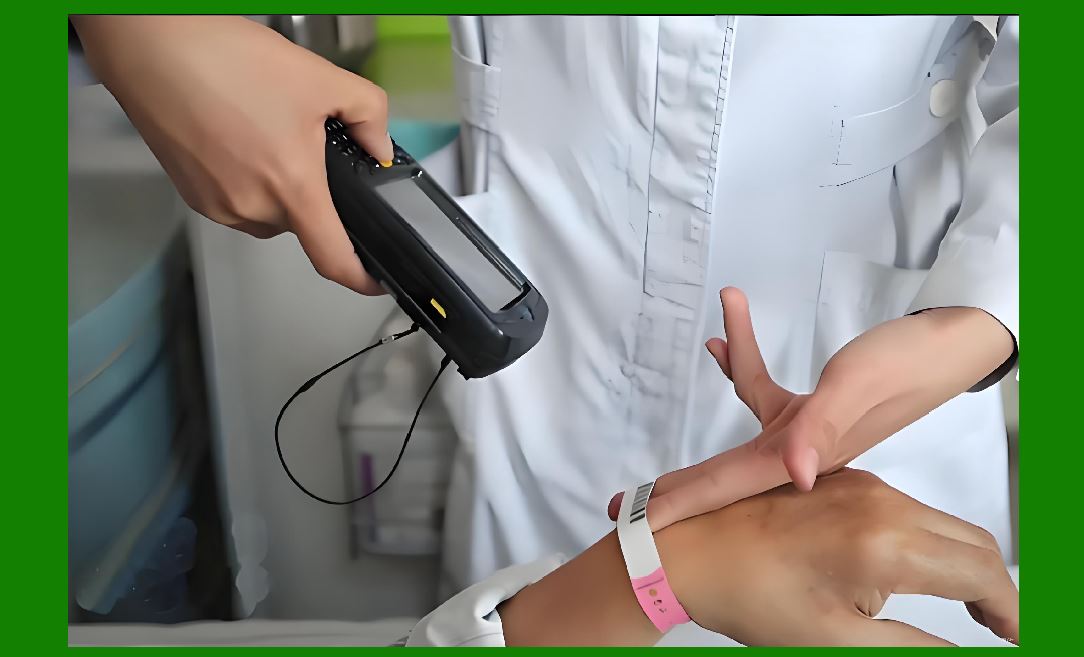
* Serialization Compliance: Each product unit is assigned a unique barcode or QR code, integrated with the ERP system to ensure traceability. |
* Batch Management: Barcode scanning automatically updates production and warehouse modules with batch numbers and expiration dates. |
* Regulatory Reporting: ERP systems leverage scanned data for FDA compliance, audits, and recalls. |
* Workflow Automation: Barcode software triggers ERP events for inventory receipt, quality checks, and distribution scheduling. |
This integration minimizes regulatory risk, enhances traceability, and supports operational efficiency. |
|
79. Integration Case Study: Retail Distribution |
In large retail distribution centers, barcode integration improves fulfillment speed and accuracy: |
* Receiving: Scanned supplier shipments automatically update inventory and ERP purchase order records. |
* Picking: ERP-generated pick lists guide operators with barcode validation to prevent errors. |
* Packing and Shipping: Scans validate item and carton contents, generating labels aligned with shipping carriersrequirements. |
* Analytics: ERP receives detailed scan data to optimize labor allocation, monitor throughput, and predict stock replenishment needs. |
Integration enhances customer satisfaction, reduces operational errors, and streamlines complex distribution processes. |

|
80. Integration Case Study: Automotive Assembly |
Automotive assembly lines benefit from barcode-ERP integration in the following ways: |
* Parts Tracking: Each part is barcoded, and scanning updates ERP work orders in real time. |
* Inventory Accuracy: ERP maintains real-time stock visibility, preventing line stoppages due to missing components. |
* Just-In-Time Manufacturing: Integration ensures that parts arrive exactly when needed, minimizing inventory holding costs. |
* Traceability: Barcode scanning supports recall management, warranty claims, and compliance reporting. |
This integration supports lean manufacturing principles and operational reliability. |

|
81. Optimization for High-Volume Operations |
In high-volume environments, barcode integration optimization focuses on speed, accuracy, and scalability: |
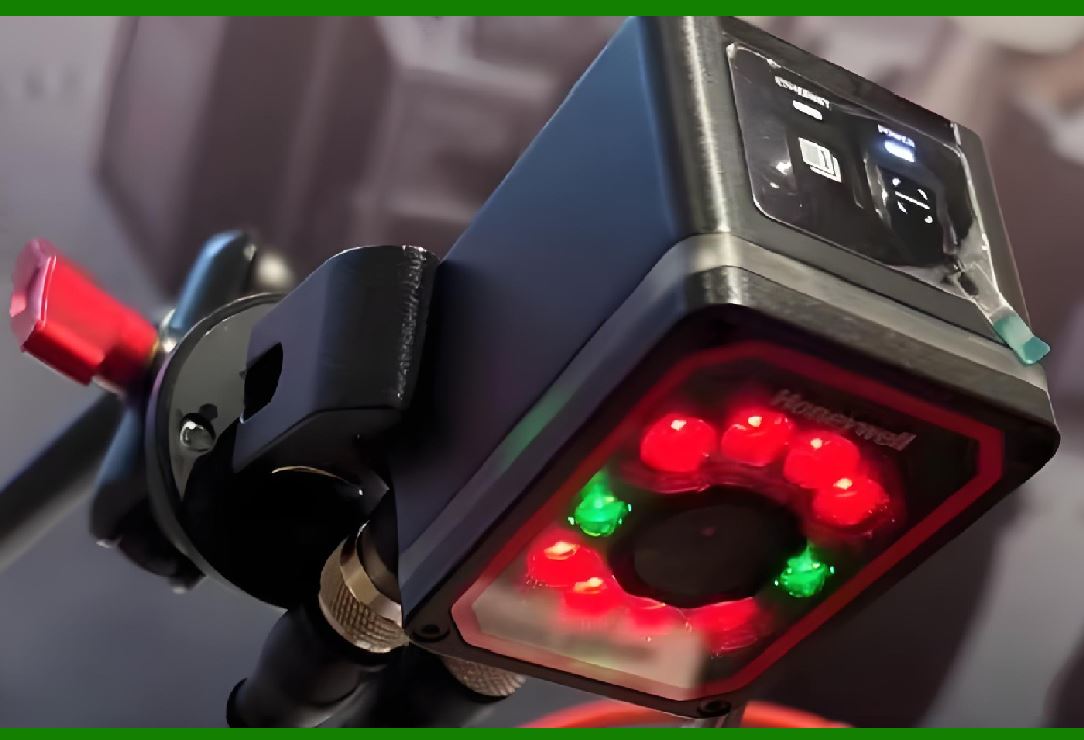
* High-Speed Scanners and Printers: Integration supports devices capable of rapid scanning and printing to match operational pace. |
* Parallel Processing: Multiple barcode events are processed concurrently through ERP APIs and message queues. |
* Data Compression and Caching: Optimizes network load for frequent scanning and label printing tasks. |
* Workflow Streamlining: Barcode scanning tasks are designed to minimize operator movement and reduce handling time. |
Optimization ensures that integration enhances throughput without compromising accuracy. |

|
82. Continuous Improvement through Data Analytics |
Integrated barcode systems generate vast amounts of operational data: |
* Process Benchmarking: ERP analytics track scanning and label generation performance against historical benchmarks. |
* Error Trend Analysis: Identifies recurring mis-scans, label misprints, or transaction mismatches. |
* Workflow Redesign: Data-driven insights inform process adjustments, such as reordering picking sequences or reassigning warehouse zones. |
* Training Programs: Operator performance metrics derived from scanning data guide targeted training interventions. |
Continuous improvement ensures integration delivers long-term operational benefits. |

|
83. ROI Maximization |
Barcode integration provides measurable return on investment: |
* Labor Savings: Reduces manual entry, verification, and reconciliation. |
* Inventory Accuracy: Minimizes shrinkage and prevents costly stockouts. |
* Operational Speed: Accelerates receiving, picking, packing, and shipping. |
* Compliance Assurance: Reduces regulatory penalties and audit failures. |
* Decision Support: Accurate ERP data improves planning, forecasting, and strategic decision-making. |
ROI is maximized when integration aligns with operational goals and continuous monitoring ensures consistent performance. |

|
84. Integration in Multi-Enterprise Supply Chains |
Complex supply chains involving suppliers, distributors, logistics providers, and retailers benefit from integrated barcode systems: |
* Supplier Labeling Compliance: Barcode software ensures that supplier shipments adhere to internal ERP standards. |
* 3PL Integration: Third-party logistics providers scan inbound and outbound shipments, feeding real-time data into ERP systems. |
* Cross-Enterprise Traceability: Barcode scanning enables tracking from raw materials through production, distribution, and final delivery. |
* Standardized Data Exchange: Integration enforces consistent data formats across organizations, reducing reconciliation and errors. |
Cross-enterprise integration enhances supply chain visibility, operational efficiency, and regulatory compliance. |

|
85. Integration for Omnichannel Retail |
Barcode-ERP integration supports modern omnichannel retail strategies: |
* Inventory Visibility Across Channels: Scanning updates ERP systems with real-time stock levels, available for online, in-store, and BOPIS (Buy Online, Pick-Up In Store) channels. |
* Order Accuracy: Barcode validation ensures that items picked for shipment or in-store pickup match customer orders. |
* Returns Management: Scanning supports reverse logistics, updates inventory, and triggers ERP processes for refunds or exchanges. |
* Promotional Campaigns: Barcode data enables tracking of promotional items, ensuring correct pricing and fulfillment. |
Omnichannel integration improves customer experience while maintaining operational efficiency. |
|
86. Advanced Device Management |
Barcode integration includes comprehensive device management strategies: |
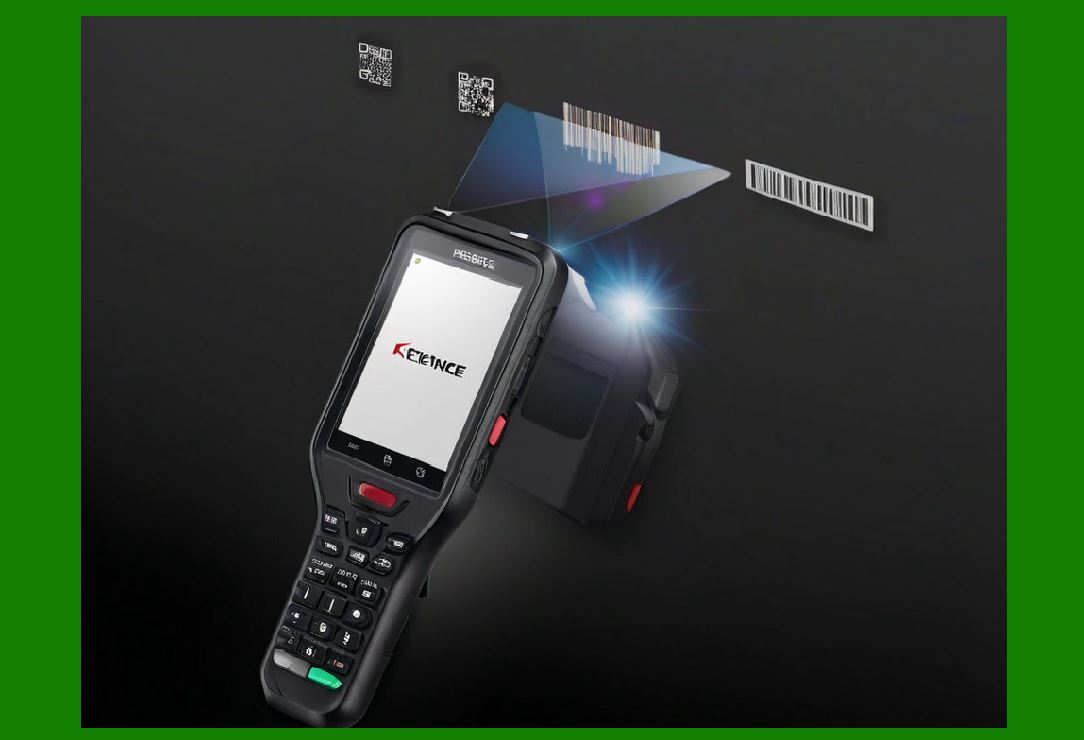
* Device Configuration: Ensures scanners, mobile computers, and printers are preconfigured for ERP integration. |
* Remote Monitoring: Allows IT teams to monitor device health, firmware versions, and connectivity. |
* Automatic Updates: Barcode devices receive updates from centralized systems to ensure compatibility with ERP and inventory workflows. |
* Device Assignment and Tracking: Each device is mapped to specific operators, zones, or functions, enabling accountability and performance tracking. |
Effective device management reduces downtime, improves accuracy, and ensures smooth operations. |

|
87. Integration Security and Compliance |
Security considerations in barcode integration are critical: |
* Role-Based Access Control: Ensures only authorized personnel can generate labels, scan items, or modify transactions. |
* Encrypted Communications: Protects barcode data transmitted between devices and ERP systems. |
* Audit Trails: Comprehensive logging supports internal audits and regulatory compliance. |
* Data Privacy: Ensures that customer, supplier, and operational data comply with data protection regulations such as GDPR. |
Secure integration safeguards both operational and financial integrity. |

|
88. Scalability and Future Readiness |
Scalable integration ensures that barcode software can grow with the enterprise: |
* Horizontal Scaling: Multiple servers and devices can handle increasing transaction volumes. |
* Vertical Scaling: ERP and barcode systems can process larger data volumes and more complex transactions. |
* Global Expansion: Integration supports multi-site, multi-country operations with standardized processes. |
* Emerging Technologies: Barcode systems can incorporate RFID, IoT, AI, and cloud-based analytics to future-proof operations. |
Scalability ensures that integration continues to deliver value as business complexity increases. |
 cs@easiersoft.com