1. Introduction: Why Blank Space Around a Barcode Matters |
When people first begin designing barcode labels, they often focus on the barcode symbol itself choosing the barcode type, entering the data, adjusting the size, or selecting the printer. However, one of the most frequently overlooked yet critically important aspects of barcode design is the blank space that surrounds the barcode. This blank space is not decoration, wasted area, or an optional margin. It is a fundamental functional requirement that directly affects whether a barcode can be scanned quickly, accurately, and reliably. |
In barcode terminology, this blank space is commonly known as the “quiet zone.Although the term may sound simple, the concept behind it is deeply tied to the physics of scanning, the logic of decoding algorithms, and the real-world conditions in which barcodes are used. Without sufficient blank space around a barcode, even a perfectly generated symbol can become unreadable. |
This article explains in exhaustive detail why leaving a certain amount of blank space around a barcode is necessary, how scanners interpret that space, what happens when it is missing, and why this requirement applies across industries, devices, environments, and barcode symbologies. The goal is not merely to state rules, but to help you understand the reasoning behind them so that you can design barcode labels with confidence and foresight. |

|
2. The Concept of the Quiet Zone |
The blank space around a barcode is technically referred to as the quiet zone. This area contains no printed text, graphics, borders, lines, or background patterns. It is a region of visual silence that allows the scanner to distinguish the barcode from its surroundings. |
The quiet zone exists on all sides of a barcode, but it is especially critical on the left and right sides for linear barcodes, and on all four sides for two-dimensional barcodes. The scanner relies on this empty area to identify where the barcode begins and where it ends. |
The idea behind the quiet zone can be compared to punctuation in written language. Just as spaces between words help readers recognize where one word ends and another begins, the quiet zone helps scanners identify the boundaries of the barcode symbol. |

|
3. How Barcode Scanners Work at a Fundamental Level |
To understand why blank space is necessary, it helps to understand how barcode scanners function at a basic level. |
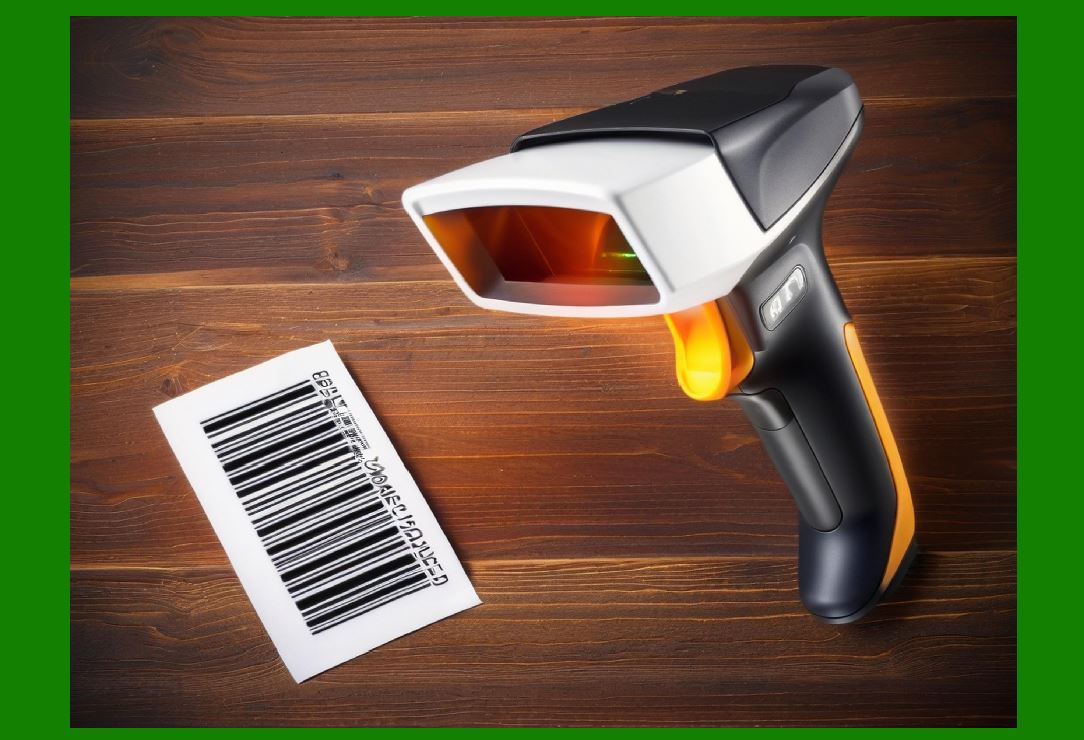
Barcode scanners do not 'see' barcodes in the way humans do. Instead, they detect differences in light reflectance. Dark bars reflect less light, while light spaces reflect more. The scanner converts these reflections into electrical signals, which are then analyzed by decoding software. |
The decoding software looks for specific patterns of light and dark that correspond to the rules of a given barcode symbology. Before it can decode the data, it must first locate the barcode itself. This initial detection phase is where the quiet zone plays a critical role. |
Without a clear transition from blank space to barcode elements, the scanner cannot reliably determine where the barcode starts. If text, lines, or images intrude too close to the barcode, the scanner may misinterpret those elements as part of the barcode pattern. |

|
4. The Quiet Zone as a Boundary Marker |
One of the primary functions of the blank space around a barcode is to serve as a boundary marker. The scanner expects to encounter a region of uniform reflectance before it encounters the first bar of the barcode. |
This uniform area allows the scanner to calibrate its sensor and establish a baseline for what counts as 'lightl versus 'dark'.Once that baseline is set, the scanner can accurately interpret the widths of bars and spaces. |
If the quiet zone is missing or too small, the scanner may begin its analysis in the middle of noise or unrelated graphics. This can cause incorrect calibration, leading to decoding errors or complete scan failure. |
5. Start and Stop Patterns Depend on Quiet Zones |
Most barcode symbologies include special start and stop patterns that indicate the beginning and end of the encoded data. These patterns are not sufficient on their own. They must be preceded and followed by blank space to be recognized correctly. |
The scanner searches for a transition from blank space to a start pattern. If that transition is ambiguous, the scanner may never recognize the start pattern at all. Similarly, without blank space after the stop pattern, the scanner may think the barcode continues into surrounding content. |
This is especially important for linear barcodes, where scanning occurs along a single horizontal line. Even a small intrusion into the quiet zone can disrupt the scanner ability to detect the start and stop sequences. |

|
6. Why Blank Space Is Not the Same as a Light Background |
Some designers assume that placing a barcode on a light-colored background automatically satisfies the quiet zone requirement. This is a misunderstanding. |
A quiet zone is not merely a light-colored area; it is an area completely free of visual noise. Background patterns, gradients, watermarks, textures, or faint lines can all interfere with scanning, even if they appear subtle to the human eye. |
Scanners are sensitive to contrast changes, not artistic intent. What looks like a harmless background design to a human can appear as confusing signal variation to a scanner. For this reason, the quiet zone must be truly blank. |
7. The Role of Quiet Zones in Linear Barcodes |
Linear barcodes, also known as one-dimensional barcodes, encode data using varying widths of bars and spaces along a single axis. Examples include UPC, EAN, Code 128, and Code 39. |
For these barcodes, the quiet zone is essential on the left and right sides. The scanner typically sweeps across the barcode horizontally. It expects to encounter blank space before the first bar and after the last bar. |
If the left quiet zone is missing, the scanner may fail to detect the start of the barcode. If the right quiet zone is missing, the scanner may not recognize the end, leading to incomplete or incorrect decoding. |

|
8. Quiet Zones in Two-Dimensional Barcodes |
Two-dimensional barcodes, such as QR Code and Data Matrix, encode data in both horizontal and vertical dimensions. These barcodes require quiet zones on all four sides. |
In two-dimensional barcodes, the quiet zone helps the scanner identify the full symbol area and align the decoding grid. Without sufficient blank space, the scanner may misjudge the symbol size or orientation. |
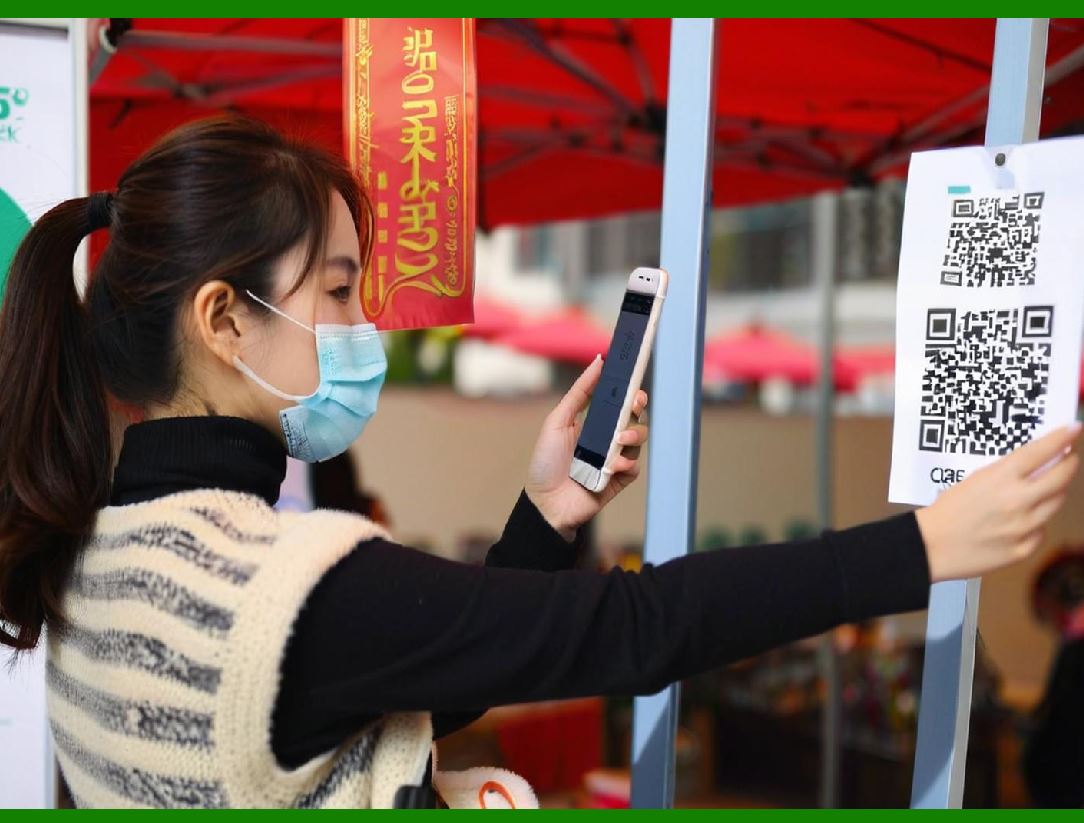
For camera-based scanners, such as smartphone cameras, the quiet zone also helps the image processing software isolate the barcode from the background before decoding begins. |
9. The Quiet Zone and Error Correction |
Many modern barcodes include error correction mechanisms that allow them to be decoded even if part of the symbol is damaged. However, error correction does not eliminate the need for a quiet zone. |
Error correction applies to missing or corrupted data modules within the barcode, not to boundary detection. If the scanner cannot correctly locate the barcode in the first place, error correction cannot help. |
The quiet zone ensures that the scanner can find the barcode reliably so that error correction can then do its job if needed. |

|
10. Printing Tolerances and Real-World Imperfections |
In real-world printing environments, labels are rarely perfect. Ink spread, dot gain, misalignment, and cutting tolerances all introduce variability. |
The quiet zone acts as a safety buffer that absorbs these imperfections. If the barcode is printed slightly off-center or if the ink spreads slightly beyond the intended edges, the quiet zone ensures that the barcode remains isolated from surrounding content. |
Without a quiet zone, even minor printing variations can cause barcode elements to merge visually with nearby graphics, making the barcode unreadable. |
11. Label Cutting and Trimming Considerations |
Many barcode labels are printed in bulk and then cut or die-cut. During this process, slight variations in cutting position are inevitable. |
If the barcode is placed too close to the edge of the label without sufficient blank space, cutting errors can remove part of the quiet zone or even part of the barcode itself. |
Designing with an adequate quiet zone ensures that even if trimming is not perfectly aligned, the barcode remains scannable. |

|
12. Scanner Field of View and Quiet Zones |
Scanners have a defined field of view within which they detect and analyze visual information. When a scanner sees multiple high-contrast elements close together, it may struggle to determine which one is the barcode. |
The quiet zone simplifies the visual field by isolating the barcode. This reduces the computational effort required to locate the barcode and increases scanning speed. |
In high-throughput environments, such as retail checkouts or logistics sorting lines, even small improvements in scan speed can have significant operational benefits. |
13. Human Factors and Label Design |
Barcode labels are often designed by humans for humans, but they are read by machines. Decorative elements, logos, text, and borders that enhance human readability can hinder machine readability if placed too close to the barcode. |
The quiet zone provides a clear separation between machine-readable content and human-readable content. This separation allows designers to include necessary information on the label without compromising barcode performance. |

|
14. Quiet Zones and Automated Systems |
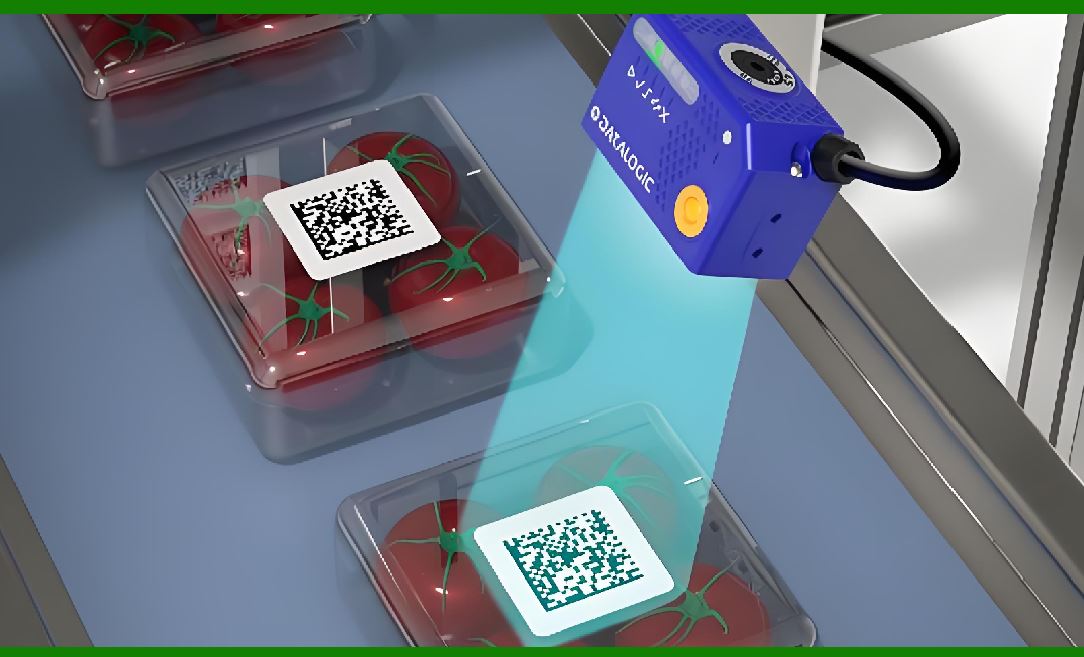
In automated systems, such as conveyor belts and robotic scanning stations, barcodes are often scanned at high speed and from fixed positions. |
These systems rely heavily on predictable barcode placement and sufficient quiet zones. There is little opportunity for manual adjustment if a scan fails. |
A well-defined quiet zone increases the reliability of automated scanning and reduces system downtime caused by unreadable labels. |
15. Environmental Factors Affecting Barcode Scanning |
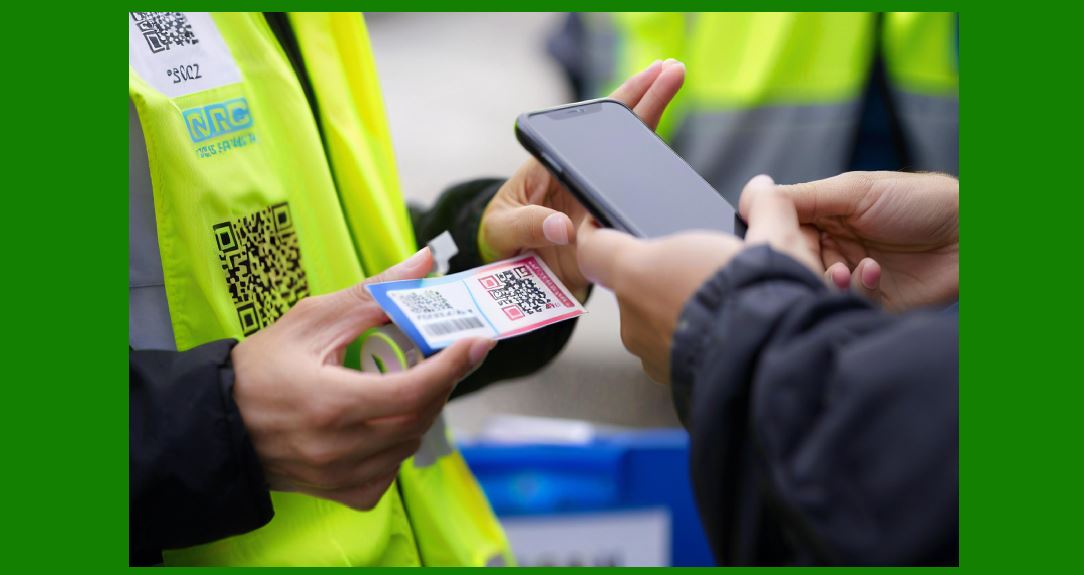
Barcodes are scanned in a wide range of environments, including warehouses, retail stores, hospitals, factories, and outdoor locations. |
Lighting conditions, glare, dust, and surface wear can all affect scanning performance. The quiet zone helps mitigate these factors by providing a clean reference area that enhances contrast detection. |
In challenging environments, the importance of a proper quiet zone becomes even greater. |
|
16. The Psychological Illusion of 'enough Space' |
Designers sometimes believe they have left enough space around a barcode because it looks sufficient visually. However, scanners do not judge space the way humans do. |
What matters is not the perceived size of the space, but its consistency, cleanliness, and proportional relationship to the barcode module size. |
The quiet zone must be sized according to the barcode specifications, not aesthetic judgment. |
17. Quiet Zones and Barcode Scaling |
When a barcode is resized, its quiet zone must be resized proportionally. A common mistake is to scale down the barcode symbol but leave the quiet zone unchanged or reduce it excessively. |
This results in a barcode that may look fine on screen but fails in practice. Proper scaling always preserves the relative size of the quiet zone. |
|
18. The Consequences of Ignoring Quiet Zone Requirements |
Ignoring quiet zone requirements can lead to a range of problems, including intermittent scan failures, increased scanning time, and higher error rates. |
In retail environments, this can slow down checkout lines. In logistics, it can cause misrouted packages. In healthcare, it can lead to serious safety risks. |
These consequences often appear sporadically, making them difficult to diagnose. The root cause is frequently traced back to insufficient quiet zones. |
19. Cost Implications of Poor Barcode Design |
Barcode failures have direct and indirect costs. Direct costs include reprinting labels and manual data entry. Indirect costs include delays, customer dissatisfaction, and increased labor. |
Ensuring proper quiet zones during the design phase is one of the simplest and most cost-effective ways to prevent these issues. |
|
20. Quiet Zones as Part of Barcode Standards |
Barcode standards define quiet zone requirements to ensure interoperability across scanners, printers, and industries. |
These standards are based on extensive testing and real-world experience. Following them ensures that a barcode printed in one location can be scanned reliably in another. |
Ignoring quiet zone requirements effectively breaks compatibility with standard scanning equipment. |
21. Quiet Zones and Mobile Scanning |
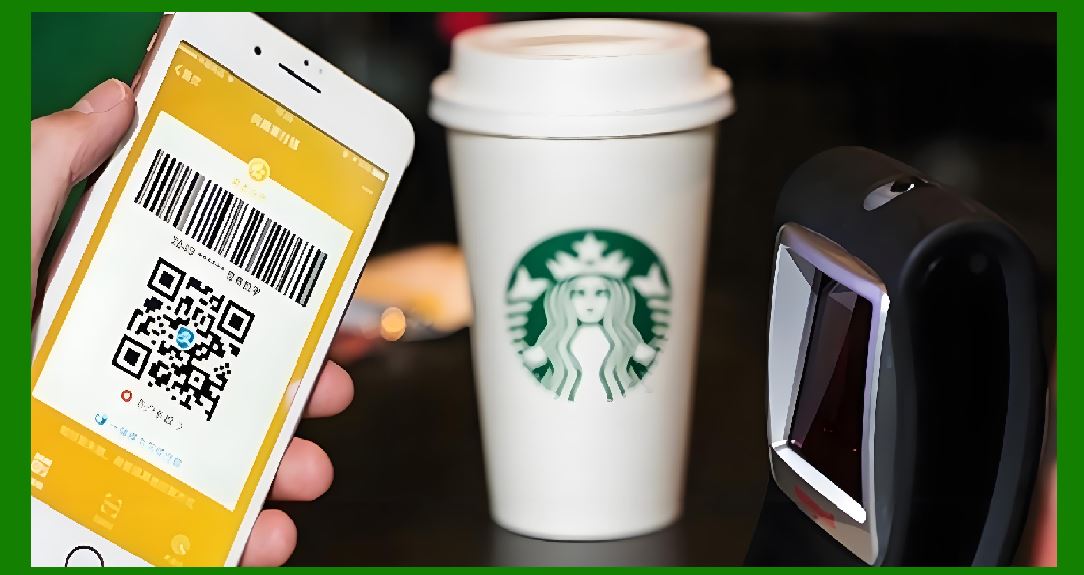
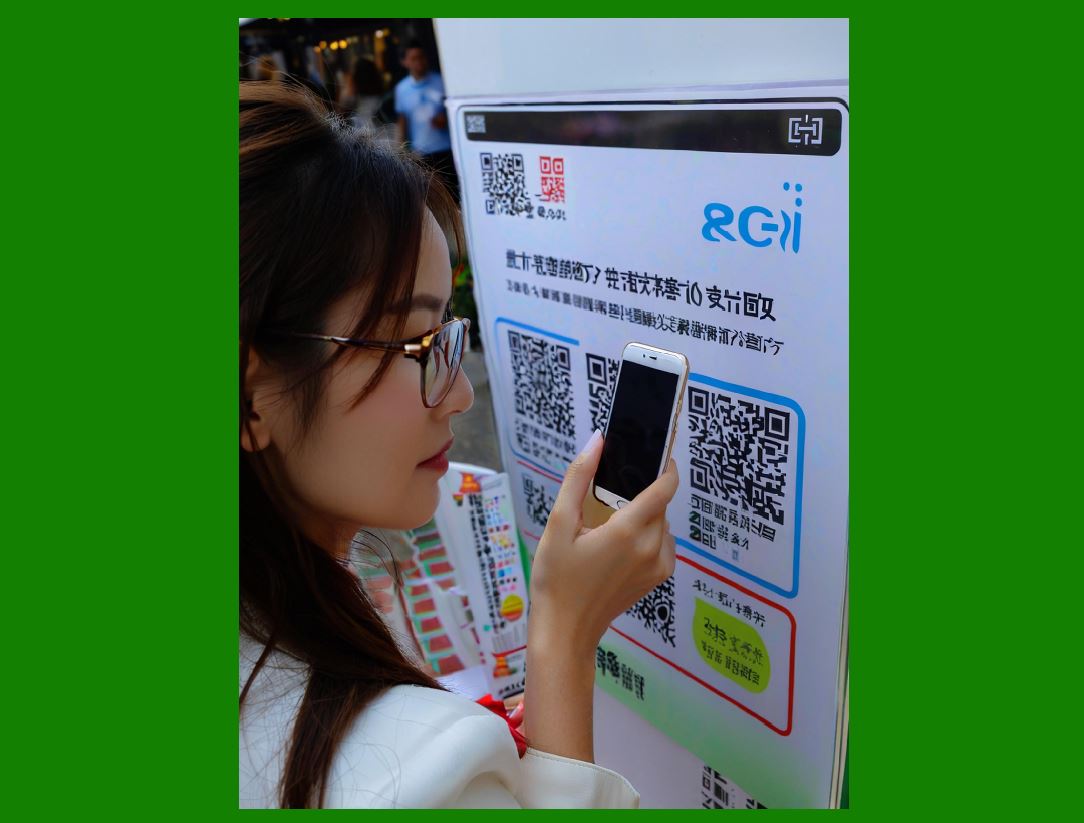
With the widespread use of smartphones for barcode scanning, quiet zones have become even more important. |
Mobile cameras capture complex scenes with varying backgrounds. The quiet zone helps image processing algorithms detect the barcode quickly and accurately. |
Without a quiet zone, mobile scanning apps may fail to recognize the barcode at all. |
|
22. Visual Noise and Digital Processing |
Digital image processing relies on edge detection and pattern recognition. Visual noise near a barcode increases the complexity of this processing. |
The quiet zone reduces noise and simplifies the detection task, leading to faster and more reliable decoding. |
This is particularly important for low-end devices with limited processing power. |
23. Multi-Barcode Labels and Quiet Zones |
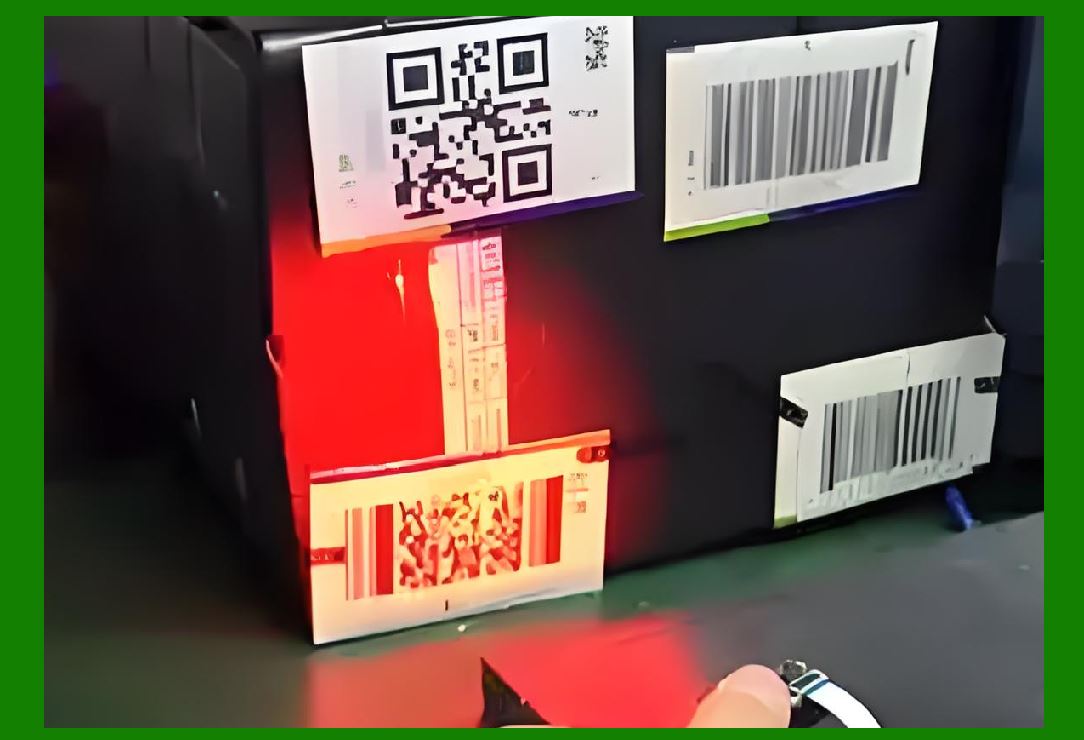
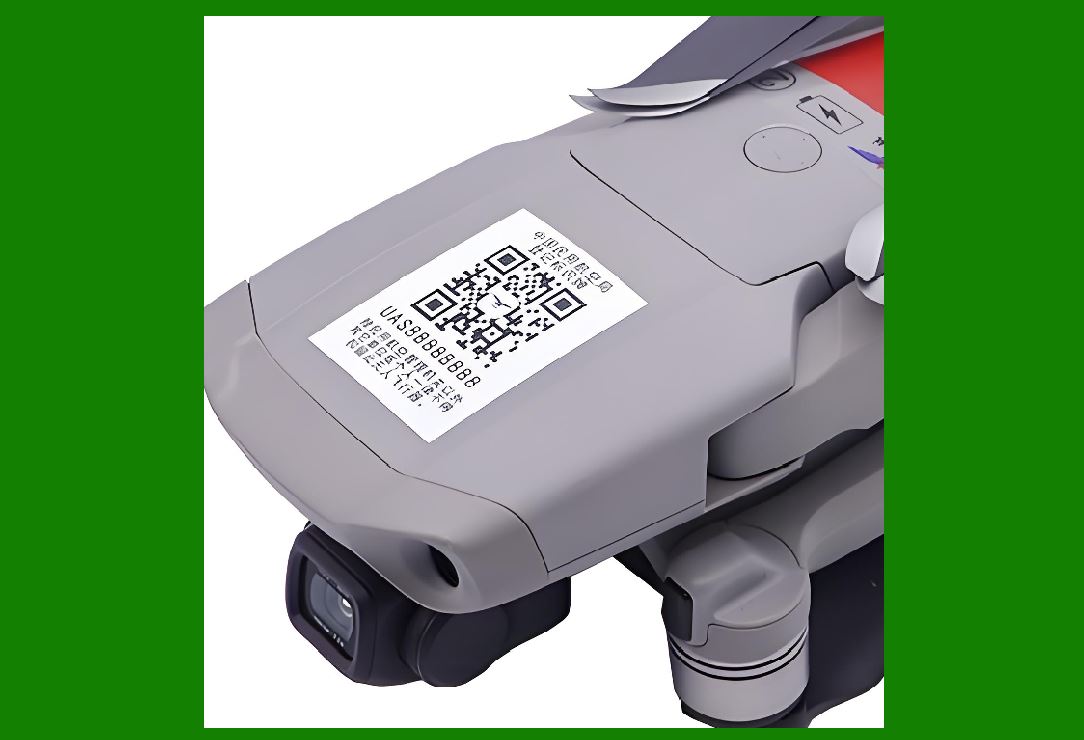
Some labels contain multiple barcodes. In these cases, quiet zones must separate not only the barcodes from other content, but also from each other. |
Failing to provide sufficient space between barcodes can cause scanners to read the wrong barcode or become confused. |
Proper quiet zones ensure that each barcode is treated as a distinct entity. |
|
24. Orientation and Rotation Considerations |
Barcodes may be scanned at various angles. The quiet zone ensures that regardless of orientation, the barcode remains visually isolated. |
This is especially important for two-dimensional barcodes, which may be scanned from multiple directions. |
25. Wear and Tear Over Time |
Labels are often exposed to abrasion, fading, and contamination over time. The quiet zone provides a margin of safety that allows the barcode to remain readable even as the label degrades. |
If the barcode is printed too close to other elements, wear can cause those elements to intrude into the barcode area. |
26. Quiet Zones and Color Contrast |
While the quiet zone is usually white, what matters most is uniform contrast. The quiet zone must provide a consistent background against which the barcode elements stand out. |
Inconsistent colors or shading in the quiet zone can interfere with contrast detection. |
|
27. Human Error in Label Application |
Labels may be applied crookedly or wrinkled. The quiet zone helps accommodate these errors by maintaining separation from other visual elements. |
Without a quiet zone, even slight misalignment can compromise scanability. |
28. The Quiet Zone as a Design Discipline |
Treating the quiet zone as a mandatory design element encourages disciplined label layout. It forces designers to prioritize function over decoration. |
This discipline leads to cleaner, more professional label designs that perform reliably. |
29. Common Misconceptions About Quiet Zones |
One common misconception is that scanners are smart enoughto handle poor designs. While scanners have improved, they still rely on fundamental optical principles. |
Another misconception is that quiet zones are optional guidelines rather than requirements. In reality, they are essential for consistent performance. |
|
30. Quiet Zones in High-Density Barcodes |
High-density barcodes encode more data in less space. This makes them more sensitive to boundary detection issues. |
In these cases, quiet zones are even more critical because there is less margin for error within the symbol itself. |
31. Regulatory and Compliance Implications |
In regulated industries, barcode failures can result in non-compliance with labeling requirements. |
Ensuring proper quiet zones helps meet regulatory expectations for reliable machine-readable identification. |
32. Testing and Verification |
Barcode verification tools measure quiet zone compliance as part of quality assessment. |
Failing quiet zone checks can cause labels to be rejected during audits or inspections. |

|
33. Quiet Zones and Brand Consistency |
Some designers worry that quiet zones will disrupt brand aesthetics. In practice, thoughtful design can integrate quiet zones seamlessly. |
Consistent use of quiet zones actually enhances perceived quality and professionalism. |
34. Future-Proofing Barcode Labels |
As scanning technology evolves, requirements may become more stringent rather than more relaxed. |
Designing with generous quiet zones helps future-proof labels against changes in scanning algorithms and equipment. |
35. Quiet Zones as a Universal Principle |
While specific dimensions may vary by barcode type, the principle of leaving blank space around a barcode is universal. |
This universality reflects the fundamental role of quiet zones in optical recognition. |
|
36. Educational Value for Designers and Engineers |
Understanding quiet zones helps designers, engineers, and decision-makers collaborate more effectively. |
It provides a shared vocabulary for discussing barcode performance issues. |
37. Troubleshooting Scan Failures |
When a barcode fails to scan, one of the first things to check is the quiet zone. |
Many scanning problems that appear mysterious are resolved by increasing blank space around the barcode. |
38. Quiet Zones and Label Templates |
Using well-designed templates that include proper quiet zones reduces the risk of accidental violations. |
Templates enforce consistency across different labels and products. |
|
39. The Quiet Zone as an Invisible Feature |
The best quiet zones are invisible in the sense that users do not notice them consciously. |
Their success is measured by the absence of problems, not by visual prominence. |
40. Conclusion: The Necessity of Blank Space Around Barcodes |
Leaving a certain amount of blank space around a barcode is not an arbitrary design rule or a minor technical detail. It is a foundational requirement rooted in the physics of light, the logic of decoding algorithms, and the realities of printing and scanning in the real world. |
The quiet zone ensures that scanners can locate, interpret, and decode barcodes quickly and accurately. It protects against printing imperfections, environmental challenges, and human error. It supports automation, compliance, and long-term reliability. |
By understanding and respecting the necessity of blank space around barcodes, designers and users alike can ensure that barcode labels fulfill their primary purpose: to enable fast, accurate, and dependable machine-readable identification across countless applications and environments. |
 cs@easiersoft.com