Part 3: Cross-Module Integration and Enterprise Process Orchestration |
31. The Need for Enterprise-Wide Process Integration |
31.1 |
Enterprises do not operate as isolated departments. Real business value is created when activities across finance, procurement, production, sales, logistics, and human resources are coordinated into end-to-end processes. |
31.2 |
ERP systems exist precisely to support these cross-functional processes. Modular architecture must therefore strike a balance between module autonomy and enterprise coherence. |
31.3 |
Without a strong architectural foundation for integration, modular ERP systems would degrade into disconnected subsystems, recreating the very silos they were meant to eliminate. |
|
32. Definition of Cross-Module Processes |
32.1 |
A cross-module process is a business workflow that spans multiple functional domains while maintaining logical continuity. |
32.2 |
Examples include: |
* Procure-to-pay |
* Order-to-cash |
* Plan-to-produce |
* Hire-to-retire |
* Record-to-report |
32.3 |
Each step in these processes is owned by a different module, yet the process as a whole must behave as a unified sequence. |
32.4 |
Architecturally, this requires clearly defined interaction contracts between modules. |

|
33. Orchestration Versus Choreography in ERP Systems |
33.1 |
ERP architectures use two fundamental approaches to coordinate modules: orchestration and choreography. |
33.2 |
Orchestration involves a central process controller that dictates the sequence of actions across modules. |
33.3 |
Choreography relies on modules reacting to events produced by other modules without centralized control. |
33.4 |
Most ERP systems employ a hybrid approach, using orchestration for critical transactional flows and choreography for downstream or asynchronous activities. |

|
34. Central Process Engines in Modular ERP Architectures |
34.1 |
Some ERP platforms include a central process engine responsible for managing cross-module workflows. |
34.2 |
This engine defines: |
* Process sequences |
* Conditional branching |
* Error recovery paths |
* Approval steps |
34.3 |
Modules expose process steps that the engine invokes as part of the broader workflow. |
34.4 |
This approach allows enterprises to model complex business processes while preserving module boundaries. |

|
35. Event-Driven Integration Between Modules |
35.1 |
Event-driven architecture is increasingly important in modern ERP systems. |
35.2 |
In this model, modules publish events when significant state changes occur. |
35.3 |
Other modules subscribe to these events and react accordingly. |
35.4 |
For example, when a goods receipt event is published by the inventory module, the finance module may respond by creating accounting entries. |
35.5 |
Event-driven integration reduces tight coupling and improves scalability. |

|
36. Synchronous Versus Asynchronous Interactions |
36.1 |
Not all inter-module interactions are equal in urgency or importance. |
36.2 |
Synchronous interactions are used when immediate validation or response is required. |
36.3 |
Asynchronous interactions are used when actions can occur independently or later. |
Modular ERP architecture carefully selects interaction modes to balance responsiveness, reliability, and performance. |
|
37. Transaction Consistency Across Modules |
37.1 |
Maintaining consistency across modules is one of the most challenging aspects of ERP architecture. |
37.2 |
Some processes require atomicity across multiple modules, while others tolerate eventual consistency. |
37.3 |
ERP systems implement mechanisms such as: |
* Coordinated commits |
* Compensation logic |
* Reconciliation processes |
37.4 |
These mechanisms ensure data integrity without sacrificing modular independence. |

|
38. Shared Enterprise Data Model |
38.1 |
A defining feature of ERP systems is the shared enterprise data model. |
38.2 |
This model defines common entities such as: |
* Business partners |
* Products and materials |
* Organizational units |
* Financial structures |
38.3 |
Modules extend these entities with domain-specific attributes while adhering to common definitions. |
38.4 |
This shared model enables seamless data flow across the enterprise. |
|
39. Master Data Harmonization Across Modules |
39.1 |
Master data harmonization ensures that all modules interpret shared entities consistently. |
39.2 |
This includes agreement on identifiers, classifications, and lifecycle states. |
39.3 |
Architecturally, harmonization is enforced through centralized governance and validation rules. |
39.4 |
Without harmonization, modular systems risk semantic fragmentation. |
|
40. Referential Integrity as an Architectural Contract |
40.1 |
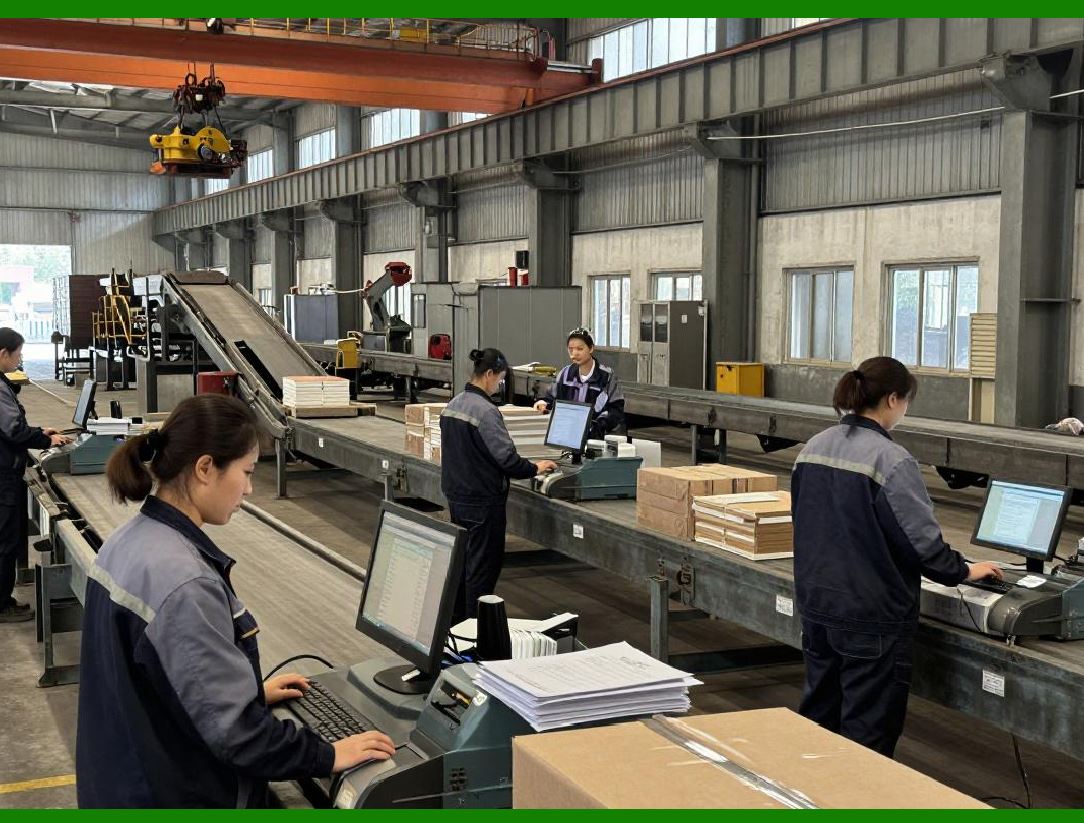
Referential integrity is more than a database feature in ERP systems; it is an architectural contract. |
40.2 |
Modules must respect relationships between entities owned by other modules. |
40.3 |
Violating referential integrity undermines trust in enterprise data. |
40.4 |
ERP architecture enforces integrity through schema constraints, service interfaces, and transactional checks. |
|
41. Temporal Consistency and Business Time |
41.1 |
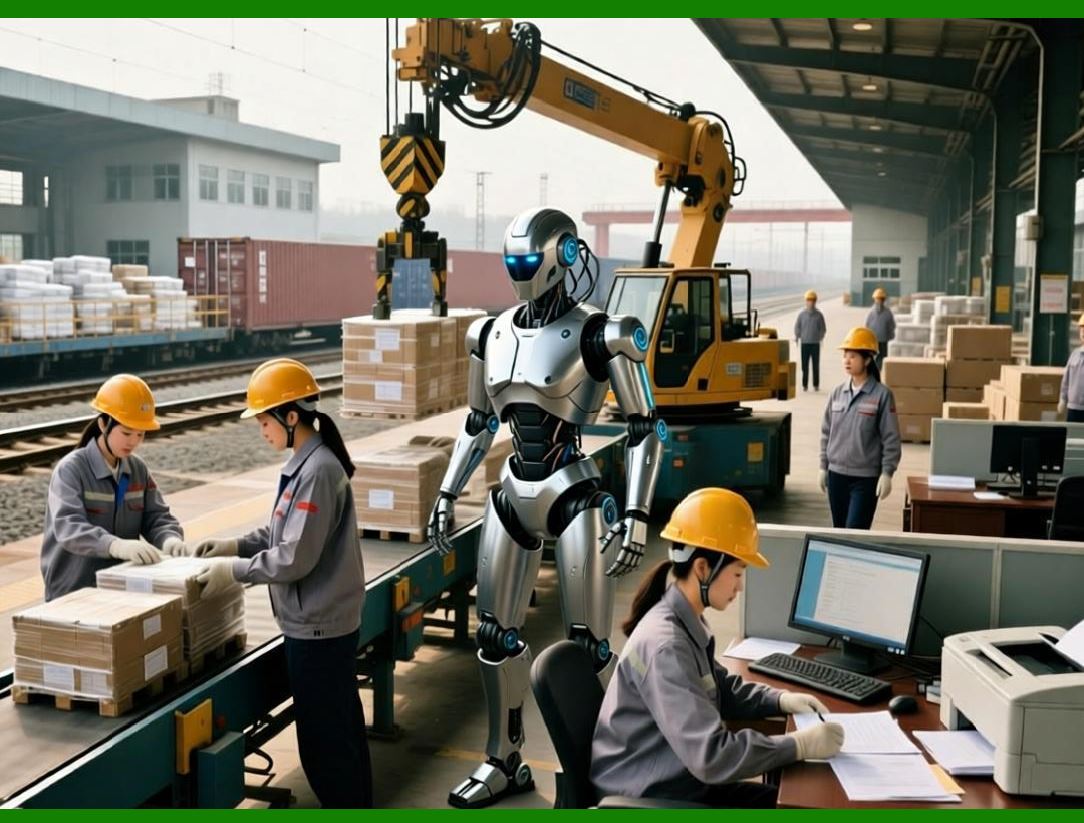
ERP systems operate across multiple notions of time, including transaction time, posting time, and business effective time. |
41.2 |
Different modules may interpret time differently based on domain requirements. |
41.3 |
Architectural coordination ensures that time-based logic remains consistent across modules. |
41.4 |
This is critical for financial accuracy, compliance, and historical reporting. |
|
42. Error Propagation and Containment in Cross-Module Processes |
42.1 |
Errors in one module can impact downstream modules. |
42.2 |
Modular architecture emphasizes error containment, ensuring that failures are isolated and recoverable. |
42.3 |
Compensation transactions and exception workflows are commonly used to restore consistency. |
42.4 |
This design prevents cascading failures across the ERP system. |

|
43. Cross-Module Reporting and Analytics |
43.1 |
ERP systems must support reporting that spans multiple modules. |
43.2 |
Modular architecture enables this by standardizing data definitions and aggregation rules. |
43.3 |
Reports draw from the shared data model while respecting module ownership. |
43.4 |
This ensures accurate, auditable enterprise-wide insights. |

|
44. Real-Time Versus Batch Integration |
44.1 |
Some ERP processes require real-time integration, while others are naturally batch-oriented. |
44.2 |
Modular architecture supports both modes through configurable integration patterns. |
44.3 |
For example, inventory updates may be real-time, while financial consolidation may occur periodically. |
44.4 |
This flexibility optimizes system performance and business responsiveness. |

|
45. Scalability of Cross-Module Processes |
45.1 |
As transaction volumes grow, cross-module processes must scale without degradation. |
45.2 |
Modular architecture allows scaling strategies to be applied selectively. |
45.3 |
This includes load distribution, asynchronous processing, and resource isolation. |
45.4 |
Scalability is thus an architectural property, not an afterthought. |

|
46. Governance of Cross-Module Interactions |
46.1 |
Governance ensures that integration points remain controlled and predictable. |
46.2 |
ERP systems define standards for: |
* Data exchange |
* Error handling |
* Versioning |
* Security |
46.3 |
This governance protects system integrity over long lifecycles. |
|
47. Organizational Alignment With Modular Integration |
47.1 |
ERP architecture mirrors organizational structure. |
47.2 |
Cross-module processes often reflect cross-departmental collaboration. |
47.3 |
Modular architecture supports organizational change by allowing process redesign without destabilizing core systems. |
47.4 |
This alignment enhances adoption and operational effectiveness. |
|
48. Avoiding Process Fragmentation |
48.1 |
Poorly designed modular systems risk fragmenting enterprise processes. |
48.2 |
ERP architecture mitigates this by enforcing process ownership and standardized interfaces. |
48.3 |
This ensures that modularity enhances, rather than undermines, enterprise coherence. |
|
49. Long-Term Evolution of Cross-Module Architecture |
49.1 |
ERP systems are long-lived assets, often operating for decades. |
49.2 |
Modular integration architectures must support continuous evolution. |
49.3 |
Backward compatibility, extensibility, and documentation are critical. |
49.4 |
Well-designed modular ERP systems can adapt to new business models without structural collapse. |
|
50. Summary of Part 3 |
50.1 |
In this part, we examined how modular ERP systems achieve enterprise-wide integration without sacrificing modular independence. |
50.2 |
We explored orchestration, event-driven integration, shared data models, and governance mechanisms. |
50.3 |
In the next part, we will shift focus to scalability, performance, and deployment considerations, showing how modular architecture supports growth, resilience, and operational efficiency. |
 cs@easiersoft.com