Part 6: Organizational Alignment, Governance, and Control Models |
91. ERP Architecture as an Organizational Mirror |
91.1 |
ERP systems do not exist in isolation from the organizations they serve. Their architecture inevitably reflects organizational structure, authority, accountability, and decision-making processes. |
91.2 |
Modular ERP architecture aligns naturally with functional organizational models, where departments such as finance, operations, sales, and human resources have defined responsibilities. |
91.3 |
This alignment reduces friction between system design and organizational reality, increasing adoption and effectiveness. |

|
92. Functional Ownership and Module Responsibility |
92.1 |
Each ERP module typically corresponds to a business function with clear ownership. |
92.2 |
Functional ownership means that a specific department or role is responsible for defining requirements, approving changes, and ensuring correct usage of the module. |
92.3 |
Modular architecture supports this by isolating responsibilities within module boundaries. |
92.4 |
This clarity prevents ambiguity and conflict in system governance. |

|
93. Separation of Duties and Internal Controls |
93.1 |
Separation of duties is a fundamental principle of internal control. |
93.2 |
ERP systems must enforce separation to prevent fraud, errors, and conflicts of interest. |
93.3 |
Modular architecture enables fine-grained control by assigning permissions at the module and function level. |
93.4 |
This architectural capability is essential for regulatory compliance and risk management. |

|
94. Role-Based Access Control Across Modules |
94.1 |
Role-based access control is central to ERP security. |
94.2 |
Roles are typically defined based on job functions rather than individuals. |
94.3 |
Modular architecture allows roles to be mapped precisely to module capabilities. |
94.4 |
This ensures users have access only to what they need, reducing risk. |

|
95. Governance Models for Modular ERP Systems |
95.1 |
ERP governance defines how decisions about configuration, customization, and usage are made. |
95.2 |
Modular architecture supports distributed governance, where each module has designated stewards. |
95.3 |
Central governance bodies coordinate cross-module decisions. |
95.4 |
This balance ensures consistency without stifling flexibility. |

|
96. Change Management and Modular Boundaries |
96.1 |
Change is inevitable in ERP systems. |
96.2 |
Modular architecture simplifies change management by localizing impact. |
96.3 |
Changes to one module can be assessed, tested, and deployed independently. |
96.4 |
This reduces risk and improves agility. |

|
97. Compliance as an Architectural Requirement |
97.1 |
Compliance requirements vary by industry, geography, and time. |
97.2 |
ERP systems must enforce compliance consistently across operations. |
97.3 |
Modular architecture allows compliance logic to be embedded where it belongs. |
97.4 |
This ensures that compliance is enforced automatically, not manually. |

|
98. Audit Readiness Through Modular Design |
98.1 |
Audits are a routine part of enterprise operations. |
98.2 |
ERP systems must provide transparent, traceable records. |
98.3 |
Modular architecture ensures that each module maintains its own audit trails. |
98.4 |
These trails integrate into enterprise-wide audit reporting. |

|
99. Regulatory Adaptability and Localization |
99.1 |
Enterprises operating globally face diverse regulatory environments. |
99.2 |
Modular ERP architecture supports localization by allowing region-specific configurations. |
99.3 |
Localization logic is contained within modules affected by regulations. |
99.4 |
This avoids contaminating global processes with local exceptions. |

|
100. Policy Enforcement Through Configuration |
100.1 |
Enterprise policies govern how business is conducted. |
100.2 |
ERP systems operationalize policies through configuration and rules. |
100.3 |
Modular architecture allows policies to be enforced at appropriate points. |
100.4 |
This transforms policies from documents into executable controls. |

|
101. Data Governance and Stewardship |
101.1 |
Data is one of the most valuable enterprise assets. |
101.2 |
ERP systems must support strong data governance. |
101.3 |
Modular architecture assigns data stewardship responsibilities by domain. |
101.4 |
This improves data quality and accountability. |

|
102. Master Data Governance Across Modules |
102.1 |
Master data governance requires coordination across modules. |
102.2 |
Modular architecture supports centralized governance with decentralized execution. |
102.3 |
Changes to master data follow defined workflows and approvals. |
102.4 |
This ensures consistency and trust in enterprise data. |

|
103. Process Ownership and Accountability |
103.1 |
Cross-functional processes require clear ownership. |
103.2 |
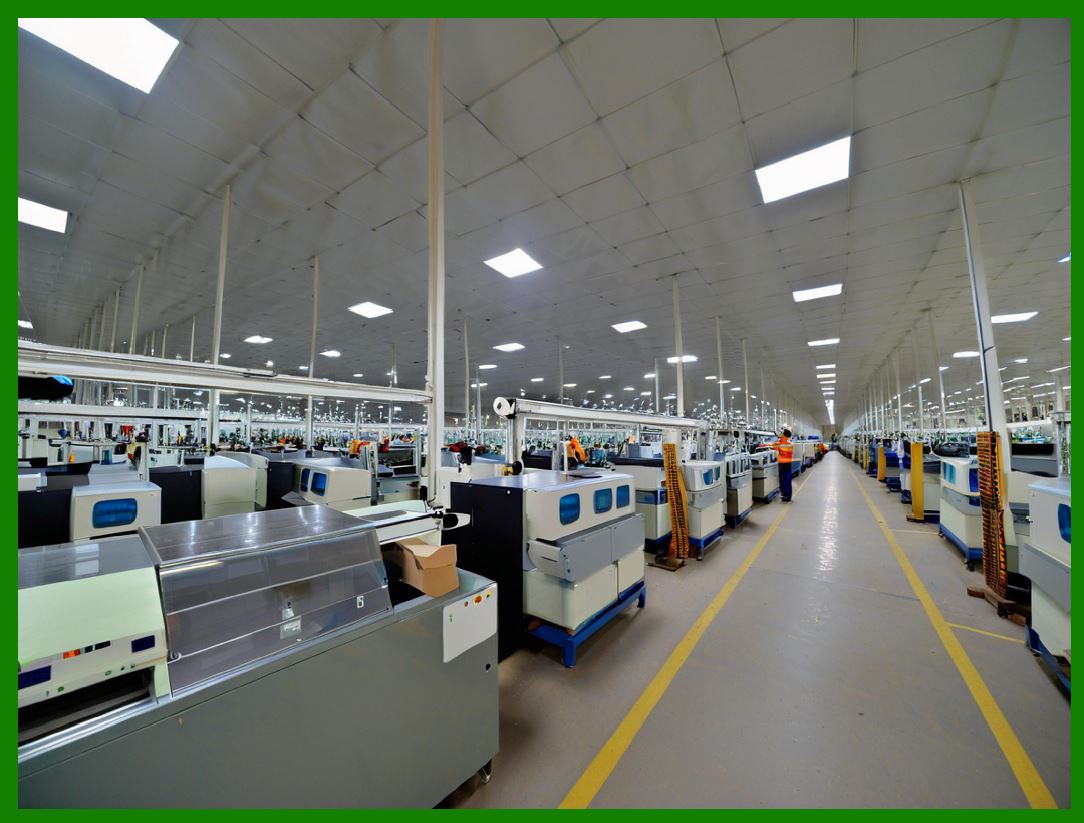
ERP architecture supports this by defining process responsibilities. |
103.3 |
Modules contribute steps, but ownership of the end-to-end process is explicit. |
103.4 |
This clarity improves performance management. |
|
104. Organizational Change and ERP Evolution |
104.1 |
Organizations evolve through mergers, restructuring, and growth. |
104.2 |
ERP systems must adapt accordingly. |
104.3 |
Modular architecture supports reorganization by allowing structural changes without system redesign. |
104.4 |
This adaptability preserves continuity during transformation. |

|
105. Training and User Adoption |
105.1 |
User adoption is critical to ERP success. |
105.2 |
Modular architecture simplifies training by focusing on relevant modules. |
105.3 |
Users learn only the parts of the system they need. |
105.4 |
This reduces cognitive overload and resistance. |

|
106. Cultural Alignment and System Acceptance |
106.1 |
ERP systems influence organizational culture. |
106.2 |
Modular architecture supports gradual change rather than abrupt disruption. |
106.3 |
Departments can adopt modules at different paces. |
106.4 |
This flexibility improves acceptance and morale. |

|
107. Metrics, KPIs, and Performance Management |
107.1 |
ERP systems support performance measurement. |
107.2 |
Modules collect metrics relevant to their domains. |
107.3 |
Enterprise-level KPIs aggregate module-level data. |
107.4 |
Modular architecture ensures metrics are accurate and meaningful. |

|
108. Continuous Improvement Enabled by Modularity |
108.1 |
Continuous improvement requires visibility and control. |
108.2 |
Modular ERP architecture enables focused optimization. |
108.3 |
Processes can be refined incrementally. |
108.4 |
This supports long-term operational excellence. |

|
109. Risk Management and Modular Architecture |
109.1 |
Risk management is a strategic concern. |
109.2 |
ERP systems must identify, assess, and mitigate risks. |
109.3 |
Modular architecture supports targeted risk controls. |
109.4 |
This improves enterprise resilience. |

|
110. Summary of Part 6 |
110.1 |
In this part, we explored how modular ERP architecture aligns with organizational structure, governance, compliance, and control. |
110.2 |
We saw how architectural modularity enables accountability, adaptability, and trust. |
110.3 |
In the next part, we will examine data architecture, consistency models, and information lifecycle management within modular ERP systems, which form the backbone of all enterprise operations. |
 cs@easiersoft.com