Modules and Functions of an Enterprise ERP System |
Part 3: Procurement, Inventory, and Warehouse Management Modules |
22. Procurement Management Module: Strategic Role in ERP Systems |
22.1 Procurement as a Cross-Functional ERP Process |
Procurement in an ERP system is not merely about purchasing goods. It is a cross-functional process that connects: |
* Demand planning |
* Supplier management |
* Inventory control |
* Financial accounting |
* Compliance and audit |
The procurement module ensures that the enterprise acquires the right goods and services, in the right quantity, at the right time, and at the right cost while maintaining control and transparency. |
22.2 Objectives of the Procurement Module |
The procurement module is designed to achieve multiple objectives simultaneously: |
* Reduce procurement costs |
* Ensure supplier reliability |
* Maintain material availability |
* Enforce approval and compliance rules |
* Provide spend visibility and analytics |
These objectives often conflict, and ERP systems balance them through configurable business rules. |
|
23. Supplier and Vendor Master Management |
23.1 Vendor Master Data Structure |
Supplier master data is foundational to procurement operations. ERP systems maintain detailed vendor records that may include: |
* Legal and tax information |
* Payment terms |
* Currency preferences |
* Banking details |
* Contact persons |
* Approved materials or services |
* Compliance and certification data |
This master data is shared across procurement, finance, and logistics modules. |
23.2 Vendor Classification and Segmentation |
ERP systems allow vendors to be classified based on: |
* Strategic importance |
* Risk level |
* Product category |
* Geographic region |
* Contractual status |
Such classifications drive approval workflows, sourcing strategies, and risk management processes. |
23.3 Vendor Evaluation and Performance Tracking |
Many ERP systems include supplier performance management functions, tracking: |
* Delivery punctuality |
* Quality issues |
* Price stability |
* Contract compliance |
These metrics support informed sourcing decisions. |
|
24. Purchase Requisition Management |
24.1 Purpose of Purchase Requisitions |
A purchase requisition represents an internal request to procure goods or services. It acts as a formal demand signal within the organization. |
Purchase requisitions ensure that procurement activities are: |
* Demand-driven |
* Approved before commitment |
* Aligned with budgets |
24.2 Requisition Creation Sources |
ERP systems support multiple requisition sources: |
* Manual entry by users |
* Automatic generation from inventory thresholds |
* Production planning outputs |
* Maintenance requirements |
* Project demands |
This flexibility ensures procurement responds to real operational needs. |
24.3 Approval Workflows and Controls |
Requisition approval workflows enforce: |
* Authorization limits |
* Budget availability checks |
* Policy compliance |
* Segregation of duties |
Only approved requisitions can be converted into purchase orders. |
|
25. Purchase Order Management |
25.1 Role of Purchase Orders |
A purchase order (PO) is a legally binding commitment between the enterprise and a supplier. It formalizes: |
* Quantities |
* Prices |
* Delivery dates |
* Terms and conditions |
ERP systems ensure purchase orders are standardized, traceable, and auditable. |
25.2 Purchase Order Types |
ERP systems support various PO types, including: |
* Standard purchase orders |
* Blanket purchase orders |
* Contract-based orders |
* Consignment orders |
* Service purchase orders |
Each type follows different processing and accounting rules. |
25.3 Integration with Financial Commitments |
Upon PO creation, ERP systems may: |
* Reserve budget |
* Create commitments in controlling |
* Forecast cash outflows |
This ensures financial visibility before actual spending occurs. |

|
26. Goods Receipt and Inspection Management |
26.1 Goods Receipt Process |
Goods receipt records the physical arrival of materials or services. This process: |
* Confirms delivery |
* Updates inventory levels |
* Triggers accounting postings |
* Initiates quality inspections if required |
Goods receipt is a critical control point between suppliers and internal operations. |
26.2 Quantity and Quality Verification |
ERP systems allow detailed recording of: |
* Received quantities |
* Damaged or missing items |
* Inspection results |
* Acceptance or rejection decisions |
Rejected goods may trigger return processes or supplier claims. |
26.3 Financial Impact of Goods Receipt |
Depending on configuration, goods receipt may: |
* Increase inventory value |
* Create accruals |
* Update cost estimates |
* Affect work-in-process accounts |
This tight integration ensures accurate financial representation of physical movements. |
|
27. Inventory Management Module: Core Concepts |
27.1 Purpose of Inventory Management |
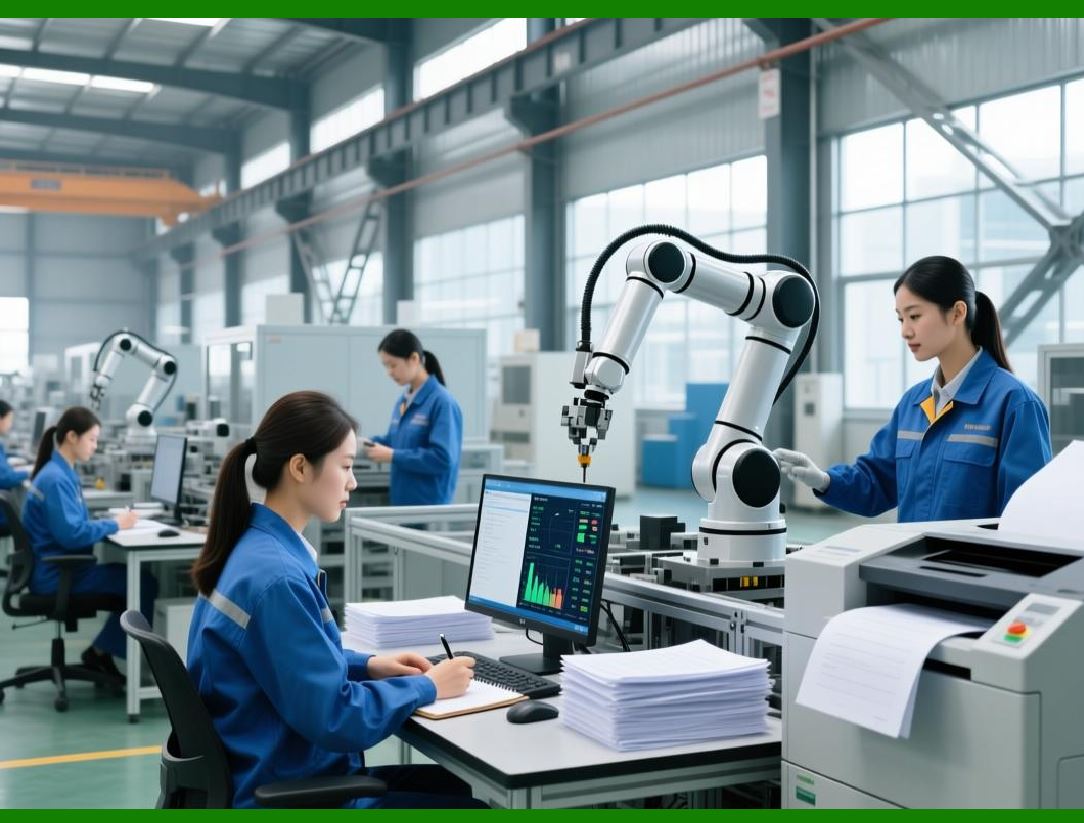
Inventory management ensures that materials are available to support operations while minimizing carrying costs and obsolescence. |
ERP inventory modules balance: |
* Service level requirements |
* Storage constraints |
* Capital investment |
* Demand variability |
27.2 Inventory Types in ERP Systems |
ERP systems manage multiple inventory categories, such as: |
* Raw materials |
* Work-in-process |
* Finished goods |
* Spare parts |
* Consignment stock |
* Customer-owned stock |
Each category has distinct valuation and control rules. |
|
28. Material Master Data Management |
28.1 Material Master Structure |
Material master data defines every item managed by the ERP system. It typically includes: |
* Material identifiers |
* Descriptions |
* Units of measure |
* Storage requirements |
* Valuation methods |
* Procurement parameters |
* Planning attributes |
Material master data is shared across procurement, inventory, production, and sales. |
28.2 Units of Measure and Conversions |
ERP systems support multiple units of measure per item, allowing: |
* Purchasing in one unit |
* Storing in another |
* Selling in a third |
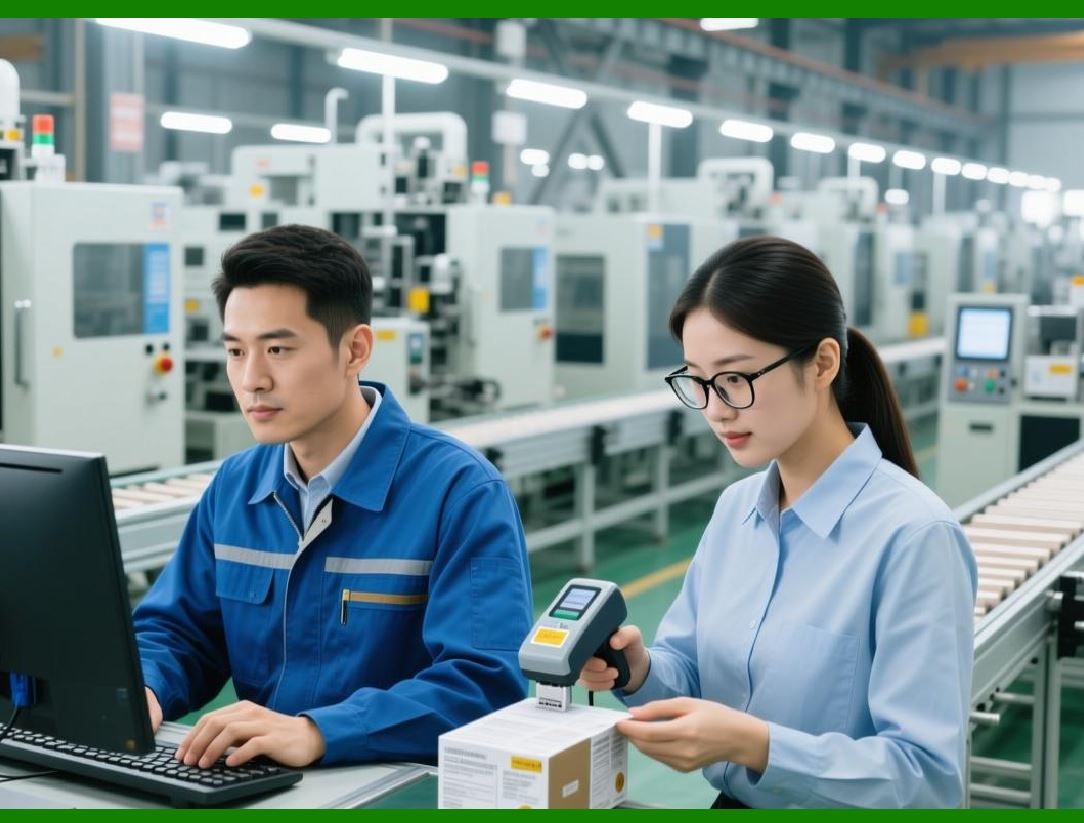
Automatic conversion rules ensure consistency across transactions. |
|
29. Stock Quantity and Valuation Management |
29.1 Real-Time Stock Tracking |
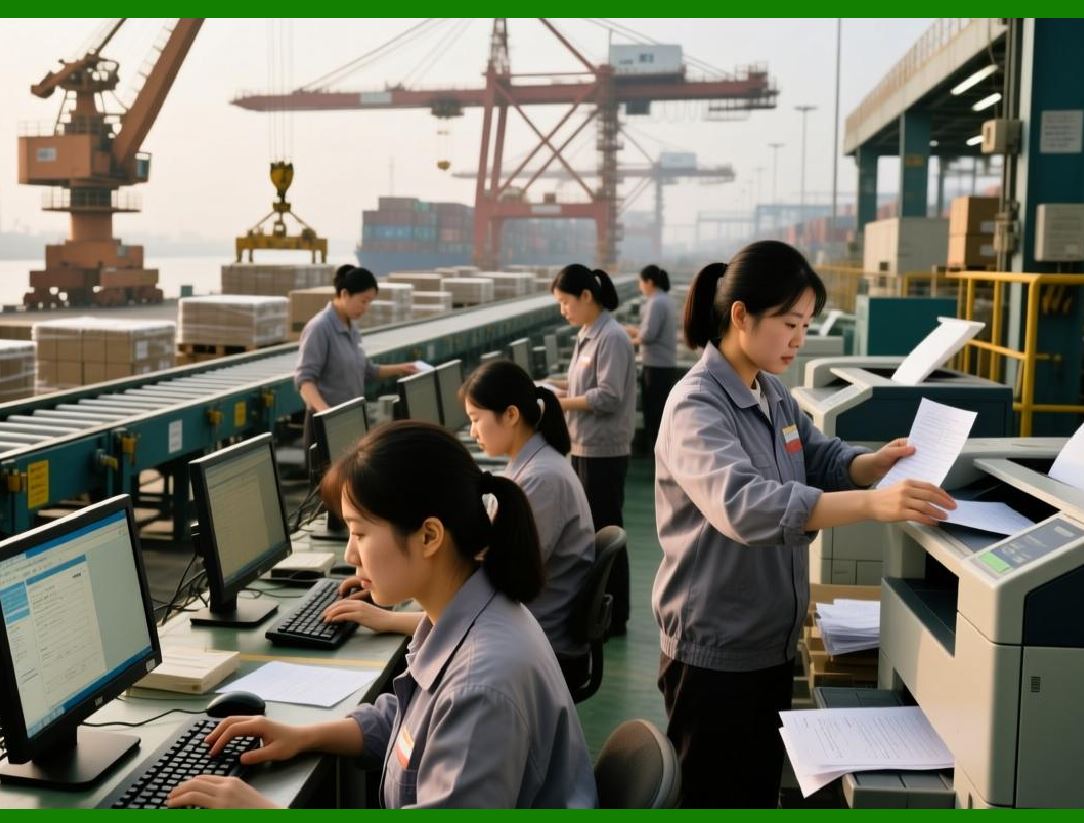
ERP systems track inventory quantities in real time by: |
* Location |
* Warehouse |
* Storage bin |
* Batch or lot |
* Serial number |
This granularity supports accurate availability checks and traceability. |
29.2 Inventory Valuation Methods |
ERP systems support various valuation methods, including: |
* Standard cost |
* Moving average cost |
* FIFO-based approaches |
* Specific identification |
Valuation rules are applied consistently across transactions. |
29.3 Inventory Adjustments and Corrections |
Inventory modules allow controlled adjustments for: |
* Cycle counts |
* Physical inventory differences |
* Damage or shrinkage |
* Obsolescence write-downs |
All adjustments are logged and auditable. |
|
30. Warehouse Management Module |
30.1 Role of Warehouse Management |
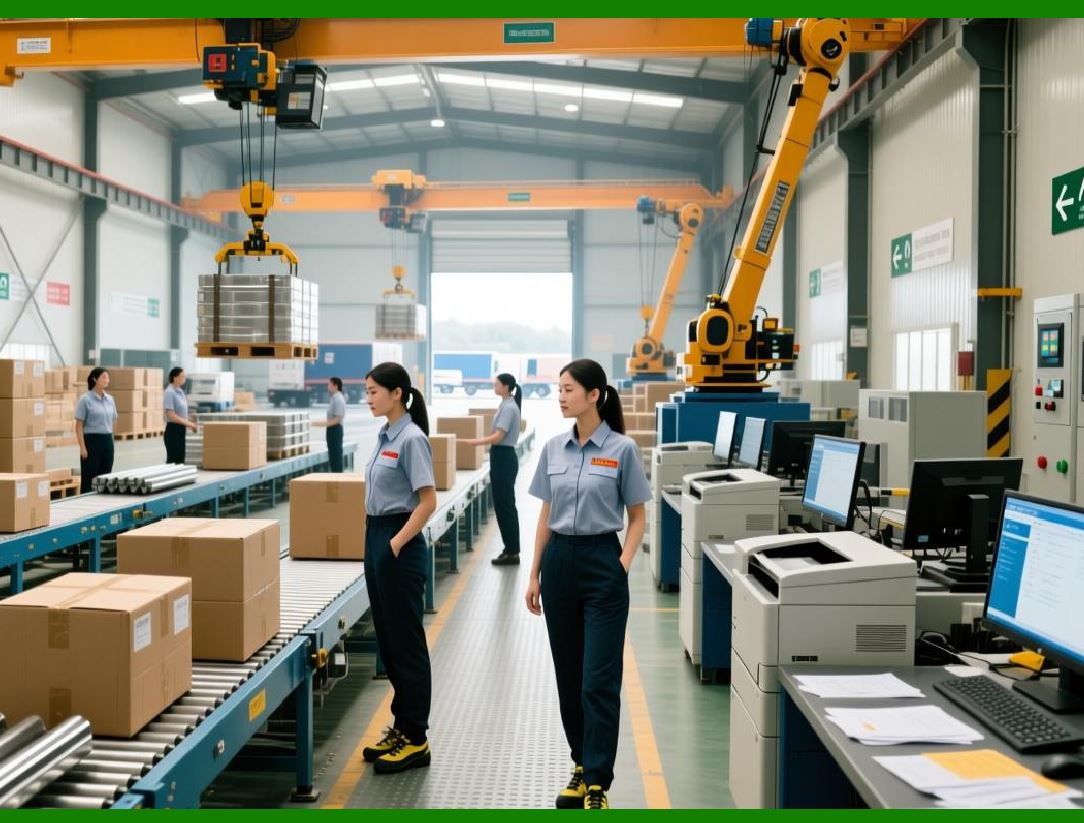
Warehouse management extends inventory management by controlling physical storage and movement within warehouses. |
It focuses on: |
* Space utilization |
* Picking efficiency |
* Material handling optimization |
* Error reduction |
30.2 Warehouse Structure Definition |
ERP systems allow detailed warehouse modeling, including: |
* Warehouses |
* Zones |
* Aisles |
* Racks |
* Bins |
This structure supports precise stock placement and retrieval. |
30.3 Inbound and Outbound Warehouse Processes |
Warehouse management covers: |
* Put-away strategies |
* Picking strategies |
* Packing and staging |
* Shipping preparation |
* Cross-docking |
Each process can be optimized for speed, accuracy, or cost. |
|
31. Batch, Lot, and Serial Number Tracking |
31.1 Importance of Traceability |
Batch and serial tracking is essential for: |
* Regulatory compliance |
* Quality control |
* Recall management |
* Warranty tracking |
ERP systems provide full traceability from supplier to customer. |
31.2 Integration Across Modules |
Batch and serial numbers flow through: |
* Procurement |
* Inventory |
* Production |
* Sales |
* Service |
This end-to-end visibility is a key ERP capability. |

|
32. Inventory Planning and Replenishment |
32.1 Reorder Point and Safety Stock Management |
ERP systems support automated replenishment using: |
* Minimum stock levels |
* Safety stock buffers |
* Lead time calculations |
Replenishment proposals are generated proactively. |
32.2 Demand-Driven Inventory Control |
Advanced ERP systems integrate: |
* Sales forecasts |
* Production plans |
* Historical consumption |
This enables smarter, demand-driven inventory decisions. |

|
33. Integration of Procurement and Inventory with Finance |
33.1 Financial Impact of Material Movements |
Every inventory transaction has financial consequences, such as: |
* Stock value changes |
* Cost of goods sold updates |
* Accrual postings |
ERP systems ensure financial accuracy without manual intervention. |
33.2 Auditability and Compliance |
Because procurement and inventory are integrated with finance: |
* Every movement is traceable |
* Historical data is preserved |
* Compliance audits are simplified |
 cs@easiersoft.com