Modules and Functions of an Enterprise ERP System |
Part 5: Manufacturing, Production Planning, and Shop Floor Control |
45. Manufacturing Module: Strategic Role in ERP Systems |
45.1 Manufacturing as an Integrated ERP Discipline |
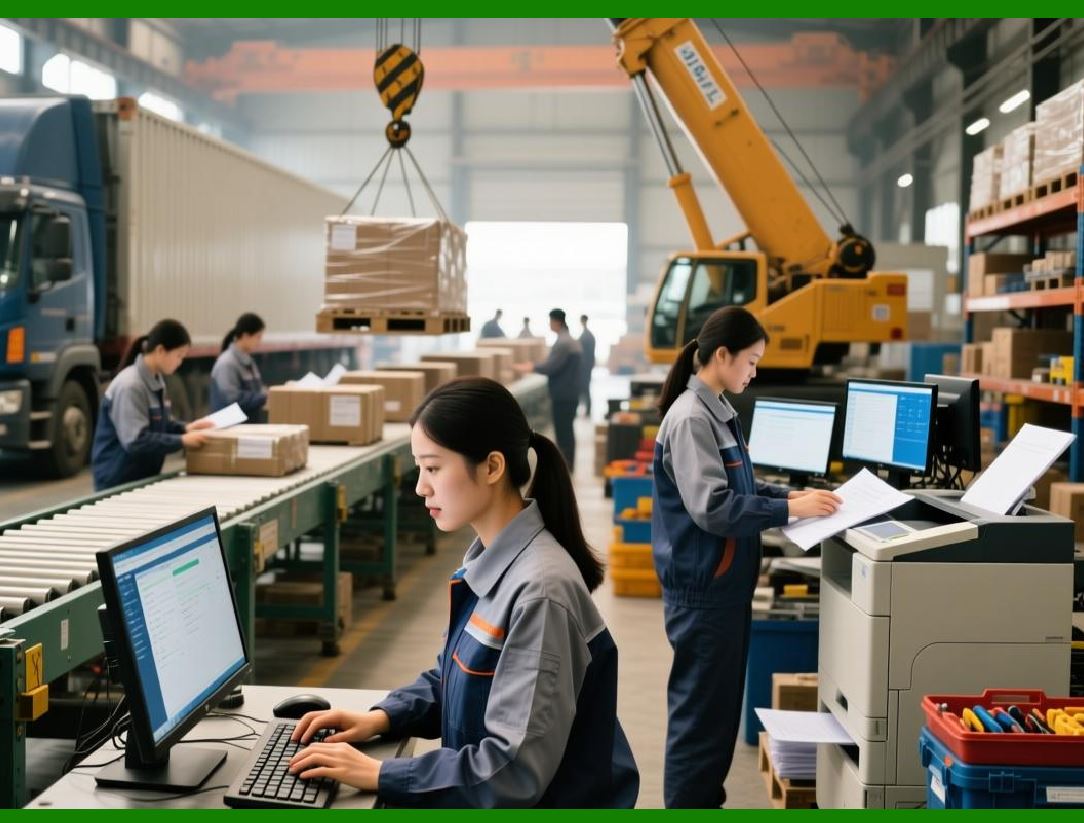
In an enterprise ERP system, manufacturing is not an isolated operational function. It is an integrated discipline that connects: |
* Sales demand |
* Inventory availability |
* Procurement activities |
* Capacity constraints |
* Cost accounting |
* Quality management |
The manufacturing module ensures that products are produced efficiently, on time, and at controlled cost while maintaining full traceability. |
45.2 Manufacturing Models Supported by ERP Systems |
Modern ERP systems support multiple manufacturing models, including: |
* Make-to-stock |
* Make-to-order |
* Engineer-to-order |
* Configure-to-order |
* Process manufacturing |
* Mixed-mode manufacturing |
Each model requires different planning, execution, and costing logic, all supported through configuration. |
|
46. Bill of Materials Management |
46.1 Purpose of the Bill of Materials |
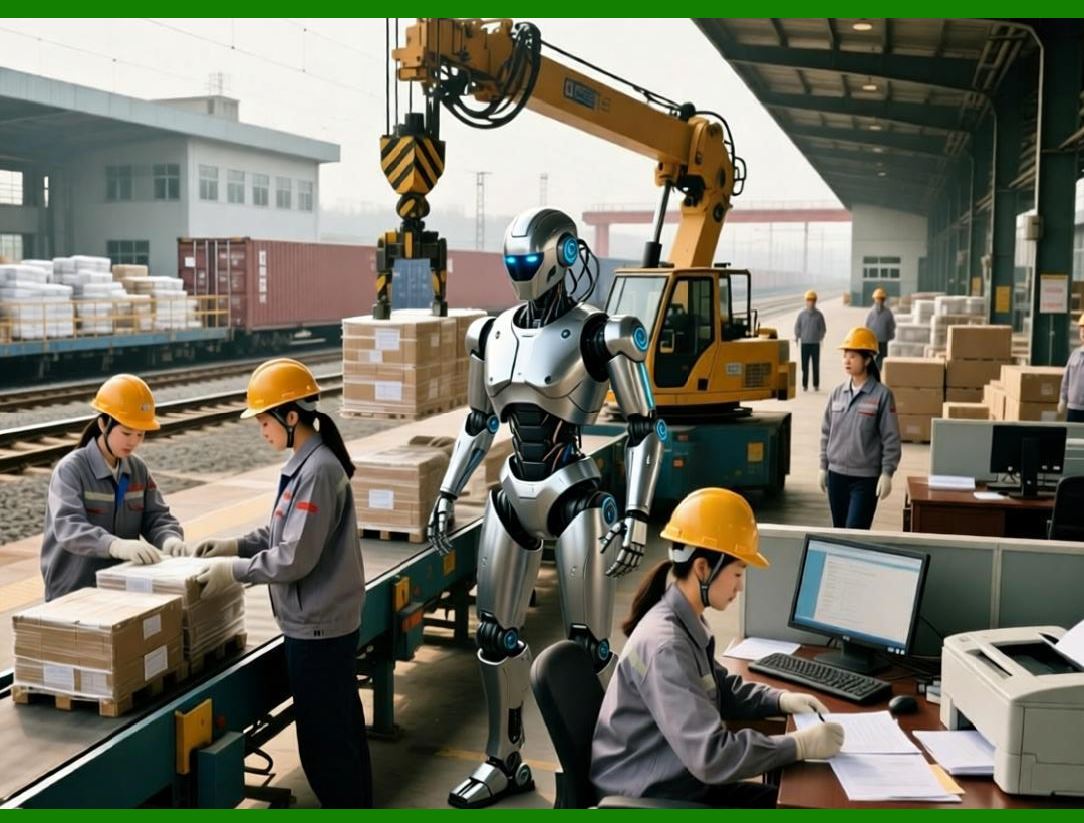
A Bill of Materials (BOM) defines the structured list of components, subassemblies, and raw materials required to produce a finished product. |
In ERP systems, the BOM is a foundational object used by: |
* Production planning |
* Material requirements planning |
* Cost calculation |
* Inventory reservation |
* Quality control |
46.2 Multi-Level BOM Structures |
ERP systems support multi-level BOMs that represent complex product structures. Each level: |
* References component items |
* Specifies quantities |
* Defines usage rules |
* Supports alternative components |
This enables accurate planning for complex assemblies. |
46.3 BOM Versioning and Change Control |
ERP systems manage BOM changes through: |
* Version control |
* Effective dates |
* Engineering change approvals |
* Historical traceability |
This ensures production consistency and audit compliance. |
|
47. Routing and Work Center Management |
47.1 Definition of Routings |
Routings define the sequence of operations required to manufacture a product. Each operation specifies: |
* Work center |
* Setup time |
* Processing time |
* Labor and machine requirements |
Routings translate product design into executable manufacturing steps. |
47.2 Work Center Master Data |
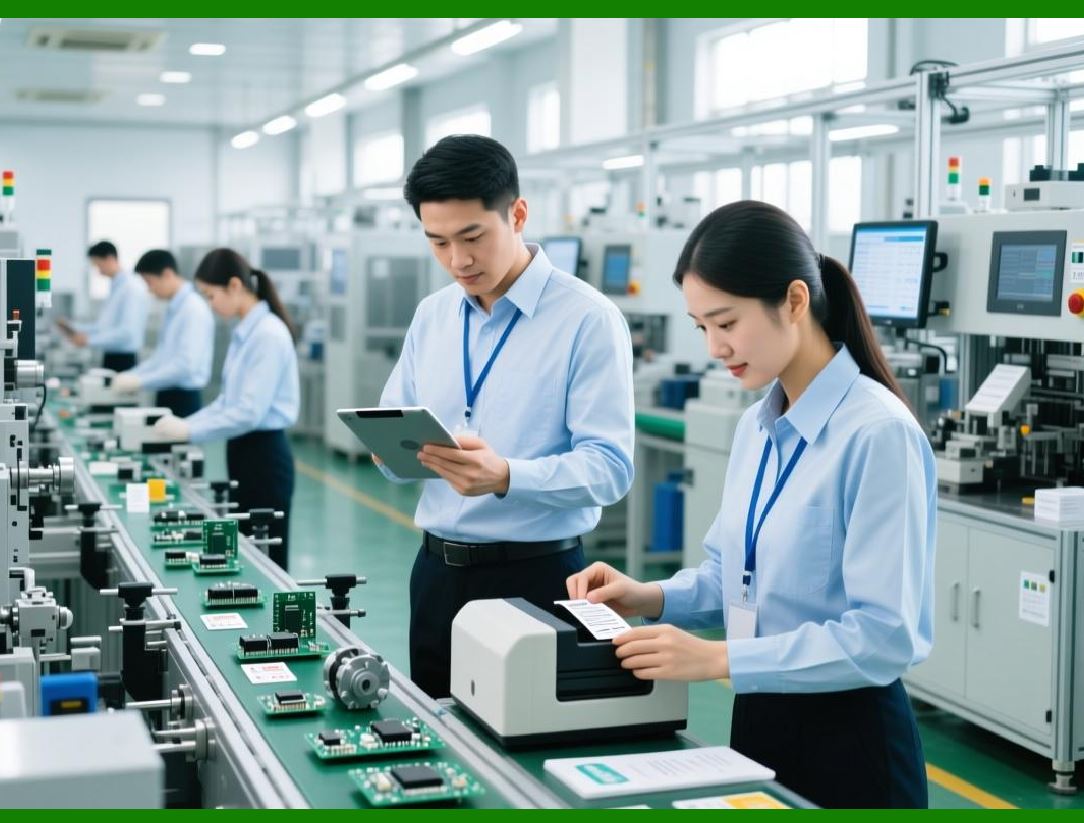
Work centers represent production resources such as: |
* Machines |
* Production lines |
* Labor groups |
* External subcontractors |
ERP systems store detailed work center attributes, including capacity, cost rates, and calendars. |
47.3 Capacity Definition and Constraints |
Work center capacity definitions enable ERP systems to: |
* Detect bottlenecks |
* Balance workloads |
* Schedule operations realistically |
Capacity constraints are critical for reliable delivery promises. |
|
48. Production Planning and Scheduling |
48.1 Purpose of Production Planning |
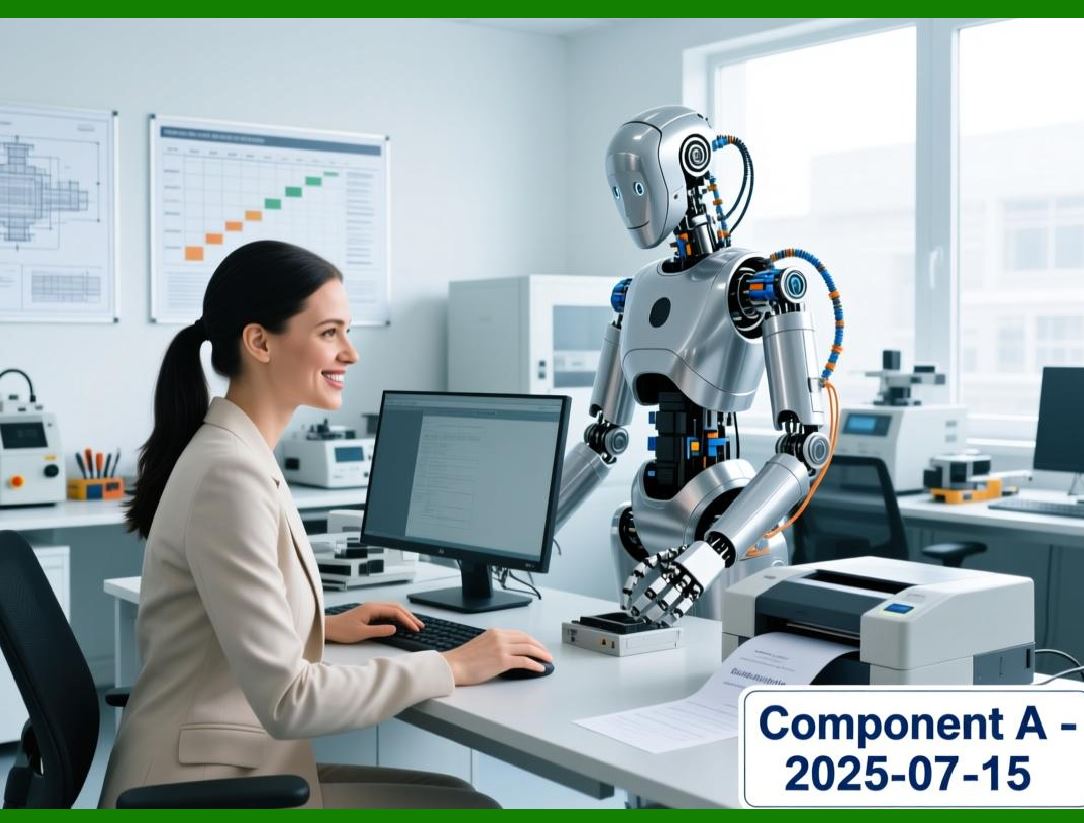
Production planning converts demand into: |
* Planned orders |
* Production orders |
* Purchase requisitions |
It ensures material availability and capacity alignment. |
48.2 Material Requirements Planning |
ERP systems use material requirements planning to: |
* Explode BOMs |
* Calculate component needs |
* Generate replenishment proposals |
* Respect lead times |
This planning is driven by demand from sales and forecasts. |
48.3 Capacity Planning and Load Balancing |
ERP systems evaluate capacity availability by: |
* Comparing required load to available capacity |
* Highlighting overloads |
* Supporting rescheduling decisions |
This prevents unrealistic production plans. |
|
49. Production Order Management |
49.1 Production Order Lifecycle |
A production order represents authorization to produce a specific quantity of a product. Its lifecycle includes: |
* Order creation |
* Material reservation |
* Operation scheduling |
* Execution confirmation |
* Completion and closure |
ERP systems track each stage with precision. |
49.2 Material Issue and Consumption Tracking |
ERP systems record: |
* Planned material requirements |
* Actual material consumption |
* Variances between planned and actual usage |
This data feeds cost and inventory analysis. |
|
50. Shop Floor Control and Execution |
50.1 Real-Time Production Execution |
Shop floor control functions enable ERP systems to: |
* Release operations |
* Record labor time |
* Track machine usage |
* Monitor production progress |
This provides real-time visibility into manufacturing performance. |
50.2 Production Confirmations |
Production confirmations record: |
* Completed quantities |
* Scrap quantities |
* Operation completion times |
These confirmations update inventory and cost records automatically. |
|
51. Work-in-Process Management |
51.1 Definition of Work-in-Process |
Work-in-process represents partially completed production. ERP systems track WIP to: |
* Monitor production progress |
* Value inventory accurately |
* Control costs |
51.2 WIP Valuation and Posting |
ERP systems post WIP values based on: |
* Material consumption |
* Labor and machine activity |
* Overhead absorption |
This ensures financial accuracy during production. |
|
52. Manufacturing Costing and Variance Analysis |
52.1 Standard and Actual Cost Comparison |
ERP systems calculate: |
* Planned production costs |
* Actual production costs |
* Variances between them |
These variances highlight inefficiencies and improvement opportunities. |
52.2 Types of Manufacturing Variances |
Common variances include: |
* Material price variance |
* Material usage variance |
* Labor efficiency variance |
* Overhead variance |
ERP systems analyze and report these variances automatically. |
|
53. Quality Management Integration |
53.1 Quality Checks in Production |
ERP systems integrate quality checks into: |
* Goods receipt |
* In-process production |
* Final inspection |
Quality results influence production decisions and inventory status. |
53.2 Non-Conformance and Corrective Actions |
ERP systems manage: |
* Defect recording |
* Root cause analysis |
* Corrective and preventive actions |
This supports continuous improvement. |
|
54. Subcontracting and External Manufacturing |
54.1 Subcontracting Scenarios |
ERP systems support subcontracting, where: |
* Components are supplied to external vendors |
* Finished or semi-finished goods are returned |
This requires tight coordination between procurement, inventory, and production. |
54.2 Cost and Inventory Control |
ERP systems track: |
* Subcontracting costs |
* Component ownership |
* Production status |
This ensures financial and operational control. |
|
55. Integration with Inventory and Finance |
55.1 Inventory Updates |
Production completion updates: |
* Finished goods inventory |
* Component stock levels |
* WIP balances |
55.2 Financial Postings |
Manufacturing transactions automatically generate: |
* Cost of goods postings |
* Inventory valuation updates |
* Variance postings |
This integration ensures accurate financial representation. |
 cs@easiersoft.com