Part 15: Production/Manufacturing Module |
1. Production Planning |
The production module of an ERP system integrates closely with inventory, sales, and procurement modules to manage manufacturing operations. Production planning involves defining the production schedule, determining required resources, and ensuring material availability. ERP systems leverage Material Requirements Planning (MRP) and Advanced Planning and Scheduling (APS) algorithms to calculate the exact quantities of raw materials and components needed to fulfill production orders on time. |
2. Bill of Materials (BOM) Management |
A critical function in manufacturing ERP modules is the management of Bills of Materials. The BOM defines the hierarchical relationship between finished products, sub-assemblies, and raw materials. ERP systems allow multiple BOM versions for product variants and revisions, ensuring production teams have accurate and up-to-date information, reducing errors, and minimizing scrap. |
3. Shop Floor Control |
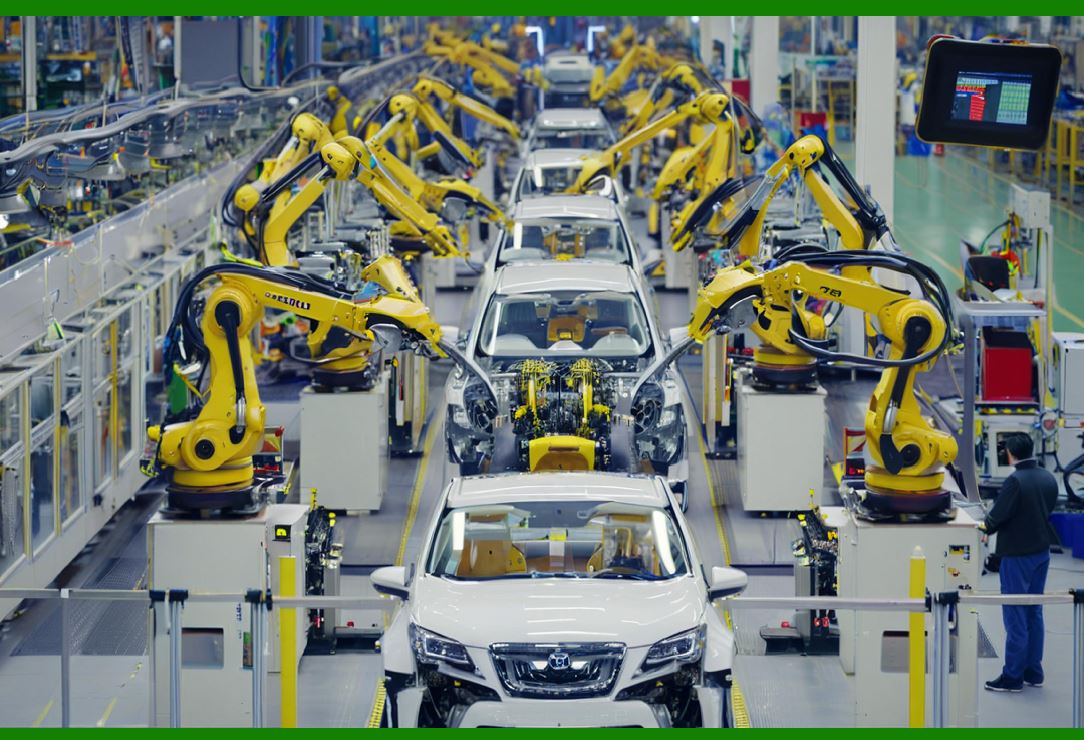
ERP production modules provide real-time visibility of the shop floor, including machine status, labor utilization, and work-in-progress (WIP) tracking. Features include job order management, dispatching, monitoring operations, and capturing production data from machines. This enables managers to optimize workflow, minimize bottlenecks, and improve throughput. |

|
4. Capacity Planning |
ERP systems analyze production capacity, machine availability, labor skills, and shift patterns to ensure feasible production schedules. Capacity planning prevents overloading of machines or workers and balances demand with available resources, reducing lead times and operational inefficiencies. |
5. Quality Control in Production |
Production modules integrate with quality management systems to ensure product quality during manufacturing. ERP modules track inspection results, record defects, and trigger corrective actions. This ensures compliance with industry standards, reduces rework, and improves customer satisfaction. |
6. Production Costing |
ERP systems calculate production costs based on raw materials, labor, overhead, and machine usage. These costs feed into financial modules to evaluate product profitability. Detailed costing data helps management optimize resource allocation, pricing, and manufacturing strategies. |
7. Production Analytics and Reporting |
ERP manufacturing modules provide dashboards and reports on key performance indicators, including production efficiency, yield rates, downtime, and resource utilization. These insights enable continuous improvement, lean manufacturing practices, and informed decision-making. |

|
Part 16: Environmental, Health, and Safety (EHS) Module |
1. Incident and Hazard Management |
EHS modules within ERP systems enable organizations to record, track, and manage workplace incidents, near misses, and hazards. Features include incident reporting, root cause analysis, corrective action assignment, and compliance tracking. |
2. Regulatory Compliance |
ERP EHS modules help organizations comply with local, national, and international regulations, such as OSHA standards, ISO 14001, and REACH. The system tracks regulatory updates, generates compliance reports, and ensures documentation is maintained for audits. |
3. Safety Training and Certification |
EHS modules track employee safety training, certifications, and qualifications. ERP systems can automatically schedule refresher courses, maintain records of completed training, and prevent unqualified personnel from performing critical tasks. |

|
4. Environmental Management |
ERP systems monitor environmental metrics such as emissions, waste generation, water and energy usage, and pollution levels. Environmental management features support sustainability goals, regulatory reporting, and corporate social responsibility initiatives. |
5. Risk Assessment and Mitigation |
ERP EHS modules facilitate systematic risk assessments, hazard identification, and mitigation planning. Advanced analytics identify high-risk areas, enabling proactive interventions to prevent accidents and reduce liability. |
6. Audit and Reporting |
The EHS module generates detailed reports on safety incidents, compliance status, environmental impact, and risk management. Integration with quality and production modules ensures all relevant operational activities are monitored from a safety perspective. |

|
Part 17: Business Intelligence (BI) and Analytics Module |
1. Data Integration and Warehousing |
ERP BI modules integrate data from multiple modules, such as finance, HR, sales, and supply chain, into a centralized data warehouse. This ensures consistent, accurate, and comprehensive reporting across the organization. |
2. Dashboards and Visualization |
BI functionality provides dynamic dashboards, charts, and graphs, enabling managers to visualize performance metrics in real time. Visualization tools make it easier to detect trends, anomalies, and opportunities, enhancing decision-making. |
3. Key Performance Indicators (KPIs) Monitoring |
ERP BI modules track KPIs for all departments, including financial ratios, sales performance, production efficiency, and customer satisfaction. Automated alerts notify managers when performance deviates from targets. |

|
4. Predictive Analytics |
Advanced ERP systems use predictive analytics to forecast future trends based on historical data. For example, demand forecasting in sales, workforce planning in HR, and cash flow projections in finance. Predictive insights support strategic planning and risk mitigation. |
5. Reporting and Compliance |
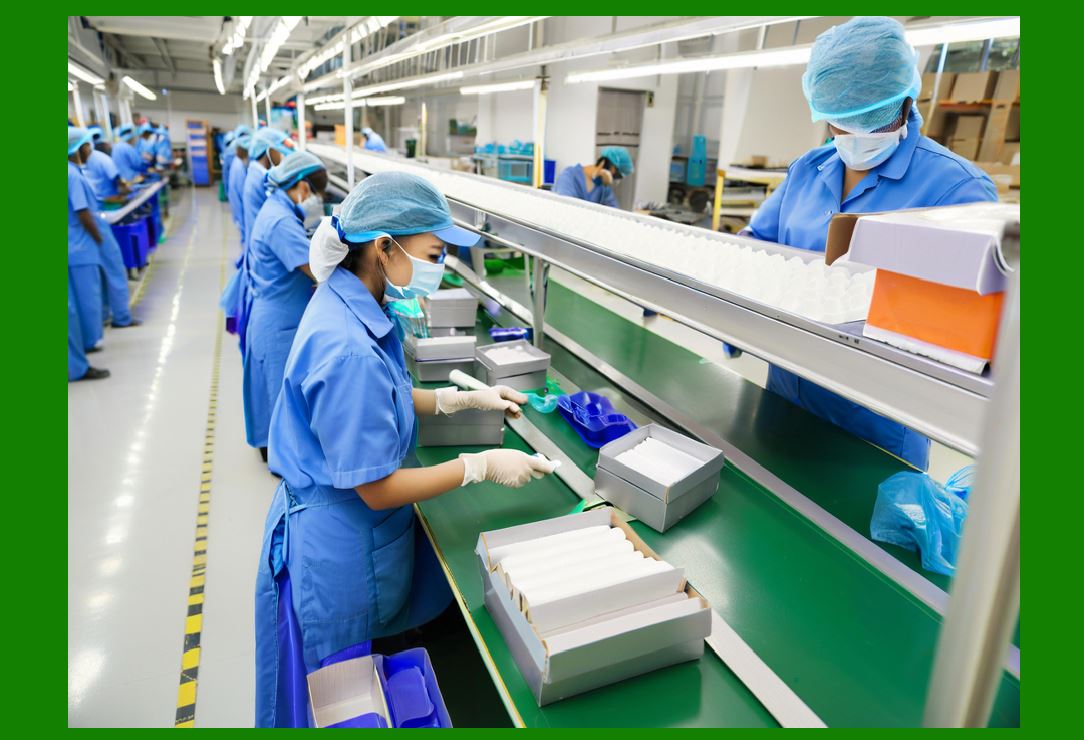
ERP BI modules generate standardized and ad-hoc reports for internal management, regulatory authorities, and external stakeholders. Reports can be exported in multiple formats and support drill-down capabilities for detailed analysis. |
|
Part 18: Document Management and Collaboration Module |
1. Centralized Document Storage |
ERP systems provide a secure repository for storing business documents, including contracts, manuals, specifications, invoices, and employee records. Centralized storage ensures easy retrieval, version control, and access management. |
2. Version Control and Audit Trails |
ERP document management ensures that all documents are versioned, preventing unauthorized or outdated changes. Audit trails record who accessed or modified a document, supporting compliance and accountability. |
3. Workflow Automation |
Document-centric workflows, such as approvals, reviews, and signature collection, are automated through the ERP system. Automated notifications ensure timely completion of tasks and minimize bottlenecks in document processing. |
|
4. Collaboration and Sharing |
ERP systems allow secure collaboration between internal teams, external partners, and suppliers. Role-based access controls ensure sensitive documents are protected while enabling effective information sharing. |
5. Integration with Other Modules |
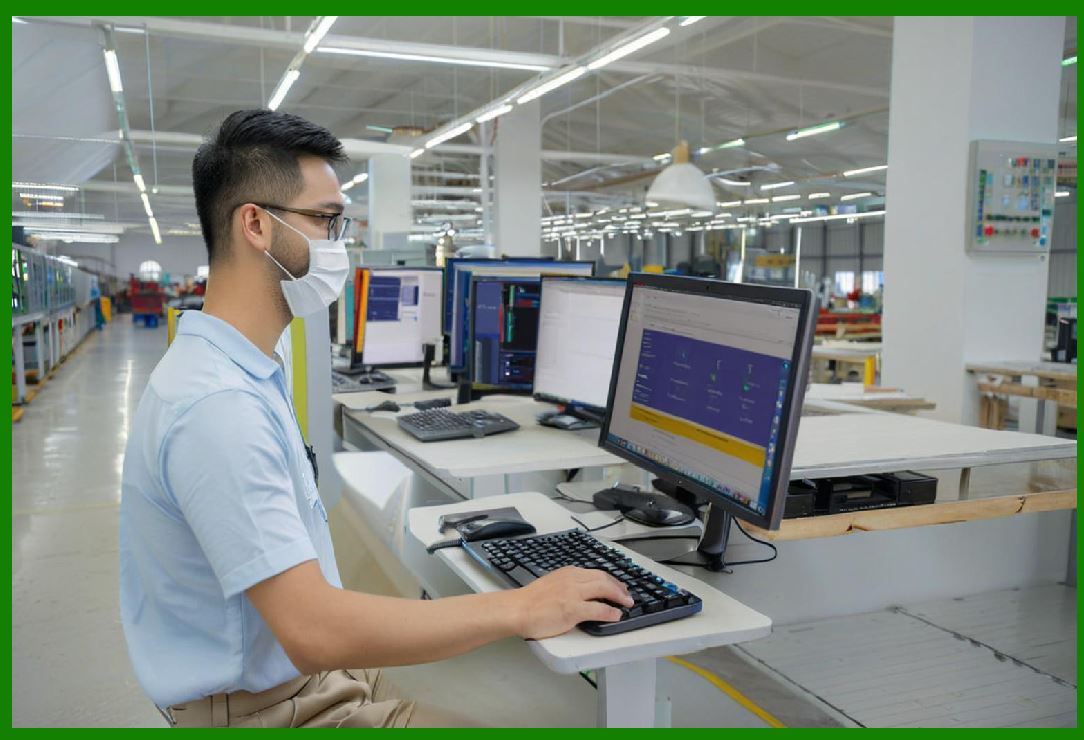
Document management is often integrated with other ERP modules, linking documents to purchase orders, production orders, HR records, or customer contracts. This ensures contextual relevance and streamlines operations. |
|
Part 19: Integration and Middleware Functions |
1. ERP Integration Framework |
Modern ERP systems provide integration frameworks to connect with external applications, legacy systems, third-party software, e-commerce platforms, and cloud services. Middleware tools enable real-time data synchronization and process automation. |
2. Application Programming Interfaces (APIs) |
APIs facilitate seamless communication between ERP modules and external systems. For example, integrating an e-commerce website with the ERP sales module ensures orders are captured automatically, inventory levels are updated, and shipping is triggered without manual intervention. |
3. Data Exchange and Transformation |
Integration middleware handles data mapping, transformation, and validation to ensure consistency across systems. For example, vendor data from a supplier portal may require format conversion before importing into ERP procurement modules. |

|
4. Process Orchestration |
ERP integration tools enable orchestration of multi-step business processes across different systems. For instance, an order placed on an online platform can trigger inventory checks, production planning, shipment scheduling, and invoicing automatically. |
5. Real-Time and Batch Processing |
ERP integration supports both real-time and batch data processing. Real-time integration ensures immediate updates for time-sensitive operations, while batch processing efficiently handles large volumes of historical data. |
 cs@easiersoft.com