The Impact of Different Printing Technologies on Barcode Label Design |
*A Comprehensive, Multi-Part Technical Analysis* |
Part 1. Introduction: Why Printing Technology Fundamentally Shapes Barcode Label Design |
1.1 Barcode Labels as a System, Not Just an Image |
Barcode labels are often mistakenly viewed as simple printed graphics consisting of bars, spaces, or matrix modules. In reality, a barcode label is a functional system composed of data encoding rules, symbol geometry, printing technology, substrate material, environmental conditions, scanning hardware, and operational workflows. Among these components, printing technology plays a decisive role in determining whether a barcode label will be readable, durable, compliant, and cost-effective. |
|
1.2 Printing Technology as a Design Constraint |
Every printing technology introduces specific constraints related to: |
* Dot formation and resolution |
* Edge sharpness and contrast |
* Ink or pigment behavior on substrates |
* Resistance to heat, moisture, abrasion, chemicals, and UV light |
* Production speed and batch size economics |
These constraints directly affect barcode design parameters, including but not limited to: |
* Module width (X-dimension) |
* Quiet zone sizing |
* Bar edge tolerances |
* Color combinations and background selection |
* Human-readable text placement |
* Error correction reliance for 2D codes |
Therefore, barcode label design cannot be separated from the chosen printing method. |
|
1.3 Scope of This Analysis |
This document examines three major printing technologies commonly used for barcode labels: |
1. Inkjet printing |
2. Laser printing |
3. Thermal printing |
* Direct thermal |
* Thermal transfer |
Each technology is analyzed from the perspective of barcode label design impact, not merely printer operation. |
|
Part 2. Inkjet Printing and Its Impact on Barcode Label Design |
2.1 Overview of Inkjet Printing Technology |
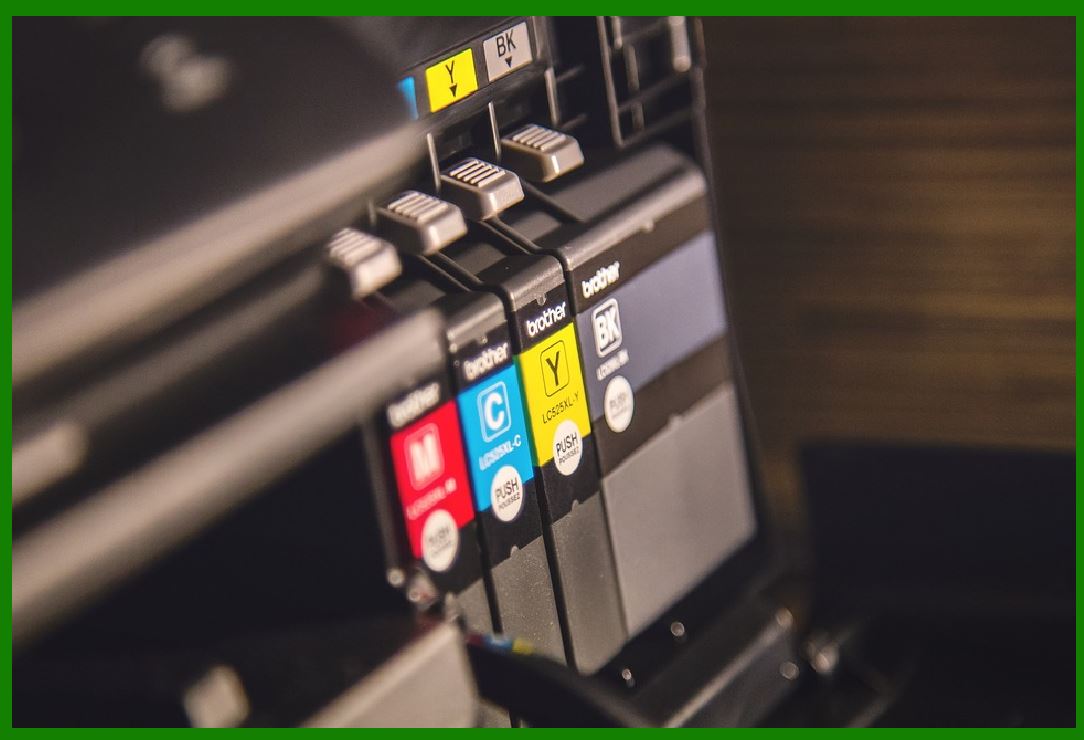
Inkjet printing works by propelling microscopic droplets of liquid ink onto a substrate through thermal or piezoelectric mechanisms. The droplets form images through controlled placement and color mixing. |
Inkjet printing is widely used in: |
* Desktop and office environments |
* Short-run label production |
* Color-rich packaging and marketing labels |
* Industrial inkjet systems for coding and marking |
2.2 Inkjet Printing Characteristics Relevant to Barcode Labels |
Inkjet printing exhibits several defining characteristics that directly influence barcode design: |
* Liquid ink absorption into substrates |
* Variable dot gain depending on material |
* High flexibility in color reproduction |
* Resolution variability depending on printer class |
* Susceptibility to environmental factors such as moisture |
|
2.3 Resolution and Dot Gain in Inkjet Barcode Printing |
2.3.1 Nominal DPI vs Effective Resolution |
Inkjet printers often advertise high DPI values, but effective resolution for barcodes is governed by dot consistency and edge definition, not raw DPI numbers. |
Ink droplets spread after contacting the substrate, leading to dot gain, which causes: |
* Bars becoming wider than intended |
* Spaces narrowing below specification |
* Distortion of narrow module widths |
2.3.2 Impact on 1D Barcode Design |
For linear barcodes such as Code 128, Code 39, or EAN-13: |
* Narrow bars are especially vulnerable to dot gain |
* High-density barcodes with small X-dimensions may fail verification |
* Designers must increase nominal bar widths to compensate |
This compensation often reduces data density and increases label size. |
2.3.3 Impact on 2D Barcode Design |
For 2D symbols such as QR Code or Data Matrix: |
* Module rounding occurs due to ink spread |
* Finder patterns may lose sharp corners |
* Error correction masks minor defects but not systematic distortion |
Designers often need to select lower symbol densities and higher error correction levels when using inkjet printing. |
|
2.4 Color Flexibility and Barcode Design Considerations |
2.4.1 Advantages of Color Printing |
Inkjet printing excels in producing: |
* Full-color graphics |
* Gradients and photographic elements |
* Branding elements integrated with barcode labels |
This flexibility allows designers to embed barcodes into visually complex labels. |
2.4.2 Risks of Improper Color Selection |
Barcode scanners rely on contrast, not color. Inkjet printing can produce colors that appear distinct to humans but insufficiently contrasting to scanners. |
Common design pitfalls include: |
* Dark red bars on black backgrounds |
* Colored bars printed on patterned substrates |
* Light pastel backgrounds reducing reflectance |
Barcode designers must ensure that: |
* Bars absorb light strongly |
* Backgrounds reflect light consistently |
* Color channels used produce sufficient spectral contrast for scanners |
|
2.5 Substrate Compatibility and Its Design Impact |
2.5.1 Absorbent vs Non-Absorbent Materials |
Inkjet inks behave very differently depending on substrate: |
* Paper absorbs ink, increasing dot gain |
* Coated papers limit absorption but risk smearing |
* Plastics require specialized inks or coatings |
Designers must adjust: |
* Bar width reduction settings |
* Quiet zone margins |
* Print speed and drying allowances |
2.5.2 Label Curling and Dimensional Stability |
Ink saturation can cause: |
* Paper expansion |
* Label curling |
* Subtle geometric distortion |
These effects can misalign multi-barcode layouts or disrupt scanner focus, requiring larger spacing between barcode elements. |
|
2.6 Smudging, Drying Time, and Operational Risks |
2.6.1 Smudging Risks |
Because inkjet ink remains wet briefly after printing: |
* Labels stacked too quickly may smear |
* Manual handling can damage bar integrity |
* High-speed production lines face increased rejection rates |
Designers must consider: |
* Increased quiet zones |
* Protective coatings or laminates |
* Reduced print density |
2.6.2 Environmental Sensitivity |
Inkjet barcodes are vulnerable to: |
* Moisture exposure |
* Condensation |
* High humidity |
This makes inkjet printing less suitable for long-term logistics, cold storage, or outdoor labeling unless special inks and materials are used. |
|
2.7 Typical Use Cases and Design Trade-Offs |
Inkjet printing is best suited for: |
* Low-volume barcode labels |
* Color-rich product labeling |
* Temporary identification labels |
* Marketing-oriented applications |
Designers must trade off aesthetic flexibility against scanning robustness and durability. |
|
Part 3. Laser Printing and Its Impact on Barcode Label Design |
3.1 Overview of Laser Printing Technology |
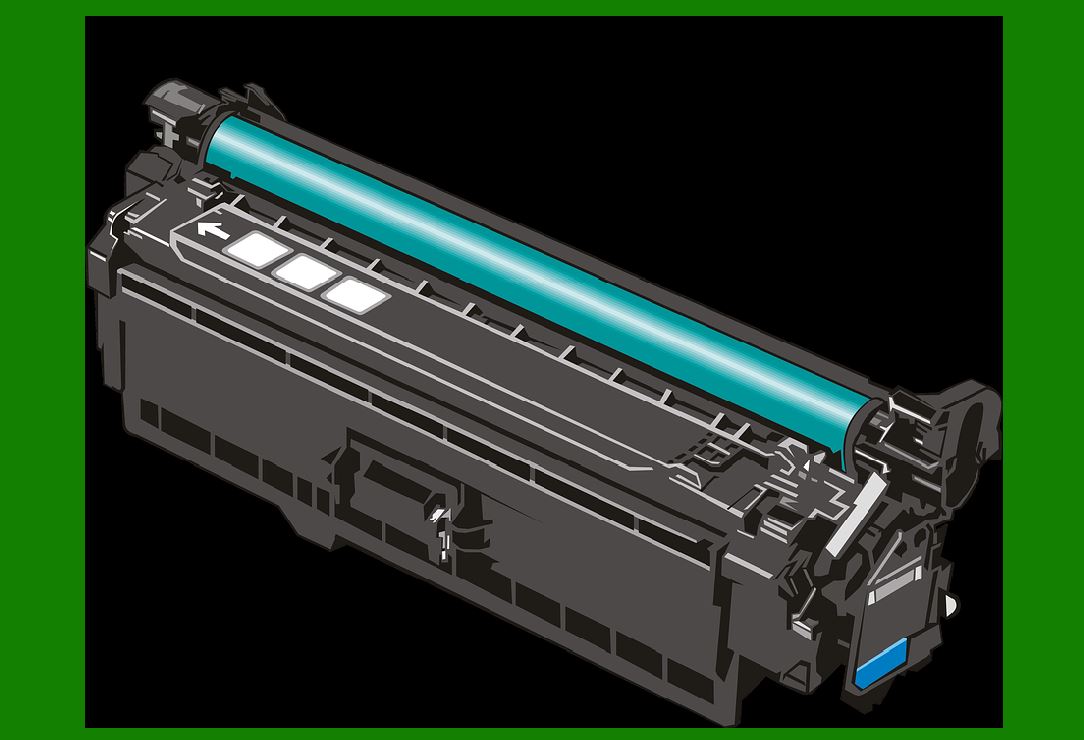
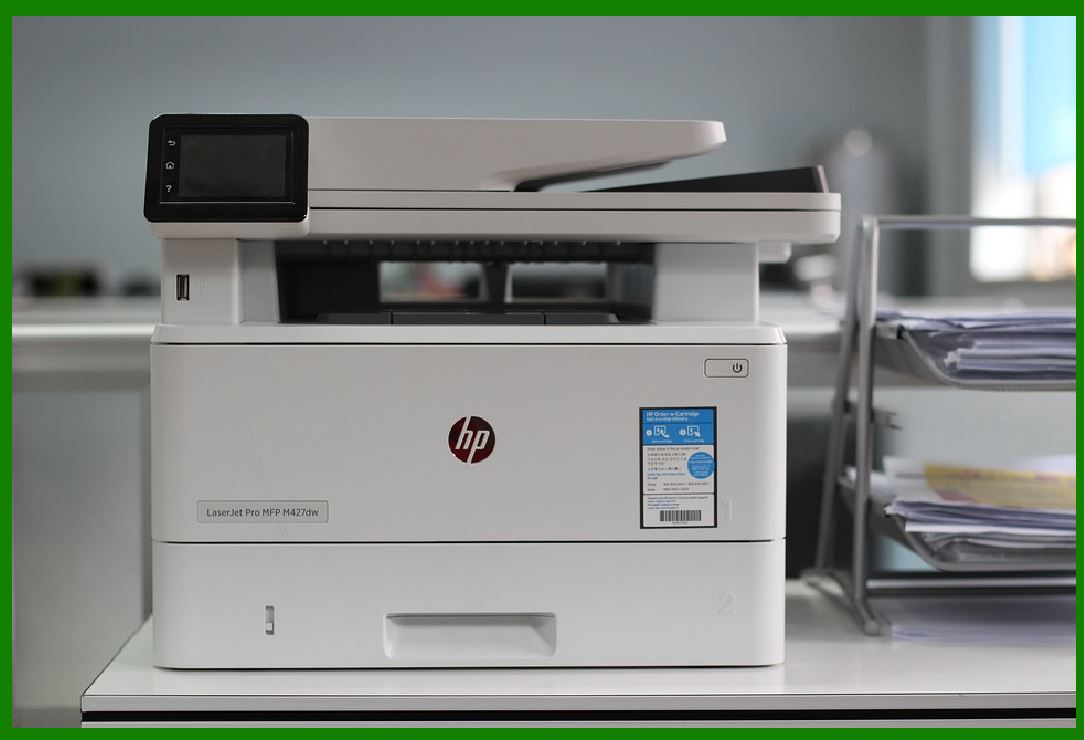
Laser printing uses electrostatic imaging and heat to fuse powdered toner onto a substrate. The toner particles are melted and bonded to the material surface. |
Laser printers are widely used in: |
* Office environments |
* Document printing |
* Sheet-fed label printing |
* Short- to medium-run barcode labels |
|
3.2 Toner Behavior and Its Effect on Barcode Geometry |
3.2.1 Toner Particle Size and Edge Definition |
Laser printers produce: |
* Very sharp bar edges |
* High edge contrast |
* Minimal dot gain compared to inkjet |
This makes laser printing highly suitable for high-density barcodes when properly configured. |
3.2.2 Toner Spread and Fusing Effects |
Excessive fusing temperature or toner density can cause: |
* Slight bar thickening |
* Edge haloing |
* Toner cracking on flexible substrates |
Designers must adjust print darkness and bar width reduction to maintain specification compliance. |
|
3.3 Resolution Consistency and Barcode Density |
Laser printers typically deliver: |
* Stable resolution |
* Predictable bar widths |
* Consistent reproduction across batches |
This allows barcode designers to: |
* Use smaller X-dimensions |
* Print compact barcodes |
* Place multiple symbols on small labels |
High-density 2D barcodes benefit significantly from laser printing geometric precision. |

|
3.4 Substrate Limitations and Material Compatibility |
3.4.1 Unsuitability for Thermal Materials |
Laser printers use high heat, which: |
* Damages thermal paper |
* Warps synthetic thermal labels |
* Causes discoloration or curling |
Barcode label designers must ensure materials are laser-rated, limiting substrate options. |
3.4.2 Sheet-Fed Format Constraints |
Laser printers are typically sheet-fed, leading to: |
* Fixed label sizes |
* Limited support for continuous rolls |
* Less flexibility in variable-length labels |
Designers often need to align barcode layouts with pre-cut label sheets. |

|
3.5 Durability and Environmental Resistance |
Laser-printed barcodes offer: |
* Moderate resistance to moisture |
* Good resistance to smudging |
* Fair abrasion resistance |
However, toner sits on the surface, making it vulnerable to: |
* Scratching |
* Peeling on flexible labels |
* Chemical exposure |
This influences design decisions such as: |
* Avoiding edge-critical barcodes |
* Increasing module size for redundancy |
* Using protective coatings |
|
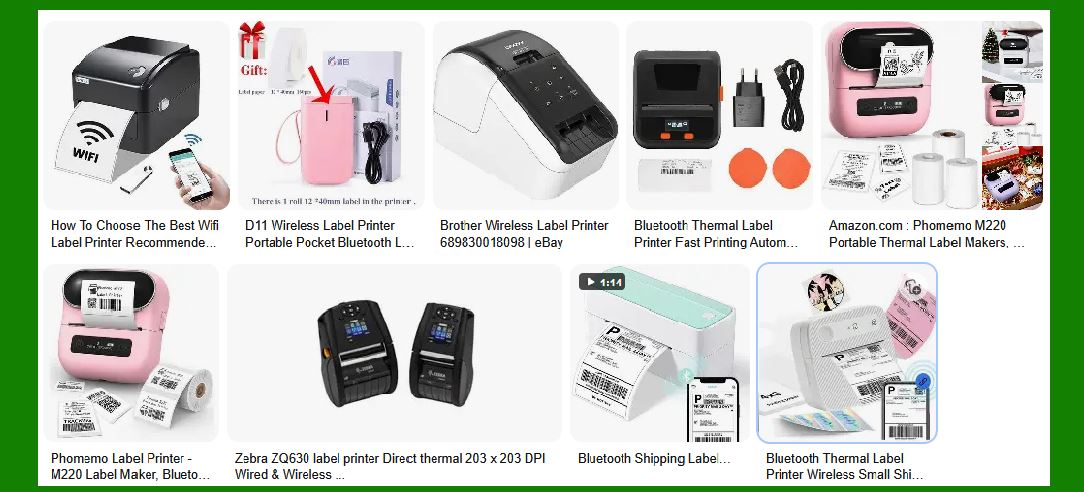
3.6 Color Printing with Laser Technology |
Color laser printers can print barcodes in color, but: |
* Toner opacity differs from ink |
* Reflectance properties vary by color |
* Overprinting may reduce contrast |
Designers should still prioritize black toner on white backgrounds for mission-critical barcodes. |
|
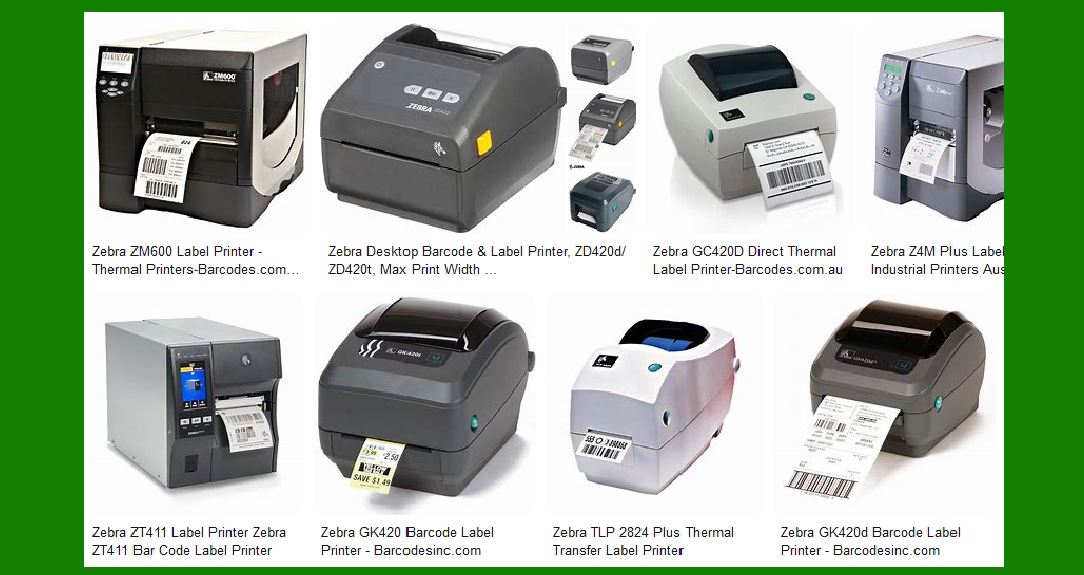
3.7 Use Cases and Design Implications |
Laser printing is ideal for: |
* Office-generated barcode labels |
* Compliance labeling |
* Documentation and file tracking |
* Moderate durability requirements |
Designers benefit from precision, but must accept material and format constraints. |
|
Part 4. Thermal Printing and Its Impact on Barcode Label Design |
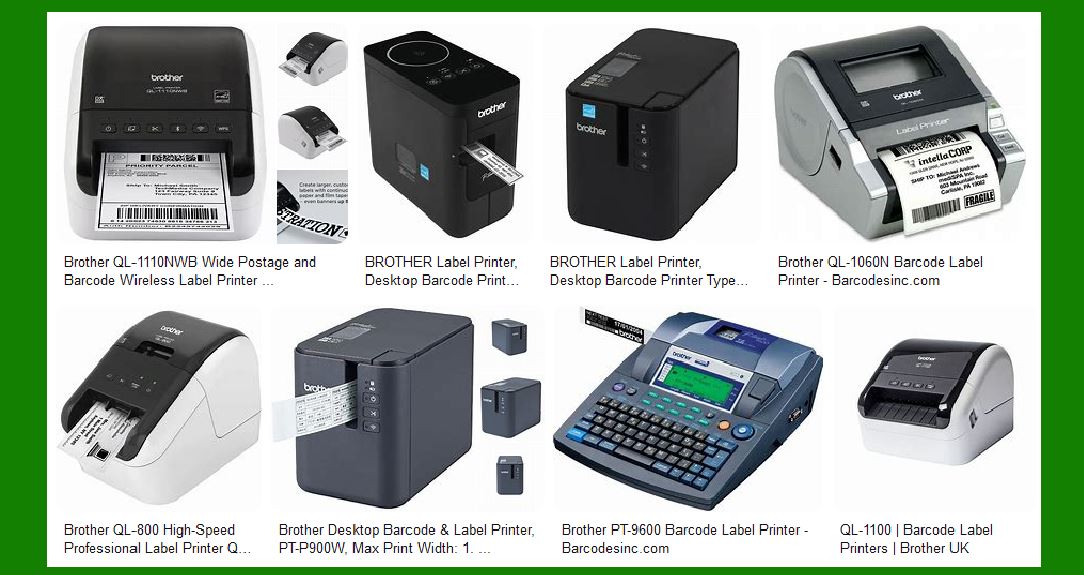
4.1 Overview of Thermal Printing Technologies |
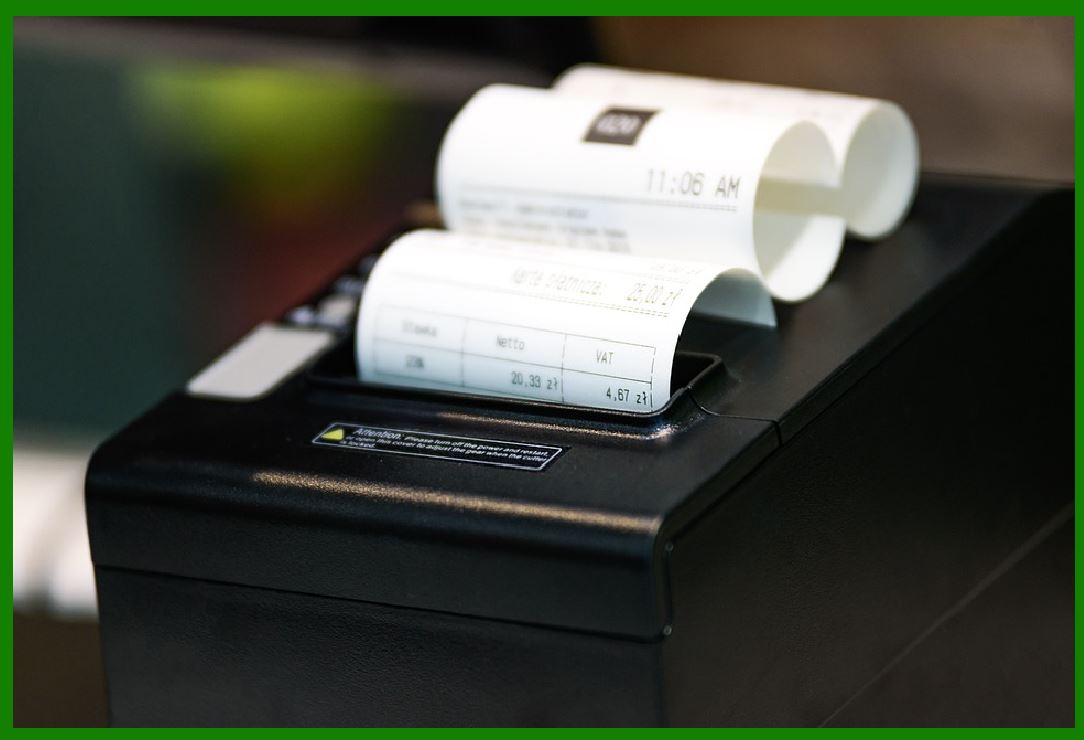
Thermal printing dominates industrial barcode labeling and includes two distinct methods: |
1. Direct thermal printing |
2. Thermal transfer printing |
Both rely on heat-controlled printheads but differ fundamentally in image formation. |
|
4.2 Direct Thermal Printing: Design Implications |
4.2.1 How Direct Thermal Printing Works |
Direct thermal printing uses heat to activate a chemically treated paper that darkens where heated. |
No ink or ribbon is used. |
4.2.2 Advantages for Barcode Design |
Direct thermal printing offers: |
* Extremely sharp bar edges |
* High contrast black images |
* Simple, consistent output |
Designers can rely on: |
* Precise module reproduction |
* Excellent scan performance |
* High printing speed |
4.2.3 Limitations and Longevity Issues |
Direct thermal barcodes fade when exposed to: |
* Heat |
* UV light |
* Oils and chemicals |
Designers must consider: |
* Short data lifespan |
* Larger bar sizes to tolerate fading |
* Redundant labeling for critical tracking |
Direct thermal printing is best for temporary barcode labels. |

|
4.3 Thermal Transfer Printing: Design Implications |
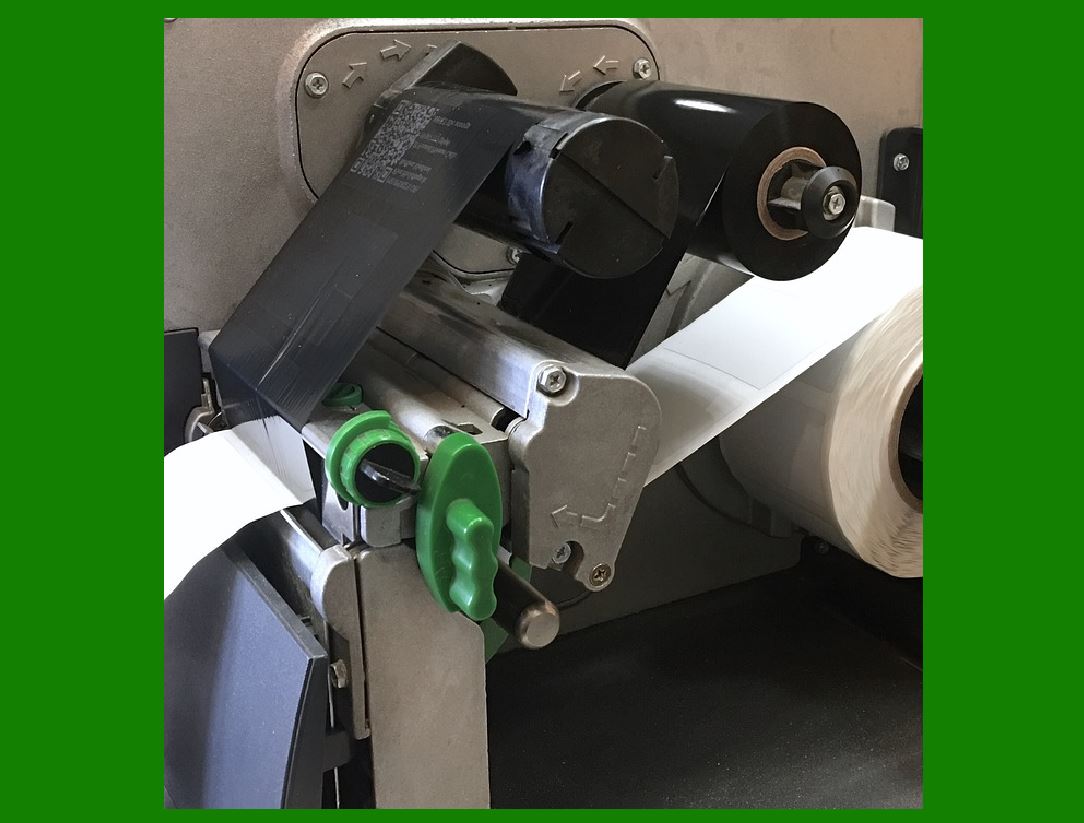
4.3.1 How Thermal Transfer Printing Works |
Thermal transfer printing uses a heated printhead to transfer ink from a ribbon onto the label substrate. |
Ribbon types include: |
* Wax |
* Wax-resin |
* Resin |
4.3.2 Superior Durability and Design Stability |
Thermal transfer printing provides: |
* Excellent edge sharpness |
* High resistance to abrasion |
* Chemical and moisture resistance |
This allows designers to: |
* Use very small X-dimensions |
* Print dense 2D codes reliably |
* Design labels for harsh environments |
4.3.3 Ribbon and Substrate Matching |
Designers must select: |
* Ribbon formulation |
* Printhead temperature |
* Substrate surface properties |
Incorrect combinations lead to: |
* Poor adhesion |
* Broken bars |
* Low contrast |
Design specifications must include printer configuration parameters. |

|
4.4 Industrial Standards and Verification Performance |
Thermal transfer barcodes consistently achieve: |
* High verification grades |
* Stable reflectance values |
* Long-term scan reliability |
This makes thermal transfer printing the gold standard for logistics, healthcare, manufacturing, and retail. |

|
Part 5. Comparative Design Considerations Across Printing Technologies |
5.1 Module Size and Density Trade-Offs |
Inkjet requires larger modules. |
Laser supports medium to small modules. |
Thermal transfer supports the smallest reliable modules. |
5.2 Color Usage Constraints |
Inkjet offers the most color flexibility. |
Laser supports limited but stable color use. |
Thermal printing prioritizes monochrome contrast. |
5.3 Environmental Suitability |
Inkjet is weakest in harsh environments. |
Laser offers moderate durability. |
Thermal transfer excels in industrial conditions. |

|
Part 6. Conclusion: Printing Technology as a Foundational Design Decision |
6.1 Printing Technology Defines Barcode Success |
Barcode label design cannot be optimized independently of printing technology. Choices made at the printing stage directly influence: |
* Scan reliability |
* Label lifespan |
* Regulatory compliance |
* Total cost of ownership |
6.2 Strategic Alignment of Design and Printing |
Professionally designed barcode systems align: |
* Data density with printer capability |
* Substrate with ink or ribbon chemistry |
* Environmental exposure with durability requirements |
6.3 Final Perspective |
Among all technologies: |
* Inkjet printing offers creative flexibility but demands conservative barcode design |
* Laser printing delivers precision within material limits |
* Thermal transfer printing provides unmatched reliability for mission-critical barcode labeling |

|
Understanding these impacts allows designers, engineers, and system integrators to create barcode labels that are not merely printable, but consistently scannable, durable, and operationally robust. |
 cs@easiersoft.com